
AI Image to Vector Converter
Turn Ideas Into Scalable Vector Graphics
This AI image to vector converter turns a single style choice and a short description into a clean, scalable vector-style graphic in about fifteen seconds — minimal logos, flat icon sets, smooth vector portraits, crisp illustrations, stickers and bold line art, no design software required. Pick a style, describe your subject, and let the AI build a sharp, SVG-look graphic for you. Made for designers, illustrators and digital artists, this converter is free to start, needs no login, and outputs in HD with full commercial usage on paid plans.
Try the AI Image to Vector Converter — Free
Pick a style and describe your subject to generate a clean vector-style graphic in seconds — the AI image to vector converter handles the shapes, palette and outlines for you
AI Image to Vector Converter
Choose a style, describe your subject, and the AI generates a clean, scalable vector-style graphic ready to download.
AI Image to Vector Converter in Action
Six clean vector-style graphics across logos, icons, portraits and more — about fifteen seconds each
Vector Landscape
Made in ~15s
Vector Logo Mark
Made in ~15s
Vector Portrait
Made in ~15s
Vector Icon Set
Made in ~15s
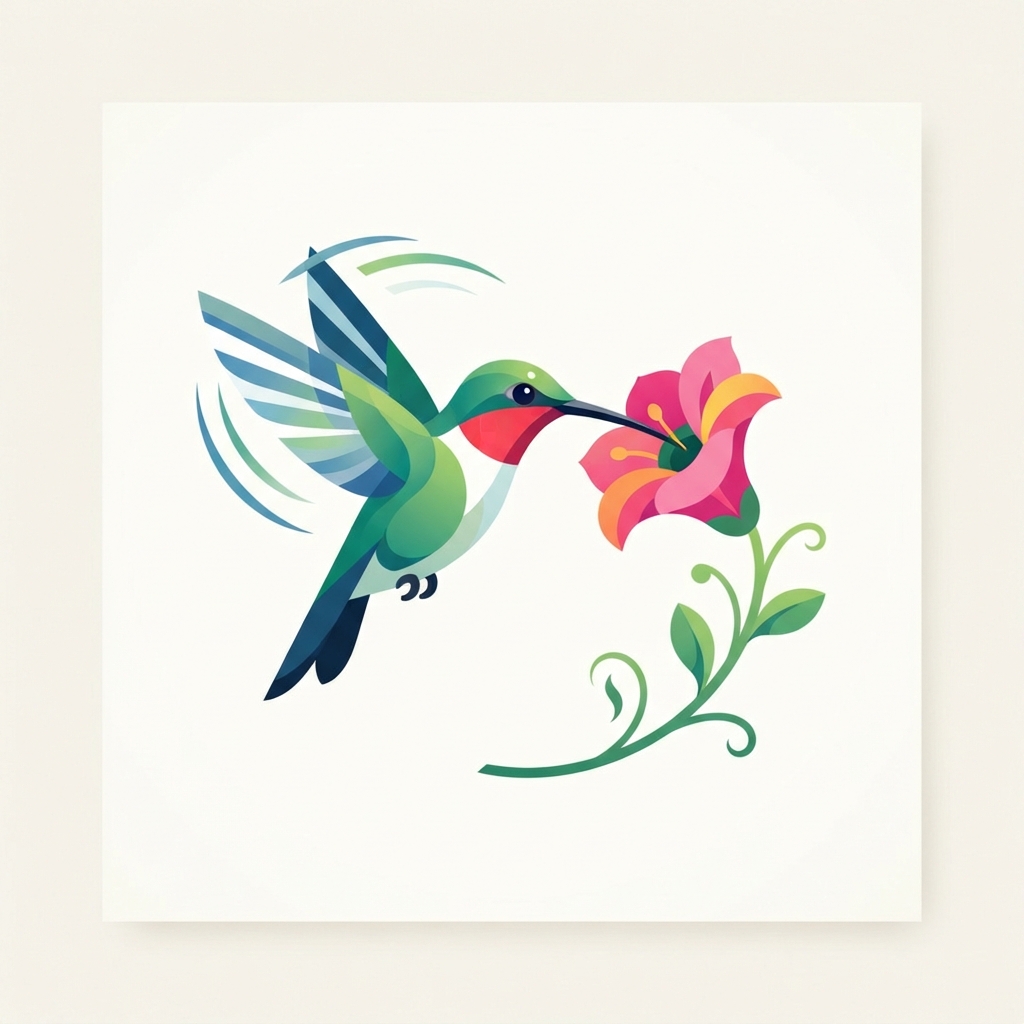
Vector Illustration
Made in ~15s
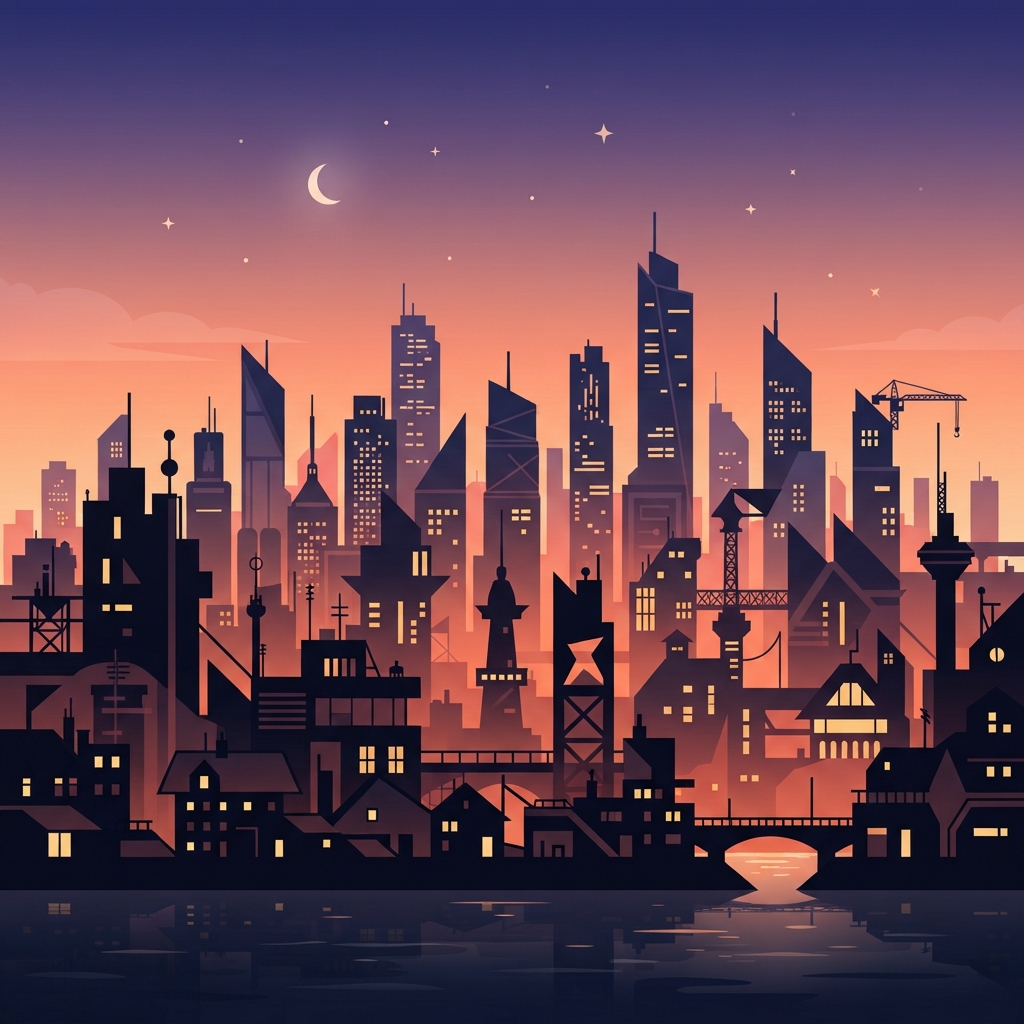
Vector Cityscape
Made in ~15s
How the AI Image to Vector Converter Works
Three steps, fifteen seconds — no software, no learning curve
Pick a Style
Tap a preset in the AI image to vector converter above — Logo, Icon, Portrait, Illustration, Sticker or Line Art. Each style is tuned with the right shapes and palette, so you start from a look that already reads as clean vector art.
Describe the Subject
Type a short description — the subject, colors or mood. The AI image to vector converter blends your words with the chosen style and renders a clean vector-style graphic in about fifteen seconds. Regenerate as often as you like.
Download & Use
Download your square vector-style graphic and drop it into a logo, app, print or social post. Output is high resolution and stays crisp at any size — upgrade for 4K, watermark-free exports and full commercial rights.
Why This AI Image to Vector Converter Stands Out
The details that separate clean vector art from a generic generator
Clean, Scalable Vector Look
This AI image to vector converter renders bold geometric shapes, smooth solid fills, clean paths and crisp outlines — not the pixel noise of a photo. Every result reads like a professional SVG illustration, so it stays sharp whether it lives on a business card or a billboard.
A Style for Every Graphic
Switch between Logo, Icon, Portrait, Illustration, Sticker and Line Art looks in one tap. The AI image to vector converter tunes the shapes, palette and detail to match — a minimal two-color logo, a flat icon set or a smooth vector portrait, all from a single style choice.
Results in Seconds
Hand-tracing an image into vector art can take hours in pro software. The AI image to vector converter takes about fifteen seconds and starts free — pick a style, describe your subject, and regenerate as many times as you like until the graphic looks exactly the way you imagined it.
No Design Software Required
You do not need Illustrator, pen-tool skills or a perfect prompt. Pick a style and type a plain description — the AI image to vector converter builds the clean, scalable look for you. It is made for total beginners and busy creators alike, removing every technical barrier between you and a vector graphic.
Unique, Not Stock
Every graphic the AI image to vector converter makes is generated fresh, so your visuals are not a stock icon shared by thousands of other sites. Tweak your description, switch styles and regenerate to explore looks until you land on a vector graphic that fits your project and brand.
Ready for Any Project
Use your vector graphics in logos, app icons, prints, stickers, website art and presentations. The AI image to vector converter outputs high-resolution images that stay crisp at any size, and paid plans add 4K exports, watermark-free downloads and full commercial rights.
AI Image to Vector Converter — FAQ
Everything you need to know about creating vector-style graphics with AI
Create a Vector Graphic Now
The AI image to vector converter is free, loaded on this page, and needs no account. Pick a style, describe your subject, and watch a clean vector-style graphic appear in about fifteen seconds.
Create a Vector Graphic FreeAI Image to Vector Converter: Clean, Scalable Graphics From a Sentence
The AI image to vector converter on this page exists for one job: to give you clean, scalable vector-style graphics from a short description without design software, pen-tool skills or a single dollar to start. Where a crisp vector once meant hours of hand-tracing in Illustrator, this AI image to vector converter produces a sharp, SVG-look graphic from one style choice and a sentence in about fifteen seconds. The output is a genuine, ready-to-use visual — bold shapes, smooth fills and clean outlines, framed square so it drops cleanly into a logo, app, print or social post.
Getting a great result from an AI image to vector converter comes down to the style you pick and the subject you describe. For branding, the Logo preset renders minimal geometric marks in a limited palette. For interfaces, the Icon preset builds bold, flat app icons. The Portrait and Illustration presets turn people and scenes into smooth color-block art, the Sticker preset adds a glossy die-cut look, and the Line Art preset captures elegant monoline shapes. Add a short description — the subject, colors or mood — and the converter blends it with the chosen style so the graphic matches what you pictured.
A dedicated AI image to vector converter is different from a generic image generator. It is tuned specifically for the vector look: shapes stay bold and geometric, fills stay flat and clean, paths stay crisp, and every result is generated fresh so your visuals are never a stock icon shared by thousands of other sites. That focus is why it works so well for graphic designers building brand assets, illustrators creating clean artwork, digital artists who need scalable graphics on demand, and anyone who simply wants a vector-style image without learning pro software. You can create a scalable graphic before spending a cent.
Whether you searched for an "AI image to vector converter", an "image to vector" tool, a "photo to vector" maker, a way to "convert image to vector" or a free vector art generator, this is the dedicated page for it on aibanana.net. The interactive tool above is powered by the Nano Banana Pro image model, runs entirely server-side, and asks for no account, email or credit card — free usage is protected with per-IP rate limits rather than a login wall. Pick a style, describe your subject, and see how fast a clean vector graphic comes together. When a graphic fits your project, upgrade to a paid plan starting at $2.99 to unlock unlimited 4K exports, watermark-free downloads and full commercial usage rights — a tireless on-demand design studio for every visual you need.