
AI Image to Sketch Tool
Turn Any Photo Into Art
Convert your photos into artistic sketches with our free AI image to sketch tool. Upload any picture — a portrait, a pet, a landscape, or a product — pick a style, and watch the AI redraw it as a graphite pencil, charcoal, line-art, or ink sketch in seconds. Perfect for artists, designers, and illustrators who want unique digital art without hours of hand-drawing. No layers, no filters, no Adobe subscription — just upload and download a 4K sketch, free.
Try the AI Image to Sketch Tool — Free
Upload a photo, choose a sketch style — pencil, charcoal, line art, or ink — and download a 4K hand-drawn sketch in about fifteen seconds
AI Image to Sketch Tool
Upload your photo, pick a sketch style, and the AI redraws it as a hand-drawn sketch in seconds
Upload your photo, select a sketch style, and click Generate
AI Image to Sketch Tool in Action
Six sketch styles created from photos with the AI drawing conversion
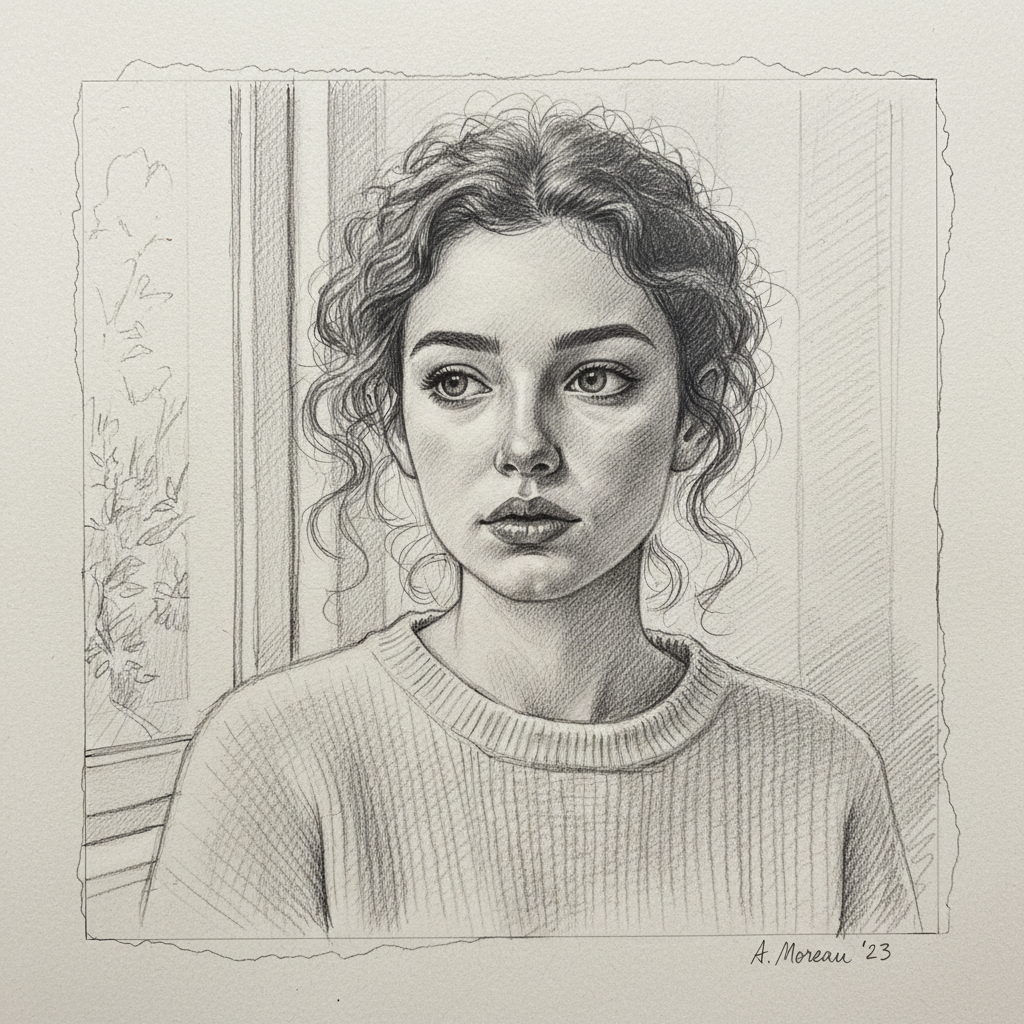
Pencil Portrait Sketch
Graphite pencil, fine shading
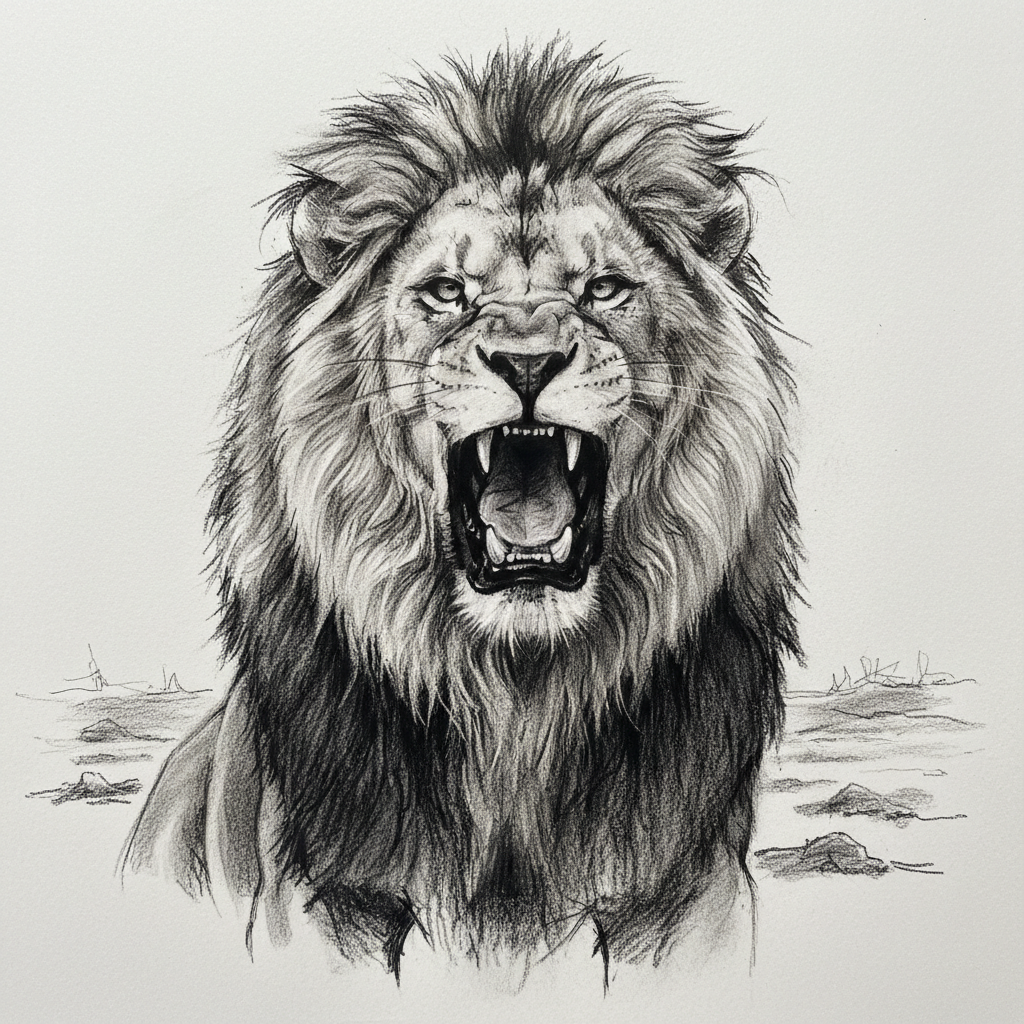
Charcoal Animal Sketch
Charcoal, bold strokes
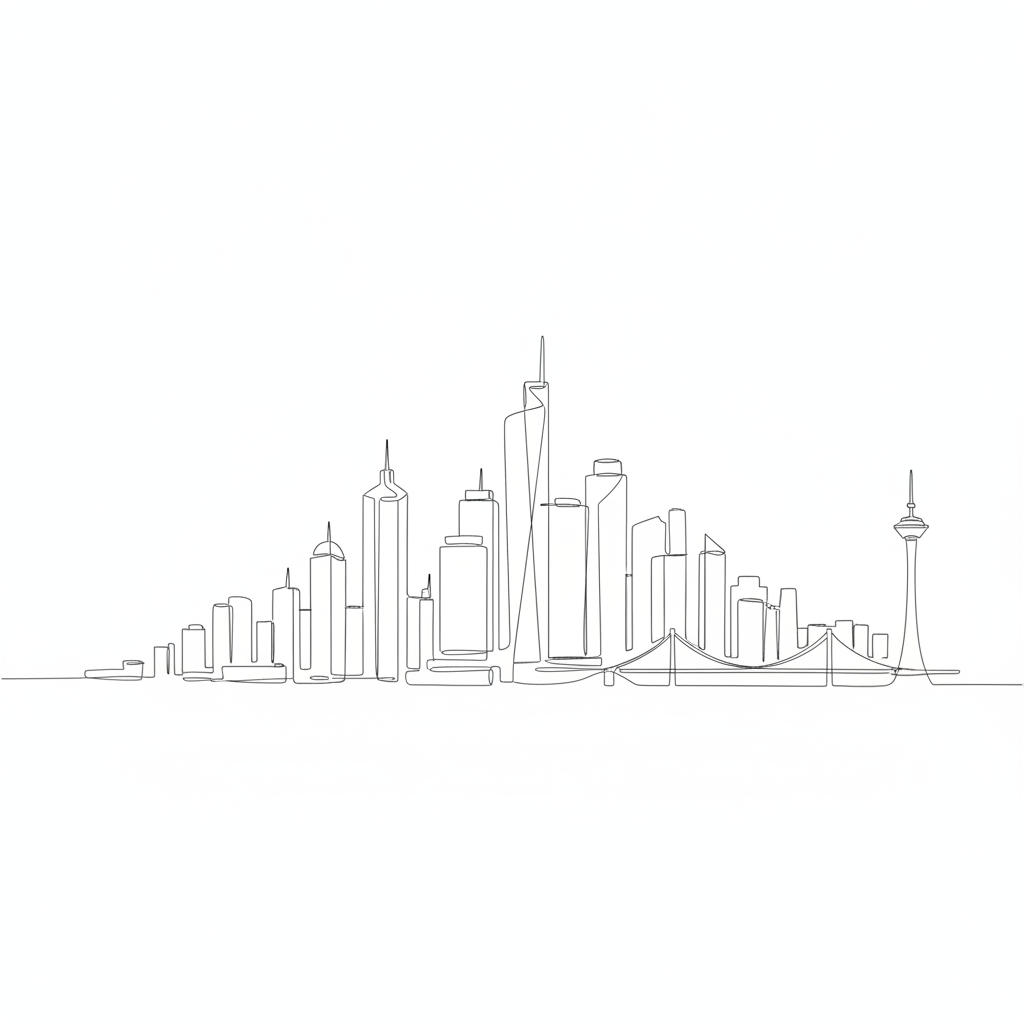
Line-Art Cityscape
Minimal line art
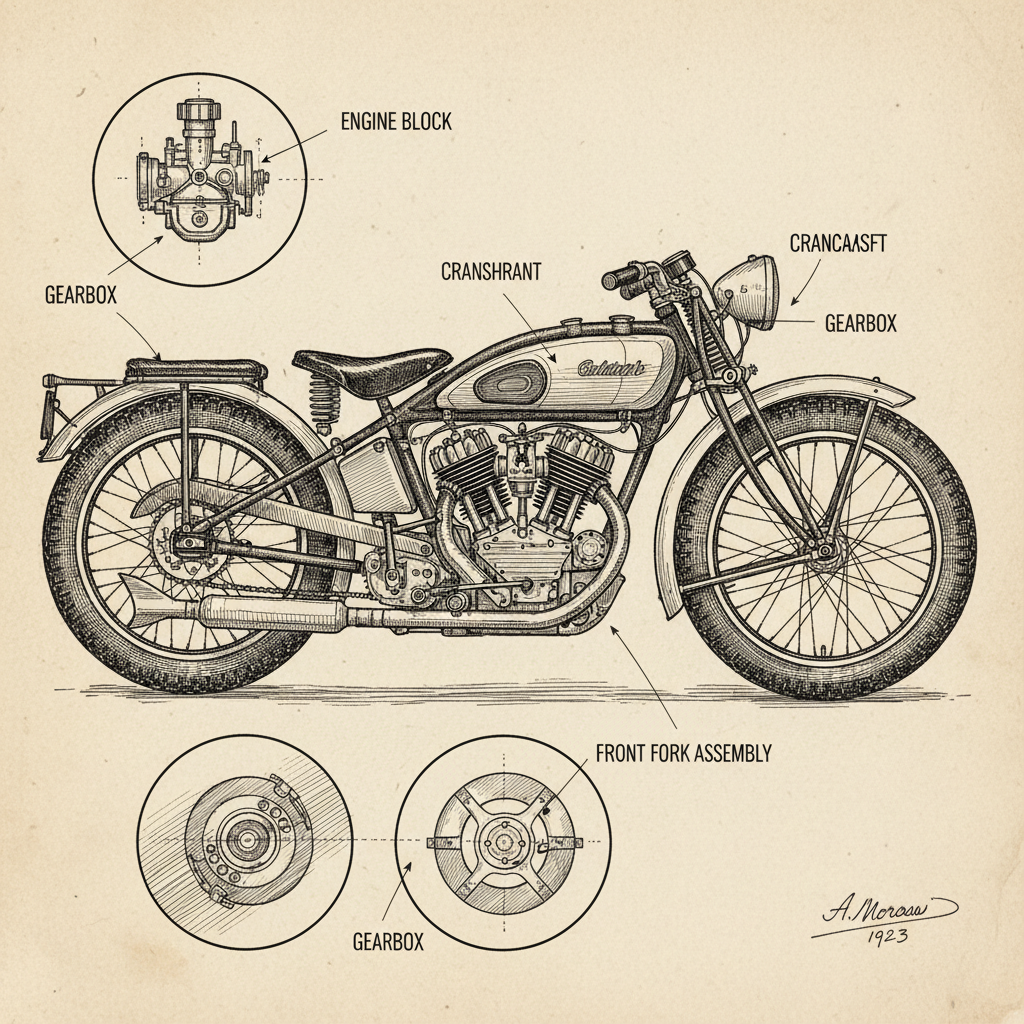
Cross-Hatch Ink Sketch
Pen & ink, engraving style
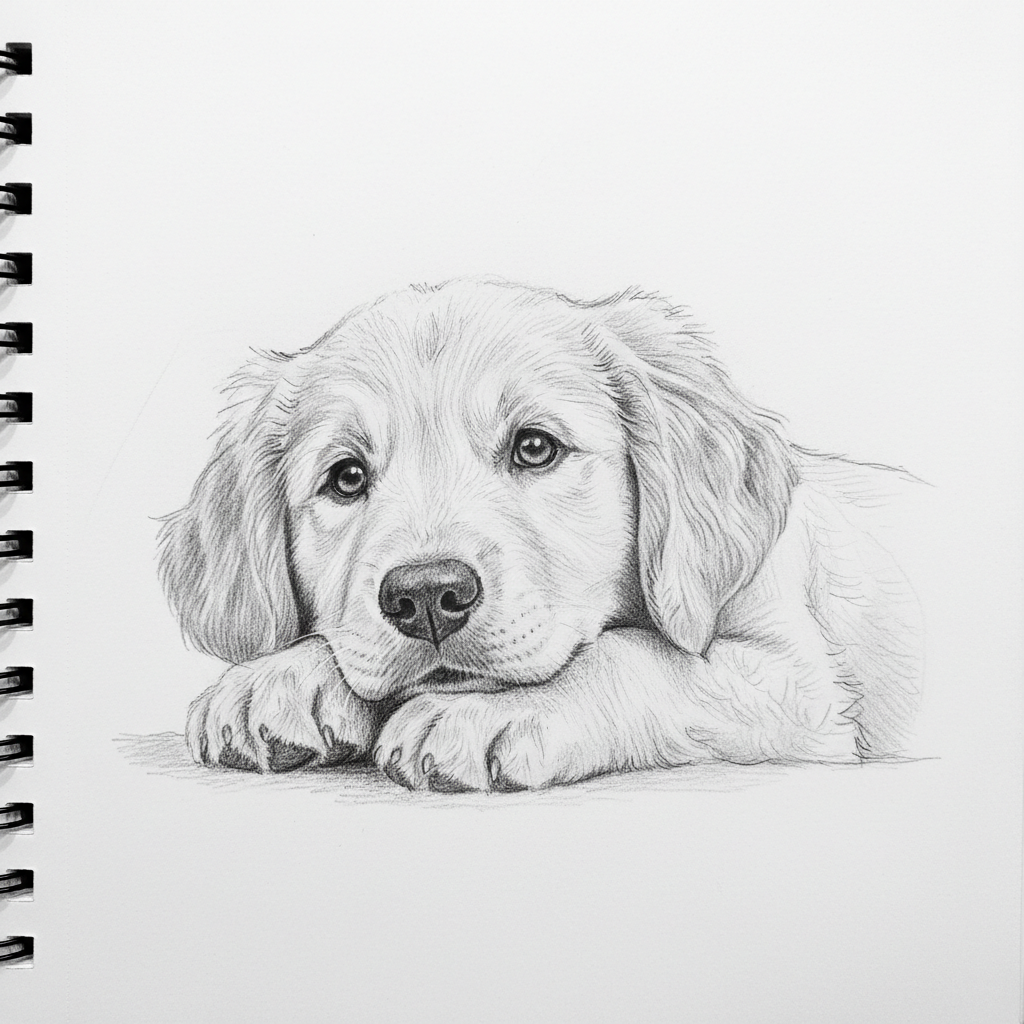
Pet Pencil Sketch
Soft pencil, fur texture
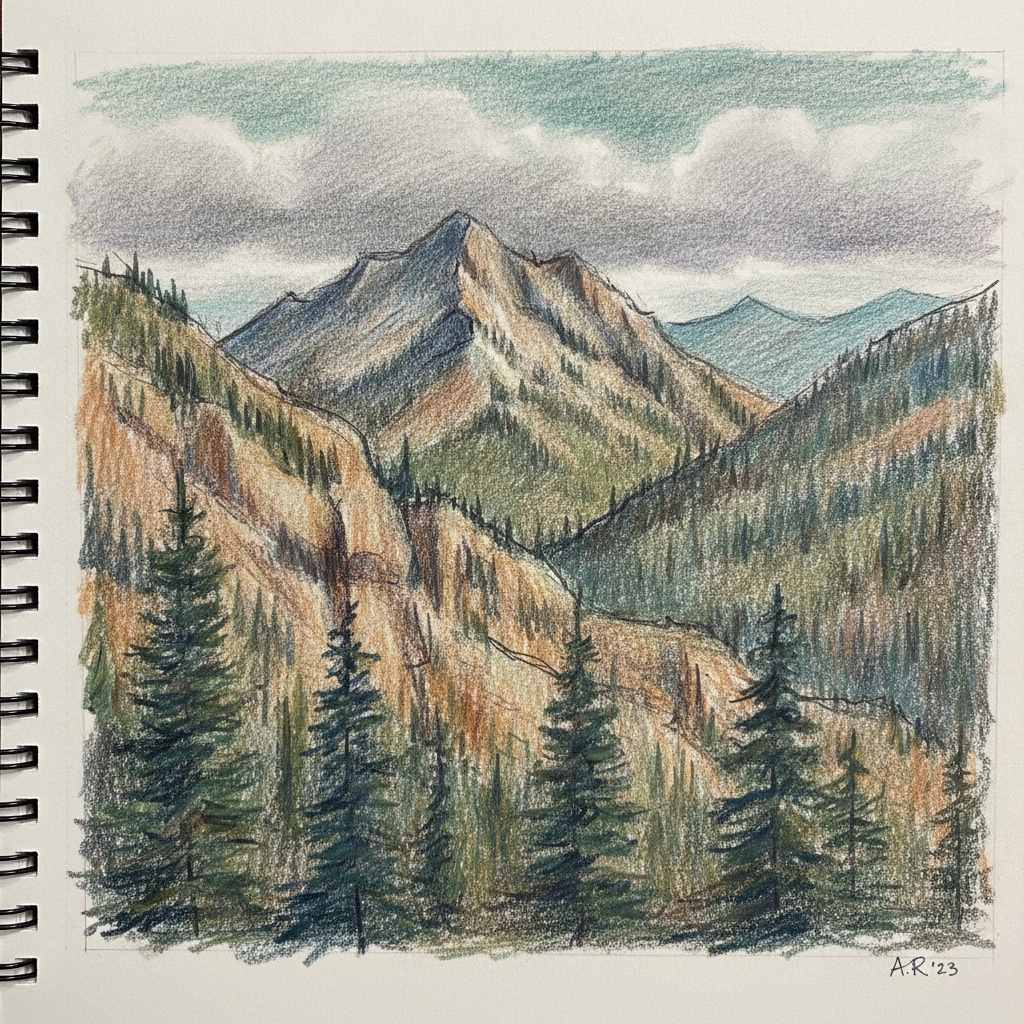
Colored Pencil Landscape
Colored pencil, sketchbook style
How the AI Image to Sketch Tool Works
Three steps, fifteen seconds — no drawing skills needed
Upload Your Photo
Drag in any photo you want to turn into a sketch — a portrait, a pet, a landscape, a building, or a product shot. The AI image to sketch tool works with everyday phone photos; there is no need to prepare, crop, or clean up the image first. Your upload stays private and is used only to generate your sketch.
Pick a Sketch Style
Tap a preset — graphite pencil, charcoal, line art, cross-hatch ink, colored pencil, or comic ink — or describe your own look in plain English. The AI drawing conversion redraws your photo in the chosen medium, preserving the composition while completely changing the style. Try several to compare.
Download Your Sketch
Click generate and the AI returns a finished sketch in about fifteen seconds. Download the 4K result and use it as framed wall art, a personalized gift, a greeting card, a social post, a book illustration, or a print-on-demand product — no watermark on paid plans, no Adobe subscription, no install.
Why Creators Choose This AI Sketch Tool
Six reasons artists, designers, and illustrators convert photos to sketches with AI
AI Image to Sketch in Seconds
The AI image to sketch tool turns any photo into a hand-drawn sketch in about fifteen seconds. What would take an artist hours of careful line work — or leave you fighting harsh Photoshop filters — the AI finishes instantly. Upload a portrait, a pet photo, a landscape, or a product shot and the AI drawing conversion returns a polished sketch on the first try, ready to iterate or download. For anyone who needs many sketches fast, the speed of this AI sketch tool restructures a full afternoon of drawing into a few clicks.
Realistic Hand-Drawn Strokes, Not Cheap Filters
Old-school photo-to-sketch filters just run edge detection, producing brittle, artificial outlines. This AI image to sketch tool understands the content of your photo and redraws it with authentic strokes, natural shading, and genuine pencil or charcoal texture. Faces keep their expression, fur keeps its softness, and landscapes keep their depth. The result reads like a real artist sketched it by hand, which is exactly why creators choose AI drawing conversion over filter apps.
Multiple Sketch Styles From One Photo
One upload, many looks. The AI sketch tool can render your photo as a soft graphite pencil drawing, a bold charcoal study, a clean minimalist line-art piece, a detailed cross-hatch ink illustration, or a warm colored-pencil sketch. Because it also takes custom prompts, you can request niche styles like architectural line drawings or vintage engravings. Every sketch preserves the composition of your original image while completely changing the medium, so you can explore until the AI image to sketch result is exactly right.
No Drawing Skills Required
You do not need to know how to draw to use the AI image to sketch tool — you only need a photo. There are no layers, brushes, blend modes, or menus to learn. Upload your image, tap a style, and the AI handles the artistry. This makes converting photos to sketches with AI accessible to gift-makers, students, small businesses, and hobbyists who never had the time to master traditional sketching or Adobe software.
4K Sketches Ready for Print
The AI image to sketch tool outputs high-resolution sketches up to 4K — sharp enough for framed wall art, greeting cards, book illustrations, and print-on-demand products. Unlike low-resolution filter apps that fall apart when enlarged, the clean lines and shading from this AI drawing conversion hold their detail at large sizes. Convert photos to sketches with AI once and use them across social media, presentations, and physical prints without regenerating.
Free to Start, No Sign Up
The AI sketch tool on this page asks for nothing upfront — no download, no account, no credit card. It runs in your browser: upload a photo, pick a sketch style, click generate, and download a 4K result immediately. Free usage is protected with per-IP rate limits, not a login wall, so you can test the AI image to sketch tool hands-on before paying anything from $2.99 for unlimited generations and full commercial rights.
AI Image to Sketch Tool — FAQ
Everything you need to know about converting photos to sketches with AI
Turn Your Photo Into a Sketch Now
The AI image to sketch tool converts any photo into a hand-drawn pencil, charcoal, or line-art sketch in seconds. Upload your image, pick a style, and download a 4K result free — perfect for unique digital art, gifts, and prints.
Convert Your Photo FreeThe Complete Guide to the AI Image to Sketch Tool
The AI image to sketch tool on aibanana.net turns any photograph into a hand-drawn sketch in seconds, giving artists, designers, and illustrators a fast, reliable way to create unique digital art without spending hours at a drawing board. Whether you have been searching for how to convert photos to sketches with AI, an AI sketch tool for portraits, or an AI drawing conversion that actually looks hand-drawn, this page is the dedicated entry point built for that job. Upload a portrait, a pet photo, a landscape, a building, or a product shot, choose a sketch style, and the AI redraws your image with realistic strokes, shading, and texture — no drawing skill, no layers, and no Adobe subscription required.
What sets this AI image to sketch tool apart from ordinary photo filters is that it understands the content of your image rather than blindly running edge detection. Traditional Photoshop sketch filters and cheap phone apps apply a mathematical effect that flattens your photo into harsh, artificial lines. The AI drawing conversion instead interprets faces, fur, foliage, and architecture, then re-renders them with the natural character of a real graphite pencil, charcoal stick, or ink pen. Faces keep their expression, animals keep their soft texture, and landscapes keep their depth. That difference is why the AI sketch tool produces results people mistake for genuine hand-drawn art, and why creators trust it for gifts, wall art, and professional illustration work.
The AI image to sketch tool supports a full range of sketch styles from a single upload. Choose a soft graphite pencil sketch with delicate cross-hatching, a bold charcoal study with dramatic contrast, a clean minimalist line-art drawing built from single continuous ink lines, a detailed cross-hatch pen-and-ink illustration in an engraving style, a warm colored-pencil sketch, or a high-contrast comic-ink look. Because the tool also accepts custom prompts, you can request niche styles like architectural line drawings, vintage engravings, or manga-style ink work. Every AI drawing conversion preserves the composition of your original photo while completely changing the medium, so you can experiment freely and download only the sketches you love. Output reaches up to 4K resolution, sharp enough for framed prints, greeting cards, book illustrations, and print-on-demand products.
Getting started with the AI image to sketch tool is free and takes no account, email, or credit card — usage is protected with per-IP rate limits rather than a login wall, so you can convert photos to sketches with AI hands-on before deciding to pay anything. When you are ready for more, plans start at just $2.99 and unlock unlimited generations, watermark-free downloads, and full commercial usage rights for selling prints, client work, and merchandise. Built on Nano Banana Pro, this AI sketch tool combines the speed of automation with the authentic look of hand-drawn art, making it the fastest path from a photo to a finished sketch for artists, designers, illustrators, and anyone who wants to turn their favorite images into timeless drawings. Upload a photo above, pick your style, and see your first AI image to sketch result in about fifteen seconds.