
AI Image to Sketch Converter
Turn Photos Into Hand-Drawn Sketches in Seconds
Upload a photo and the AI image to sketch converter transforms it into a beautiful hand-drawn sketch in about fifteen seconds. Built to convert photo to sketch art for artists, designers, and hobbyists, this AI image to sketch converter reads your image and redraws it with pencil, charcoal, or ink strokes while keeping your subject recognizable — no drawing skills, no software, and no login. Turn images into sketches free below and watch an ordinary photo become a polished, hand-drawn work of art.
Try the AI Image to Sketch Converter — Free
Upload your photo, choose a sketch style, and let the AI redraw it as a hand-drawn sketch in seconds
AI Image to Sketch Converter
Upload a photo, pick a sketch style, and get a detailed hand-drawn sketch instantly
Upload your photo, choose a sketch style, and click Generate
AI Photo to Sketch Conversions
Six photos transformed into beautiful hand-drawn sketches by the AI image to sketch converter
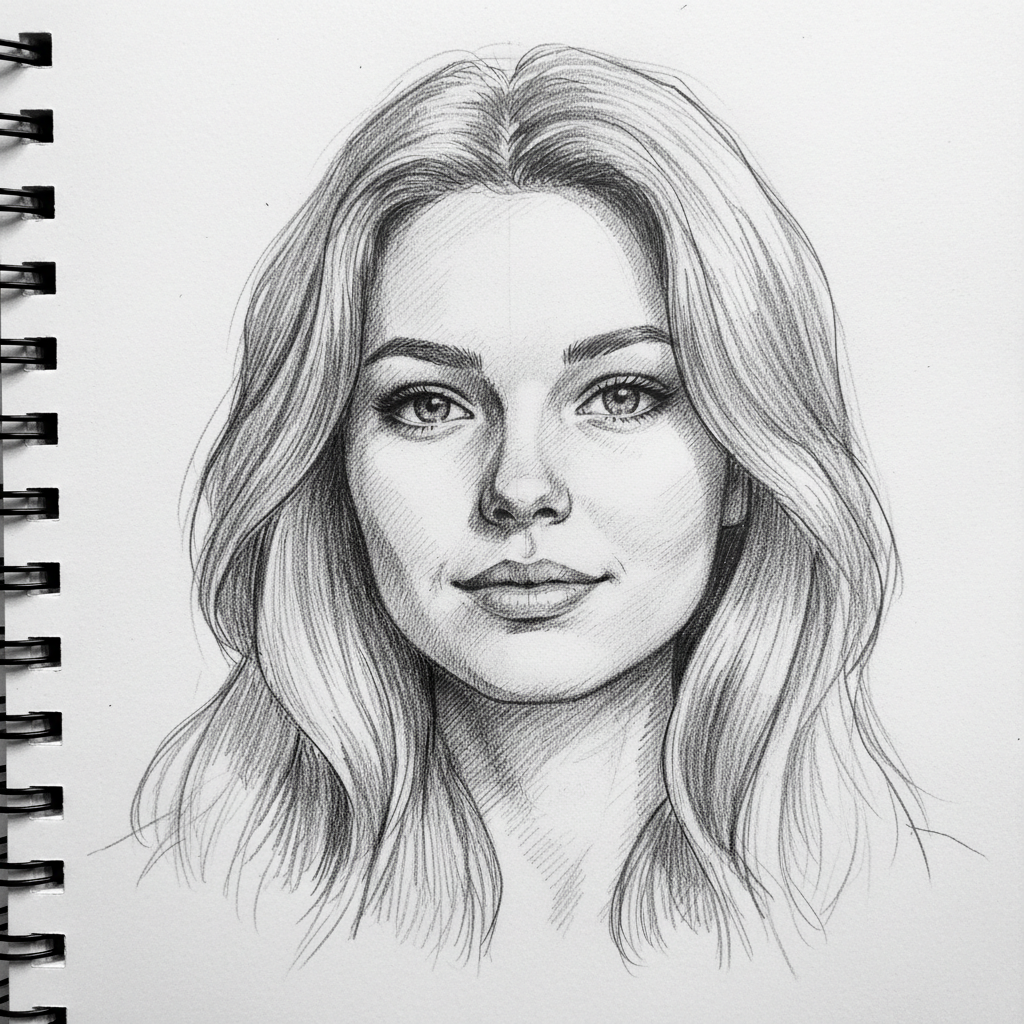
Pencil Portrait
Graphite sketch
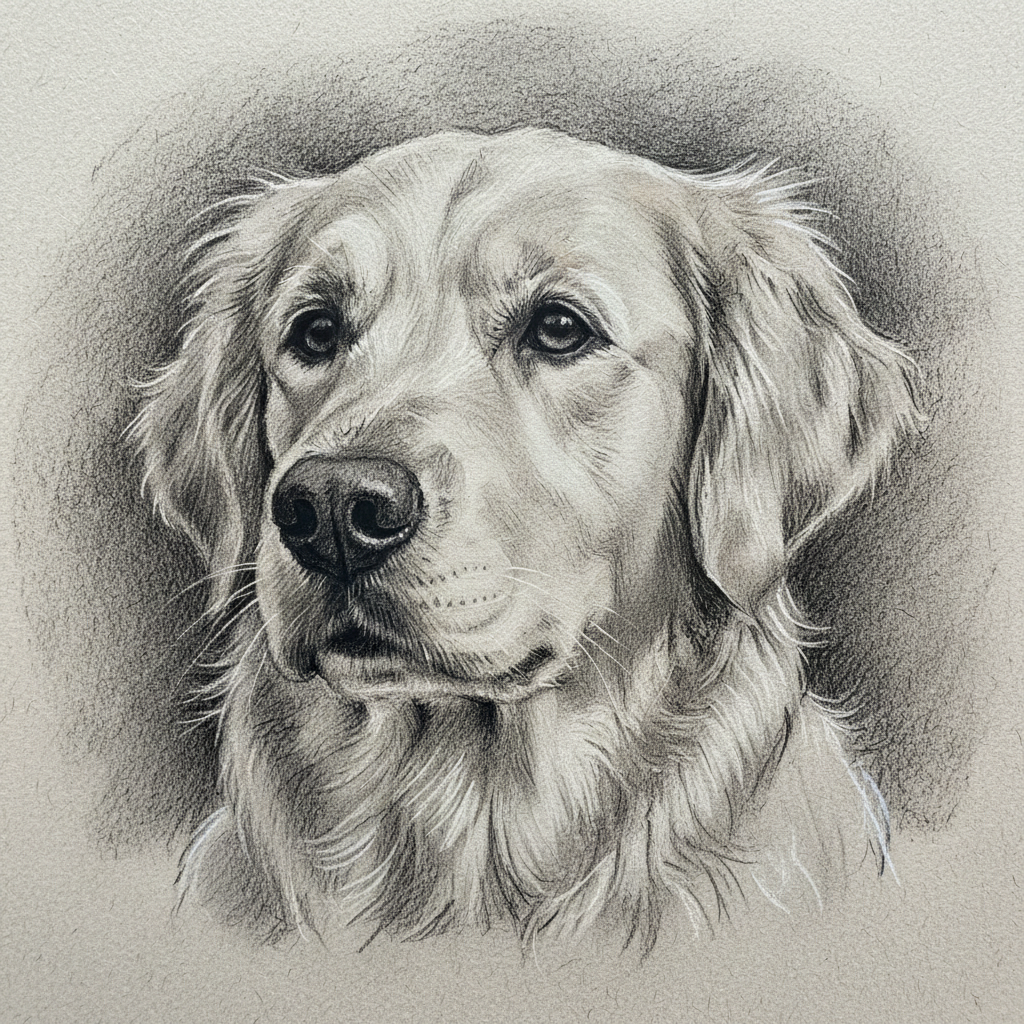
Pet Sketch
Charcoal drawing
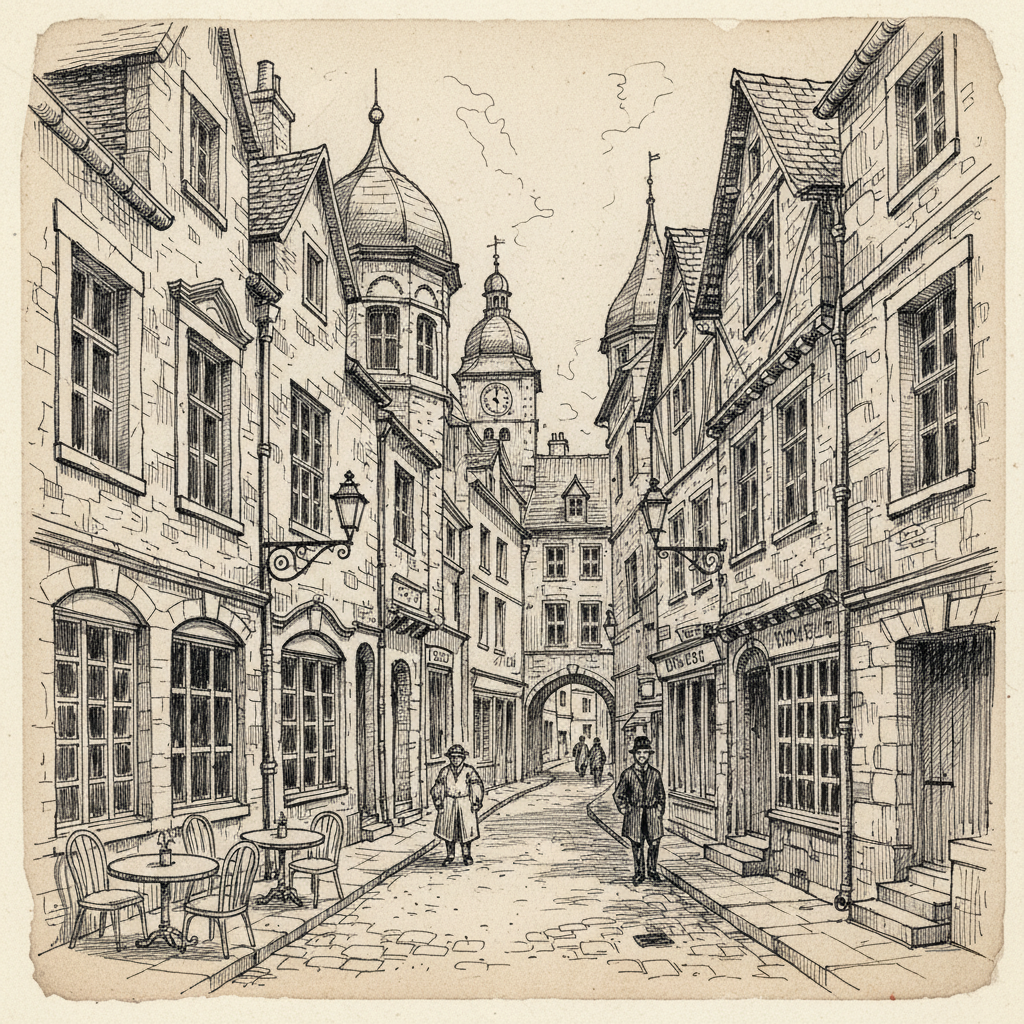
City Street
Ink line art
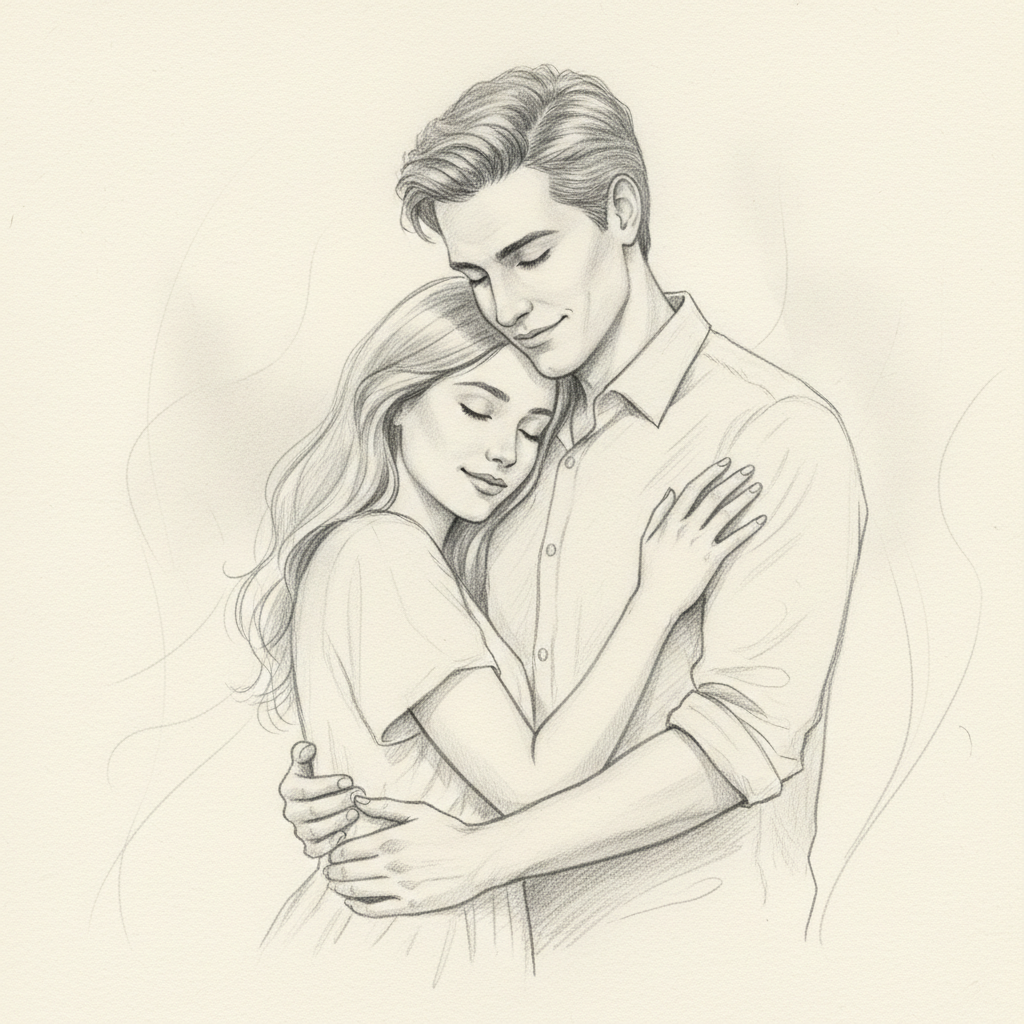
Couple Portrait
Pencil drawing
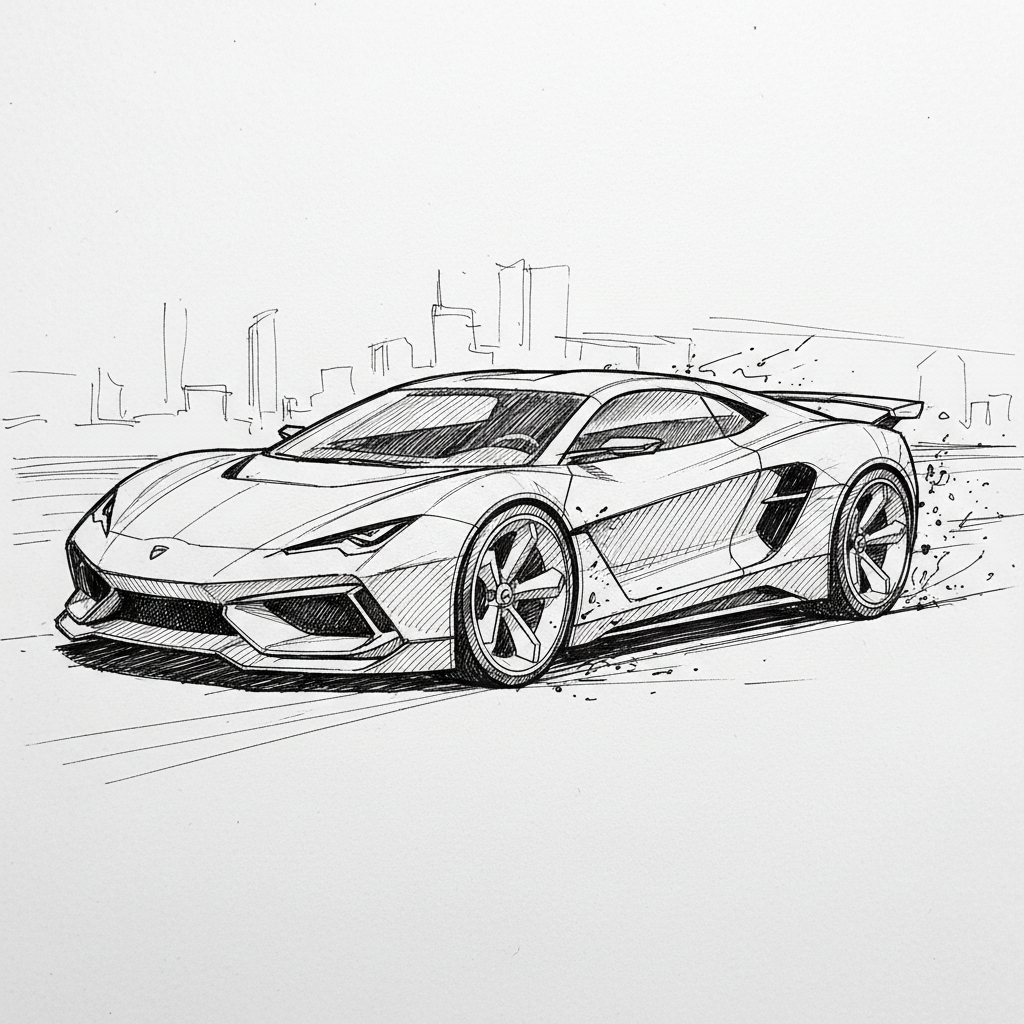
Car Sketch
Pen & ink
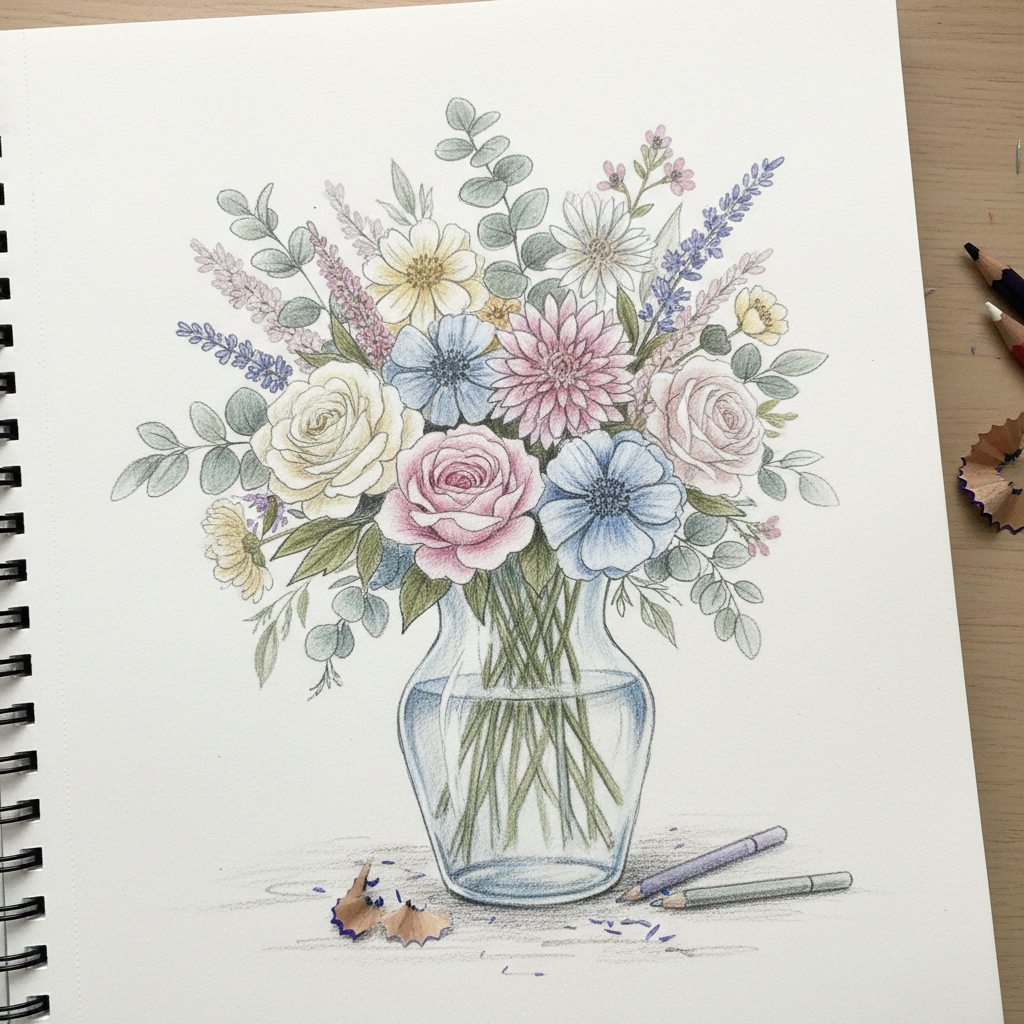
Floral Study
Colored pencil
How to Convert an Image to a Sketch with AI
Three simple steps from an everyday photo to a finished hand-drawn sketch
Upload Your Photo
Upload the image you want to convert to the AI image to sketch converter above. Portraits, pets, couples, landscapes, buildings, cars, and product shots all work. Clear, well-lit photos with good contrast give the AI strong edges and tones to follow, but even casual snapshots turn into great sketches.
Choose a Sketch Style
Pick a style — pencil sketch, charcoal drawing, ink line art, colored pencil, crosshatch, or portrait sketch. Or describe exactly how you want your photo redrawn, from a faithful pencil portrait to a loose, expressive study. The AI image to sketch converter keeps your subject while adding hand-drawn lines and shading.
Download Your Sketch
In about fifteen seconds your sketch is ready. Download the detailed, high-resolution result and use it for a gift, print, profile picture, or design project. Not quite right? Switch the style or adjust the prompt and generate again — converting images to sketches with AI is instant, so you can iterate until it looks perfect.
Why Choose This AI Image to Sketch Converter
Everything you need to convert photos to detailed, hand-drawn sketches
Turn Any Photo Into a Hand-Drawn Sketch
The AI image to sketch converter reads the edges, tones, and details of your photo and redraws them as a convincing hand-drawn sketch. Portraits, pets, landscapes, buildings, cars, and product shots all work — the AI adds pencil strokes, shading, and crosshatching while keeping the subject recognizable. It is the fastest way to convert a photo to a sketch without tracing, drawing, or spending hours with a pencil.
Keeps Your Subject Recognizable
A good photo sketch generator should draw your subject, not replace it. This AI image to sketch converter preserves the pose, proportions, and features of your original image, so the sketch looks like a talented artist drew from your photo rather than an unrelated picture. You decide how faithful or expressive the result is through the style you choose and the prompt you write — from a photo-accurate pencil portrait to a looser, more artistic study.
Multiple Sketch Styles
Convert one photo into many looks. The AI image to sketch converter can render your image as a graphite pencil sketch, a soft charcoal drawing, clean ink line art, a colored pencil study, or a detailed crosshatch illustration. Artists and designers use it to explore several sketch directions from a single photo in seconds, then pick the style that best fits a gift, print, tattoo reference, or design project.
High-Resolution, Print-Ready Sketches
Every sketch the AI image to sketch converter produces is high-resolution and detailed enough for framed prints, gifts, portfolios, and client work. Crisp lines, believable shading, and natural hand-drawn texture make your converted photo look genuinely drawn. Whether you are creating a pencil portrait, a line-art coloring page, or a stylized illustration, the output is ready to print or publish without extra cleanup.
Perfect for Non-Artists
You do not need any drawing skill to get a beautiful sketch. If you have a photo, the AI image to sketch converter handles the hard part — the linework, shading, and hand-drawn character that normally takes years to master. Designers, hobbyists, gift-givers, and anyone who loves the look of a sketch but cannot draw can turn photos into polished sketch art in seconds.
Free, Instant, No Skills Needed
Sketching a photo by hand used to mean hours of careful work. The AI image to sketch converter returns a fully rendered, high-resolution sketch in about fifteen seconds, free to start with no account, install, or credit card. Upload your photo, choose a style, and download — that is it. Unlimited conversions and watermark-free downloads unlock from just $2.99, making it affordable to turn a whole photo album into sketch art.
AI Image to Sketch Converter — FAQ
Everything you need to know about converting photos to sketches with AI
Convert Photos to Sketches Free — In Seconds
Every photo can become a hand-drawn work of art. The AI image to sketch converter reads your image and redraws it as a detailed pencil, charcoal, or ink sketch in about fifteen seconds — no drawing skills, no software, no login. Upload your photo now and watch an ordinary picture become a beautiful sketch.
Convert Your Photo FreeThe Complete Guide to the AI Image to Sketch Converter
There is a timeless charm to a hand-drawn sketch — the soft graphite shading of a pencil portrait, the bold strokes of a charcoal study, the crisp confidence of an ink line drawing. But sketching a photo by hand takes real skill and hours of patient work, which is why most people never turn their favorite images into drawings. An AI image to sketch converter changes that by using artificial intelligence to do the drawing for you. You upload a photo and the AI image to sketch converter on aibanana.net reads the edges, tones, and details and redraws them in a genuine sketch style that keeps your subject recognizable. Powered by the Nano Banana Pro model, it returns a high-resolution result in about fifteen seconds, putting beautiful hand-drawn sketch art within reach of anyone who owns a camera rather than only trained artists.
Converting an image to a sketch with AI is refreshingly simple. Upload your photo, choose a sketch style — pencil sketch, charcoal drawing, ink line art, colored pencil, crosshatch, or portrait sketch — and click generate. The AI image to sketch converter analyzes your image, preserves the pose, proportions, and composition, and then redraws everything with believable hand-drawn strokes and shading, so the result looks like a talented artist sketched from your photo rather than a flat filter effect. You can also describe exactly how you want the sketch to look in plain language, from a faithful, photo-accurate pencil portrait to a looser, more expressive artistic study. Because the whole process happens in seconds and needs no drawing skill, artists, designers, and hobbyists can convert photos to sketches quickly and explore several finished styles from a single image.
What makes a good AI image to sketch converter genuinely useful is how well it captures your subject while adding real artistic character. The tool is built to keep your photo recognizable — the face, pose, and composition stay true in the final sketch — which is what separates a real photo sketch generator from a one-tap edge filter. It handles a wide range of images: portraits and selfies, pets and animals, wedding and family photos, landscapes and cityscapes, architecture, cars, and still-life shots. For the best results, upload a clear, well-lit photo with good contrast so the AI has strong edges and tones to follow, whether you are creating a pencil portrait gift, a line-art coloring page, a tattoo reference, or a stylized illustration for social media. You can convert the same photo in multiple sketch styles and keep the one you love most.
You can convert images to sketches free on this page with no account, no software install, and no credit card — usage is protected with per-IP rate limits instead of a login wall, so you can try the AI image to sketch converter risk-free and see a photo become a hand-drawn sketch immediately. Paid plans start at just $2.99 and unlock unlimited conversions, watermark-free high-resolution downloads, and full rights to use your sketches commercially, which makes turning an entire photo album, gift set, or design project into sketch art genuinely affordable. A great photo deserves to be more than a file on your phone. Upload your image above, choose a sketch style, and let the AI image to sketch converter turn your photo into a detailed, hand-drawn sketch in seconds.