
AI Image Generator vs Veo3
Comparing an AI image generator with Veo3 is really a question about which artefact you need to ship. One returns a 4K still you compose, crop and print. The other returns an eight-second clip with generated audio. They cost different amounts, iterate at different speeds, and fail in different places — and the most useful thing on this page is not the verdict but the workflow, because a still generated first makes the video cheaper. Test it below on your own prompt.
Try The Image Generator FreeTry It Now — Free
Six presets built around the stills that surround video work — thumbnails, poster keyframes, storyboard panels, product stills, character sheets and backplates. Generate one, then judge for yourself whether you would rather have extracted it from a clip.
AI Image Generator
Pick the kind of still a video project actually needs, describe your subject, and get a 4K result in about fifteen seconds
AI Image Generator vs Veo3, In Six Pictures
The difference between one composed frame and two hundred coherent ones, what that does to cost and iteration speed, and why approving the still first makes the clip cheaper.
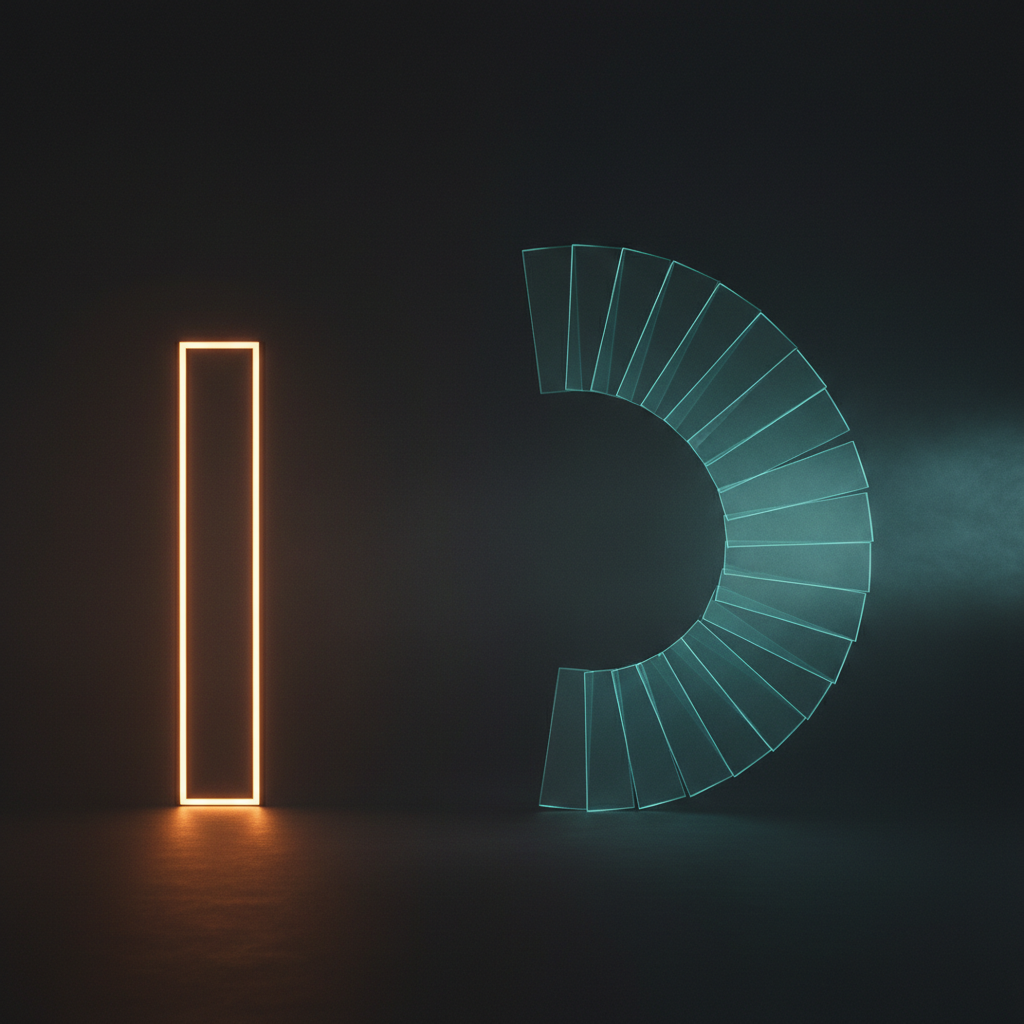
One Frame Or Two Hundred
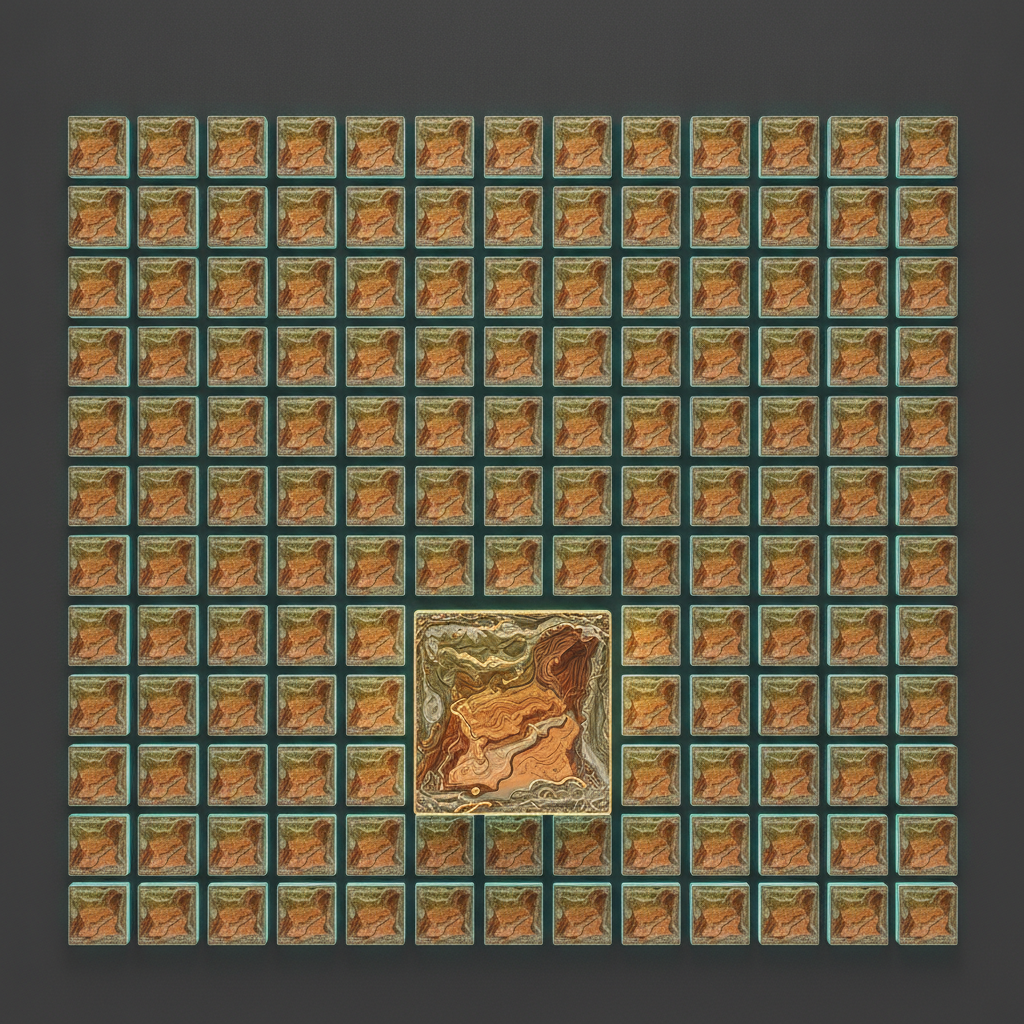
What A Second Costs

Two Different Pipelines
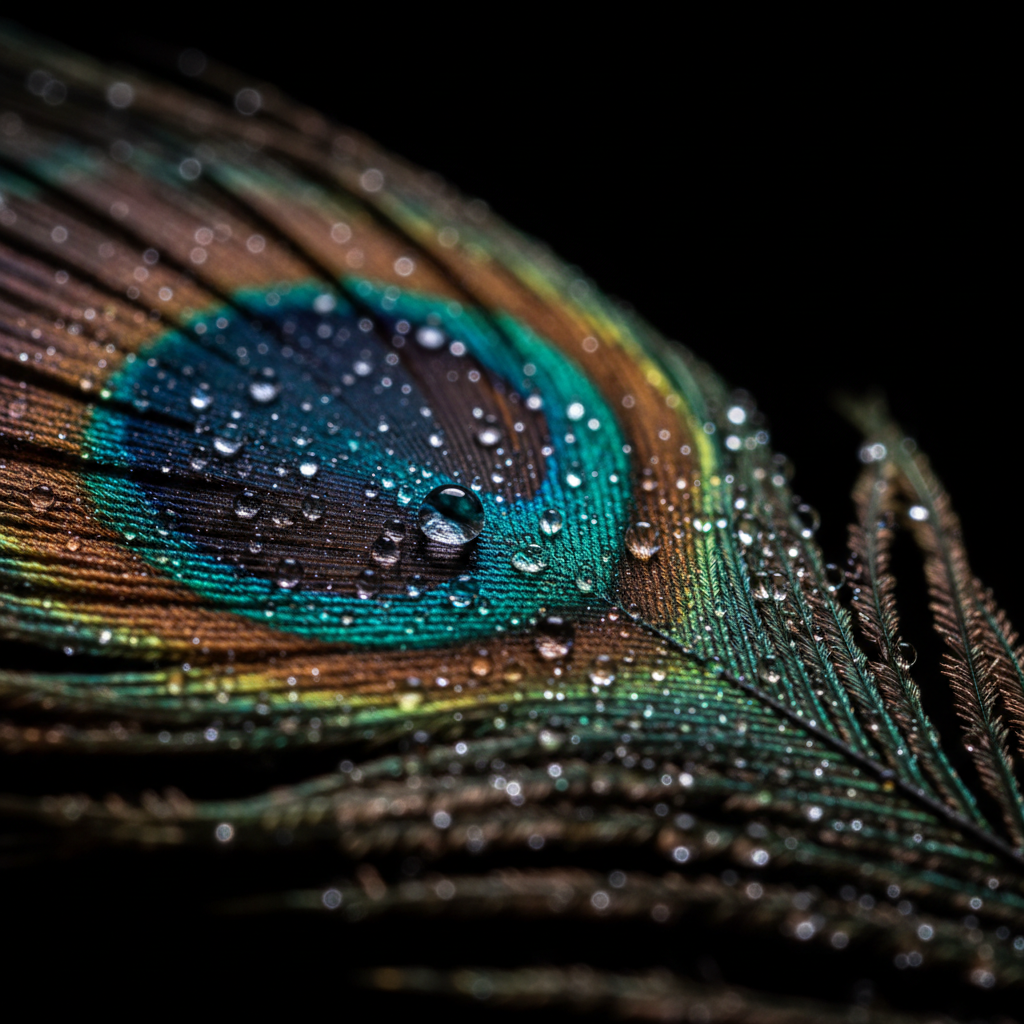
Detail A Video Encode Loses
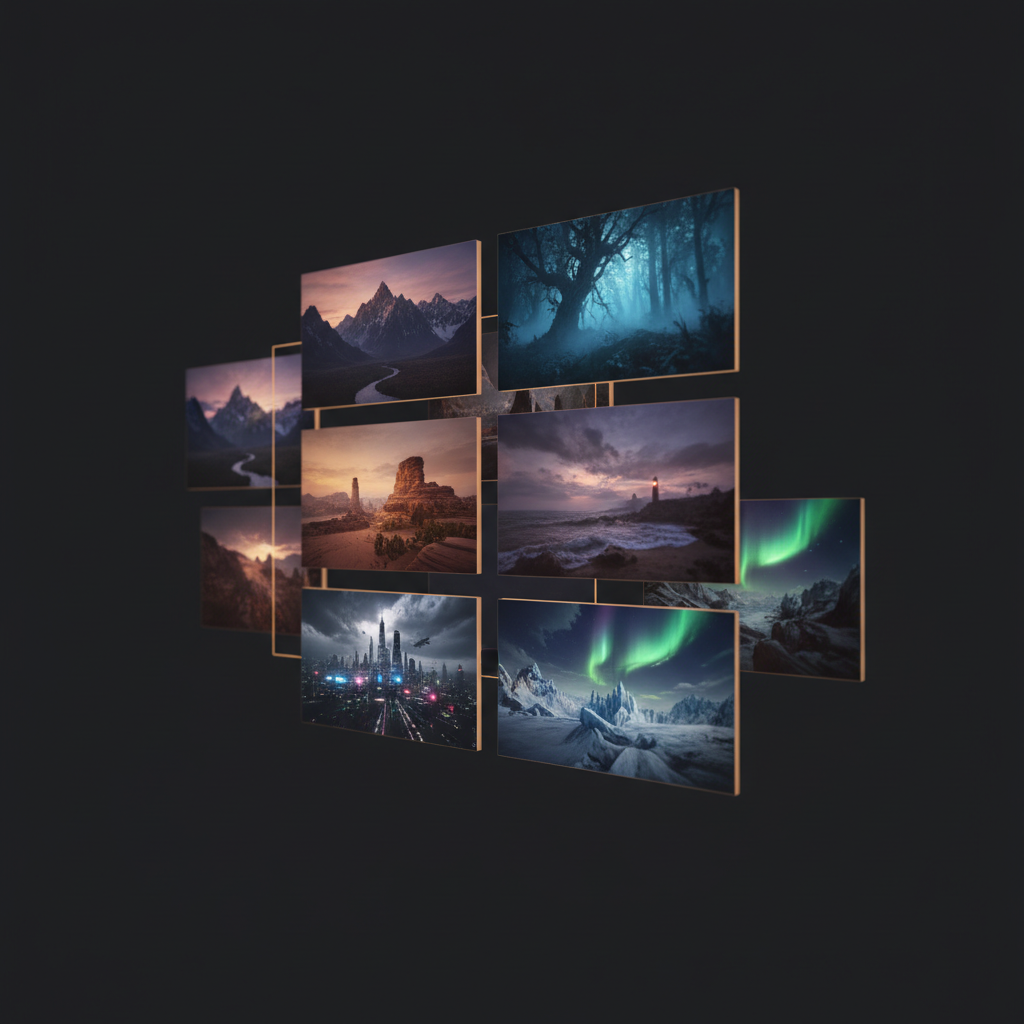
Approve The Frame First
Where The Cost Curves Cross
What Each One Is Built To Do
AI Image Generator
Nano Banana Pro — one composed 4K still per run
- Output is a single 4K PNG you can crop, layer, print or hand to a client unchanged.
- Roughly fifteen seconds per run, cents per attempt, so exploring twenty directions is a coffee break.
- Renders legible in-image text — put the headline in quotes and it comes back spelled correctly.
- Every pixel of the budget goes into one frame instead of being spread across a sequence.
- Doubles as Veo3 input: an approved still becomes a first frame the video model must respect.
- No motion, no audio, no timing — if the message needs any of those, this is the wrong tool.
Veo3
Google DeepMind — eight-second clips with native audio
- Output is an eight-second clip, up to 4K on the current tiers, in 16:9 or native 9:16 vertical.
- Generates synchronised audio in the same pass — dialogue, sound effects and ambience together.
- Priced per second of output, so cost scales with length, resolution and whether audio is on.
- Minutes per generation, and the faster tiers buy that speed by dropping resolution or audio.
- Accepts a starting image, which is the hook that makes the still-first workflow work.
- Frames are optimised for temporal coherence, not per-frame sharpness — a poor source for stills.
AI Image Generator vs Veo3: The Numbers
Veo 3.1 figures reflect published rates as of August 2026 and move often — treat them as the shape of the curve rather than a quote. The point is that video is priced per second of output while stills are priced per attempt, and that changes how you should spend the exploration phase of a project.
| Factor | AI Image Generator (AI Banana) | Veo3 (Veo 3.1) |
|---|---|---|
| Output | One 4K still image (PNG) | Eight-second clip, up to 4K |
| Audio | None — it is a still | Native dialogue, SFX and ambience |
| Time per run | ~15 seconds | Minutes, tier dependent |
| Pricing model | Per attempt, packs from $2.99 | Per second of output, by tier |
| Cost of one asset | Cents per attempt | ~$0.24 (720p Lite) to ~$4.80 (4K + audio) |
| Cost of 20 iterations | Still a rounding error | A real line item |
| In-image text | Legible, spelled correctly | Hard to hold across frames |
| Best for | Thumbnails, posters, ads, print | Motion, sound, short-form feeds |
| Aspect ratios | Square, portrait, landscape | 16:9 and native 9:16 |
| Takes an input image | Yes — image-to-image editing | Yes — as the first frame |
| Free to test | Yes, no account needed | Limited free access via Google tiers |
Read the cost rows as cost per usable asset rather than per attempt. Neither tool lands the shot first try, and that is precisely why the per-attempt price is the one that decides your bill.
Which To Reach For, By What You Are Making
The useful question is never which model is better. It is what the finished artefact has to be, and whether anyone will look at it or watch it.
The deliverable is a fixed frame that someone reads. It needs deliberate composition, headroom for a crop, and usually legible text — three things a video model is not optimising for. Scrubbing a clip for a frame that was never composed to stand alone is the slow way to a worse result.
Motion and synchronised audio are the message. Nothing about a still substitutes here, and generating the audio in the same pass removes a whole sourcing-and-sync step that would otherwise sit downstream.
Exploration is priced per attempt, and stills are cheap enough per attempt that twenty is a five-minute exercise. Twenty video attempts at a 4K tier is an afternoon and a real invoice, spent mostly on discovering framing you could have settled as a still.
Veo3 for the motion in 9:16, an image generator for the cover frame, the carousel panels and the static ad variants around it. The thumbnail decides whether the clip is watched at all, which makes it worth generating deliberately rather than extracting.
A still pipeline gives you a 4K master with no temporal compression in the way. Video frames carry encode artefacts and motion blur that survive every upscale you throw at them afterwards.
Generate the opening frame of each clip as a still in a single locked style, then hand each frame to Veo3 as its starting point. Clips prompted independently from text drift apart; clips grown from a matched set of stills cut together.
The Still-First Workflow
The most valuable thing to take from an AI image generator vs Veo3 comparison is not a winner. It is the ordering: settle every decision you can at still prices, then spend video money once.
Generate the frame
Run the composition as a still until the framing, palette, subject and any on-image text are right. Ten attempts here cost less than a single 4K clip, and each one comes back in about fifteen seconds.
Approve it
Get sign-off on a fixed image rather than on a moving one. Reviewers can point at a still; feedback on a clip arrives as vague impressions, and every revision round is another video bill.
Then animate
Hand the approved still to Veo3 as its first frame so the video model solves only the motion and the audio. The composition is already locked, which is also what keeps a series of clips consistent.
Teams that work this way spend most of their generation budget on stills and a small fraction on video, and ship faster than teams that prompt clips from scratch and hope.
How The Image Generator Works
Pick The Asset You Need
Six presets covering the stills that surround video work — video thumbnails, poster keyframes, storyboard panels, product stills, character reference sheets and cinematic backplates. Each carries a full tuned prompt underneath, so you start from a working baseline rather than a blank field.
Describe It And Iterate
Add the subject, palette and any on-image text in quotes. Run it a few times and compare — this is the step that is cheap here and expensive in a video pipeline, so this is where the composition, framing and colour decisions should get made.
Ship It Or Animate It
Download the 4K result, watermark-free on paid plans and with full commercial rights. If the asset is a still, you are done. If it is going to move, hand the approved frame to Veo3 as its first frame and let the video model solve only the motion.
Where An AI Image Generator Wins Outright
Not on motion and not on sound — Veo3 owns both, and no still competes there. On everything that happens before and around the clip.
Cents Per Attempt, Not Dollars
Video is priced per second of output, so every rejected take costs real money — an eight-second 4K clip with audio lands near $4.80 at Veo 3.1 Standard rates, and you rarely land the shot on the first take. Still generation here starts at $2.99 for a credit pack, which makes the exploration phase of a project effectively free to run properly.
Fifteen Seconds, Not Minutes
A 4K still comes back in roughly fifteen seconds — short enough that you can run five compositions and compare them while still holding the idea in your head. Video generation is minutes per clip on every current tier, and the faster tiers buy that speed by dropping resolution or audio.
Text That Is Actually Legible
Put your headline in quotes in the prompt and it comes back spelled correctly at 4K. Keeping a word legible and stable across two hundred-odd frames is a much harder problem than rendering it once, which is exactly why exported video frames are a poor source for anything with a headline on it.
Feeds Straight Into Veo3
Veo3 takes an image as its first frame. Lock the composition, palette and framing as a still for a few cents, approve it, and only then spend video money animating something you have already signed off — instead of paying per second to discover the framing was wrong.
Consistency Across A Series
Character and style consistency is the hardest thing to hold across independently prompted clips. Generating a matched set of stills first and using each as a starting frame constrains the video model far more tightly than a text prompt can, so six clips actually look like one campaign.
No Account To Test It
Nothing to install, no waitlist, no subscription tier to pick before you can judge the output. Run your own prompt on your own subject in the generator below and compare it against whatever you would have exported from a clip — that comparison is worth more than any table on this page.
AI Image Generator vs Veo3 FAQ
Settle The Frame Before You Spend On Motion
Take the shot you were about to prompt as a clip and generate it as a still first. If it turns out the still was the deliverable all along, you have saved the video budget. If it needs to move, you have just handed Veo3 a first frame you already approved.
Generate A Still FreeChoosing Between An AI Image Generator And Veo3
Most people arriving at an AI image generator vs Veo3 comparison are not really trying to rank two models — they are trying to work out which one to open for the job in front of them. That question has a clean answer, and it has nothing to do with which model is more advanced. An AI image generator produces a single composed still: a 4K frame you can crop, layer into a design, send to print, or ship as-is. Veo3 produces a short clip with natively generated audio, currently eight seconds, where the picture and the sound are created together in one pass. Those are different artefacts serving different briefs, and the tool that produces the artefact you need to deliver is the correct tool. The failure mode is trying to bend one into the other — extracting a poster from a clip that was never composed to be looked at frozen, or trying to prompt a product demo out of a model that has no concept of time.
Where the comparison gets genuinely decision-relevant is cost, and specifically cost per usable asset rather than cost per attempt. Video is billed by the second of output. On the Veo 3.1 tiers published as of August 2026, that ranges from around five cents for a short Lite clip at 720p with no audio, through roughly $0.10 per second on the Fast tier, up to about $0.60 per second for 4K with audio on the Standard tier — which puts a single finished eight-second 4K clip with sound near $4.80. Subscription routes through the Gemini app start around $20 a month with generation caps. Still generation here starts at $2.99 for a credit pack, with each attempt costing cents. That difference sounds academic until you account for iteration, and iteration is the whole job. Nobody lands the composition on the first generation. Twenty still attempts is a five-minute exploration you would not think twice about; twenty attempts at a 4K video tier is most of an afternoon and a bill you will notice. The per-attempt price is what determines whether you can afford to explore properly, and exploring properly is what produces good work.
There is one more axis worth being specific about, because it decides more real projects than either cost or quality: text inside the image. Rendering a headline that is legible and correctly spelled is difficult for generative models in general, and holding that same headline stable and readable across the couple of hundred frames in a clip is a far harder problem than rendering it once. Video models are accordingly weak at it. If your deliverable carries words — a thumbnail, an ad, packaging, a poster, a slide — generate it as a still and put the headline in quotes in the prompt. The same reasoning applies to fine detail generally: video encodes discard high-frequency information and video models trade per-frame sharpness for temporal coherence, so an exported frame arrives with motion blur and compression artefacts baked in that no upscaling pass removes. For a broader look at how these two output types differ, the AI image tools vs Veo3 breakdown covers the same ground from the format side.
The recommendation this page actually wants to leave you with is procedural rather than competitive: generate the still first. Veo3 accepts an image as its opening frame, which means you can resolve composition, palette, subject and text at still prices and speeds, get sign-off on something fixed that a reviewer can point at, and only then spend video money animating a frame that has already been approved. This also solves the consistency problem that plagues multi-clip projects, because a set of clips grown from a matched set of stills holds a look that independently prompted clips never will. Used that way, an AI image generator is not a competitor to Veo3 at all — it is the cheap, fast front half of the same pipeline. Testing here is free after a one-time bot check, with paid plans from $2.99 covering watermark-free 4K downloads and full commercial rights. If you are weighing other generators alongside this one, the AI image generator page covers the model itself, and the rest of the AI image tools handle the more specialised jobs around it.