
AI Image Enhancer for Low Light Photos
Brighten Dark Shots in Seconds
Stop losing photos to bad lighting. The AI image enhancer takes your dark, underexposed shots — a dim restaurant dinner, a nighttime street, an underexposed selfie — and brightens them, recovers shadow detail, reduces noise and corrects color in seconds. Upload your photo, pick an enhancement style, and download a bright, clean image. Built for photographers, social media users and content creators who need usable shots fast. No login required, HD output and full commercial usage on paid plans.
Try the AI Image Enhancer — Free
Upload a dark photo, pick an enhancement, and the AI brightens and cleans it in seconds — no editing skills
AI Image Enhancer for Low Light
Upload a dark or underexposed photo, pick how you want it enhanced — natural brighten, night photo, indoor warmth, denoise or vivid recovery — and the AI image enhancer returns a bright, clean result
Upload your low light photo, choose an enhancement style, and click Generate
Low Light Photos, Enhanced
One AI image enhancer — night shots, dim indoors, dark landscapes, grainy selfies and event photos brought back to life
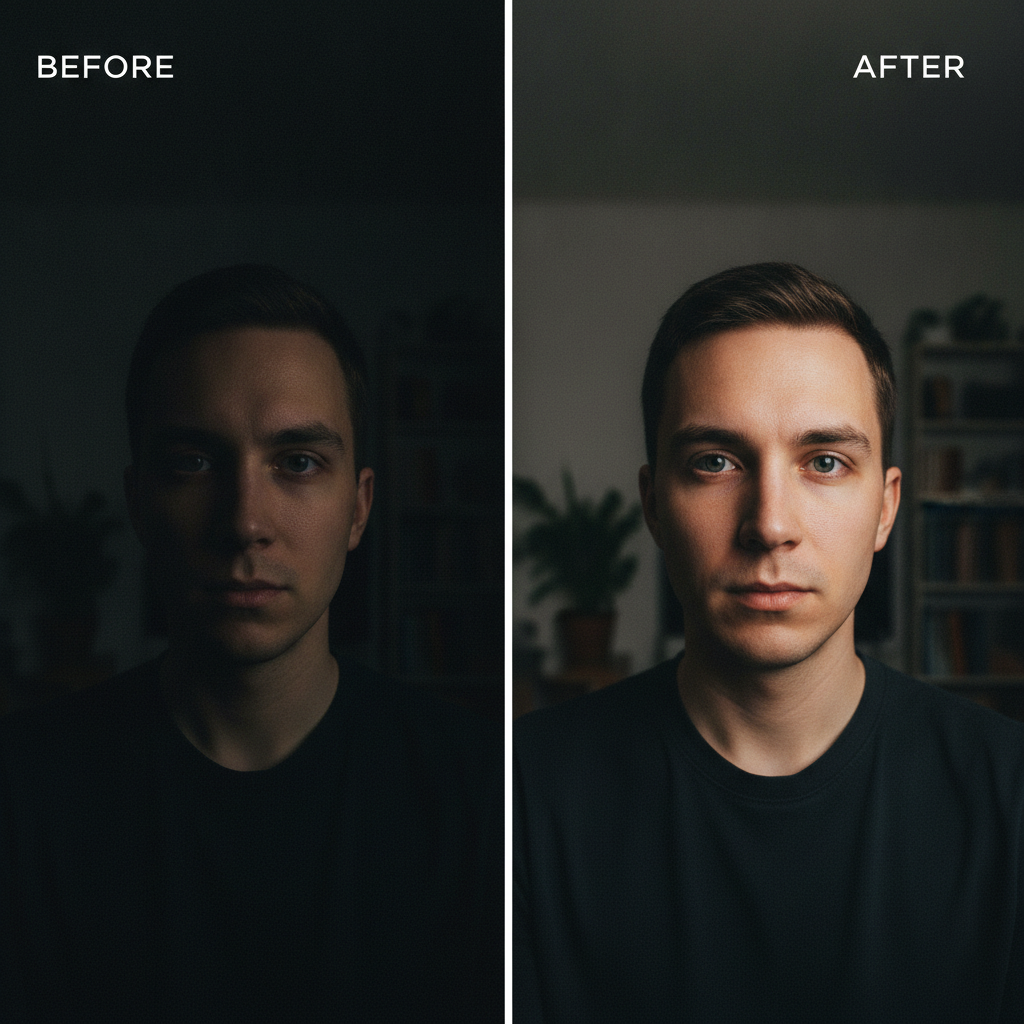
Dim Portrait Recovered
Before / After
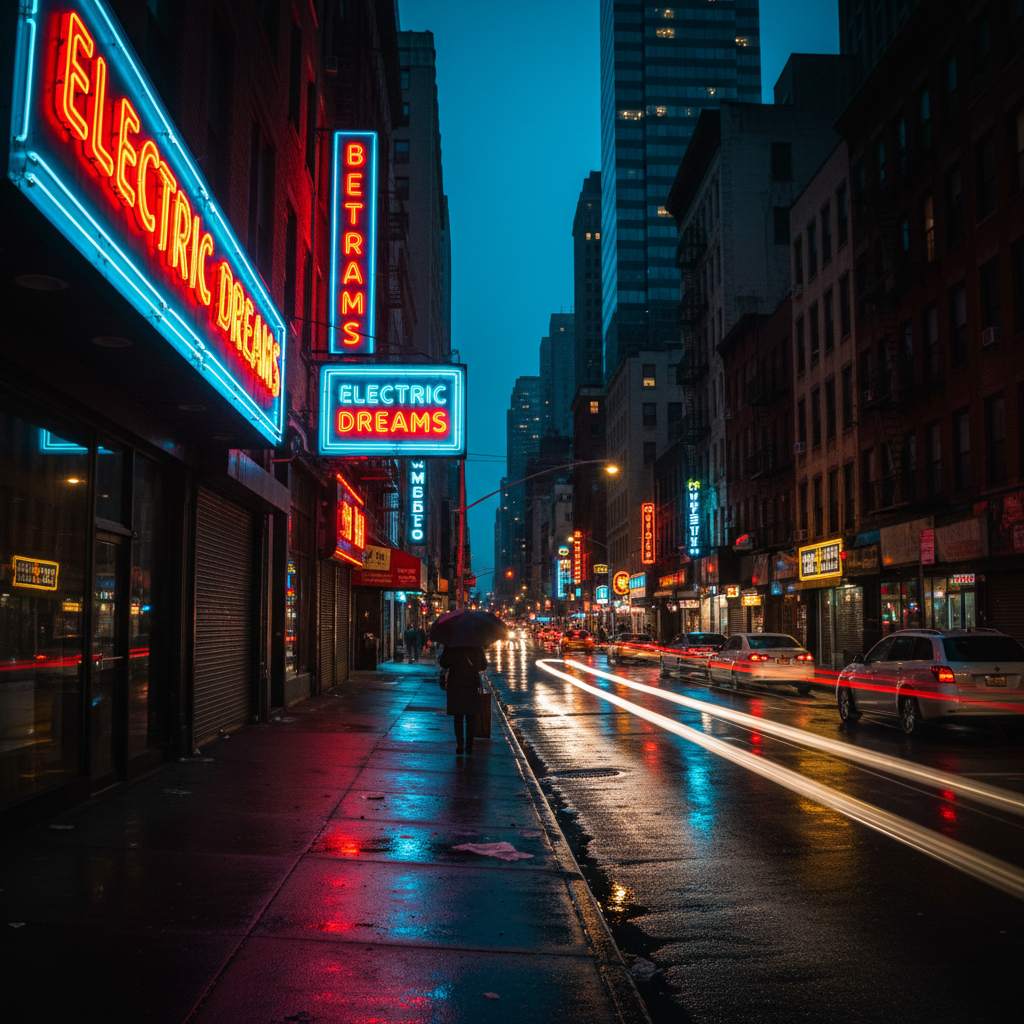
Night Street Brightened
Night Photo
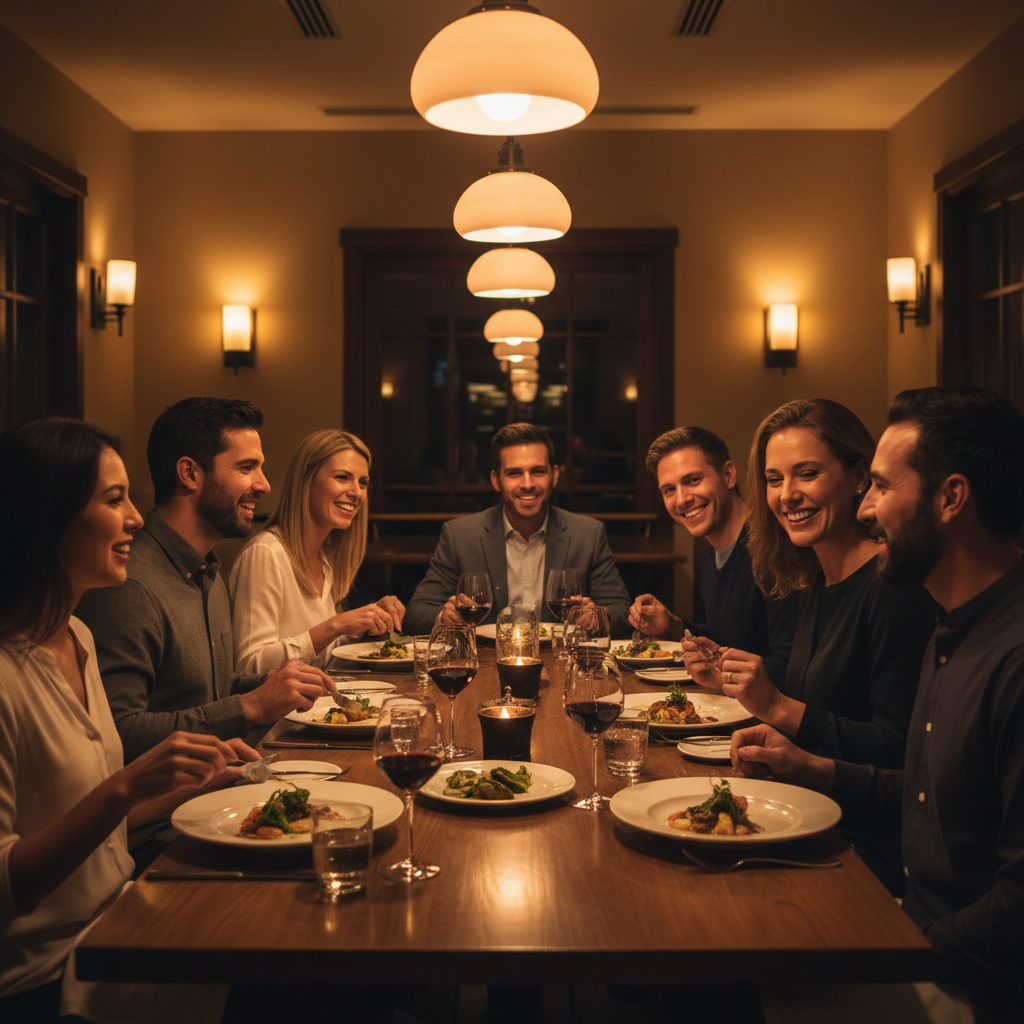
Indoor Scene Fixed
Indoor
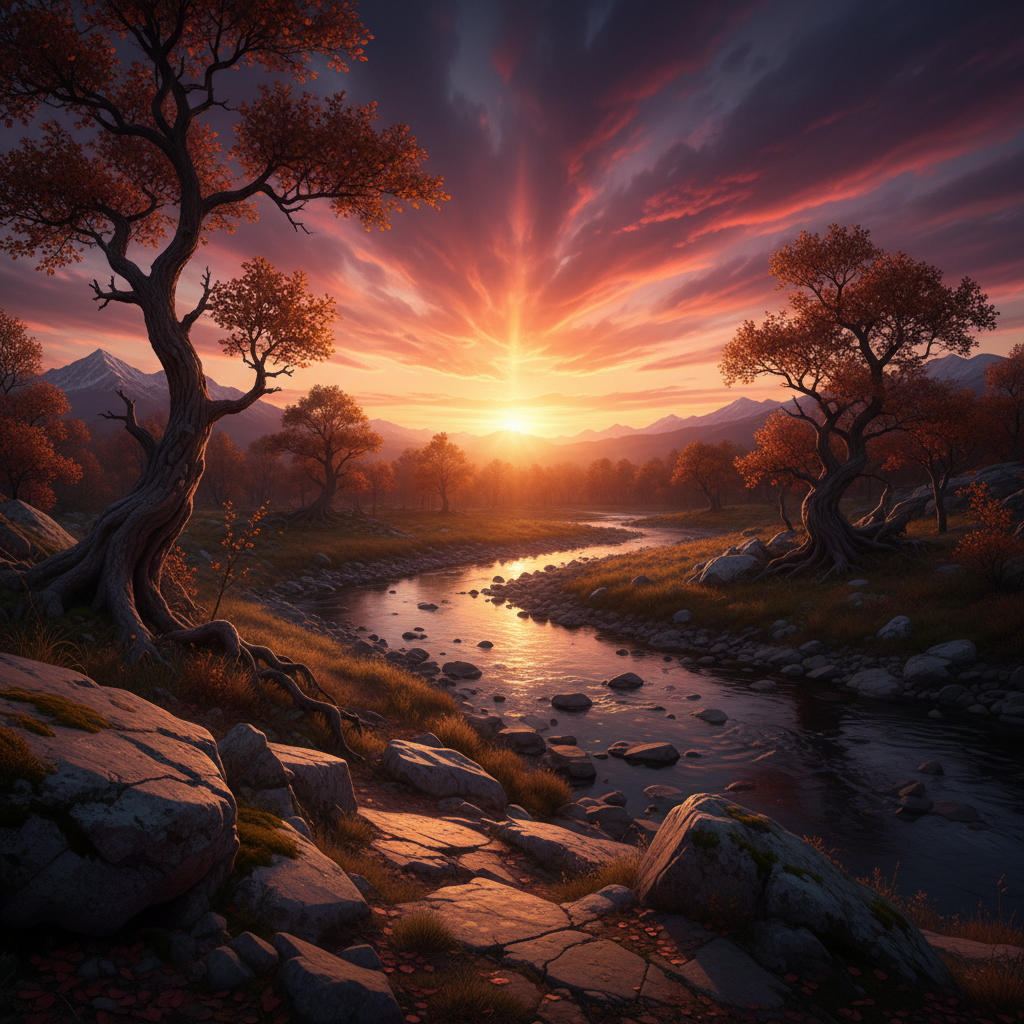
Sunset Landscape Lifted
Landscape
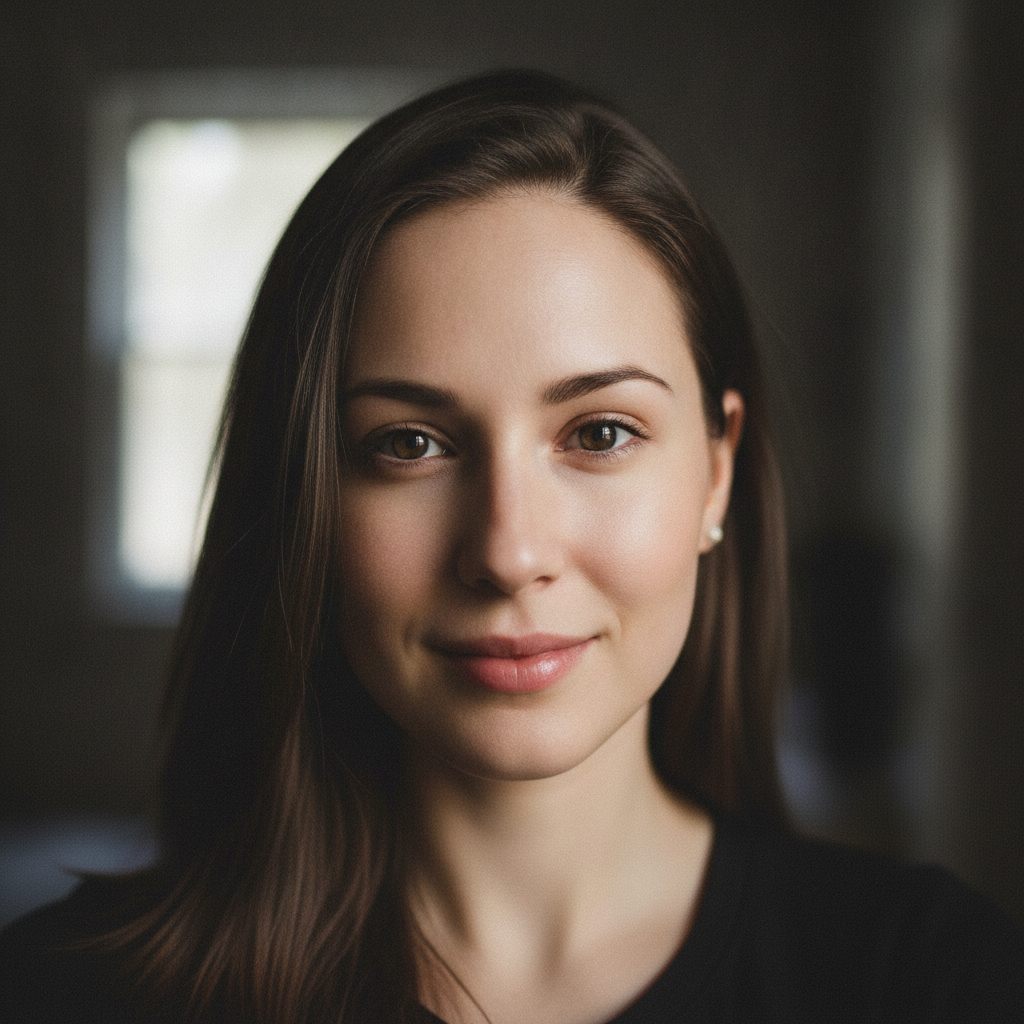
Selfie Denoised
Portrait
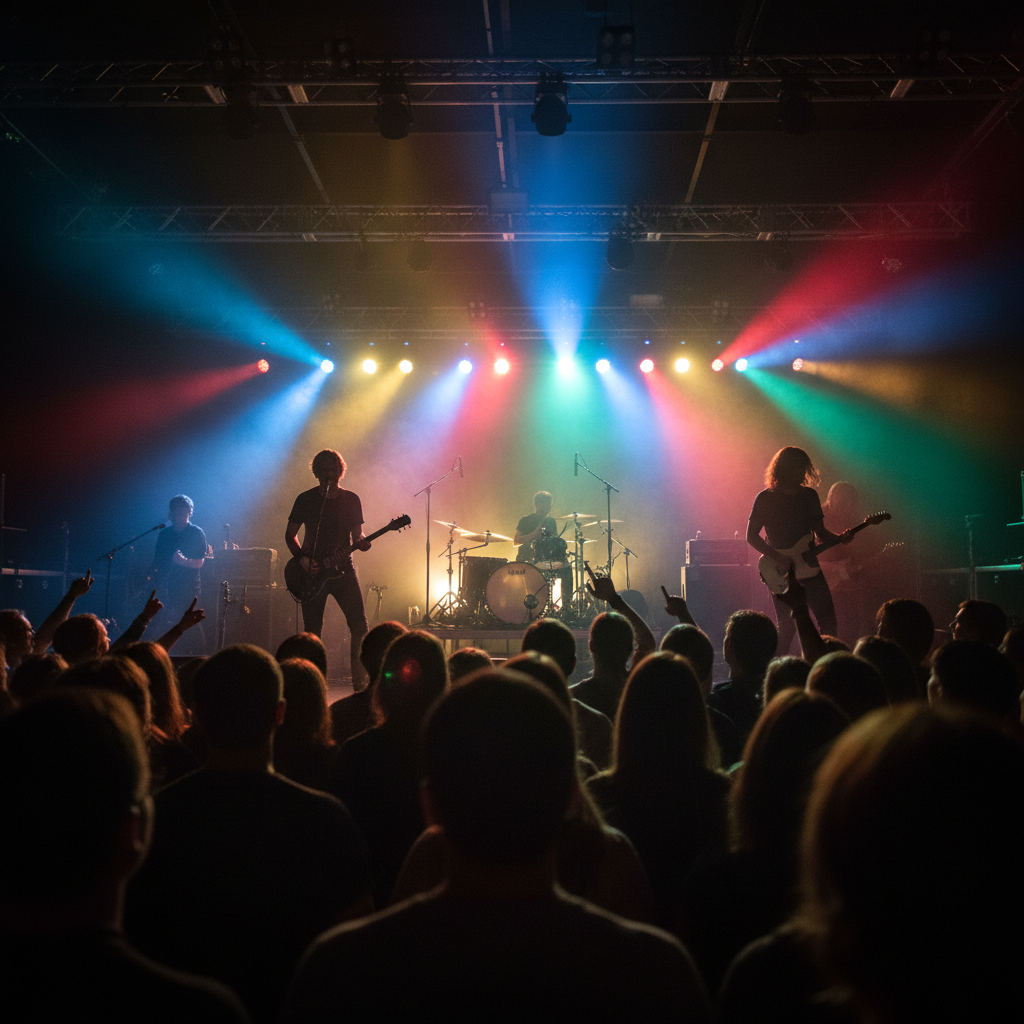
Concert Shot Enhanced
Event
How the AI Image Enhancer Works
Three steps, fifteen seconds, zero editing skills
Upload Your Photo
Drop your dark or underexposed photo into the AI image enhancer above — a night street shot, a dim restaurant scene, a grainy selfie, an underexposed sunset. No editing software, no exposure sliders, no learning curve. The tool reads the lighting in your image and prepares to fix it automatically.
Pick an Enhancement
Tap one of the enhancement styles in the generator above — Natural Brighten, Night Photo, Indoor Warmth, Denoise, Vivid Recovery or Soft Portrait — or describe your own. The AI image enhancer brightens, recovers shadow detail, balances color and cuts noise in about fifteen seconds. Switch styles and regenerate to compare results on the same shot.
Download & Share
Download your brightened, denoised photo and use it anywhere — a social post, a client gallery, a print, a product listing. The high-resolution output keeps detail crisp on screen and in print, so one session can rescue a whole batch of low light photos from an event or trip without ever opening complex editing tools.
Why Choose This AI Image Enhancer
Built for photographers, social media users and content creators fighting bad lighting
Smart Shadow Recovery
The AI image enhancer does more than push a brightness slider — it intelligently lifts the darkest regions of a low light photo to reveal detail you could barely see, while protecting the highlights so light sources never blow out. Faces emerge from shadow, textures return, and the whole image reads as if it were shot in better light. This targeted exposure rebalancing is what separates a real low light photo correction from a flat global brighten that just turns black into muddy gray.
Brighten Without the Noise
Every low light photo carries sensor grain, and traditional brightening only amplifies it. This AI image quality tool brightens and denoises in a single pass, so your enhanced photo comes out cleaner than the original instead of grainier. Skin stays smooth, skies stay even, and fine detail is preserved rather than smeared. The result is a bright, professional-looking image — the kind of low light correction that used to take a skilled retoucher and a stack of editing tools.
Built for Night & Dark Scenes
Nighttime streets, dim restaurants, candle-lit moments and underexposed events are exactly what this AI image enhancer is tuned for. It keeps neon signs and street lamps crisp, preserves the warm mood of indoor light instead of washing it out, and recovers usable detail from photos that looked like a lost cause. Whether you shot in near-darkness on a phone or underexposed on purpose, the enhancer turns dark frames into clear, shareable images.
No Login, No Credit Card
The AI image enhancer on this page never asks you to register, verify an email, or save a payment method before you fix a single photo. No OAuth redirect, no "add card to continue" gate, no onboarding wizard — just an upload box and enhancement presets. Drop in your dark photo, pick a style, click generate, and download immediately. Free usage is protected with per-IP rate limits, not an account wall, so rescuing a few low light shots fits easily inside the free tier.
Enhanced in Seconds
Most AI image enhancer runs return a finished, brightened result in about fifteen to twenty seconds at high resolution. Free users share the same backend priority as paid users — no throttled queue for free traffic. The fast turnaround makes it practical to enhance a whole batch of low light photos from an event, compare a few enhancement styles on the same shot, and pick the best version in a single sitting, without ever opening complex editing software.
Custom Fixes Beyond the Presets
You are never locked to the preset styles. Custom input is open, so you can describe exactly how you want a photo corrected — "brighten but keep the moody shadows", "warm it up and recover the faces", "remove the orange color cast from indoor light" — and the AI image enhancer applies your direction. That flexibility makes it a fast, intuitive low light photo correction tool for photographers, social media users and content creators who each need a slightly different look.
AI Image Enhancer for Low Light — FAQ
Everything about brightening and fixing low light photos with AI
Rescue Your Low Light Photos
The AI image enhancer is free, loaded on this page, and needs no account. Upload a dark photo, pick an enhancement, and download a bright, clean image in about fifteen seconds — no editing skills.
Enhance a Photo FreeAbout the AI Image Enhancer for Low Light Photos
The AI image enhancer for low light photos on AI Banana is a free, no-login tool built for photographers, social media users and content creators who keep losing good shots to bad lighting. Upload a dark, underexposed image — a dim restaurant dinner, a nighttime street, an underexposed selfie, a moody sunset — pick an enhancement style, and the AI brightens the photo, recovers detail buried in the shadows, balances the highlights and reduces the grain that low light sensors leave behind. In about fifteen seconds you get a clean, bright, usable image. Whether you have been searching for an "AI image enhancer", a way to "enhance low light photos", an "AI photo brightening" tool, an "AI image quality tool", or "low light photo correction", this is the dedicated entry point on aibanana.net.
Brightening a low light photo by hand is harder than it looks. Push the exposure and the grain explodes; lift the shadows and the colors go flat; recover the highlights and the rest goes muddy. The AI image enhancer on this page works differently. The interactive panel above is loaded directly into the page and driven by what you upload and the enhancement you choose. Each style is tuned for a real situation: Natural Brighten for a gentle true-to-the-moment lift, Night Photo for aggressive recovery of near-dark scenes, Indoor Warmth for dim rooms where you want to keep the cozy ambiance, Denoise for grainy high-ISO shots, Vivid Recovery for the most underexposed frames, and Soft Portrait for flattering low light faces. The engine routes your image through the Nano Banana Pro model, which brightens and denoises together so results come out cleaner than the original rather than grainier. No registration, no checkout, no dark patterns — free usage is protected with per-IP rate limits, so rescuing several low light photos in one session fits comfortably inside the free envelope.
The presets cover the lighting problems people hit most, but the AI image enhancer is not limited to them. Custom input is open, so you can describe exactly how you want a photo corrected — "brighten but keep the moody shadows", "warm it up and recover the faces", "remove the orange cast from the indoor light and clean up the noise" — and the engine applies your direction. That makes the tool a flexible low light photo correction workflow: fix a whole batch of event photos that came out too dark, rescue travel shots taken at dusk, clean up product photos lit poorly, or brighten portraits before posting. Re-run the same image through different styles and you can compare a gentle, natural fix against a bold, vivid recovery and keep whichever reads best for your project.
Output from the AI image enhancer is high-resolution, so it stays crisp on screen for previews and holds fine detail when printed. Use the enhanced photos for social posts, client galleries, prints, product listings, marketing creative and personal archives. Photographers use the AI image enhancer to salvage underexposed frames and dim event coverage; social media users use it to brighten night-out and travel photos before posting; content creators rely on it for fast, consistent low light photo correction across a whole shoot. Free-tier enhancements are ideal for testing the tool and rescuing personal photos, and when an enhancement fits your work you can upgrade to a Nano Banana Pro paid plan starting at $2.99 to unlock unlimited high-resolution processing, watermark-free downloads and full commercial usage rights. A photo lost to bad lighting used to mean a deleted shot; the AI image enhancer for low light photos is built to bring it back in seconds.