
AI Image Enhancement vs Photoshop
The Honest Comparison
AI image enhancement vs Photoshop compared head-to-head — speed, cost, learning curve, and result quality. AI vs Photoshop editing turns multi-day editing marathons into afternoon batch jobs for photo editors, graphic designers, and digital artists, while Photoshop still wins on pixel-level retouching, compositing, and brand-defining hero creative. This photo editing comparison helps you pick the right tool for each project on your calendar. Try AI enhancement tools below and see the AI image enhancement vs Photoshop difference in fifteen seconds.
Try AI Image Enhancement — Free
Pick a preset that mirrors a typical Photoshop workflow — denoise, 4K upscale, exposure recovery, color grading, sharpen, or background cleanup — and see the AI image enhancement vs Photoshop speed difference in fifteen seconds
AI Image Enhancement vs Photoshop Demo
Pick a Photoshop-style enhancement and watch AI image enhancement finish it in fifteen seconds — denoise, 4K upscale, exposure recovery, color grade, sharpen, retouch, or describe your own AI vs Photoshop editing direction
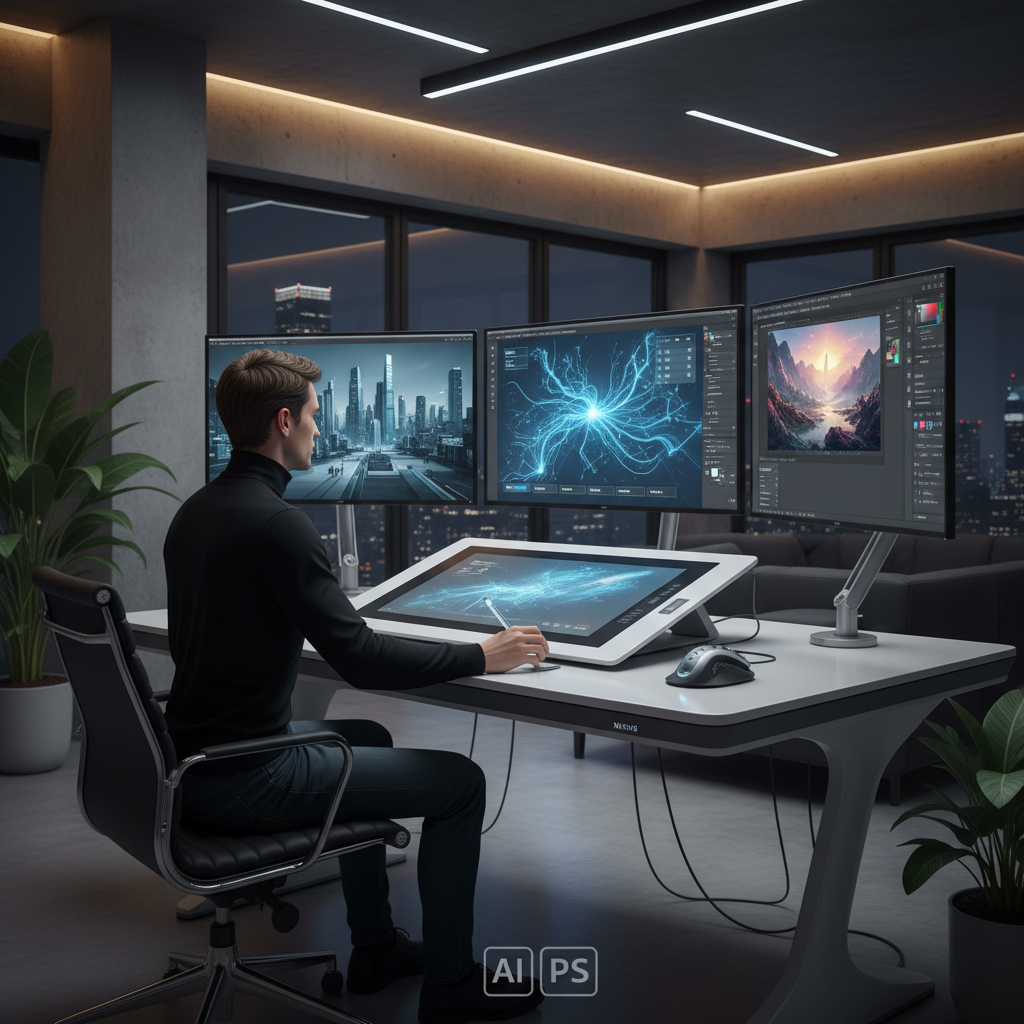
AI Image Enhancement vs Photoshop in Action
Visual breakdown of AI vs Photoshop editing — workflow, output quality, and craft comparison
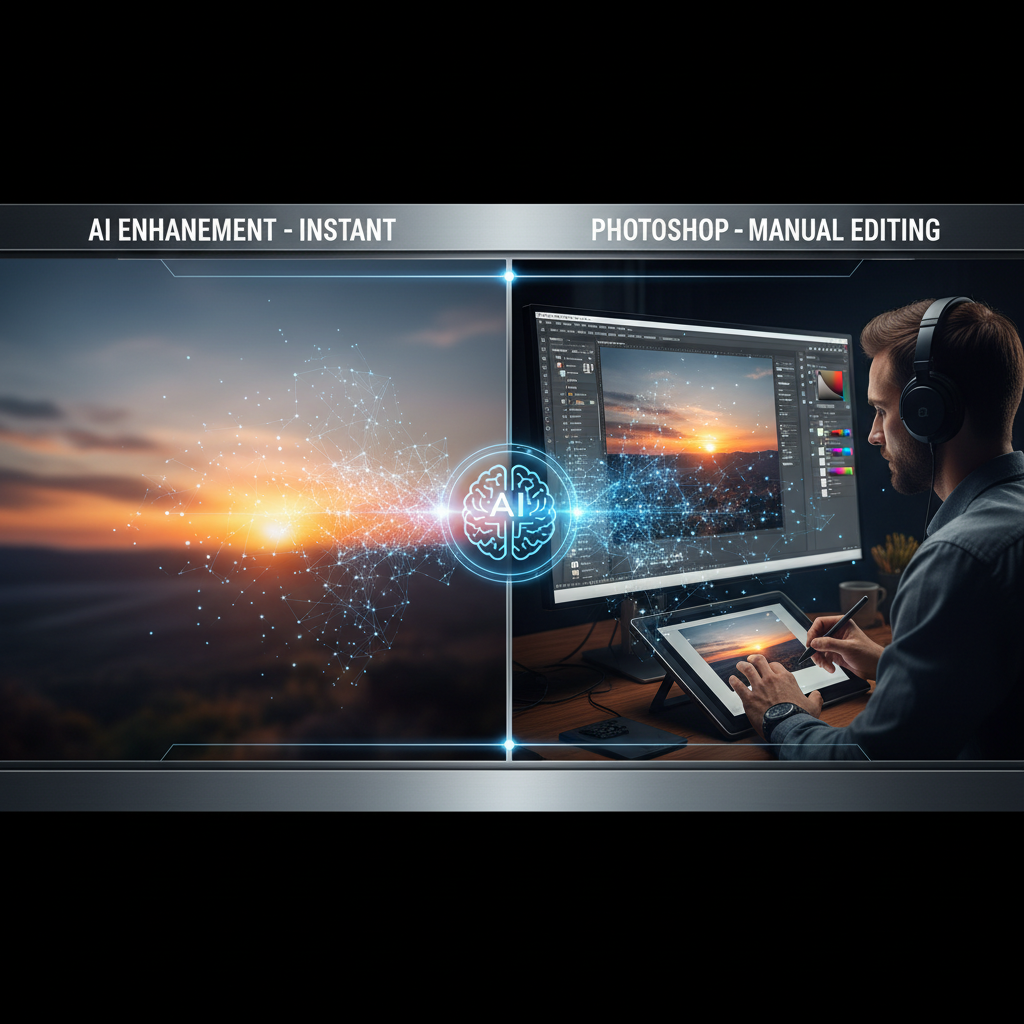
AI Image Enhancement vs Photoshop
Photo editing comparison
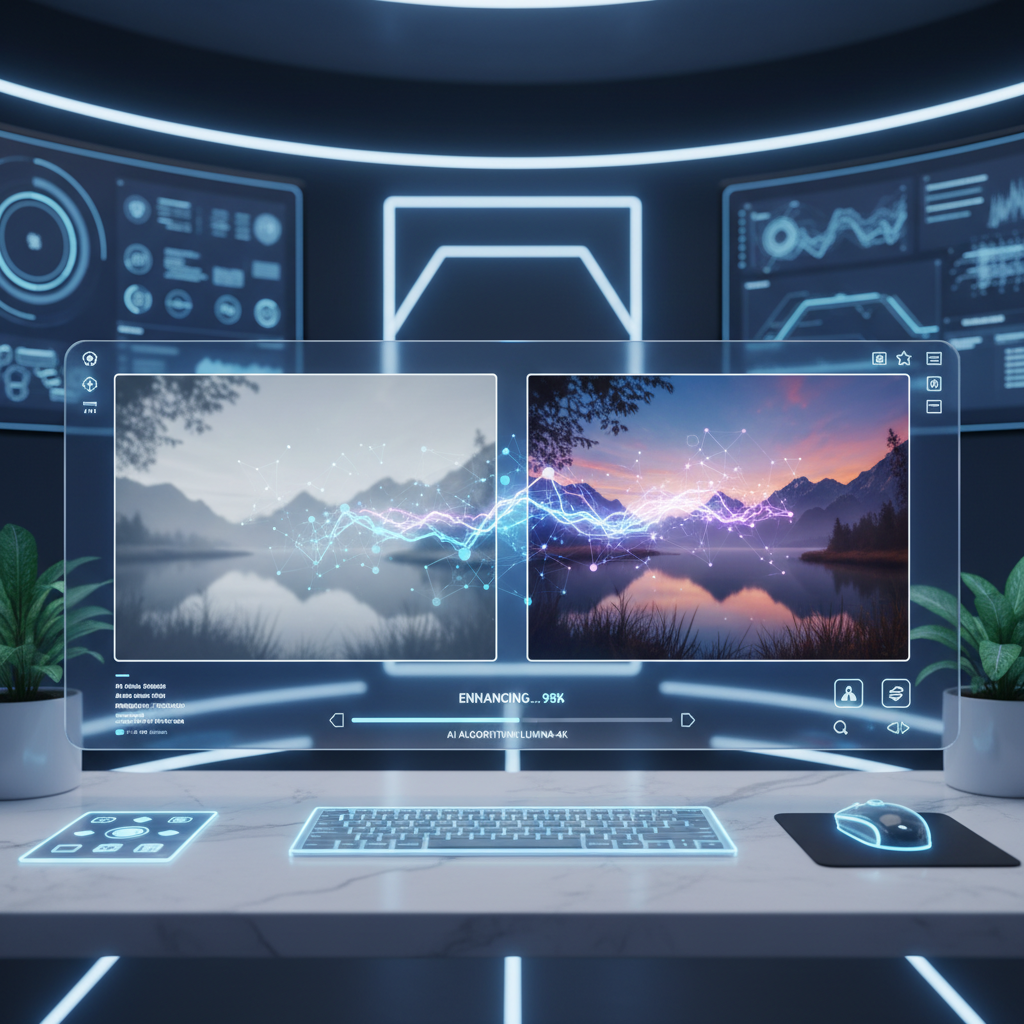
AI Enhancement Tools in Action
AI image enhancement output
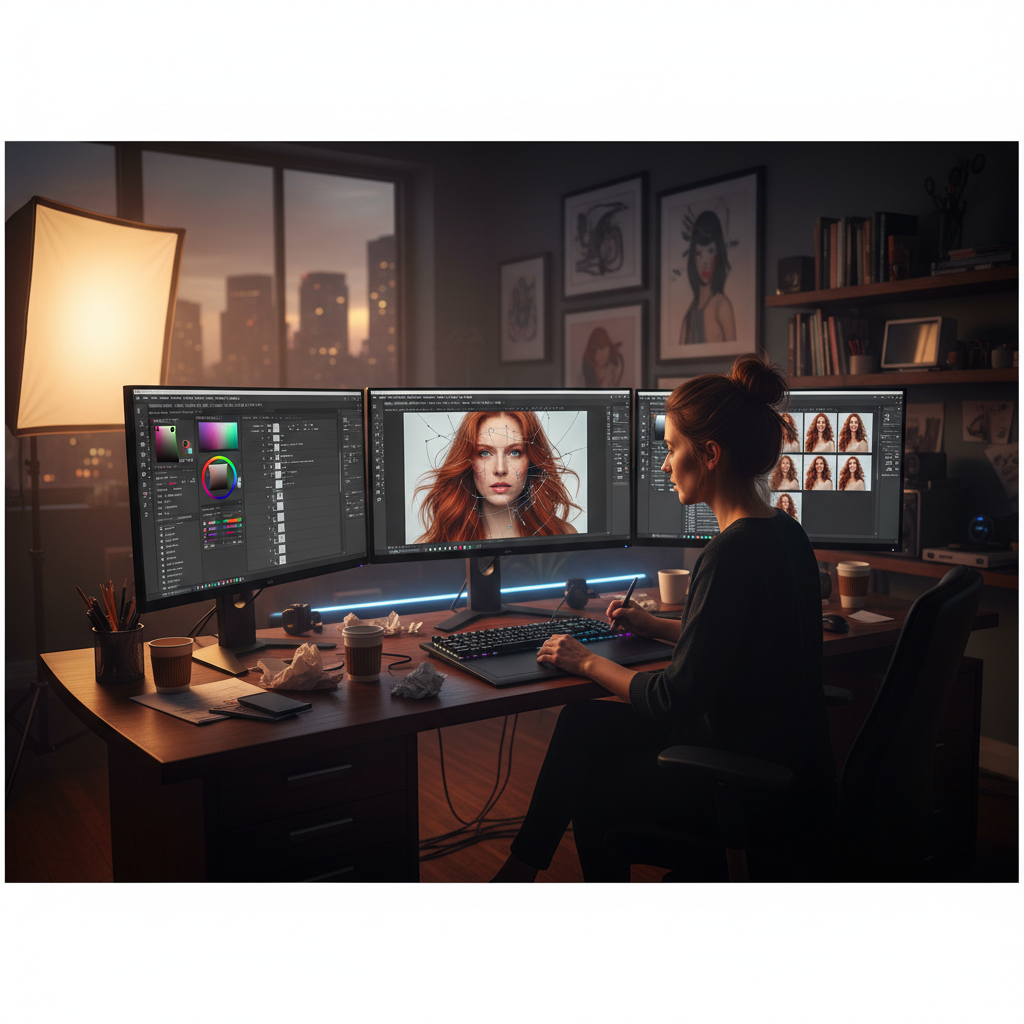
Photoshop Manual Editing Workflow
AI vs Photoshop editing
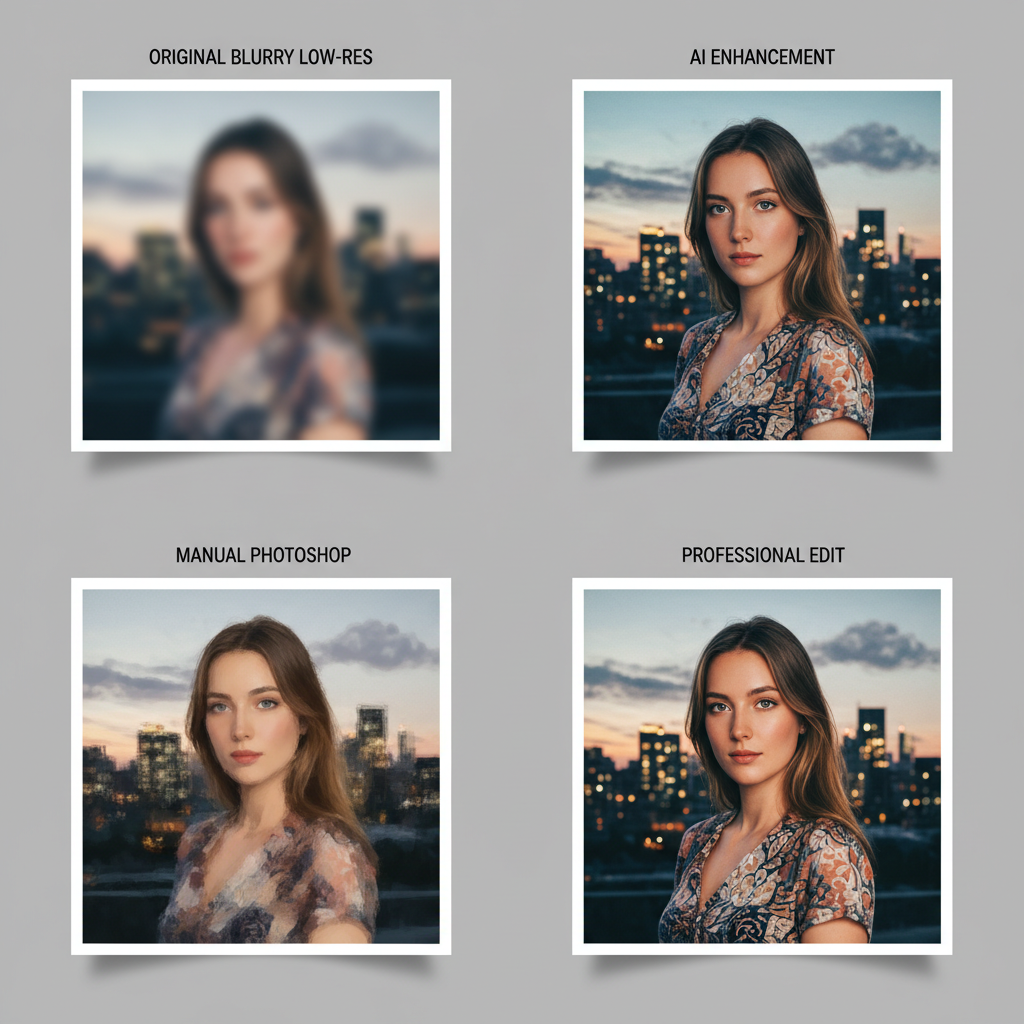
Side-by-Side Result Comparison
Photo editing comparison
Hybrid AI + Photoshop Workflow
AI enhancement tools workflow
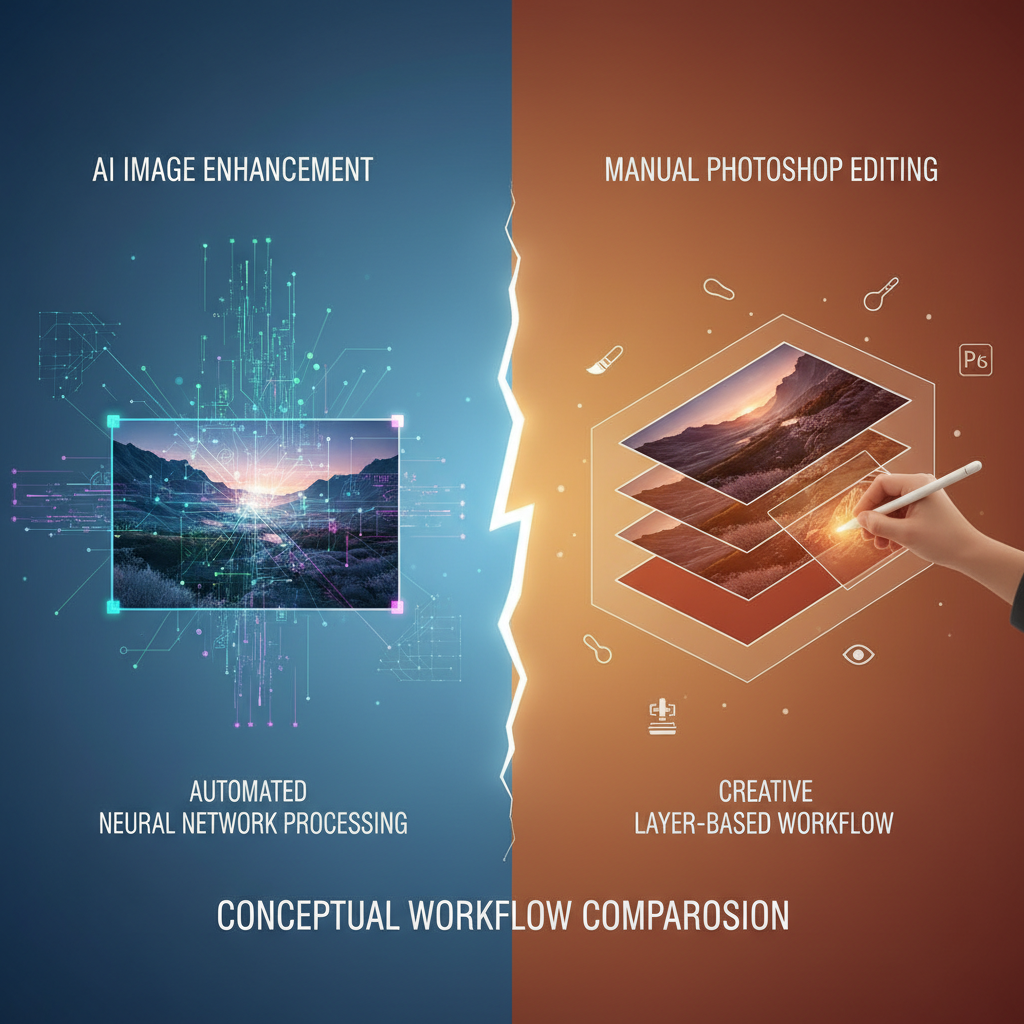
Automated vs Manual Editing
Photoshop alternatives
AI Image Enhancement vs Photoshop — Full Comparison
The honest photo editing comparison: where AI enhancement tools win decisively, and where Photoshop alternatives still cannot match Adobe's pixel-level control
| Feature | AI Image Enhancement | Photoshop |
|---|---|---|
| Time per image enhancement | 15–30 seconds | 5 minutes – 2 hours |
| Time for 200-photo catalog | ~1 hour batch | 3–10 days of manual work |
| Monthly software cost | $0 free, $2.99 unlimited | $22.99–$54.99/month |
| Learning curve | Zero — type and click | Months of tutorials |
| Sign up & install | No account, browser-based | Adobe ID + 4GB install |
| Bulk batch processing | Yes — kits, catalogs, galleries | Actions/scripts only |
| Pixel-level retouch (object removal) | Limited intent control | Industry standard |
| Frequency separation portraits | Surface adjustments only | Full editorial control |
| Multi-image compositing | Single image only | Unlimited layered builds |
| Brand-defining advertising creative | Good for ideation | Industry standard |
| High-volume e-commerce / wedding / real-estate | Yes — afternoon batch | No — manual labor at scale |
| 4K upscale & denoise | Built-in, one click | Plugin or manual workflow |
AI Image Enhancement Wins For
- • High-volume editing — wedding, event, real-estate galleries
- • E-commerce catalogs and product photography
- • Denoise, sharpen, exposure recovery, and 4K upscale
- • Bulk color grading across hundreds of photos
- • Quick social media graphics and blog headers
- • Solopreneurs without months of Photoshop training
Photoshop Still Wins For
- • Pixel-level object removal and surgical retouch
- • Frequency separation editorial portraits
- • Multi-image compositing and matte painting
- • Brand-defining advertising creative work
- • Magazine cover retouching with art-director feedback
- • Any project where the editor's craft is the product
How AI Image Enhancement Works
Three steps, fifteen seconds — vs the multi-step layer, mask, and adjustment workflow Photoshop demands
Pick a Preset or Prompt
Tap one of the eight preset AI image enhancement directions that mirror typical Photoshop workflows — denoise and sharpen, 4K upscale, exposure recovery, color grading, background cleanup, skin retouch, old photo restoration, or product photography enhancement. Or skip the presets and describe your own AI image enhancement vs Photoshop direction with details about the subject, mood, and finish you want.
Generate the Enhancement
Click the generate button. The AI image enhancement engine returns a 4K finished image in about fifteen seconds — the same kind of work that takes a skilled Photoshop user thirty minutes to two hours per image. Iterate live: tweak the AI vs Photoshop editing direction, swap the preset, change the color treatment, adjust the finish. AI enhancement tools make twenty variants per session genuinely practical for photo editors, graphic designers, and digital artists.
Download & Use
Download the AI image enhancement output and use it as a finished social media graphic, blog header, e-commerce listing, presentation slide, ad creative, mood board entry, or printed marketing piece. AI vs Photoshop editing benefits include 4K output ready for both digital publishing and large-format print — feed, story, banner, listing, magazine spread, or trade show booth graphic. No Photoshop subscription, no install, no learning curve.
AI Image Enhancement Benefits Over Photoshop
Six concrete reasons photo editors, graphic designers, and digital artists add AI enhancement tools to their workflow alongside Photoshop
AI Image Enhancement vs Photoshop — 200x Faster Per Image
AI image enhancement vs Photoshop is fundamentally a speed comparison. A skilled Photoshop user takes anywhere from five minutes for a quick exposure fix to two hours for a full retouch with frequency separation, dodging-and-burning, and color grading. AI enhancement tools finish the same upgrade in fifteen to thirty seconds. For a wedding shoot of 500 RAW files, an e-commerce catalog of 200 product photos, or a real-estate listing of 80 interior shots, AI vs Photoshop editing turns a multi-day editing marathon into an afternoon batch job. AI image enhancement is the right tool for high-volume photo editing — event galleries, e-commerce catalogs, real-estate, social media, and rapid client previews. The AI image enhancement vs Photoshop comparison is two orders of magnitude faster on bulk work, which restructures how a working photographer schedules their week.
AI Enhancement Tools Cost: Pennies Per Image vs $54.99/Month
Adobe Photoshop costs $22.99/month on the Photography plan or $54.99/month standalone, with months of unbillable training time before a new editor is productive. AI enhancement tools on AI Banana start at $0 on the free tier and unlock unlimited generations from $2.99 on a paid plan — fractions of a cent per processed image with no learning curve at all. The AI vs Photoshop editing cost comparison saves a working freelancer over $200 per year on subscription plus dozens of unbillable hours of training time. AI image enhancement benefits compound fastest for photo editors, graphic designers, and digital artists who ship dozens of edited images per week. For deep retouch work where you bill $150/hour for craft, Photoshop's subscription cost is rounding error and well worth the precision — but the photo editing comparison decisively favors AI enhancement tools for the everyday volume work that fills most calendars.
Zero Learning Curve vs Months of Photoshop Training
Photoshop has hundreds of menus, panels, layer types, masks, blend modes, and keyboard shortcuts. A new editor needs months of tutorials, YouTube videos, and hands-on practice before they can confidently retouch a portrait at a professional level. AI image enhancement removes that learning curve entirely — paste a photo, pick a preset like denoise, sharpen, exposure recovery, or 4K upscale, click generate, download the enhanced result. The AI image enhancement vs Photoshop learning gap matters most for solopreneurs, small business owners, marketers, and content creators who need pro-quality photo editing without becoming Photoshop experts. AI enhancement tools are also the right call for in-house teams that want consistent results across multiple staff members without paying for Photoshop training. Photoshop alternatives like AI image enhancement let anyone ship pro-quality output on day one.
Photoshop Wins For Pixel-Level Retouch and Compositing
Photoshop is unbeatable when the work itself is the deliverable and intent matters at the pixel level — removing a stray tourist from a wedding shot, reshaping a product label, masking complex hair against a busy background, frequency separation for editorial portraits, compositing multiple frames into one final image, or building advertising creative where every element is hand-placed. AI image enhancement vs Photoshop on these surgical retouch tasks decisively favors Photoshop. AI enhancement tools work well for bulk transformations applied uniformly across an image — sharpen, denoise, color correct, upscale — but they cannot yet match a skilled Photoshop user on selective, intent-driven edits where the editor's creative judgment is the value. The honest photo editing comparison rewards picking the right tool for each project on the calendar.
No Sign Up, No Credit Card, No Software Install
Adobe Photoshop requires a paid Creative Cloud account, an installation, license activation, and dozens of gigabytes of disk space. AI image enhancement on this page asks for nothing upfront — no account, no email verification, no credit card, no install. Open the page, type a description of the AI image enhancement direction you want, click generate, and download a 4K result immediately. Free usage is protected with per-IP rate limits, not a login wall, so photo editors, graphic designers, and digital artists can validate the AI image enhancement vs Photoshop comparison hands-on before committing to a paid plan starting at $2.99. The friction gap between AI vs Photoshop editing is enormous on first-touch usability — minutes to first result with AI enhancement tools versus hours of setup with Photoshop.
Iterate at the Speed of Thought, Not the Speed of Layers
Trying ten different color treatments in Photoshop means ten more layer groups, ten more adjustment masks, and an afternoon of clicking. AI image enhancement delivers ten variations in five minutes for the same prompt with different style modifiers. AI enhancement tools make the kind of rapid creative exploration that used to be impossible for solo photo editors genuinely practical — fast concept testing, mood board building, A/B variant creation for ad campaigns, and live ideation in client meetings. The AI image enhancement vs Photoshop comparison on iteration speed is not even close. Photoshop excels at the deep, considered, one-of-one piece; AI vs Photoshop editing excels at exploring the entire creative space in one afternoon — the right photo editing comparison choice depends on what kind of brief is on your calendar.
AI Image Enhancement vs Photoshop — FAQ
Everything photo editors, graphic designers, and digital artists ask about AI vs Photoshop editing
Verdict: AI Image Enhancement for Volume, Photoshop for Hero Pieces
The AI image enhancement vs Photoshop comparison favors AI enhancement tools on speed, cost, and learning curve for ninety percent of paid commercial editing, and Photoshop still wins on pixel-level retouching and compositing for the ten percent of hero shots where craft is the product. Try AI image enhancement free, see the difference in fifteen seconds, and pick the right tool for the brief.
Try AI Image Enhancement FreeAI Image Enhancement vs Photoshop — The Honest Editor's Guide
The AI image enhancement vs Photoshop debate finally has a clear answer for most working photo editors, graphic designers, and digital artists in 2026. AI enhancement tools built on Nano Banana Pro and similar foundation models have crossed the threshold where AI vs Photoshop editing produces equal or better quality on the everyday tasks that consume the majority of a professional editing week — denoise, sharpen, exposure recovery, color grading, 4K upscale, background cleanup, and bulk catalog work. The photo editing comparison on this page is the dedicated AI image enhancement vs Photoshop entry point on aibanana.net for anyone evaluating Photoshop alternatives before committing to a Creative Cloud subscription. Whether you have been searching for "AI image enhancement vs Photoshop", "AI vs Photoshop editing", "AI enhancement tools", or "Photoshop alternatives", this is the deep-dive comparison and live demo built for photo editors, graphic designers, and digital artists.
The AI image enhancement vs Photoshop speed gap is the single biggest reason editors add AI enhancement tools to their workflow. A skilled Photoshop user takes anywhere from five minutes for a quick exposure fix to two hours for a full retouch with frequency separation, dodging-and-burning, and color grading. AI image enhancement finishes the same upgrade in fifteen to thirty seconds. For a wedding shoot of 500 RAW files, an e-commerce catalog of 200 product photos, or a real-estate listing of 80 interior shots, AI vs Photoshop editing turns a multi-day editing marathon into an afternoon batch job. The AI image enhancement vs Photoshop comparison is not a marginal improvement — it is two orders of magnitude faster, which restructures how a working photographer schedules their week. AI vs Photoshop editing benefits compound across every category: more shoots edited per month, faster client turnaround, more iterations explored, more revenue captured. Photoshop remains unbeatable for hero pieces where the deliverable is the work itself.
The AI image enhancement vs Photoshop cost comparison favors AI enhancement tools just as decisively for high-volume work. Adobe Photoshop costs $22.99/month on the Photography plan or $54.99/month standalone, with months of unbillable training time before a new editor is productive. AI enhancement tools on AI Banana start at zero on the free tier and unlock unlimited generations from $2.99 on a paid plan — fractions of a cent per processed image with no learning curve at all. The AI vs Photoshop editing cost comparison saves a working freelancer over $200 per year on subscription plus dozens of unbillable hours of training time. AI image enhancement benefits compound fastest for photo editors, graphic designers, and digital artists who ship dozens of edited images per week. For deep retouch work where you bill $150/hour for craft, Photoshop's subscription cost is rounding error and well worth the precision — but the photo editing comparison decisively favors Photoshop alternatives for the everyday volume work that fills most calendars.
The Photoshop quality question is the one most editors worry about going in, and the honest answer is nuanced. For surface enhancement — sharpen, denoise, exposure, color, upscale, and bulk transformations — AI image enhancement output already matches a competent Photoshop user on most paid commercial briefs. For pixel-level retouching where intent matters — removing a stray tourist from a wedding shot, reshaping a product label, masking complex hair against a busy background, frequency separation for editorial portraits, or compositing multiple frames into one final image — Photoshop still wins decisively. AI enhancement tools work best on bulk transformations applied uniformly across an image; Photoshop works best on selective, intent-driven edits where the editor's creative judgment is the value. Most working editors in 2026 blend the two — AI image enhancement for bulk volume work, Photoshop for hero pieces that need surgical retouching. The AI image enhancement vs Photoshop comparison is no longer about good-enough vs perfect. It is about speed, cost, and where a digital artist's editing hours actually go. AI vs Photoshop editing in 2026 wins for most paid commercial work, and the AI enhancement tools benefits — speed, cost, zero learning curve, weekends reclaimed from the editing backlog — are the structural reason photo editors keep adopting Photoshop alternatives. Try AI image enhancement above, see the AI image enhancement vs Photoshop difference in fifteen seconds, and decide for yourself which tool fits each brief.