
AI Image Enhancement vs Adobe Photoshop
Which Wins for Your Project?
The AI image enhancement vs Adobe Photoshop debate comes down to four things: speed, cost, ease and creative control. AI image enhancement returns a polished, upscaled result in about fifteen seconds for a fraction of the price and with zero learning curve, while Photoshop still leads on precise, hands-on manual work. This page breaks down exactly when each wins — and lets you try a free AI image enhancement tool right here. Built for photographers, digital artists and graphic designers. No login required, 4K output and full commercial usage on paid plans.
Try AI Image Enhancement — Free
See how AI image enhancement compares to Adobe Photoshop — pick an enhancement style, generate, and judge the speed and quality yourself
AI Image Enhancement Tool
Pick a professional enhancement style — or describe your own — and the AI image enhancer returns a sharper, cleaner, higher-resolution result in seconds. The same work that takes minutes in Photoshop, done instantly.
AI Image Enhancement in Action
Six enhancements that would each take minutes in Photoshop — produced by AI in about fifteen seconds
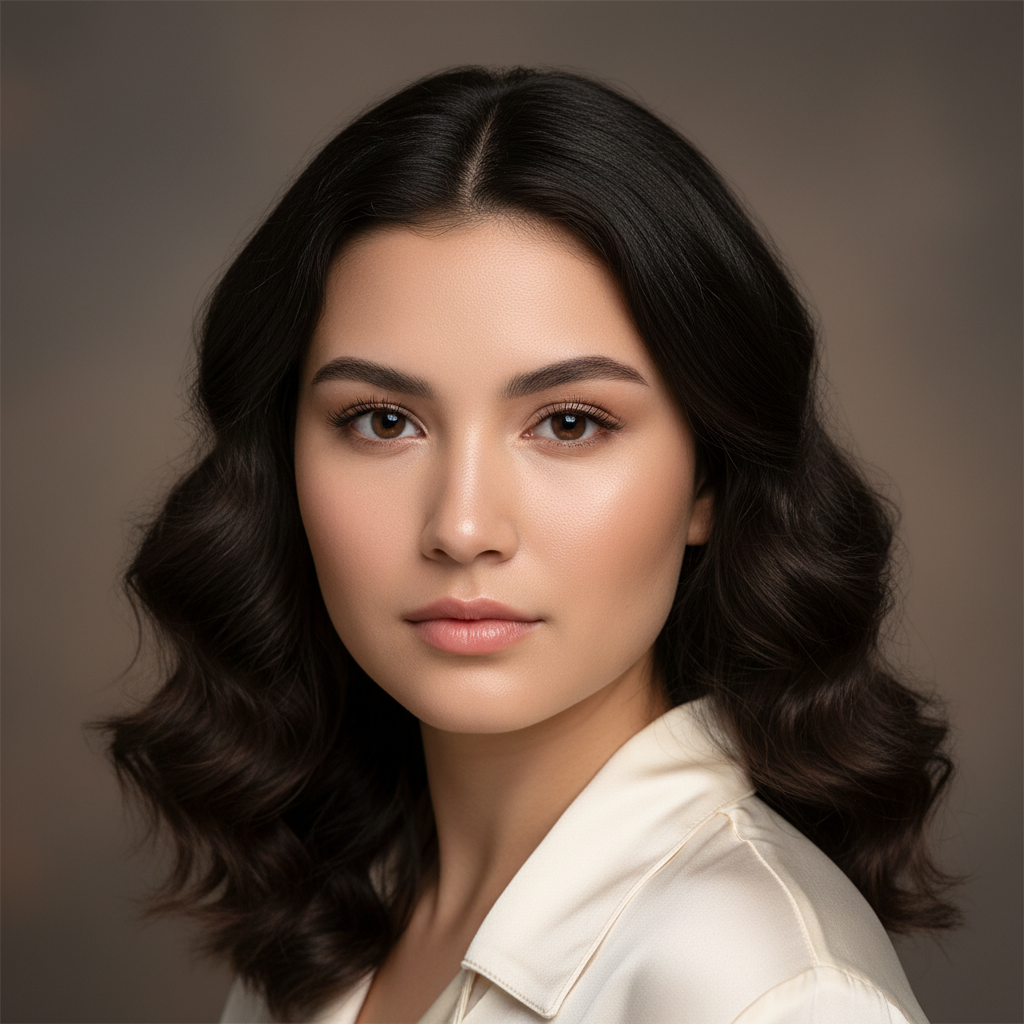
Portrait Upscale
AI in ~15s
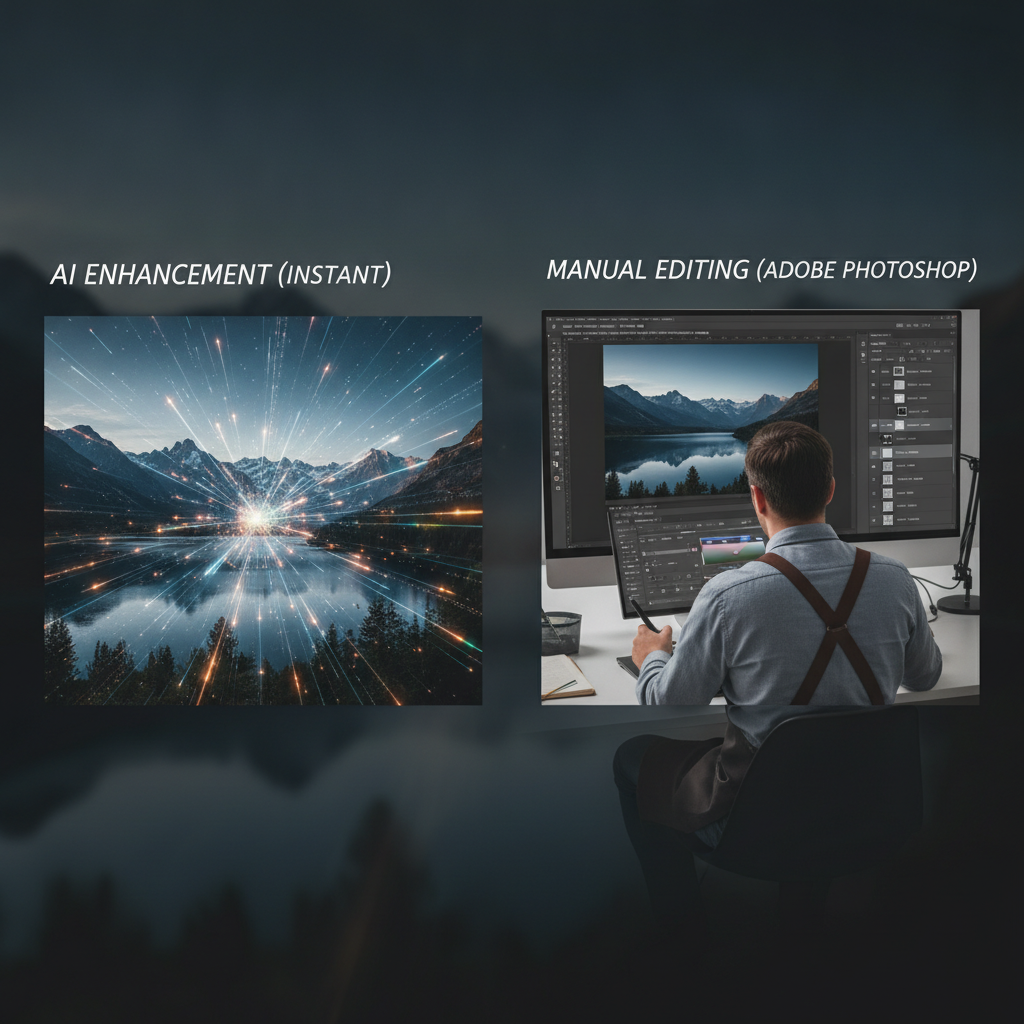
Low-Light Recovery
AI in ~15s
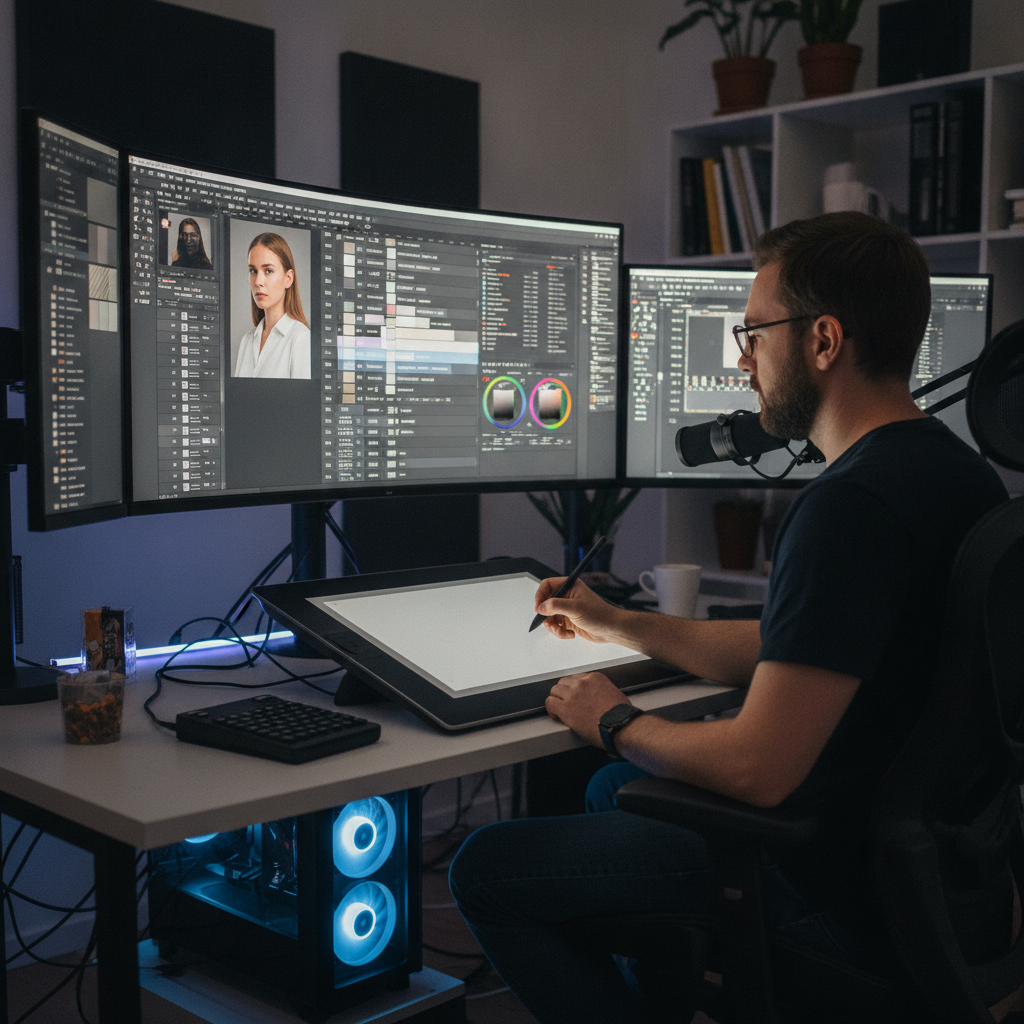
Photo Restoration
AI in ~15s
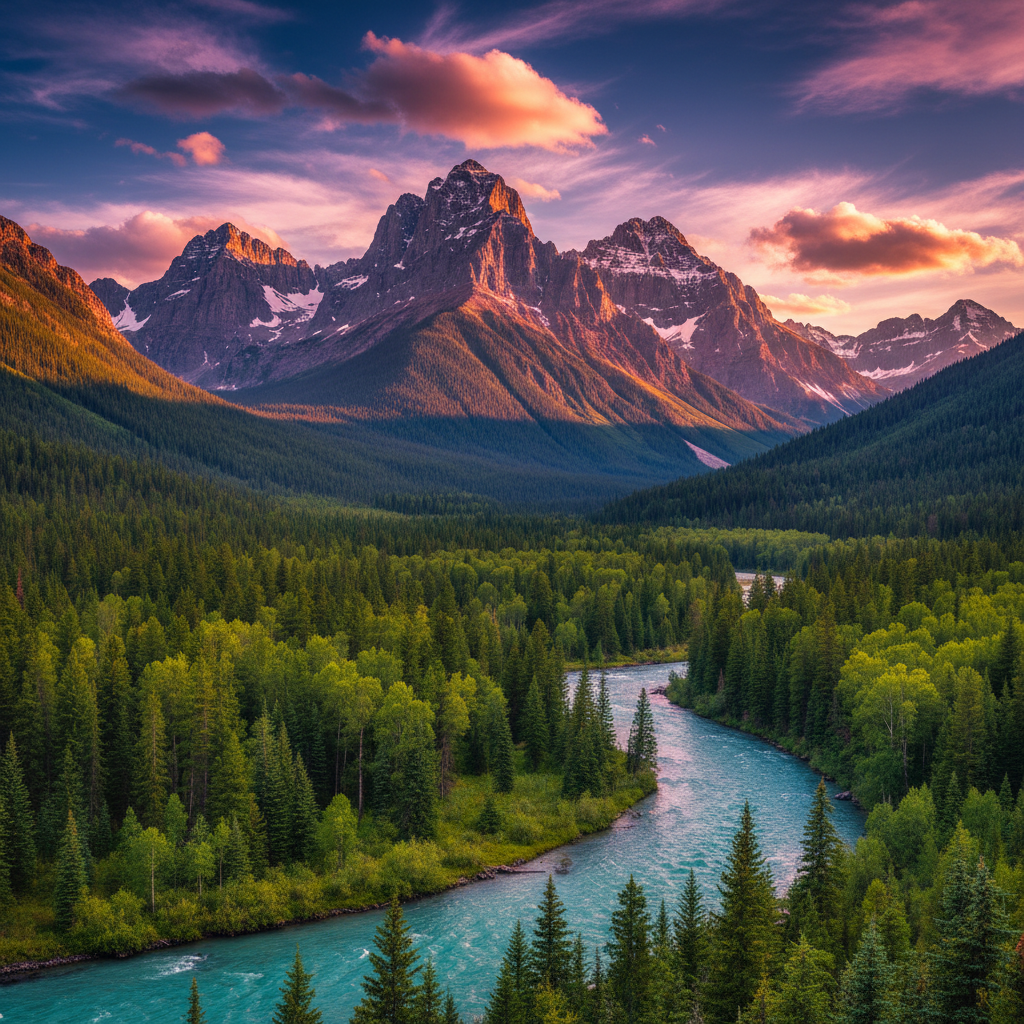
Landscape Enhance
AI in ~15s
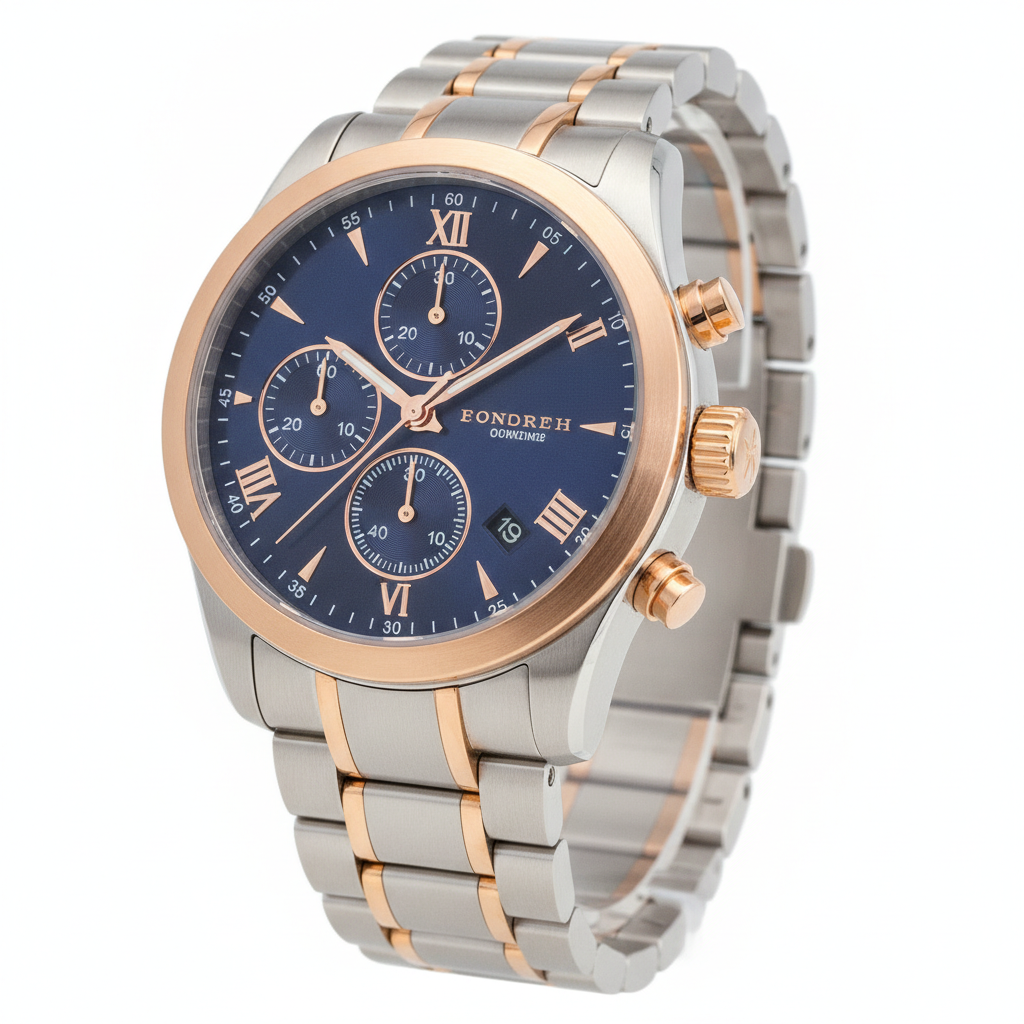
Product Clarity
AI in ~15s
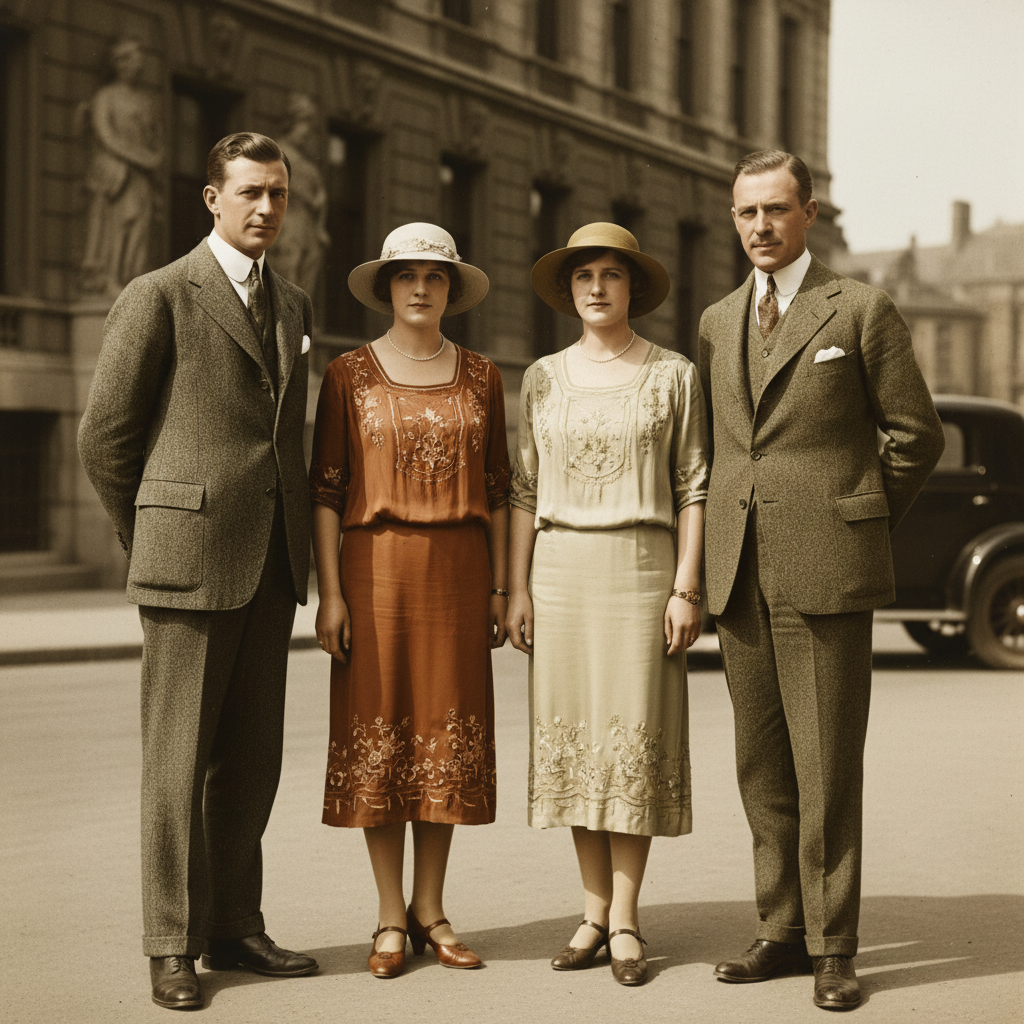
Deblur & Sharpen
AI in ~15s
AI Image Enhancement vs Adobe Photoshop — Side by Side
Where AI image enhancement wins, and where Photoshop still leads
| Factor | AI Image Enhancement | Adobe Photoshop |
|---|---|---|
| Turnaround time | About 15 seconds per image | Minutes to hours of manual work |
| Cost | Free to start · $2.99 unlimited | $20+/month Creative Cloud |
| Learning curve | Type what you want — zero skills | Steep — months to master |
| Upscale / denoise / sharpen | One-click, automatic | Manual filters & plugins |
| Batch / scale | Hundreds of images per day | Actions, but slow & manual |
| Install & setup | None — runs in your browser | Large download & subscription |
| Precise manual control | Guided by your prompt | Best — layers, masks, pixels |
| Complex compositing | Strong for most cases | Best for hands-on precision |
The verdict on AI image enhancement vs Adobe Photoshop: AI wins decisively on speed, cost, ease and consistency, while Photoshop leads on precise manual control and complex hands-on compositing. For most everyday enhancement work, AI is the practical choice — and a hybrid workflow gives you both.
How AI Image Enhancement Works
Three steps, fifteen seconds — no Photoshop skills to learn
Describe the Enhancement
Type the enhancement you want into the AI image enhancement tool above — "upscale to 4K", "remove noise", "brighten and sharpen". No layers, no masks, no filter stacks. The instruction you would otherwise execute by hand in Photoshop goes straight to the AI, which gets to work instantly.
Pick a Style
Tap one of the enhancement presets — upscale 4K, low-light fix, restore, color enhance, product clarity or deblur — or write your own. The AI returns a finished result in about fifteen seconds. Regenerate or switch styles instantly, with none of the menu-diving of Photoshop.
Download & Use
Download your enhanced image and drop it into your listing, portfolio, feed or campaign. Output is high resolution, so it holds up in print and on screen. When AI image enhancement vs Adobe Photoshop matters most, you have already saved the time and cost — and can open the result in Photoshop for final polish if you want.
AI Image Enhancement vs Adobe Photoshop — The Real Trade-offs
An honest look at where each tool wins for photographers, digital artists and graphic designers
Speed AI Wins By Default
The clearest result in any AI image enhancement vs Adobe Photoshop comparison is speed. Sharpening, denoising and upscaling a photo in Photoshop means stacking filters, tweaking sliders and exporting — minutes of work per image. The AI image enhancement tool on this page returns a finished, high-resolution result in about fifteen seconds. Run enhancement after enhancement with no menus and no exporting. For deadlines, drafts and high-volume work, AI enhancement collapses hours of manual effort into a single sitting.
Cost That Changes the Math
Adobe Photoshop requires an ongoing Creative Cloud subscription that runs over $20 a month, billed indefinitely whether you use it or not. AI image enhancement flips the economics: it is free to start with no login, and unlimited high-resolution generations start at just $2.99. For people who only enhance images occasionally — or who do not want a monthly commitment — the cost gap between AI image enhancement vs Adobe Photoshop is often the single deciding factor.
Zero Learning Curve
Photoshop is famously deep — layers, masks, adjustment stacks and dozens of tools that take months to learn. AI image enhancement asks for none of that. Pick a preset like upscale, denoise or restore, or simply type what you want, and the AI handles the rest. There is nothing to install and no tutorials to watch. That accessibility is why so many people now reach for AI enhancement instead of opening Photoshop for routine fixes.
Where Photoshop Still Wins
A fair AI image enhancement vs Adobe Photoshop breakdown has to name the Photoshop strengths: precise manual control, layered compositing, detailed object removal and pixel-perfect retouching that demands hands-on judgment. For art-directed projects where the result must be exactly right, Photoshop still leads. The honest takeaway is not that AI replaces Photoshop everywhere — it is that AI handles the routine enhancement work instantly so manual craft can be reserved for what truly needs it.
Consistency Across a Whole Set
Apply the same Photoshop adjustments by hand across fifty images and small variations creep in. AI image enhancement applies the same upscaling, denoising and color treatment uniformly across an entire set, which is invaluable for ecommerce listings, real estate galleries and social feeds that need to look cohesive. Consistency at scale is one area where the AI image enhancement vs Adobe Photoshop question has a clear, practical answer in favor of AI.
The Hybrid Workflow Most Pros Use
The best answer to AI image enhancement vs Adobe Photoshop is often "both". Let the AI image enhancement tool instantly handle upscaling, denoising, sharpening, restoration and color correction, then open the enhanced image in Photoshop only for final hands-on compositing or retouching. This hybrid approach captures the speed and cost savings of AI while preserving the manual control of Photoshop where it matters — and it is fast becoming a standard professional workflow.
AI Image Enhancement vs Adobe Photoshop — FAQ
Speed, cost, ease and when to choose each
See AI Image Enhancement for Yourself
The fastest way to settle the AI image enhancement vs Adobe Photoshop question is to try it. The AI image enhancer is free, loaded on this page, and needs no account. Pick a style, generate, and judge the speed and quality in about fifteen seconds.
Try AI Image Enhancement FreeAI Image Enhancement vs Adobe Photoshop: The Complete Breakdown
The AI image enhancement vs Adobe Photoshop question is one of the most common debates in modern photography and design — and the honest answer is that it depends entirely on the job. For fast, one-click results, AI image enhancement wins clearly: upscaling, denoising, sharpening, low-light recovery, restoration and color correction all come back in about fifteen seconds with zero skills required. For precise, hands-on work that demands layers, masks and pixel-level control, Adobe Photoshop still leads. This page on AI Banana lays out that image enhancement comparison in plain terms — and gives you a free AI image enhancement tool to test the difference yourself.
Speed and ease are where the AI image enhancement vs Adobe Photoshop comparison is least controversial. Enhancing a photo in Photoshop means stacking filters, tweaking sliders, exporting and — for many people — first learning the software over weeks or months. The AI image enhancer loaded on this page returns a finished, high-resolution result in roughly fifteen seconds, with no layers and no learning curve. Cost follows the same pattern: Photoshop requires an ongoing Creative Cloud subscription of over $20 a month, while AI image enhancement is free to start with no login and unlimited generations from just $2.99. For photographers, sellers, marketers and creators who only need to enhance images occasionally, that gap in the AI vs Photoshop equation is usually the deciding factor.
That does not mean AI replaces Photoshop everywhere. A fair AI image enhancement vs Adobe Photoshop assessment has to acknowledge where Photoshop still wins: precise manual control, layered compositing, complex object removal and pixel-perfect retouching for flagship campaigns or detailed design work. Photoshop brings depth, accuracy and accountability that matter enormously for high-stakes deliverables. The realistic takeaway is not either/or — it is that AI image enhancement handles the routine work instantly, freeing designers to focus on the projects that genuinely need Photoshop. That hybrid workflow, where AI does the heavy lifting and Photoshop adds final polish, is fast becoming the professional standard among photographers, digital artists and graphic designers.
Whether you arrived here searching for an "AI image enhancement vs Adobe Photoshop" verdict, a broader "image enhancement comparison", an "AI vs Photoshop" breakdown, or simply the best "AI image tools" to try, this is the dedicated page for it on aibanana.net. The interactive AI image enhancer above is powered by the Nano Banana Pro image model, runs entirely server-side, and asks for no account, email or credit card — free usage is protected with per-IP rate limits rather than a login wall. Pick an enhancement preset or describe your own, generate in seconds, and decide for yourself how AI image enhancement stacks up against Adobe Photoshop. When a result fits your project, upgrade to a paid plan starting at $2.99 to unlock unlimited high-resolution generations, watermark-free downloads and full commercial usage rights — a tiny fraction of the cost of an ongoing Photoshop subscription.