
AI Image Enhancement for Viggle
Cleaner Inputs, Better Animations
Great Viggle animations start with a great source image. This AI image enhancement for Viggle tool turns a plain description into a crisp, high-resolution, full-body character on a clean background in about fifteen seconds — exactly the kind of Viggle-ready subject that tracks cleanly and moves naturally. Built for Viggle users, content creators, and marketers, it needs no camera, no editing skills, and no login. Generate a Viggle-ready image free below and make your next animation look its best.
Create a Viggle-Ready Image — Free
Pick a style, describe your character, and let the AI create a clean, full-body, Viggle-ready subject in seconds
AI Viggle-Ready Image Generator
Choose a character style, describe your subject, and get a clean full-body image optimized for Viggle instantly
Viggle-Ready Character Examples
Six clean, full-body subjects across styles, created by the AI image enhancement for Viggle tool
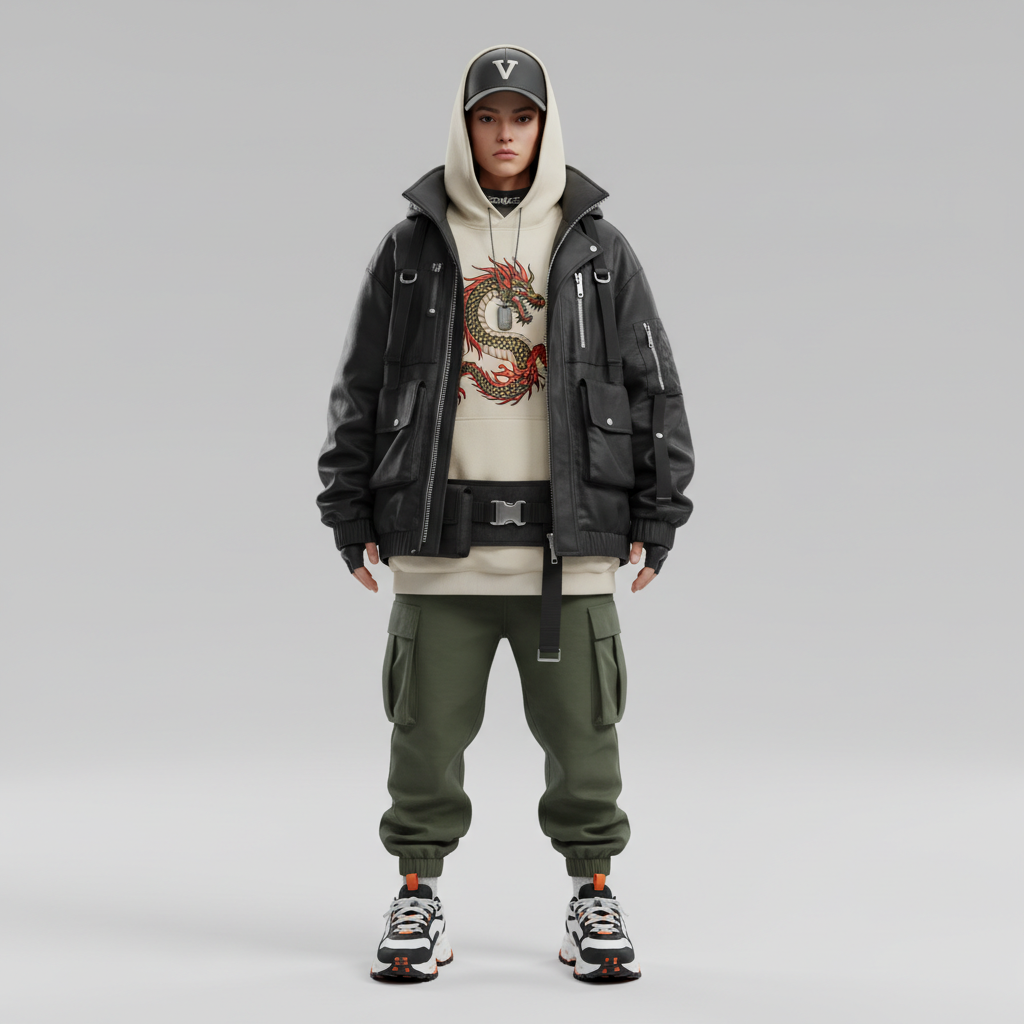
Full-Body Character
Viggle-Ready
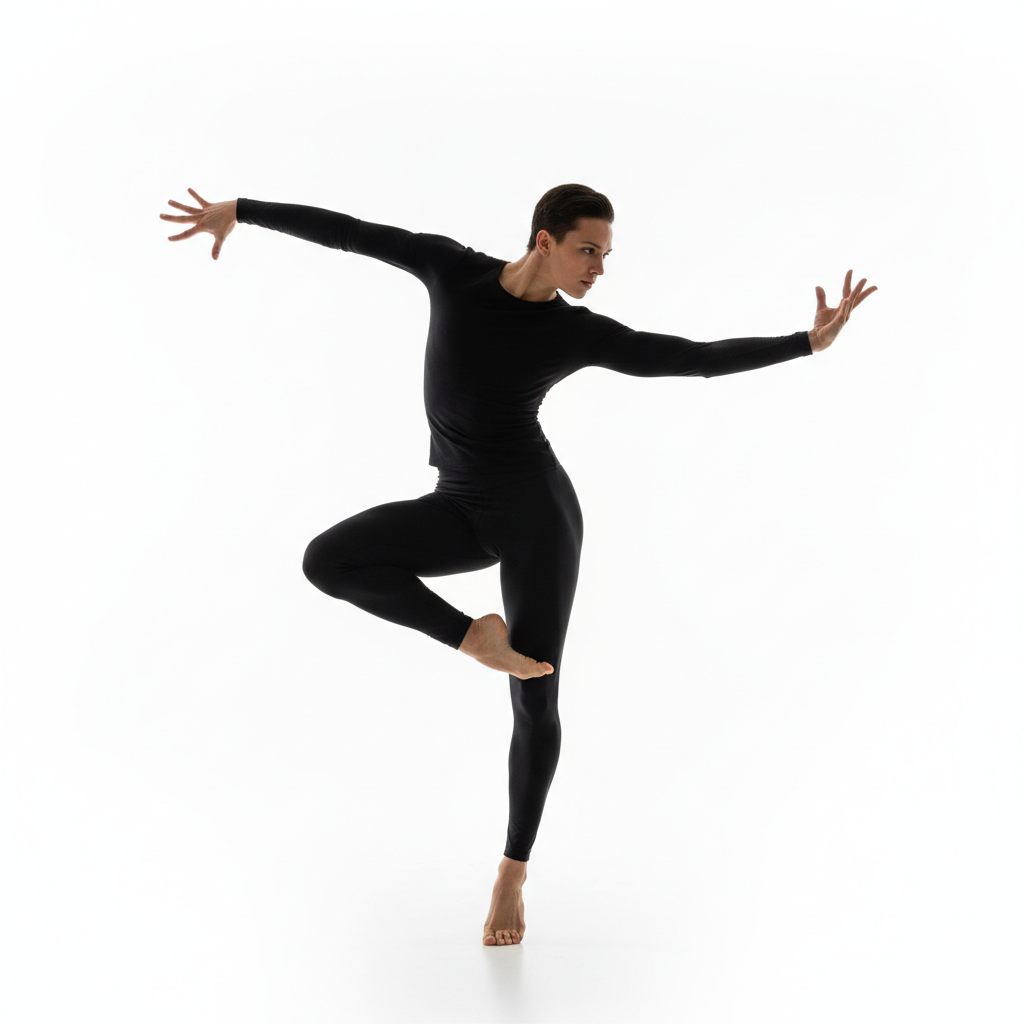
Dance-Ready Pose
Motion
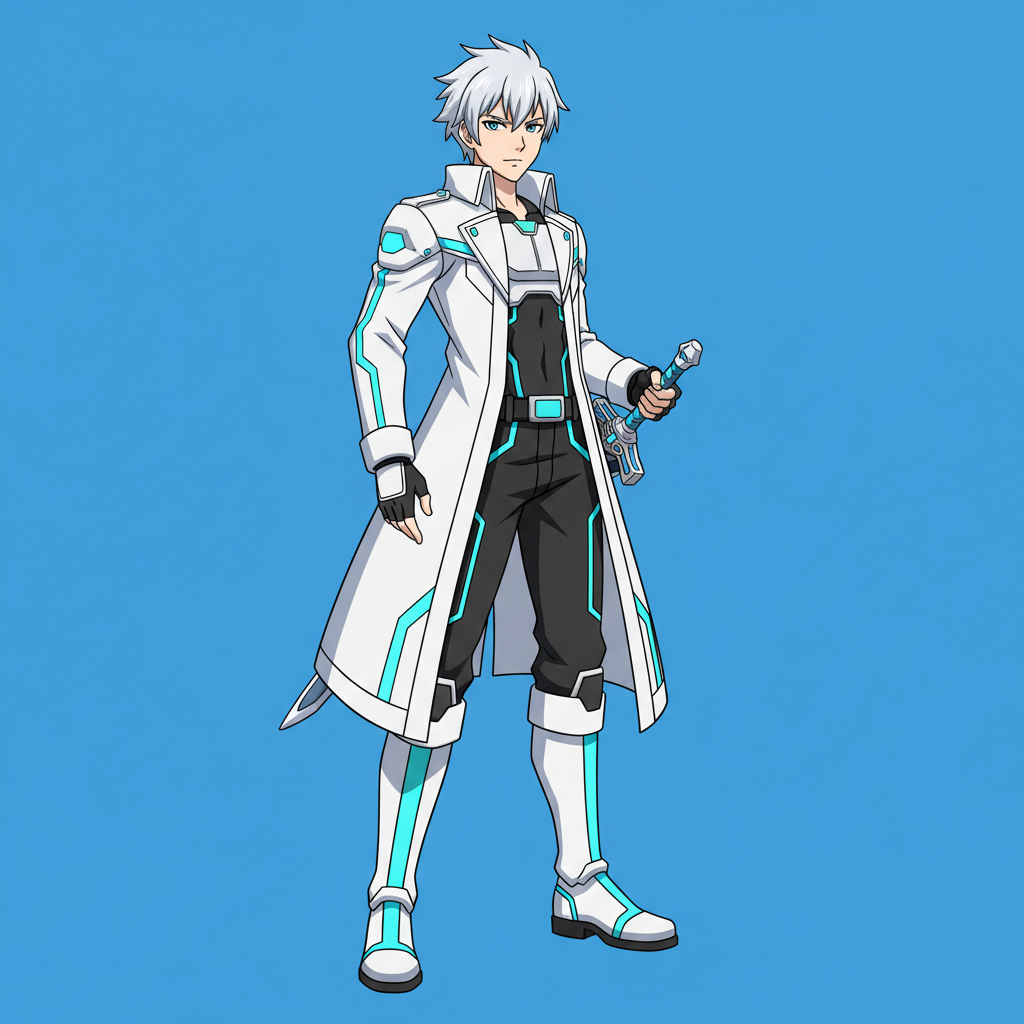
Anime Character
Anime
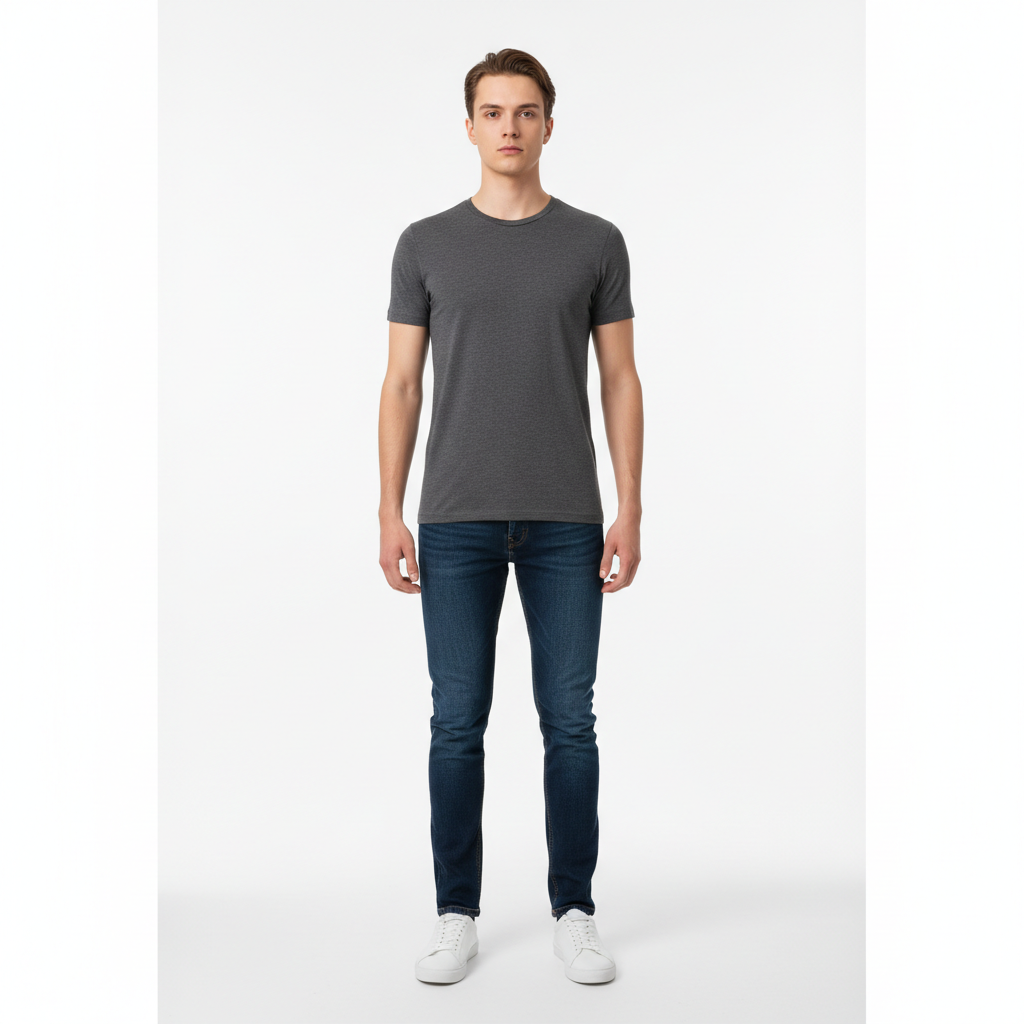
Realistic Subject
Realistic
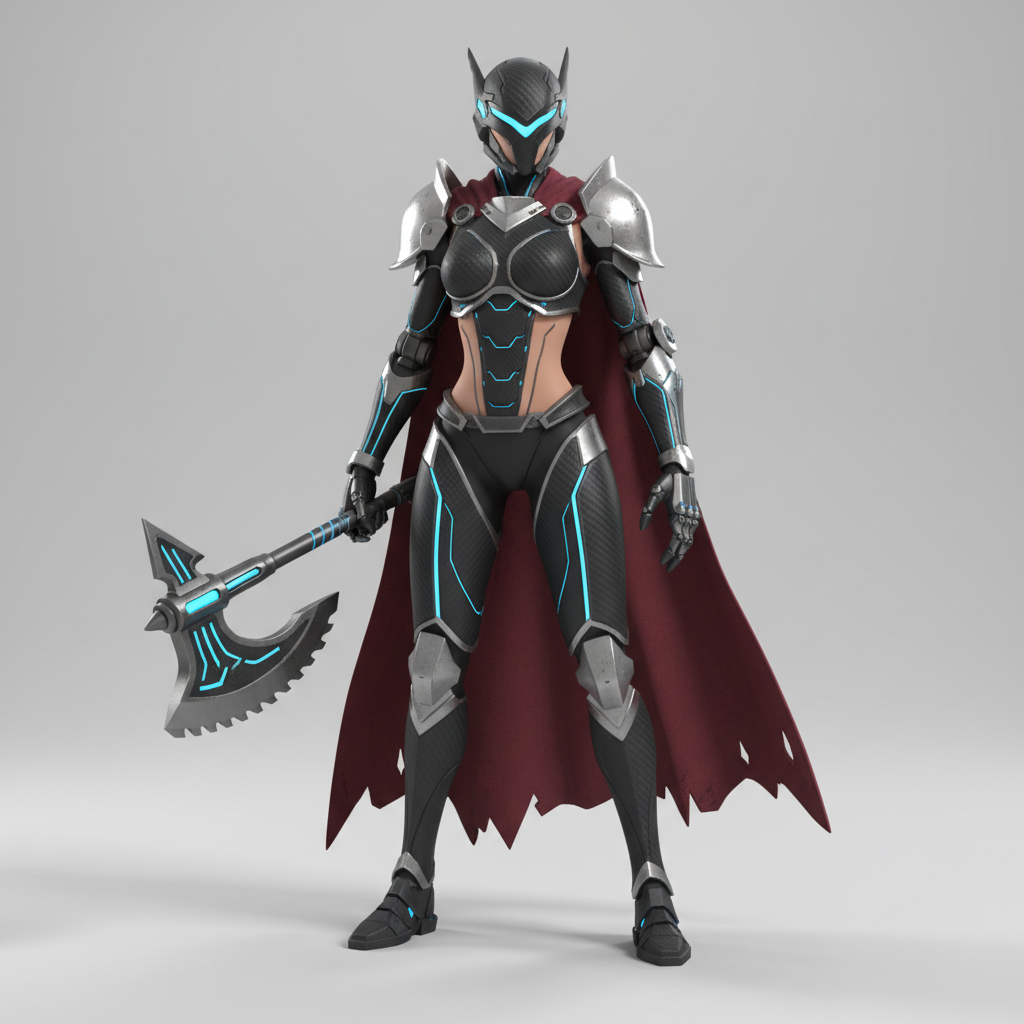
3D Game Character
3D
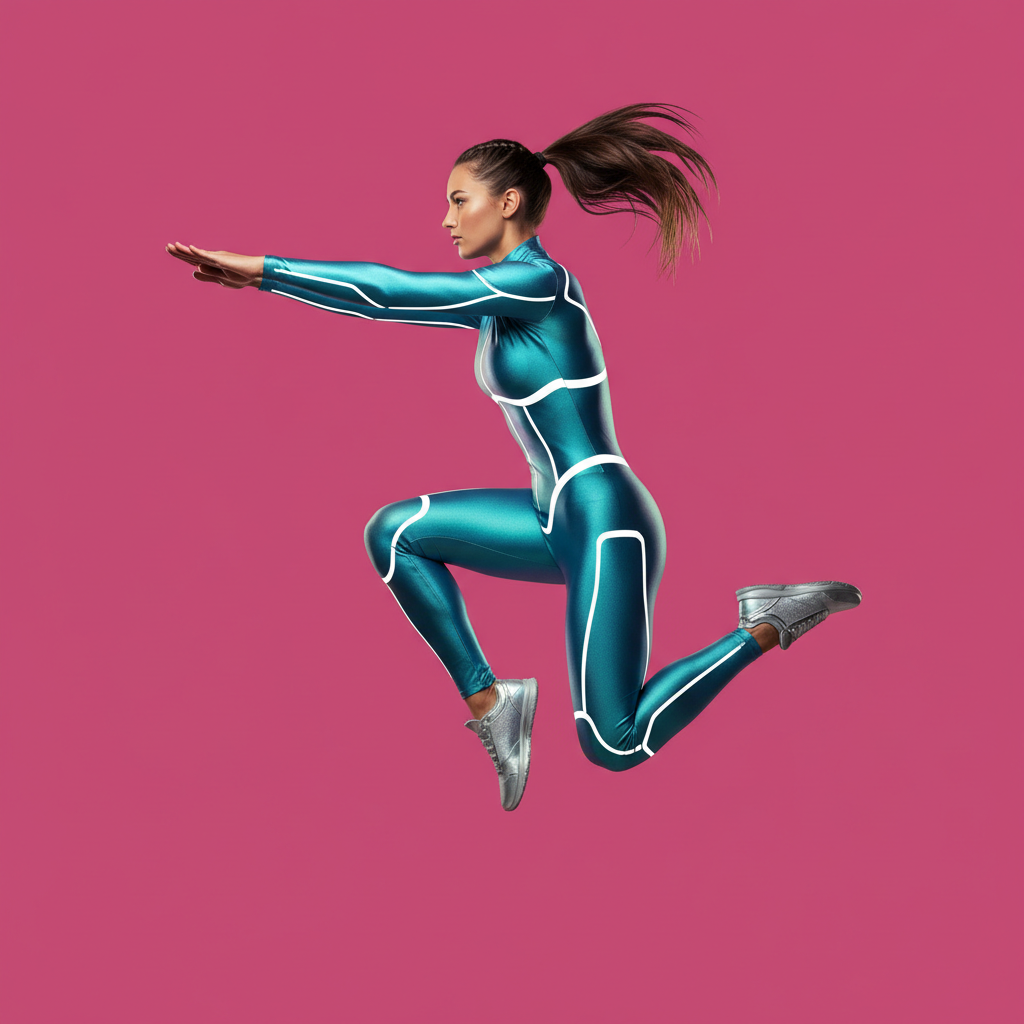
Clean Isolated Subject
Isolated
How to Make Viggle-Ready Images with AI
Three simple steps from a character idea to a clean animation input
Choose a Style
Start by picking a preset in the AI image enhancement for Viggle tool above — full-body character, dance-ready pose, anime, realistic, 3D game character, or clean isolated subject. Each preset guides the AI toward a proven Viggle-ready look, with a clear full-body subject and a plain background that Viggle can track from the very first generation.
Describe Your Character
Add your details in the description box — the subject, the outfit, the style, and the pose. The more specific you are, the closer the AI image enhancement for Viggle tool gets on the first try. Ask for a full body with feet visible, a clear standing pose, and a clean plain background so the result is ready to animate straight away.
Download and Animate
In about fifteen seconds your clean, high-resolution character is ready. Download the image and upload it straight into Viggle to animate. Want variations to test? Switch the style or tweak the prompt and generate again — creating Viggle-ready images with AI is instant, so you can build a whole cast in one session.
Why Use AI Image Enhancement for Viggle
Everything you need to feed Viggle clean, animation-ready characters
Built for Clean Viggle Tracking
Viggle animates whatever character it detects in your source image, so a cluttered or blurry photo produces a messy animation. AI image enhancement for Viggle solves that at the source: every generation returns a crisp, high-resolution subject on a plain background with clear edges and even lighting — exactly what Viggle needs to track motion cleanly. The result is sharper silhouettes, more stable animation, and a final video that looks polished instead of muddy.
Full-Body, Feet-Visible Subjects
Cropped limbs and cut-off feet are the fastest way to break a Viggle dance video. This tool is tuned to generate the full figure from head to toe, with arms and legs slightly separated from the body so the motion reads naturally. Whether you want a realistic person, an anime hero, or a 3D game character, you get a complete, animation-ready subject that Viggle can move without distortion.
Any Character From Your Words
You do not need a photographer, a model, or editing software. If you can describe the character you want — the outfit, the style, the pose, the background — the AI image enhancement for Viggle tool turns those words into a finished, Viggle-ready image. It is perfect for creators who know the look they want for their next Viggle video but do not have the perfect source photo on hand.
Batch a Whole Cast
Consistent Viggle content means a steady supply of clean characters, and running out of good source images kills your momentum. Because you can generate dozens of on-style variations in minutes, you can build an entire cast for a series, test different looks, and keep your channel full. Generate a week of Viggle-ready characters in one session and animate them as you go.
Every Style Viggle Loves
From photorealistic people and full-body anime characters to stylized 3D game heroes and cleanly isolated subjects, the tool covers every visual style your Viggle videos need. Switch between presets to match your project — a realistic dancer, a cartoon mascot, or a game-ready avatar — and keep a cohesive, professional look across all of your animated content.
Free, Instant, No Skills Needed
Getting a clean source image used to mean a photo shoot or hours of background removal and retouching. The AI image enhancement for Viggle tool returns a finished, high-resolution character in about fifteen seconds, free to start with no account, install, or credit card. Choose a style, describe your character, and download — then upload straight into Viggle. Unlimited generations, watermark-free downloads, and full commercial rights unlock from just $2.99.
AI Image Enhancement for Viggle — FAQ
Everything you need to know about creating Viggle-ready images with AI
Create Viggle-Ready Images Free
Better Viggle animations start with better source images. This AI image enhancement for Viggle tool turns your character description into a clean, full-body, high-resolution subject in about fifteen seconds — no camera, no editing skills, no login. Choose a style, describe your character, and give Viggle the clean input it needs today.
Create a Viggle-Ready Image FreeThe Complete Guide to AI Image Enhancement for Viggle
Viggle has made it astonishingly easy to bring a single character to life — upload an image, choose a motion, and the AI animates your subject in seconds. But there is a catch that every serious Viggle creator learns quickly: the animation is only as good as the image you feed it. Viggle maps movement onto whatever character it detects, so a blurry photo, a cluttered background, or a subject with cropped feet leads directly to a distorted, muddy animation. AI image enhancement for Viggle fixes the problem at its root. Instead of hunting for the perfect source photo or spending time removing backgrounds by hand, you describe the character you want and the AI generates a crisp, high-resolution, Viggle-ready image in about fifteen seconds. Powered by the Nano Banana Pro model, the tool on aibanana.net gives Viggle users, content creators, and marketers a fast, reliable way to produce clean inputs that animate beautifully.
Using AI image enhancement for Viggle is refreshingly simple. Choose a style that matches your project — a full-body character, a dance-ready pose, a full-body anime hero, a photorealistic person, a stylized 3D game character, or a cleanly isolated subject — then describe the character in plain language: the outfit, the style, the pose, and the background. Click generate and the AI builds a polished, high-resolution image tuned for animation, with the full figure visible from head to feet, arms and legs separated from the body, and a plain background that Viggle can track without confusion. Because the whole process happens in seconds and needs no editing software, you can produce a whole cast of characters in a single session, test different looks, and keep your Viggle channel consistently full of fresh content.
What makes AI image enhancement for Viggle genuinely valuable is the direct line between a cleaner input and a better animation. A high-resolution subject on a plain background gives Viggle sharper edges to track, which means more stable motion, fewer artifacts, and a final video that looks professional rather than glitchy. The ability to generate dozens of variations for pennies means you can finally experiment the way top creators do — try a realistic dancer, a cartoon mascot, and a game-ready avatar, then animate whichever one moves best. The tool handles a huge range of character types, so a single creator can build an entire series of Viggle videos from one place. For the best results, ask for a full body with feet visible, a clear standing pose, and a clean plain background, and generate a few variations so you can pick the subject Viggle tracks most cleanly.
You can create AI image enhancement for Viggle images free on this page with no account, no software install, and no credit card — usage is protected with per-IP rate limits instead of a login wall, so you can try the tool risk-free and see a clean, Viggle-ready character in seconds. Paid plans start at just $2.99 and unlock unlimited generations, watermark-free high-resolution downloads, and full commercial rights to use the images in your videos and content, which makes building a full library of Viggle characters genuinely affordable. In the world of AI animation, the creators who feed their tools the cleanest inputs get the best results — and with AI image enhancement for Viggle, producing those inputs no longer takes a camera, a studio, or hours of editing. Choose a style above, describe your character, and let the AI turn your idea into a Viggle-ready image in seconds.