
AI Image Colorization vs Manual
Seconds vs Hours — See the Difference
AI image colorization vs manual techniques comes down to one thing: time. Manual colorization in Photoshop can take a skilled artist hours per photo and real expertise; AI photo colorization applies realistic, natural color to a black-and-white image in about fifteen seconds — no skills required. This page compares both approaches on speed, accuracy, cost and control, and lets you colorize a photo yourself, free, right here. Built for photo editors, digital artists and photography enthusiasts, the tool needs no login and outputs in high resolution.
Try AI Image Colorization — Free
Upload a black-and-white photo, pick a tone — or describe your own — and watch AI colorize it in seconds. The manual version of this takes hours.
AI Image Colorization Tool
Upload a black-and-white or faded photo, choose a color tone, and the AI restores realistic, natural color in seconds — the fast alternative to manual colorization.
Upload a black-and-white or old faded photo, choose a tone, and click Generate
AI Image Colorization vs Manual — Side by Side
How AI photo colorization compares to traditional manual techniques
| Factor | AI Colorization | Manual Techniques |
|---|---|---|
| Time per photo | ~15 seconds, fully automatic | 1–10+ hours of careful work |
| Skill required | None — upload and click | Expert Photoshop, masking & color theory |
| Cost | Free to try · from $2.99 unlimited | $20–$300+ per photo commissioned |
| Batch / volume | Colorize dozens of photos in minutes | One image at a time, days of work |
| Natural color accuracy | Excellent for skin, sky, foliage & common scenes | Excellent — but only as good as the artist |
| Documented exact colors | May guess ambiguous shades | Can research & match known references precisely |
| Creative / artistic control | Tone presets + prompt guidance | Total pixel-level control |
The verdict: for speed, cost and everyday restorations, AI image colorization wins decisively. Manual techniques still lead when exact documented colors or full artistic control are the priority — which is why the smartest workflow combines both.
AI Colorization in Action
Old black-and-white photos brought back to natural color — each in about fifteen seconds
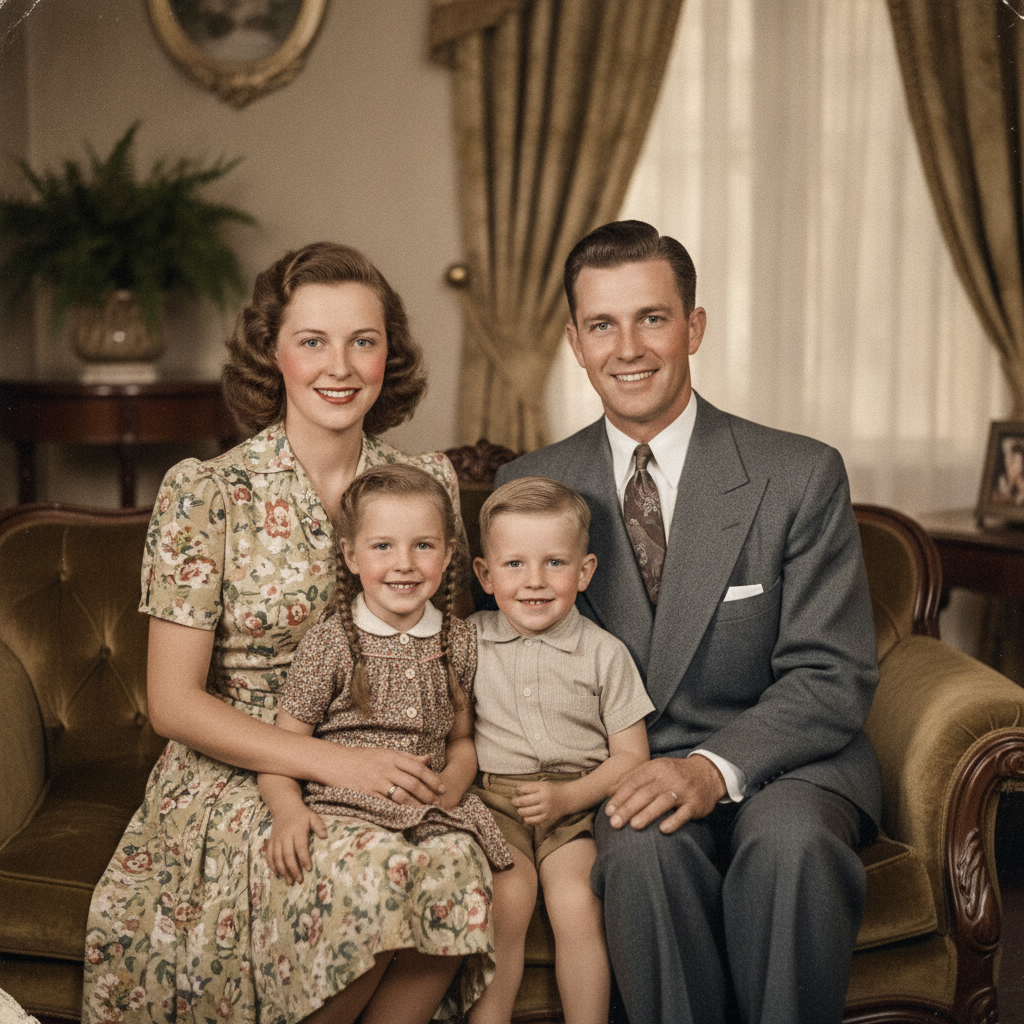
1940s Family Portrait
AI in ~15s
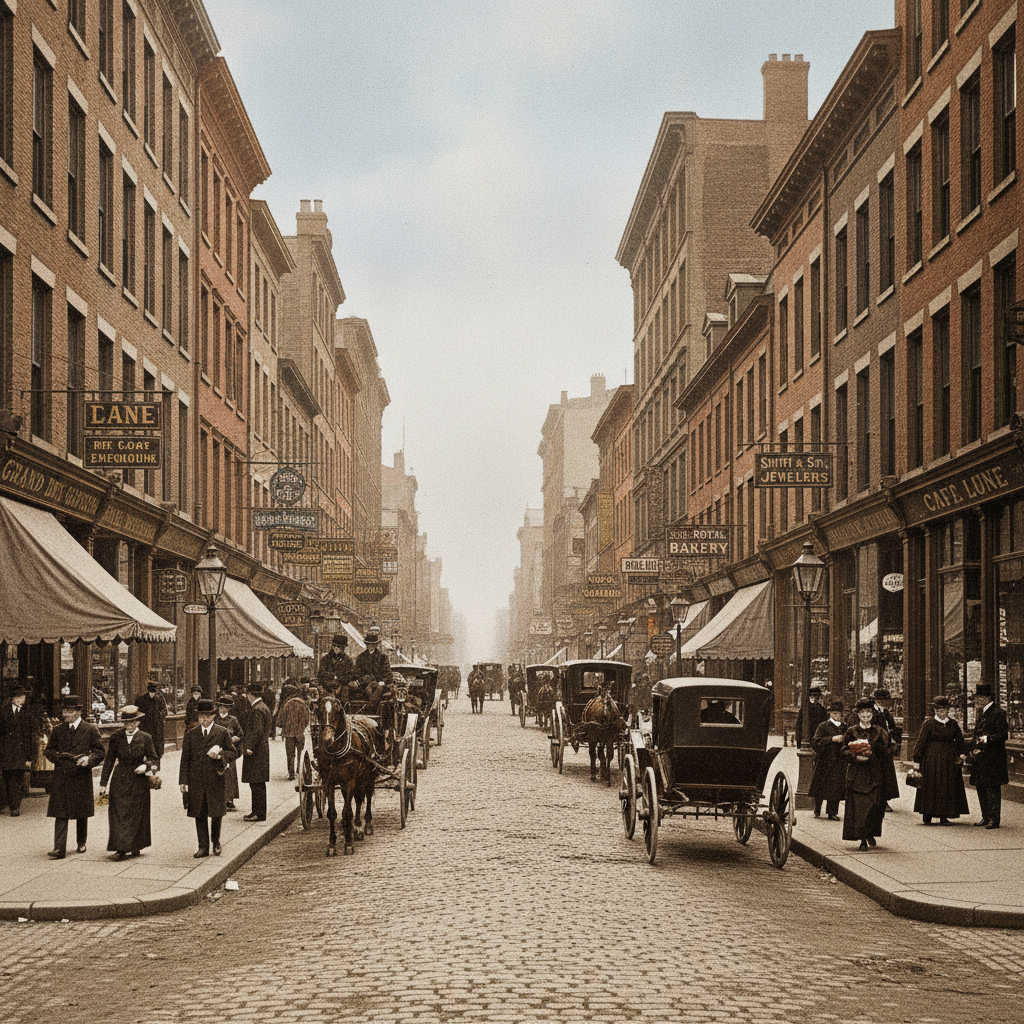
Historic Street Scene
AI in ~15s
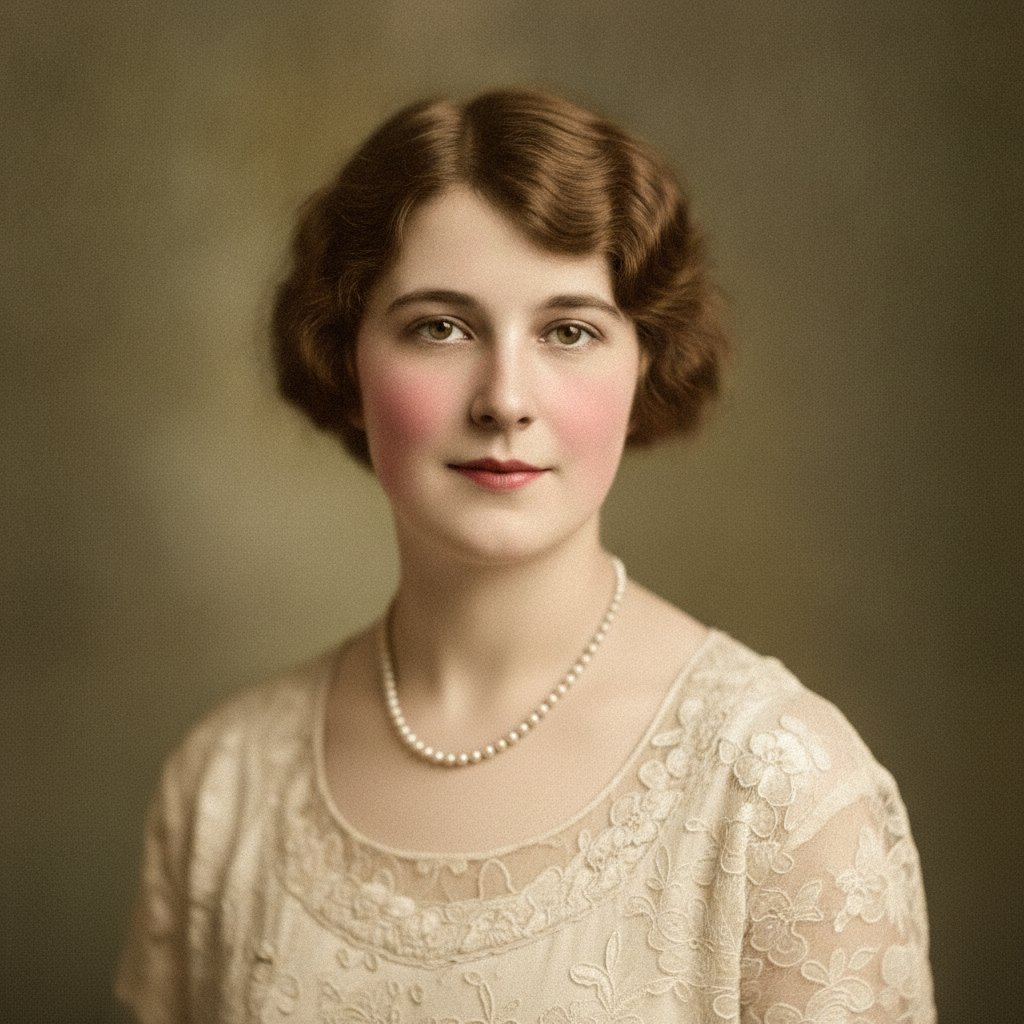
1920s Studio Portrait
AI in ~15s
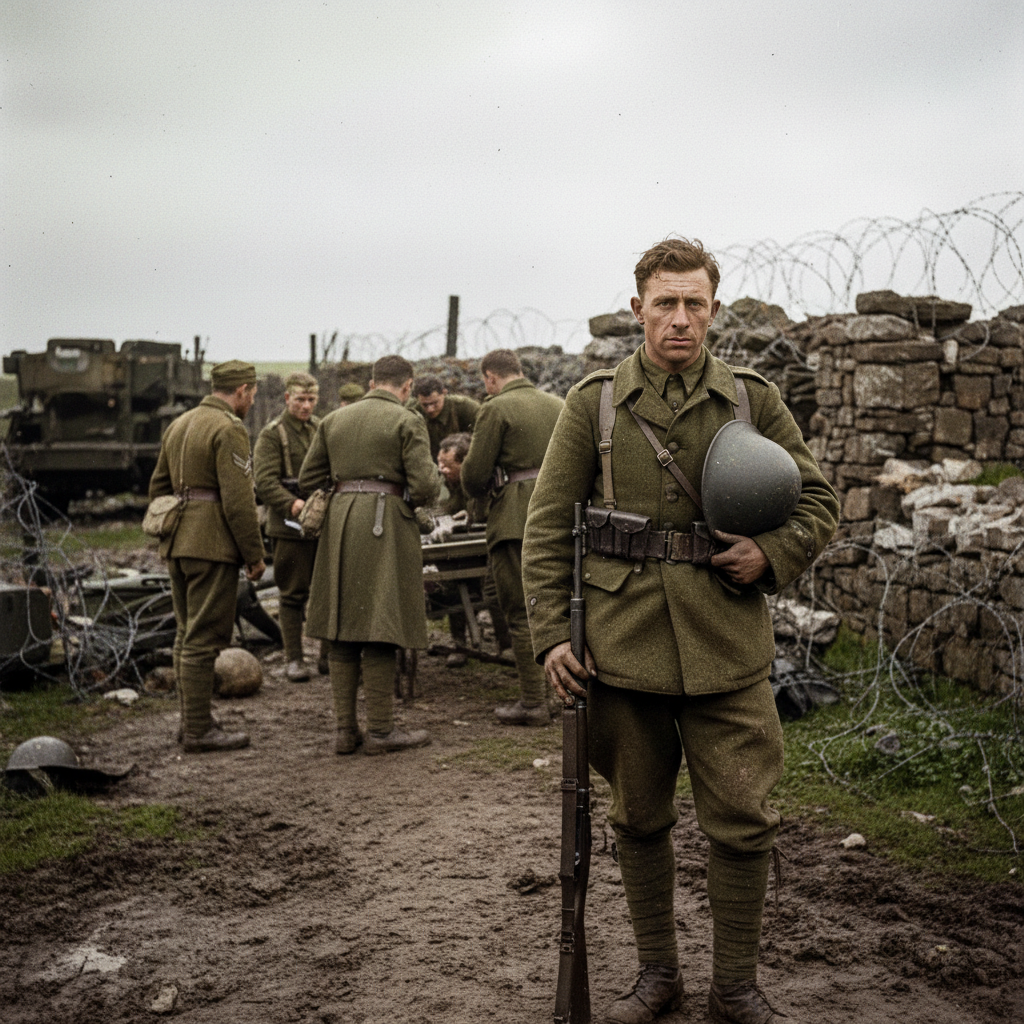
Documentary Restore
AI in ~15s
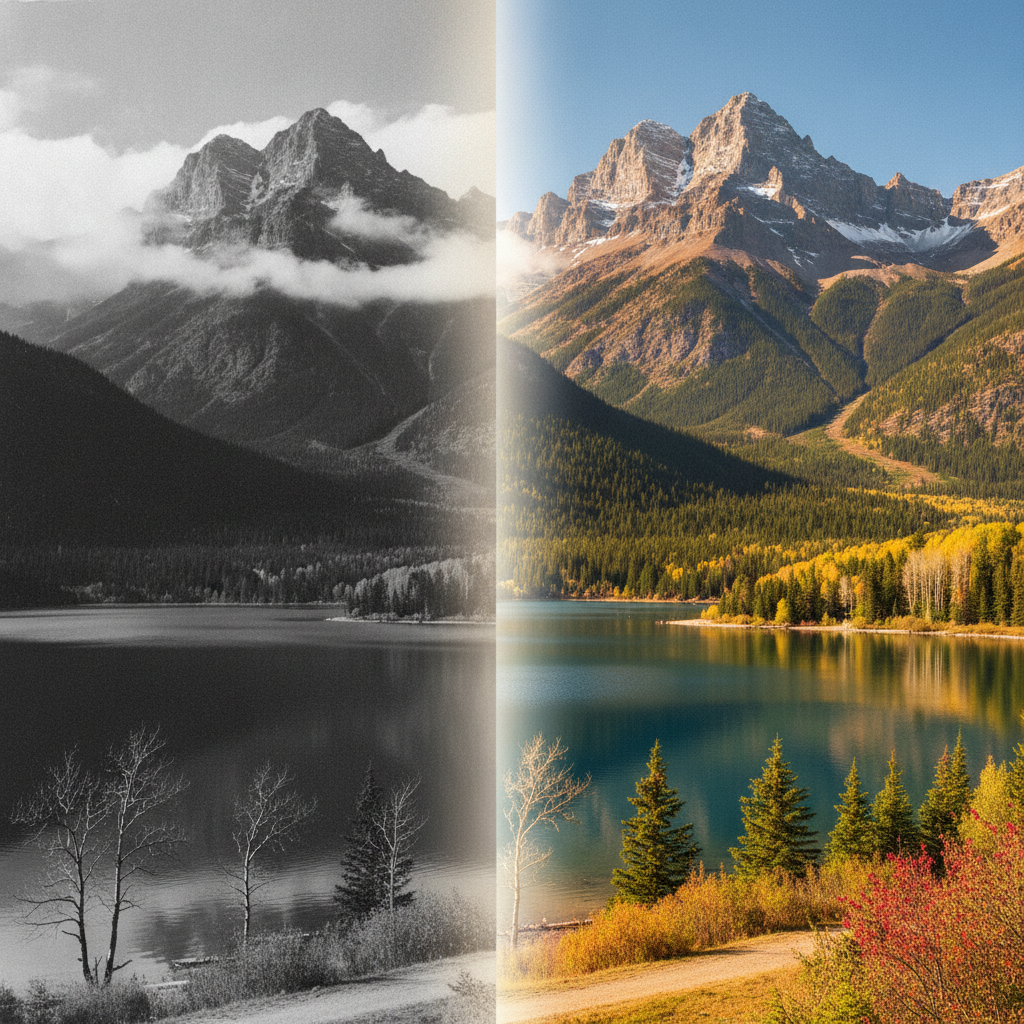
Before / After
AI in ~15s
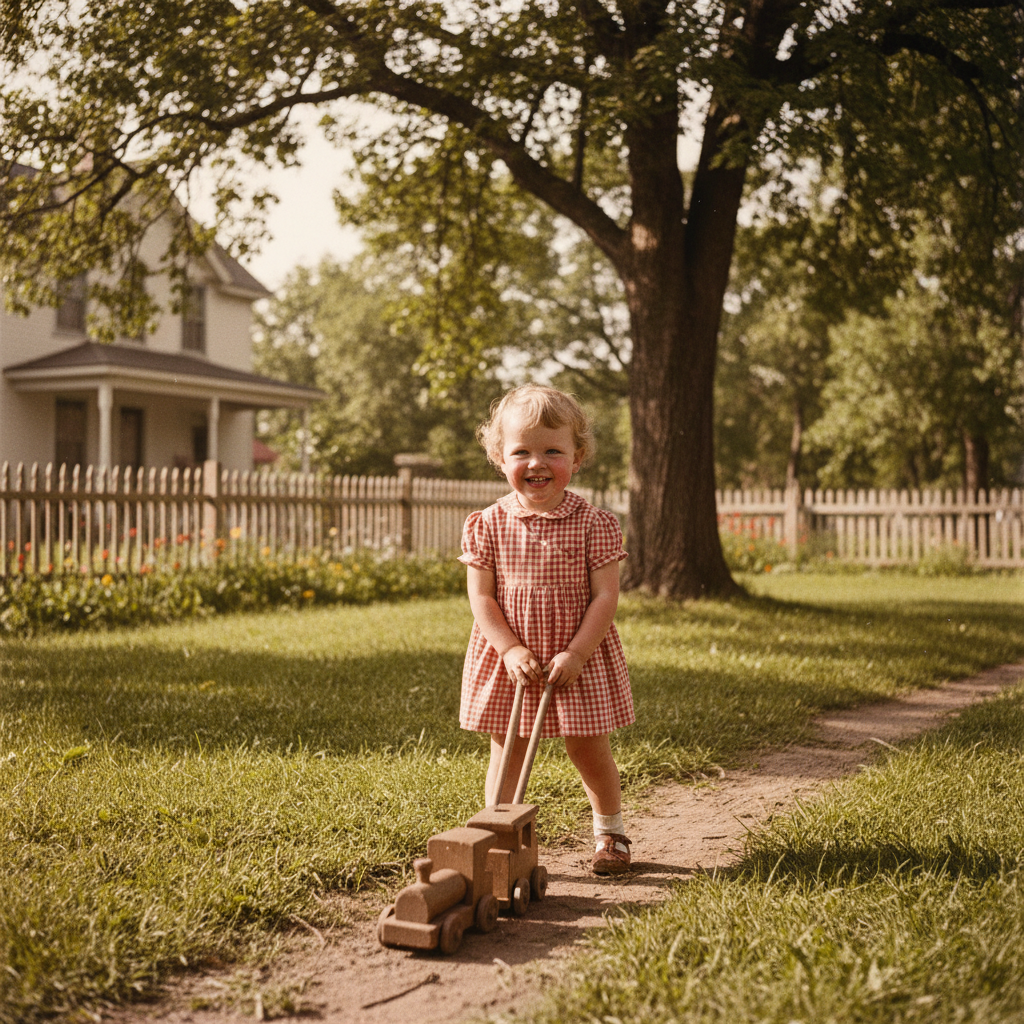
1950s Childhood Photo
AI in ~15s
How AI Colorization Works
Three steps, fifteen seconds — versus hours of manual painting
Upload Your Photo
Drop any black-and-white or faded photo into the tool above — a family portrait, a historic scene, an old snapshot. The AI works with scans and phone photos of prints alike, no preparation needed.
Pick a Tone
Choose a preset — natural, vintage warm, vivid, soft pastel, documentary or portrait — or describe the look you want. The AI analyzes the image and applies realistic color to every region at once, in about fifteen seconds.
Download & Use
Download your colorized photo and share it, print it or add it to a family archive. Regenerate as many times as you like. Upgrade for 4K exports, watermark-free downloads and full commercial usage rights.
Why AI Wins on Speed — and Where Manual Still Matters
The real trade-offs behind AI image colorization vs manual techniques
Seconds, Not Hours
The single biggest difference in AI image colorization vs manual techniques is speed. A skilled artist might spend several hours masking regions and painting color by hand on one photo. This AI photo colorization tool analyzes a black-and-white image and applies realistic, full color in about fifteen seconds — turning what used to be a weekend project into a coffee break.
No Editing Skills Needed
Manual colorization demands real proficiency with layers, masks, blend modes and color theory. To colorize photos AI-style, you need none of that. Upload your old black-and-white photo, optionally pick a tone, and the AI handles the entire job automatically — anyone can get a natural color result without ever opening a professional editor.
Learned Color From Millions of Photos
Where a manual artist relies on memory and reference, AI image colorization draws on color relationships learned from millions of images. That makes it remarkably good at natural subjects — skin tones, skies, grass, wood and water — applying believable color exactly where it belongs across the whole photo at once.
A Fraction of the Cost
Commissioning manual photo colorization typically costs anywhere from $20 to several hundred dollars per image. This AI vs manual photo colorization tool is free to start and just $2.99 to unlock unlimited high-resolution exports — so restoring a whole shoebox of family photos no longer means a professional invoice.
Built for Batches
Manual colorization is inherently one-image-at-a-time. If you have a stack of old family photos, AI image colorization lets you work through them back to back in minutes rather than days, with consistent, natural results every time — ideal for archives, genealogy projects and bulk restorations.
Pairs With Manual Touch-Ups
You do not have to choose one or the other. The fastest modern workflow uses AI image colorization for the base pass, then manual touch-ups only where an exact, documented color matters. This hybrid captures the speed of AI and the precision of manual work — far quicker than colorizing entirely by hand.
AI Image Colorization vs Manual — FAQ
Speed, accuracy, cost and control — answered
Colorize Your Photo Now
Skip the hours of manual colorization. The AI tool is free, loaded on this page, and needs no account. Upload a black-and-white photo, pick a tone, and watch realistic color appear in about fifteen seconds.
Colorize a Photo FreeAI Image Colorization vs Manual Techniques: The Full Comparison
For decades, colorizing a black-and-white photo meant painstaking manual work. A skilled artist would import the image into Photoshop, separate it into regions with careful masks, research the likely colors, and paint each area on its own layer using blend modes to keep the original tones and texture intact. Done well, manual colorization is genuinely an art form — but it can take anywhere from one to ten or more hours per photo and demands real expertise. AI image colorization changes that equation entirely: a model trained on millions of photographs analyzes your image and applies realistic, natural color to the whole frame at once in about fifteen seconds, with no skills required.
So in the debate of AI image colorization vs manual techniques, where does each approach win? AI dominates on speed, cost and accessibility. It colorizes photos in seconds rather than hours, costs a fraction of a commissioned manual job, requires no editing knowledge, and handles batches of images effortlessly — perfect for restoring a whole collection of family photos or a genealogy archive. It is also remarkably accurate for natural subjects, because it has learned that skin is a certain range of tones, skies are blue, foliage is green and wood is brown. For the vast majority of everyday restorations, AI photo colorization is simply the faster, cheaper and easier choice.
Manual techniques still hold an edge in two specific situations. The first is documented accuracy: when you know the true color of a specific uniform, flag, product or historical scene, a human artist can research and apply those exact shades, whereas AI may make a plausible but incorrect guess for ambiguous objects. The second is full artistic control — when colorization is a creative interpretation rather than a faithful restoration, manual work lets you make every shade a deliberate decision. This is why many professionals now use a hybrid workflow: let AI image colorization produce a realistic base pass in seconds, then apply quick manual touch-ups only where an exact color or artistic choice matters. The result is far faster than colorizing by hand, with the precision of manual work where it counts.
Whether you searched for "AI image colorization vs manual", a way to "colorize photos AI"-style, an "AI vs manual photo colorization" breakdown, or a straightforward digital colorization comparison, this is the page for it on aibanana.net. The interactive tool above is powered by the Nano Banana Pro model, runs entirely server-side, and asks for no account, email or credit card — free usage is protected with per-IP rate limits rather than a login wall. Upload an old black-and-white photo, choose a tone preset or describe the look you want, and see for yourself how far AI colorization has come. When a result fits your project, upgrade to a paid plan starting at $2.99 to unlock unlimited 4K exports, watermark-free downloads and full commercial usage rights — the speed of AI with the quality your photos deserve.