
AI Image Collage Maker
Free Photo Collage Tool for Social & Print
Design stunning collages with AI in seconds — the AI image collage maker is built for graphic designers, social media managers, and artists who need unique, balanced compositions for Instagram grids, Pinterest mood boards, marketing campaigns, travel recaps, and printed photo books. The AI image collage maker blends photos into grids, shapes, mood boards, and scrapbook layouts and delivers clean 4K social-ready and print-ready output in about fifteen seconds, with no sign up required and full commercial usage on paid plans.
Try the AI Image Collage Maker — Free
Pick a collage style or describe your own — the AI image collage maker returns a 4K social-ready composition in seconds
AI Image Collage Maker
Pick a collage style and the AI image collage maker blends photos into a finished composition — travel grid, heart shape, magazine mood board, Instagram story, vintage scrapbook, or food grid
AI Image Collage Maker Showcase
A sample of travel grids, mood boards, story layouts, and scrapbooks the AI image collage maker produces
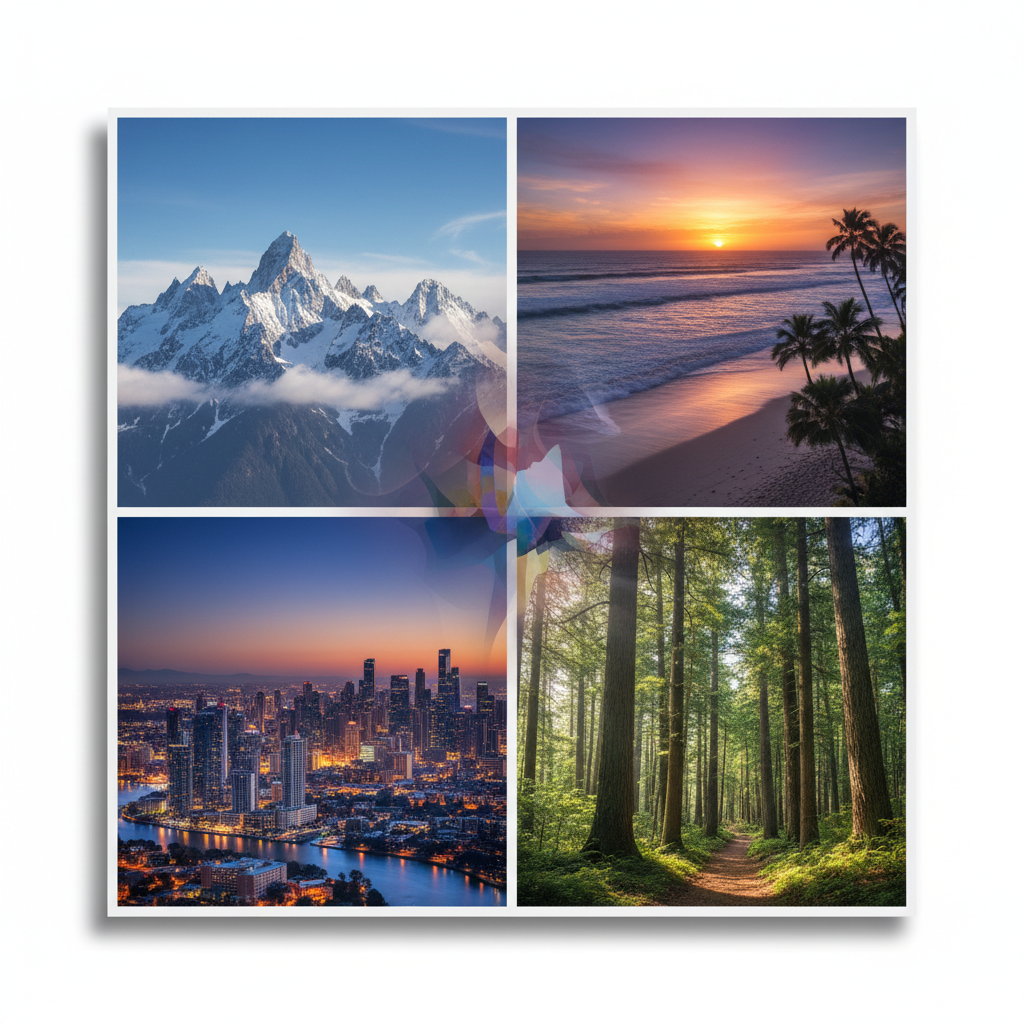
Travel Photo Grid
Seamless travel collage
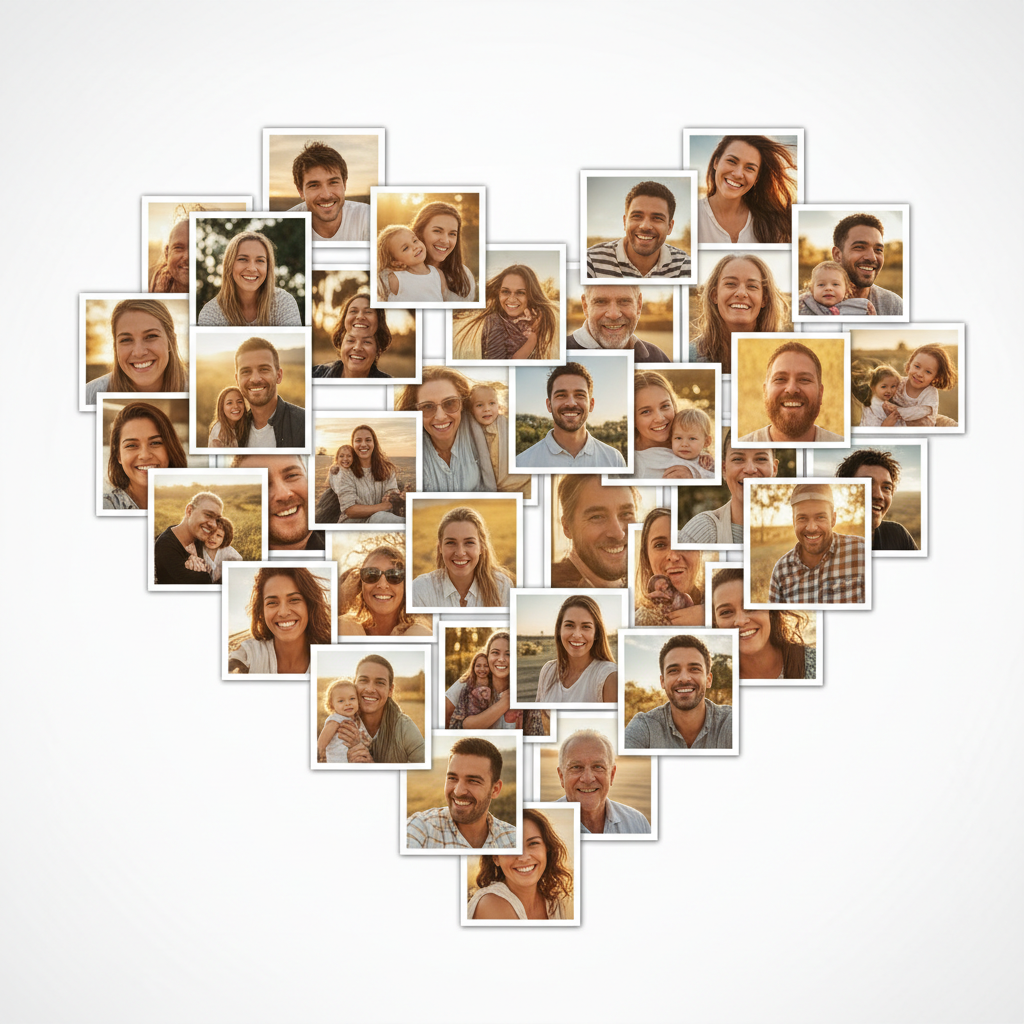
Heart-Shaped Collage
Shape photo collage
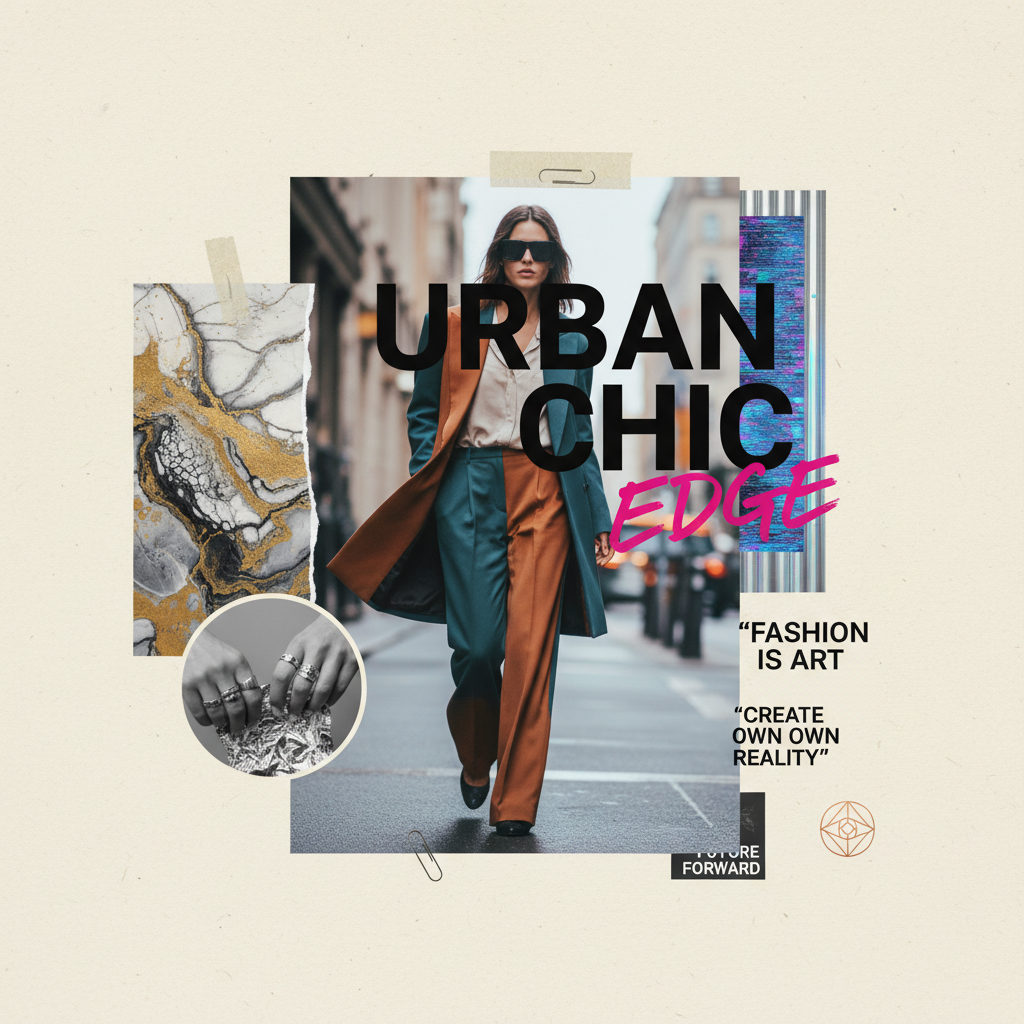
Magazine Mood Board
Creative mood board
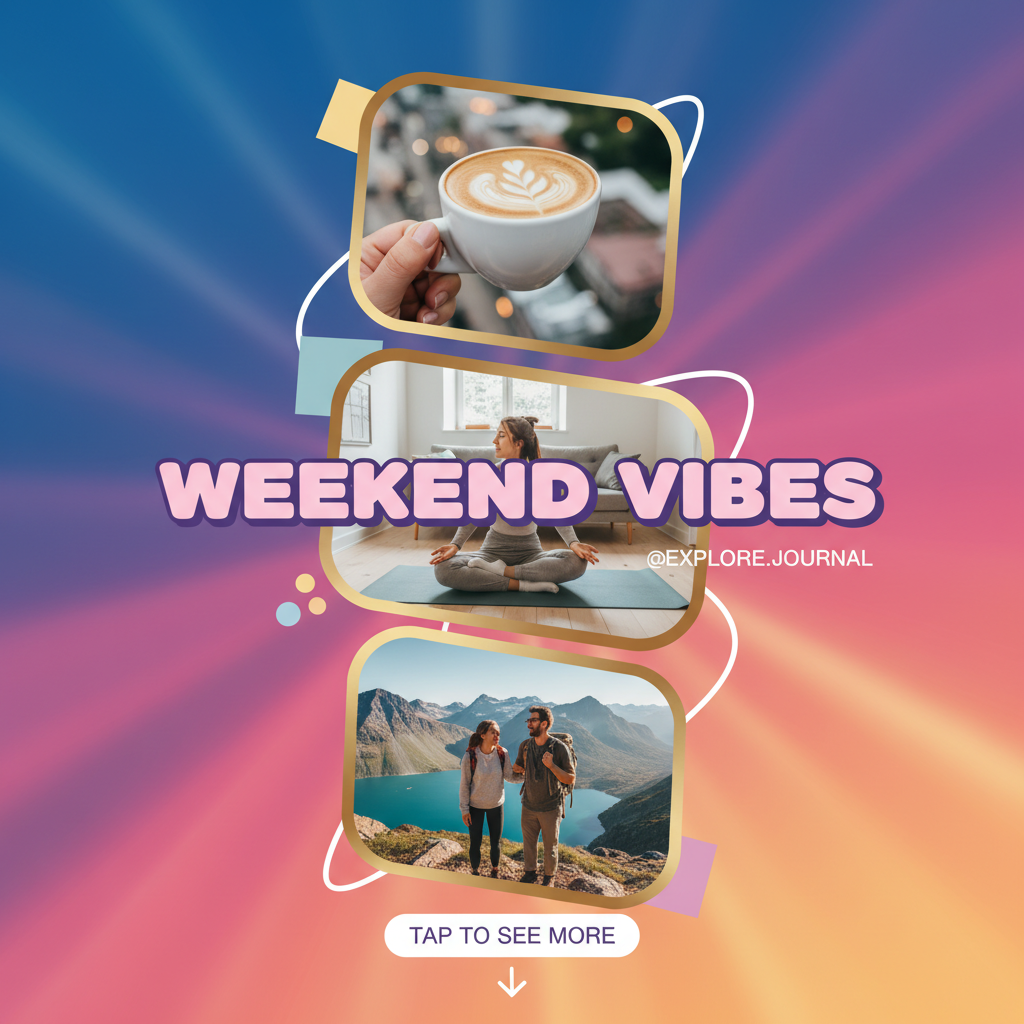
Instagram Story Layout
Social media collage
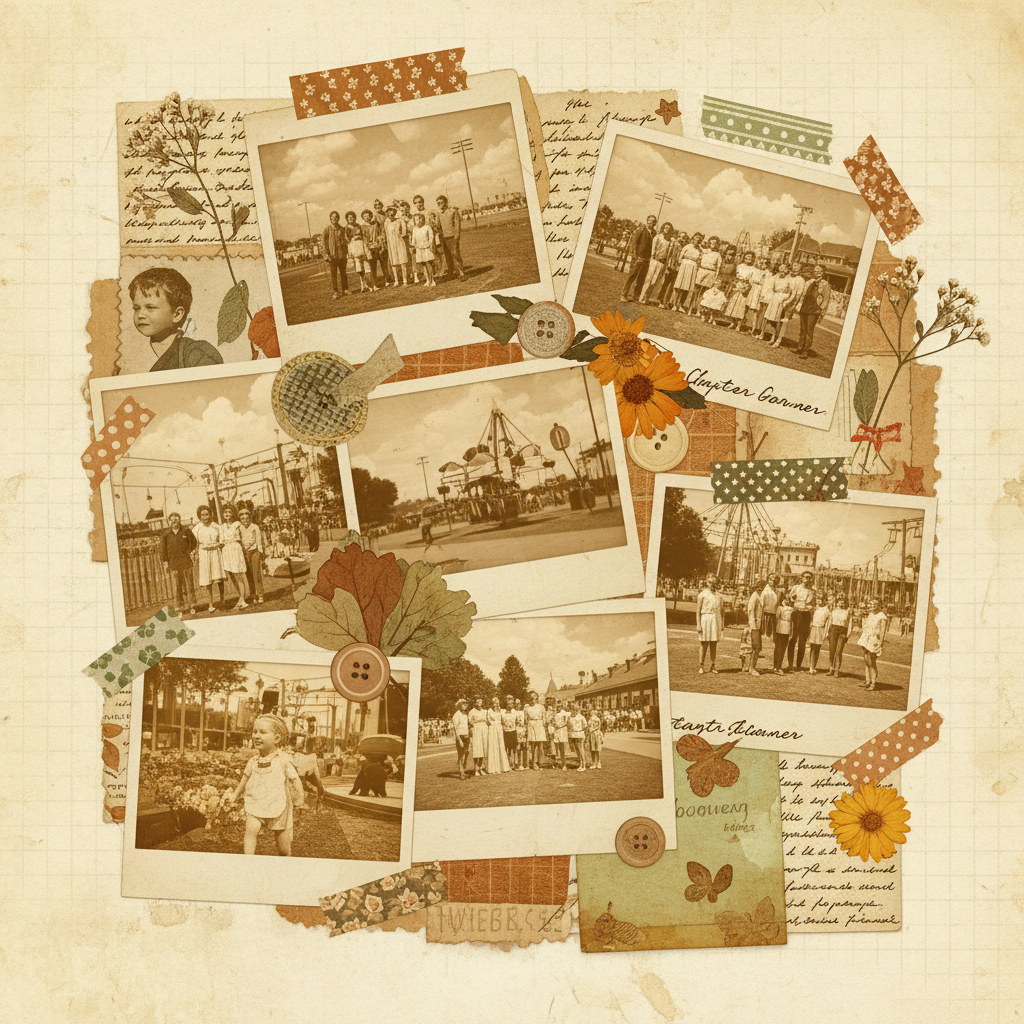
Vintage Scrapbook
Scrapbook collage
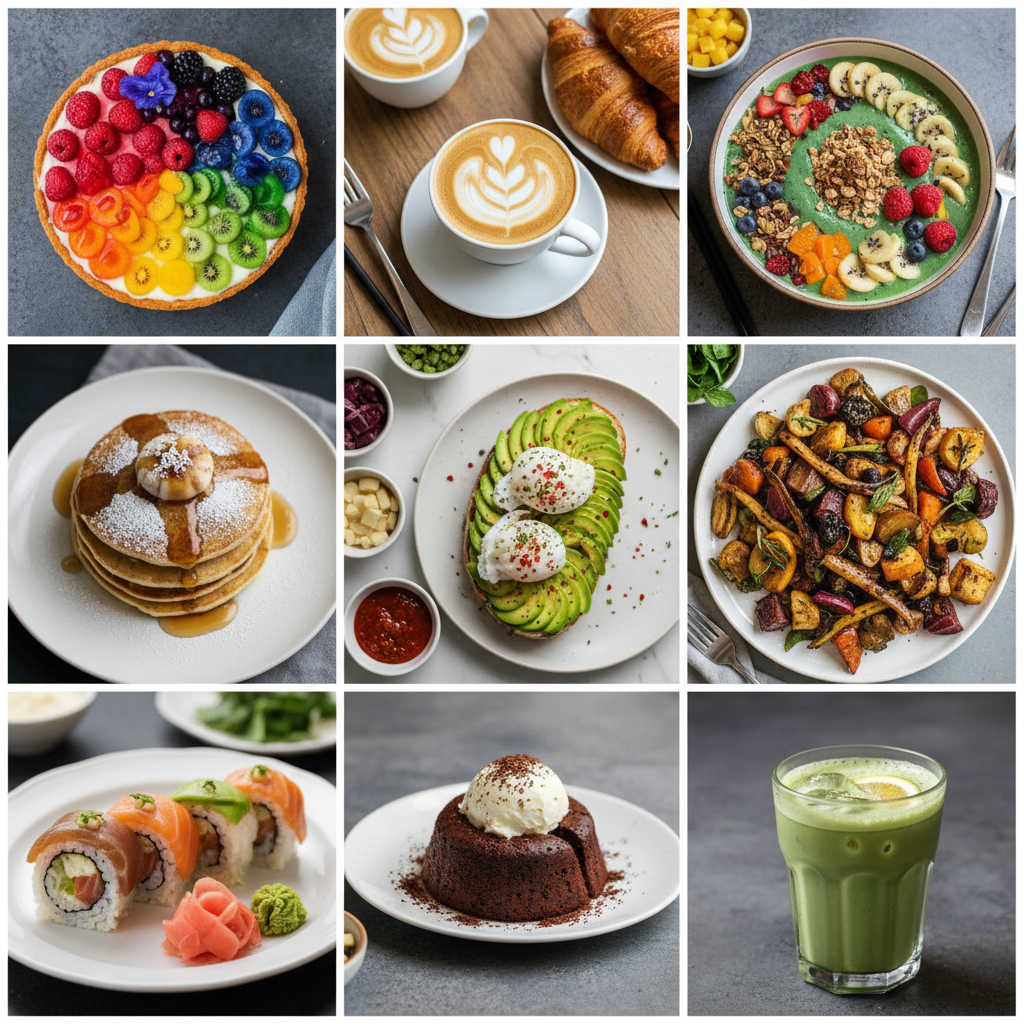
Food Grid Collage
Symmetrical grid collage
How the AI Image Collage Maker Works
Three steps, fifteen seconds, ready for your Instagram grid, mood board, or printed photo book
Describe Your Collage
Pick a collage style in the AI image collage maker above, or type your own theme, color palette, and subjects. The tool understands collage vocabulary — grid, mood board, scrapbook, heart shape, Instagram story, photo wall — so you can specify exactly the layout, number of tiles, and aesthetic you want, then let the AI image collage maker handle composition and spacing.
Generate Your Composition
Tap one of the six collage styles in the AI image collage maker above — travel grid, heart shape, magazine mood board, Instagram story, vintage scrapbook, or food grid. The tool returns a balanced, styled collage in about fifteen seconds. Iterate on the instructions — change the palette, adjust the tile count, swap the theme — until the AI image collage maker output matches the look you want.
Download & Share
Download the AI image collage maker output and use it as an Instagram post or story, Pinterest pin, blog header, email banner, presentation slide, marketing campaign visual, printed photo book page, or poster collage. The composition is 4K-ready and large enough for any digital surface or large-format print — social feed, mood board, gallery print, or scrapbook page.
Why Choose This AI Image Collage Maker
Built for graphic designers, social media managers, and artists who want unique, balanced collages fast
Blends Any Photos Into One Collage
The AI image collage maker on this page is purpose-tuned for creative composition, not generic stitching. It arranges grids, mood boards, scrapbook layouts, and shape collages with balanced spacing, clean gaps, and seamless transitions, then styles the whole piece with a cohesive color palette — so the AI image collage maker output looks like a graphic designer laid it out by hand. Designers, social media managers, and artists get share-ready collages without the long Canva session, the manual cropping and alignment, or the cluttered output most free collage apps produce.
Built for Designers, Social & Artists
Graphic designers, social media managers, content creators, and artists use this AI image collage maker for Instagram grids, Pinterest mood boards, marketing campaign visuals, travel photo recaps, product showcases, and creative portfolio pieces. The output works for both digital surfaces (Instagram posts and stories, Pinterest pins, blog headers, email banners, presentation slides) and printed keepsakes (photo books, gallery prints, poster collages, scrapbook pages) — a single AI image collage maker session can turn a folder of photos into a polished campaign set.
Six Collage Styles in One Click
Designers, social media managers, and artists rely on the AI image collage maker for travel photo grids, heart and shape collages, magazine mood boards, Instagram story layouts, vintage scrapbooks, and symmetrical food grids — faster than any Canva template, Photoshop layout, or freelance design commission could deliver. Use the AI image collage maker to build a full week of social content in an afternoon, recompose a campaign with a new palette, and hand off the chosen output to publish — or ship it under a paid commercial license for client campaigns, marketing materials, and print.
No Sign Up, No Credit Card
The AI image collage maker on this page never asks you to register an account, verify an email, or save a payment method before creating a single collage. No Google OAuth redirect, no "add card to continue" step, no twelve-step onboarding wizard — just a prompt box and style presets. Pick a collage style, click generate, and download the AI image collage maker output immediately. Free usage is protected with per-IP rate limits, not an account wall, so designers and social media managers can create several collages without commitment.
Finished Collages in ~15 Seconds
Most AI image collage maker runs return a full-resolution collage in about fifteen to twenty seconds. Free users share the same backend priority as paid users — no throttled queue, no slower lane for free traffic. The fast turnaround makes designing a full set of social media collages practical: generate the next layout, regenerate with a different style or palette, and have a new AI image collage maker output ready before the previous one finishes downloading. A week of content deserves fresh collages — the tool makes that finally possible at any budget.
4K Print & Social-Ready Output
Every AI image collage maker output comes out as a high-resolution image ready to use anywhere — Instagram posts and stories, Pinterest pins, blog headers, email banners, presentation decks, plus printed photo books, gallery prints, poster collages, and scrapbook pages. The collage holds up at sizes up to large-format print without visible blurring. No more cluttered layouts that look like every other free collage app, no more hours wasted aligning tiles by hand, no more flat compositions with mismatched colors.
AI Image Collage Maker — FAQ
Everything about creating photo collages with AI
Start the AI Image Collage Maker
The AI image collage maker is free, loaded on this page, and needs no account. Pick a collage style, generate your composition, and download a 4K social-ready collage in about fifteen seconds.
Make a Collage FreeAbout the AI Image Collage Maker
The AI image collage maker on AI Banana is a free, no-sign-up photo collage tool built for graphic designers, social media managers, content creators, and artists who want polished collage output without spending an afternoon cropping and aligning tiles in Photoshop or Canva, paying for a layout subscription, or settling for the cluttered results most free collage apps produce. Pick a collage style — a travel photo grid, a heart-shaped collage, a magazine mood board, an Instagram story layout, a vintage scrapbook, or a symmetrical food grid — and the AI image collage maker returns a 4K social-ready image in about fifteen seconds, ready to drop into your Instagram feed, Pinterest board, marketing campaign, blog header, presentation deck, printed photo book, or poster collage. Whether you have been searching for "AI image collage", "collage maker AI", "photo collage tool", "image blending AI", or "creative collage generation", this is the dedicated AI image collage maker entry point on aibanana.net.
Most other collage products and layout apps require an account, an email, a perpetual desktop license, or a trial-credit countdown before you can preview a single collage — and many lock the high-resolution download behind a recurring monthly subscription long after the campaign has shipped. The AI image collage maker on this page skips that entirely. The interactive panel above is loaded directly into the page — pick a collage style (travel grid, heart shape, magazine mood board, Instagram story, vintage scrapbook, or food grid), add an optional theme or color palette, and the AI image collage maker routes your request through the Nano Banana Pro image model. No registration, no checkout, no dark patterns. Free usage is protected with per-IP rate limits rather than a login wall, so a normal social content batch or a mood board session for a client pitch fits comfortably inside the free envelope. Validate collage variants before committing to a paid plan — the AI image collage maker earns its place in your workflow before it asks for a dollar.
The AI image collage maker is tuned for creative composition, not generic stitching. Every preset prompt explicitly requests balanced layout — "clean white gaps", "seamless transitions", "balanced composition", "cohesive color palette", and "social media ready" — so the resulting collage instantly looks like a graphic designer laid it out by hand. The AI image collage maker handles every popular collage format and aesthetic: square Instagram grids, vertical story and Pinterest layouts, landscape blog and banner collages, heart and shape collages, magazine-style mood boards, vintage scrapbook pages with washi tape and polaroid frames, and symmetrical photo-wall grids for food, fashion, travel, and product photography. It interprets design vocabulary like "mood board", "photo grid", "negative space", "gradient background", "polaroid frame", "washi tape", "editorial layout", and "trendy aesthetic" accurately, so the AI image collage maker output matches the vision you have in mind without dozens of regenerations.
Output from the AI image collage maker is high-resolution, large enough for any digital surface or print use — Instagram posts and stories, Pinterest pins, TikTok covers, blog headers, email banners, presentation slides, plus printed photo books, gallery prints, poster collages, scrapbook pages, and event keepsakes. Graphic designers use the AI image collage maker for client campaign visuals, mood boards, and rapid concept previews. Social media managers use the output for daily feed content, story layouts, and seasonal promotions across Instagram, Pinterest, and TikTok. Artists and content creators use the AI image collage maker to build portfolio pieces, travel recaps, and creative photo walls. Once you find a collage you want to publish or deliver to a paid client, upgrade to a Nano Banana Pro paid plan starting at $2.99 to unlock unlimited generations and full commercial usage rights — a tiny fraction of the cost of a freelance design commission, and orders of magnitude faster than building a layout by hand. A well-composed collage translates directly into more engagement, more shares, and more revenue per campaign — that is what AI image collage maker output is built to deliver.