
AI Image Background Replacement
Change Any Background in One Tap
This AI image background replacement tool takes a single photo and swaps its background for a brand-new scene in about fifteen seconds — a clean studio backdrop, a nature setting, a city skyline, a solid color or a brighter sky, no editing skill required. Upload your image, pick a background style or describe the exact scene you want, and let the AI cut out your subject and blend in the new background with matched lighting. Made for photographers, e-commerce sellers, real estate agents and creative professionals, this background replacement tool is free to start, needs no login, and outputs in HD with full commercial usage on paid plans.
Try AI Image Background Replacement — Free
Upload a photo, pick a new background, and the AI image background replacement tool cuts out your subject and blends in the new scene in seconds
AI Image Background Replacement
Upload your photo, choose a new background scene, and the AI swaps the background while keeping your subject sharp and natural.
Upload your photo, pick a background style, and click Generate
AI Image Background Replacement in Action
Six backgrounds swapped for portraits, products and property shots in about fifteen seconds each

City Skyline
Made in ~15s
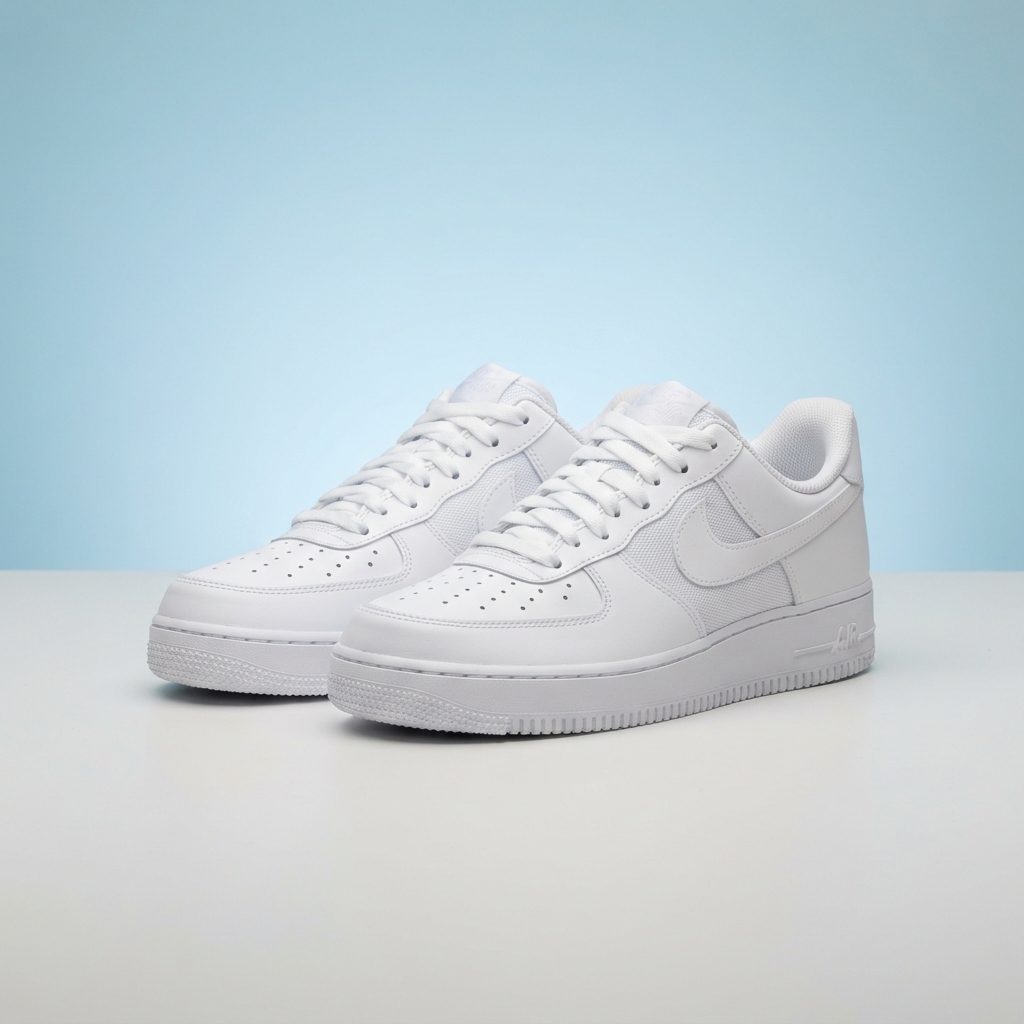
Studio Backdrop
Made in ~15s
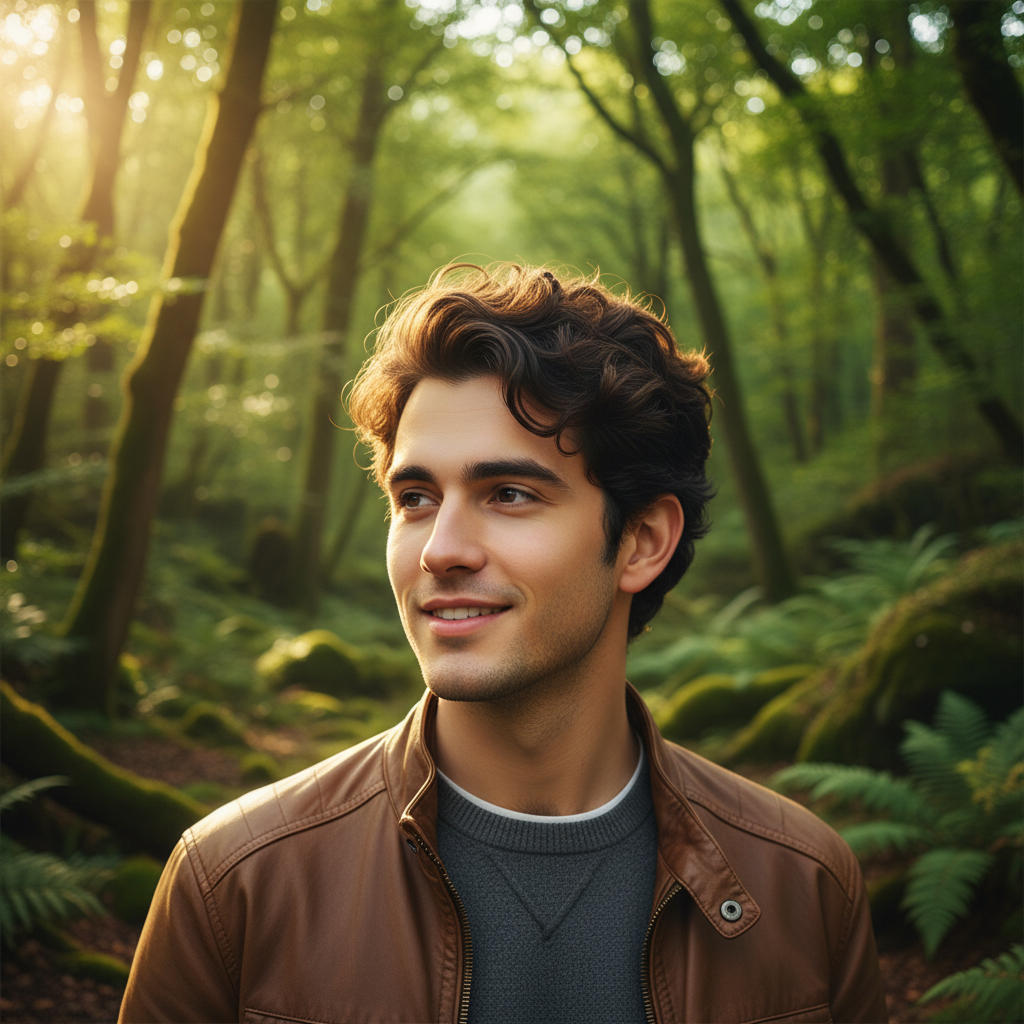
Nature Scene
Made in ~15s
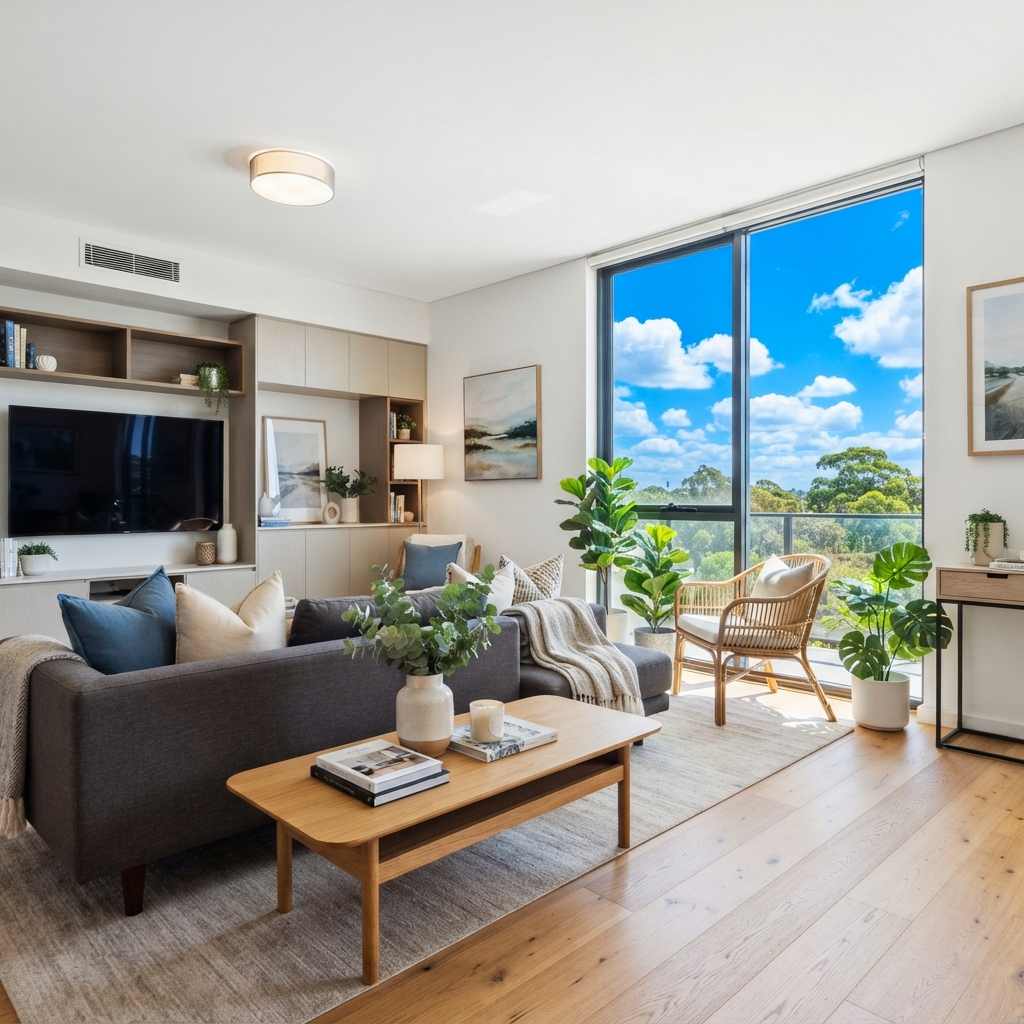
Brighter Sky
Made in ~15s
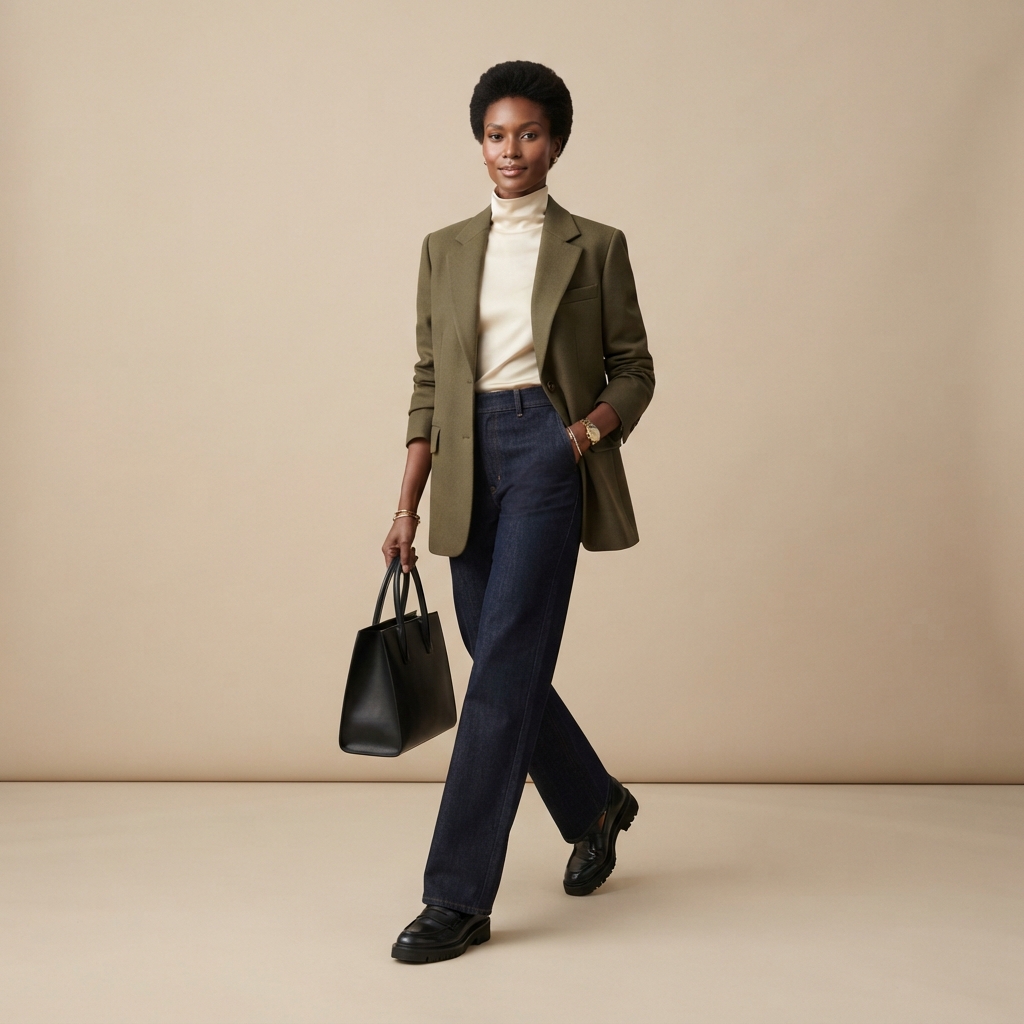
Solid Color
Made in ~15s

Golden Hour
Made in ~15s
How AI Image Background Replacement Works
Three steps, fifteen seconds — no Photoshop, no learning curve
Upload Your Photo
Drop in the image whose background you want to change — a portrait, product shot, real estate photo or anything else. The AI image background replacement tool detects your subject automatically, so there is no manual selection to do.
Pick a New Background
Tap a scene — Studio Backdrop, Nature, City Skyline, Solid Color, Bright Sky or Beach Sunset. The AI image background replacement tool swaps the background and matches the lighting in about fifteen seconds. Regenerate as often as you like.
Download & Use
Download your new image and use it anywhere — listings, profiles, ads or your own site. Output is high resolution; upgrade for 4K exports, watermark-free downloads and full commercial rights.
Why This AI Image Background Replacement Tool Works
The details that separate a real background replacer from a crude cut-out
Clean, Seamless Subject Cutout
This AI image background replacement tool separates your subject from the old background automatically — no manual masking, feathering or layer work. It keeps tricky edges like hair, fur and glass looking natural, so the new background sits behind your subject cleanly instead of leaving a hard, pasted-on outline.
A Background for Every Scene
Switch between Studio, Nature, City, Solid Color, Real Estate Sky and custom scenes in one tap. The AI image background replacement tool matches each background to the mood you need — a clean studio for listings, a warm outdoor scene for portraits, or a bright sky for property photos.
Results in Seconds
Manually cutting out a subject and compositing a new background can take a designer twenty minutes in Photoshop. This AI image background replacement tool takes about fifteen seconds and starts free — pick a scene, generate, and regenerate as many times as you like until the background looks exactly right.
No Editing Skills Needed
You do not need Photoshop, a selection tool or any design know-how. If you can upload a photo and tap a style, this AI image background replacement tool handles the subject detection, background compositing and lighting for you. It is built for busy sellers, creators and total beginners alike.
Realistic Lighting Match
A background swap only works if it looks believable. The AI image background replacement tool matches color temperature, light direction and edge detail between your subject and the new scene, so the result reads like a real photo taken on location — not an obvious cut-and-paste job.
Ready for Every Platform
Use your new images on Amazon, Shopify, Etsy, LinkedIn, real estate listings, social ads and your own site. The AI image background replacement tool outputs high-resolution images that stay crisp at any size, and paid plans add 4K exports, watermark-free downloads and full commercial rights.
AI Image Background Replacement — FAQ
Everything you need to know about replacing image backgrounds with AI
Replace an Image Background Now
The AI image background replacement tool is free, loaded on this page, and needs no account. Upload a photo, pick a scene, and watch the background change in about fifteen seconds.
Replace a Background FreeAI Image Background Replacement: A New Scene Behind Any Photo
The AI image background replacement tool on this page exists for one job: to swap the background of any photo for a new scene without a designer, an editing app or a single dollar to start. Where changing a background once meant painstaking selection, masking and feathering in Photoshop, this AI image background replacement tool detects your subject and composites a fresh background from one style choice in about fifteen seconds. The output is a genuine, ready-to-use image — the subject kept sharp, the edges clean, and the new background lit to match so the result reads like a real photo rather than an obvious cut-out.
Getting a great result from AI image background replacement comes down to the scene you pick and, optionally, the description you add. For clean, professional shots the Studio Backdrop and Solid Color presets place your subject on a distraction-free background ideal for listings, profiles and catalogs. For warmth and context, the Nature, City Skyline and Beach Sunset presets drop your subject into believable outdoor scenes with matched lighting, and the Bright Sky preset is perfect for lifting a dull day in real estate and outdoor photos. Add a short description of the exact background you want and the tool blends it with the chosen style so the image fits your brand or project.
A dedicated AI image background replacement tool is different from a generic image generator. It is tuned specifically for background swapping: the subject stays intact and sharp, hair and edge detail are preserved, lighting and color are matched between subject and scene, and every result is generated fresh so your images are never a stock template. That focus is why it works so well for photographers cleaning up backgrounds, e-commerce sellers standardizing product shots, real estate agents brightening property photos, and creative professionals compositing on a deadline. You can replace a background before spending a cent.
Whether you searched for "AI image background replacement", a "background changer", a "photo background editor", a "replace image background" tool or a free way to swap a photo background, this is the dedicated page for it on aibanana.net. The interactive tool above is powered by the Nano Banana Pro image model, runs entirely server-side, and asks for no account, email or credit card — free usage is protected with per-IP rate limits rather than a login wall. Upload a photo, pick a scene, and see how fast a new background comes together. When an image fits your needs, upgrade to a paid plan starting at $2.99 to unlock unlimited 4K exports, watermark-free downloads and full commercial usage rights — an on-demand background studio for every photo you shoot.