
AI Image Background Removal
Remove Any Background Instantly
This AI image background removal tool isolates your subject and strips away the background in about fifteen seconds — clean transparent PNGs, crisp white e-commerce shots, studio gradients and lifestyle scenes, no editing skill required. Upload a photo, pick the background you want, and let the AI cut out your subject with clean edges on hair, fur and fine detail. Made for e-commerce sellers, photographers and graphic designers, this tool is free to start, needs no login, and outputs in HD with full commercial usage on paid plans.
Try the AI Image Background Removal Tool — Free
Upload a photo, pick a background, and get a clean cutout in seconds — the AI image background removal tool handles the masking and edges for you
AI Image Background Removal
Upload your photo, choose a new background, and the AI removes the original background and places your subject on a clean cutout.
Upload a photo, pick a background, and click Generate to remove the background
The AI Image Background Removal Tool in Action
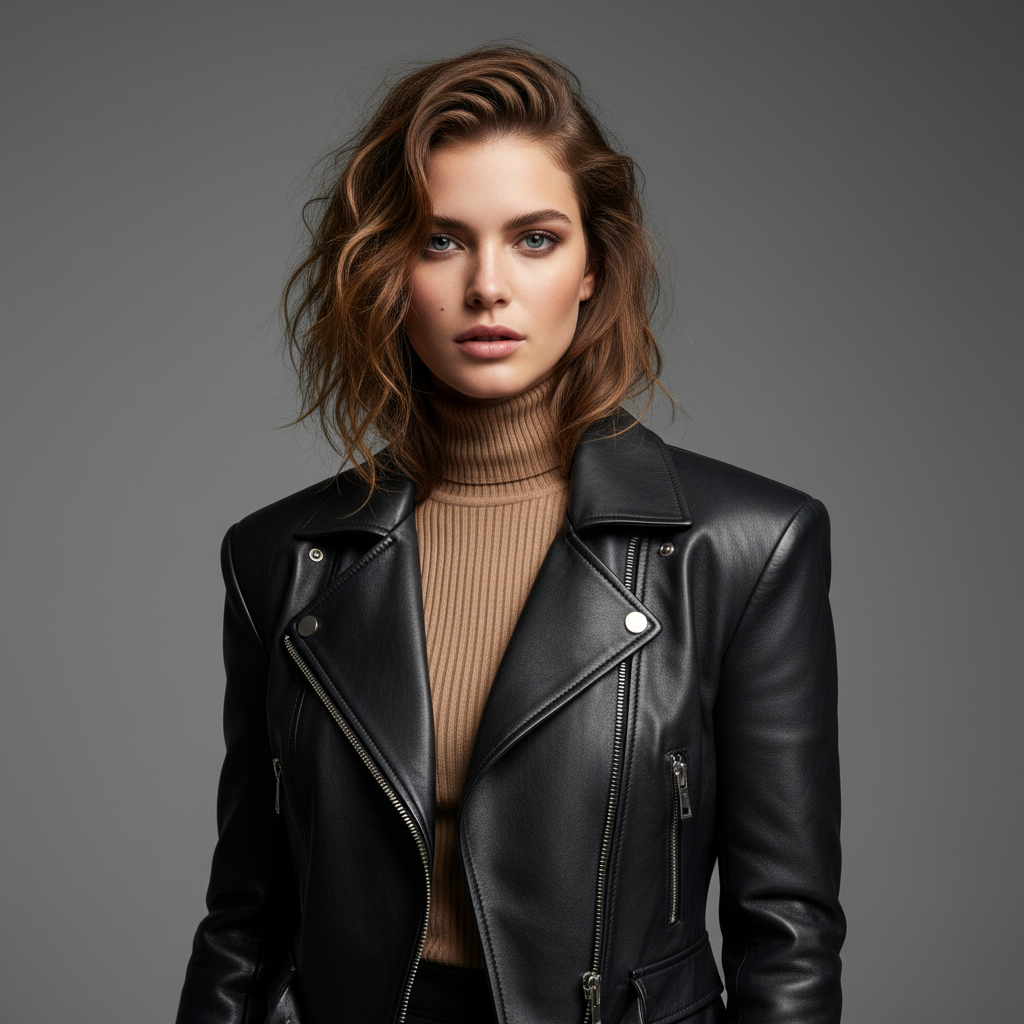
Six clean cutouts made for stores, portfolios and design work in about fifteen seconds each
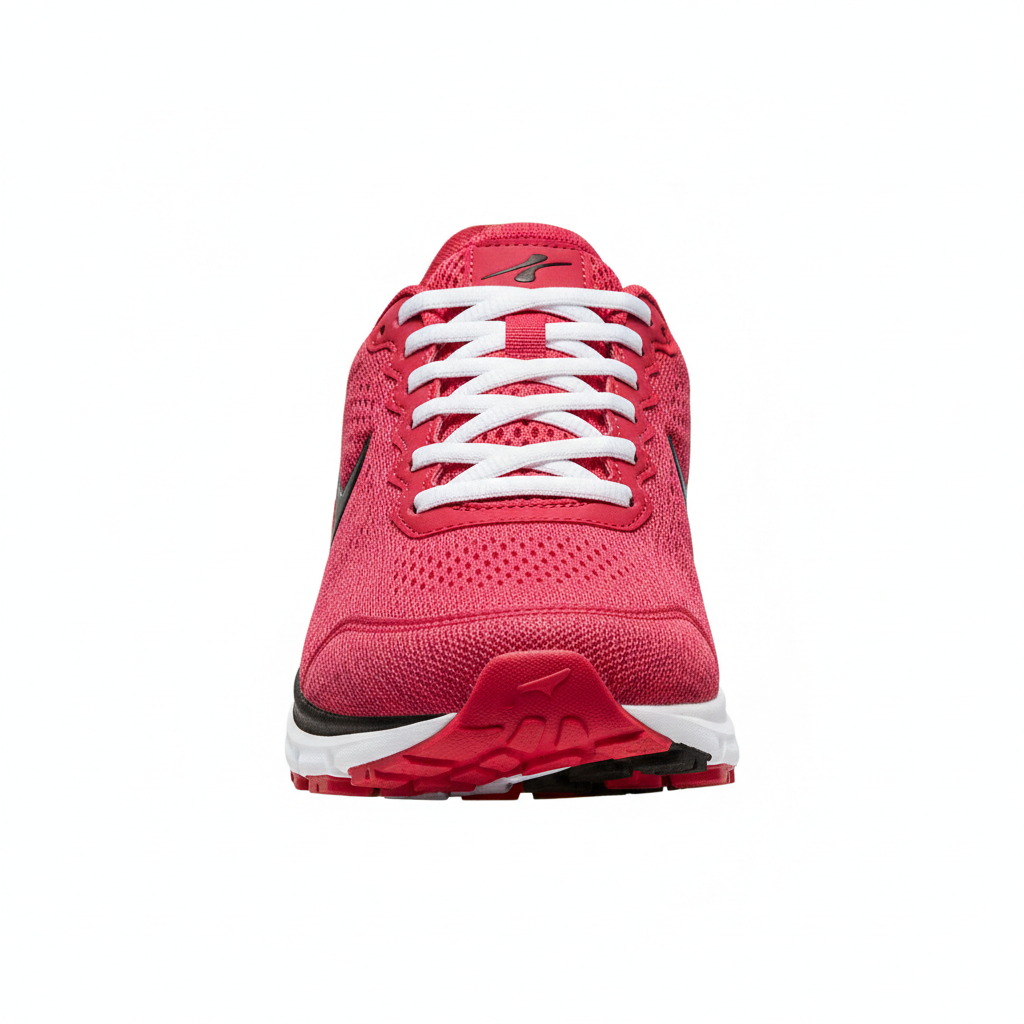
Product Cutout
Made in ~15s

Portrait
Made in ~15s
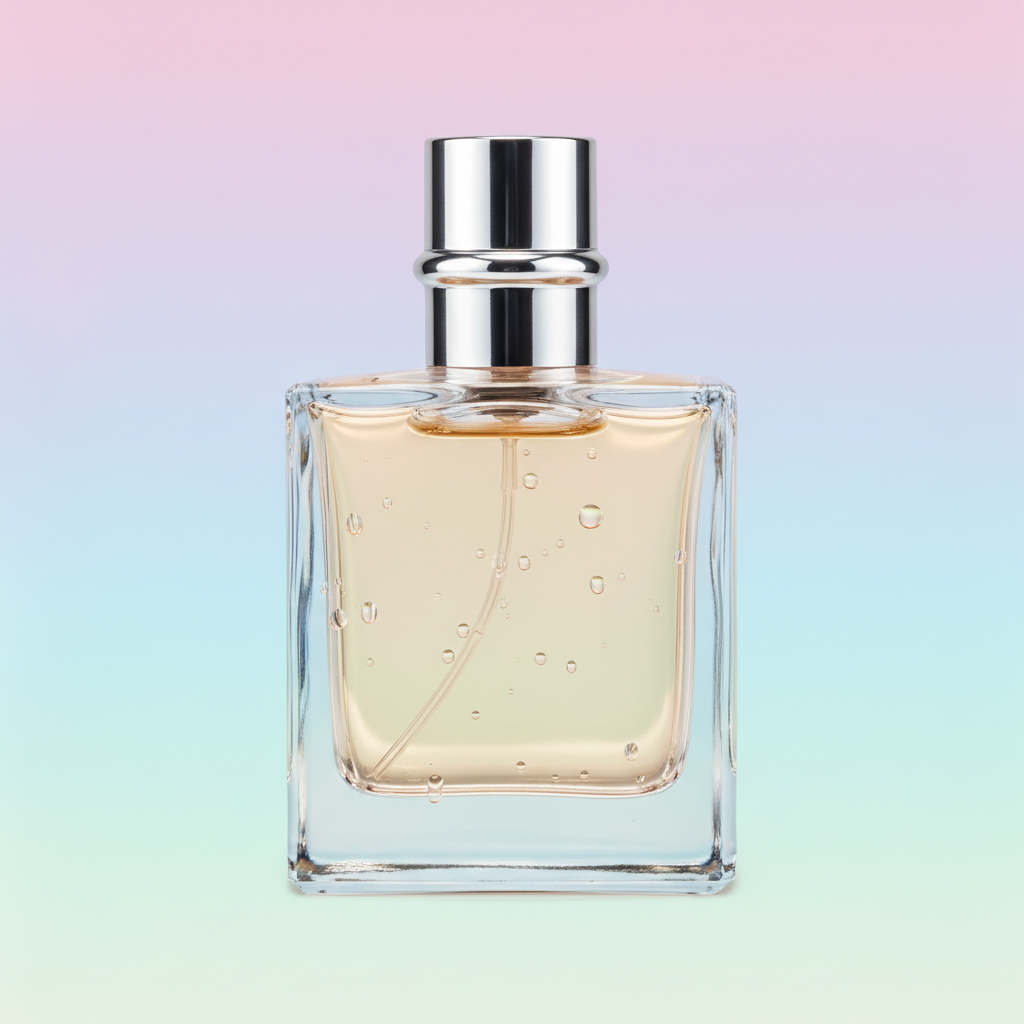
E-commerce
Made in ~15s
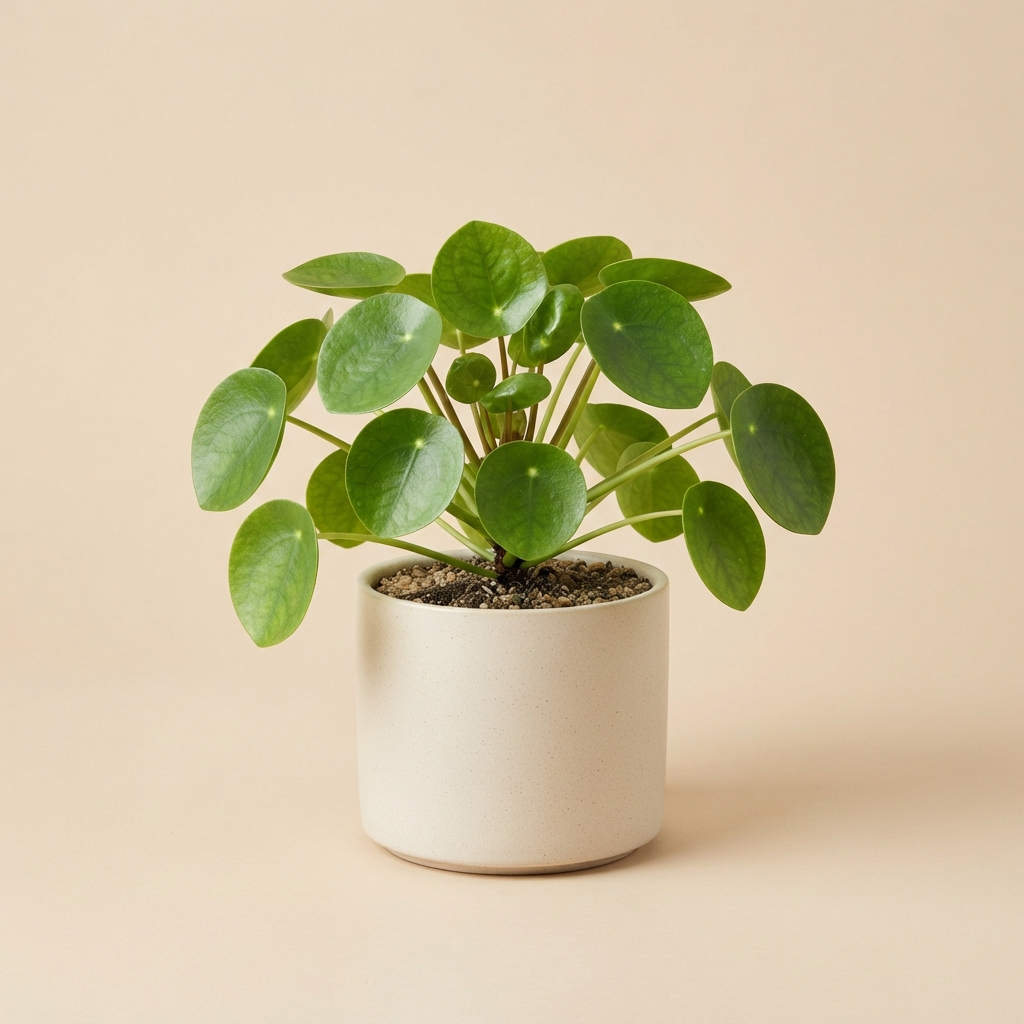
Fine Edges
Made in ~15s
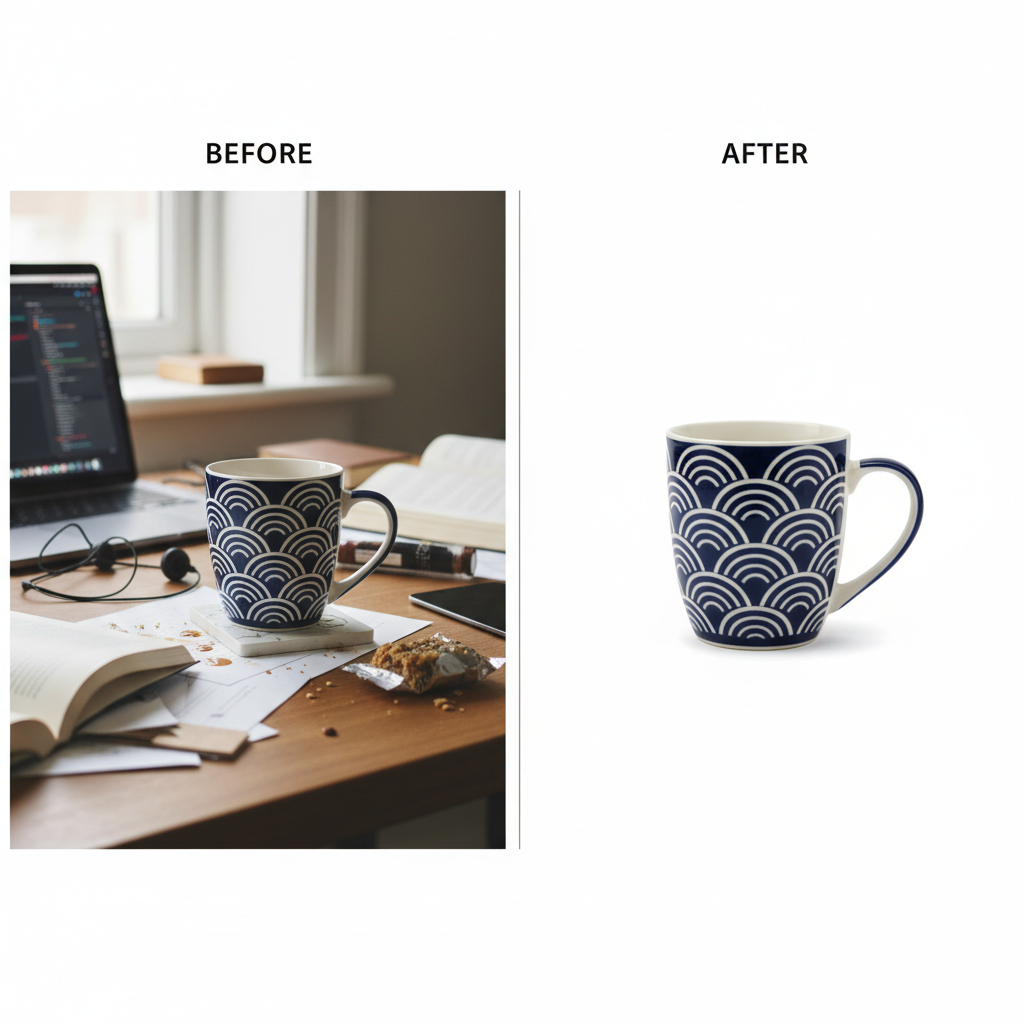
White Background
Made in ~15s
Pets & Fur
Made in ~15s
How the AI Image Background Removal Tool Works
Three steps, fifteen seconds — no editor, no pen tool, no learning curve
Upload Your Photo
Drop your image into the AI image background removal tool above — a product shot, portrait, pet or logo. The AI detects the main subject automatically, so there is nothing to trace or mask by hand.
Pick a Background
Choose Transparent PNG, Pure White, Studio Gradient, Solid Color, Blurred Depth or Lifestyle Scene. The AI image background removal tool cuts out your subject and drops it onto the background you picked in about fifteen seconds. Regenerate as often as you like.
Download & Use
Download your clean cutout and use it anywhere — Shopify, Amazon, Etsy, Instagram, portfolios or prints. Output is high resolution and share-ready — upgrade for 4K, watermark-free exports and full commercial rights.
Why This AI Image Background Removal Tool Stands Out
The details that separate a real background remover from a rough auto-cutout
Clean Cutouts — Even on Hair and Fur
This AI image background removal tool isolates your subject with crisp, natural edges — no rough halo, no leftover fringe. It handles the hard parts other removers fumble, like strands of hair, pet fur, leaves and soft edges, so product shots and portraits look professionally masked rather than pasted onto a new background.
A Background for Every Use Case
Switch between Transparent PNG, Pure White, Studio Gradient, Solid Color, Blurred Depth and Lifestyle Scene in one tap. The AI image background removal tool gives designers a transparent cutout, e-commerce sellers a clean white catalog shot, and marketers a polished branded backdrop — all from the same upload.
Results in Seconds
Masking a subject by hand in Photoshop can take twenty minutes of pen-tool tracing and edge refinement. The AI image background removal tool takes about fifteen seconds and starts free — upload, pick a background, generate, and regenerate as many times as you like until the cutout and edges look exactly right.
No Editing Skills Needed
You do not need Photoshop, layer masks or the pen tool. If you can upload a photo and tap a background, this AI image background removal tool handles subject detection, edge cleanup and compositing for you. It is built for busy sellers, creators and total beginners, removing every technical barrier between you and a clean cutout.
Unique, High-Resolution Output
Every result the AI image background removal tool makes is generated fresh at high resolution, so your cutouts stay sharp on product pages, thumbnails, prints and ads. Tweak the background, switch styles and regenerate until the isolated subject sits perfectly on the backdrop you need for your brand.
Ready for Every Platform
Use your background-free images on Shopify, Amazon, Etsy, Instagram, portfolios and print. The AI image background removal tool outputs high-resolution square images that stay crisp at any size, and paid plans add 4K exports, watermark-free downloads and full commercial rights.
AI Image Background Removal — FAQ
Everything you need to know about removing image backgrounds with AI
Remove a Background Now
The AI image background removal tool is free, loaded on this page, and needs no account. Upload a photo, pick a background, and watch a clean, professional cutout appear in about fifteen seconds.
Remove a Background FreeAI Image Background Removal: Clean Cutouts for Everyone
The AI image background removal tool on this page exists for one job: to give you clean, professional cutouts without an editing app, a design course or a single dollar to start. Where isolating a subject once meant twenty minutes of pen-tool tracing, layer masking and edge refinement in Photoshop, this AI image background removal tool produces a polished, high-resolution result from one upload and one background choice in about fifteen seconds. The output is a genuine, ready-to-use image — crisp at the edges, natural on hair and fur, and framed square so it fits the slots used across online stores, social feeds and design files.
Getting a great result from an AI image background removal tool comes down to the background you pick. Transparent PNG gives designers a clean cutout to drop into any layout. Pure White delivers the crisp catalog shot that Amazon, Shopify and Etsy expect. Studio Gradient adds a polished marketing backdrop, Solid Color makes bold social graphics, Blurred Depth keeps a portrait feel with a soft bokeh, and Lifestyle Scene composites your subject into a natural setting with realistic lighting. Upload once and switch backgrounds freely so the removal fits your exact use case.
A dedicated AI image background removal tool is different from a rough one-tap eraser. It is tuned to nail the things that actually make a cutout look professional: precise subject detection, clean edges without a halo, preserved fine detail on hair, fur and leaves, and believable compositing onto the new background — and every result is generated fresh at high resolution. That focus is why it works so well for e-commerce sellers building product catalogs, photographers preparing portfolios, and graphic designers assembling ads, thumbnails and client work. You can remove a background before spending a cent.
Whether you searched for an "AI image background removal" tool, a way to "remove background from image", an "AI background remover", an "AI photo editing" app or a free way to make transparent PNGs, this is the dedicated page for it on aibanana.net. The interactive tool above is powered by the Nano Banana Pro image model, runs entirely server-side, and asks for no account, email or credit card — free usage is protected with per-IP rate limits rather than a login wall. Upload a photo, pick a background, and see how fast a clean cutout comes together. When a result fits your needs, upgrade to a paid plan starting at $2.99 to unlock unlimited 4K exports, watermark-free downloads and full commercial usage rights — a tireless on-demand cutout studio for every image you make.