
AI Image Background Changer
Swap Any Photo Background in Seconds
This AI image background changer turns any photo into a studio-quality shot in about fifteen seconds — just upload your image, pick a new background, and the AI removes the old one and blends in the new scene automatically. Place products on a clean white backdrop, put portraits in a modern office, or drop any subject into a beach, nature or custom setting. Built for photographers, marketers and e-commerce sellers, this AI background swap tool is free to start, needs no login, and outputs in HD with full commercial usage on paid plans.
Change Your Image Background — Free
Upload a photo, pick a new background, and the AI image background changer swaps it in seconds
AI Image Background Changer
Upload your photo, choose a new background style, and the AI removes the old background and blends in the new scene in seconds.
Upload your photo, choose a background style, and click Generate
The AI Image Background Changer in Action
Six background swaps generated in about fifteen seconds each

Office Portrait
Changed in ~15s
White Studio
Changed in ~15s

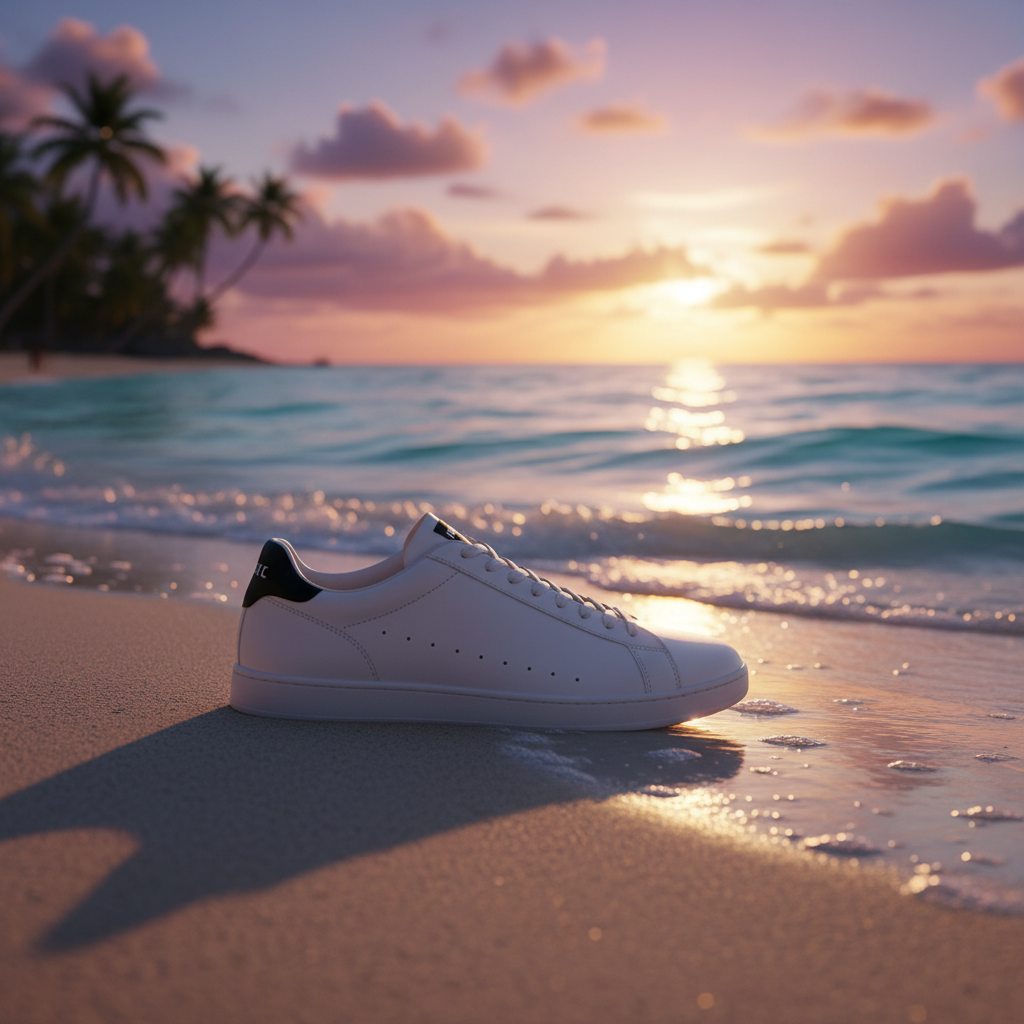
Sunset Beach
Changed in ~15s

Lifestyle Scene
Changed in ~15s
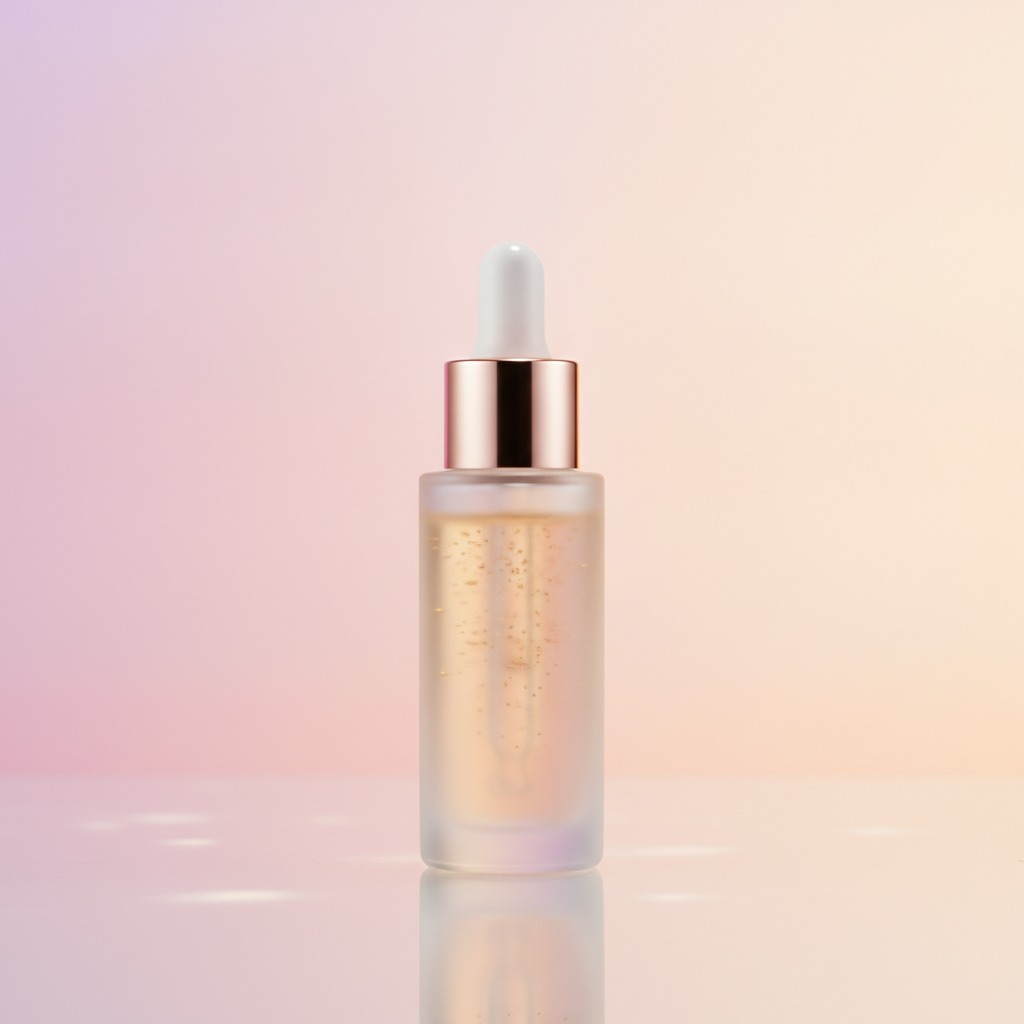
Gradient Backdrop
Changed in ~15s
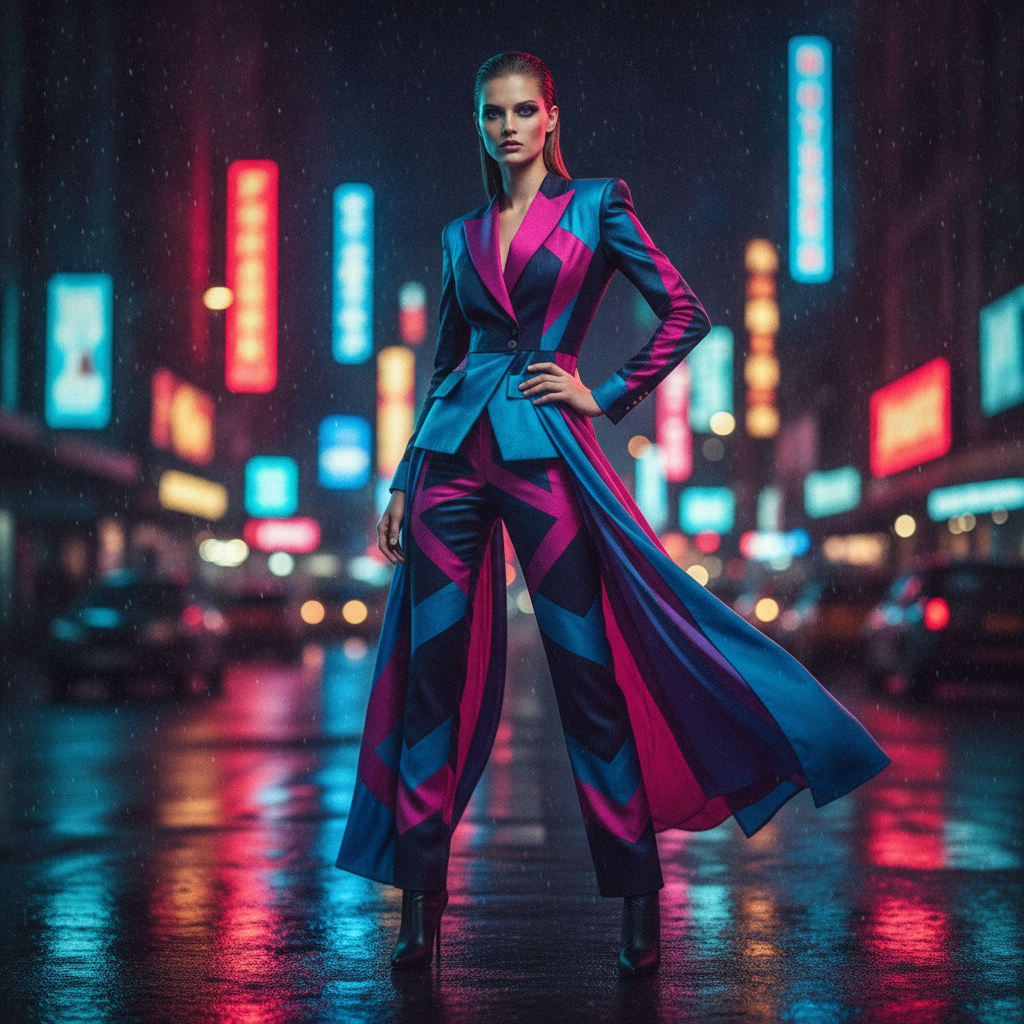
Nature Swap
Changed in ~15s
How to Change an Image Background with AI
Three steps, fifteen seconds — no masking, no Photoshop, no learning curve
Upload Your Photo
Drop the image you want to edit into the AI image background changer above — a product shot, portrait, pet photo or any subject. The AI automatically detects the main subject and gets ready to separate it from the current background.
Pick a New Background
Choose a preset — White Studio, Modern Office, Nature, Sunset Beach, Lifestyle Marble or Gradient — or describe your own scene. The AI image background changer removes the old backdrop and blends the new one in about fifteen seconds.
Download & Use
Download your background-changed image and drop it straight into your store, portfolio, ad or social feed. Output is sharp and ready to use — upgrade for 4K, watermark-free exports and full commercial rights.
Why Creators Choose This AI Image Background Changer
The details that turn one uploaded photo into a clean, studio-quality shot
Automatic Subject Cutout
No lasso tool, no manual masking. This AI image background changer detects the person, product or object in your photo and separates it from the old background automatically — even hair, fur and fine edges — so you get a clean cutout without touching Photoshop.
Swap to Any Scene
Drop your subject onto a pure white studio backdrop, a modern office, a sunny beach, a marble lifestyle surface or a custom scene you describe. The AI image background changer blends lighting and edges so the new background looks like it was there all along.
Studio Results in Seconds
Changing an image background used to mean a photographer, a lightbox or an hour of retouching. This AI image background changer produces a polished, professional result in about fifteen seconds and starts free — so you can re-shoot a whole catalog without a studio.
Built for E-commerce
Marketplace listings demand clean, consistent backgrounds. Use this AI image background changer to place every product on the same white or lifestyle backdrop, meeting Amazon, Etsy and Shopify standards and giving your store a cohesive, trustworthy look.
Presets in One Tap
Pick White Studio, Office, Nature, Lifestyle, Gradient or Solid Color — or type your own background idea. The AI image background changer applies the look instantly, so photographers and marketers can restyle a photo without any editing skills.
No Software, No Login
You do not need Photoshop, a plugin or an account. If you can upload a photo, this AI image background changer handles the cutout, the new backdrop and the blending for you — removing every barrier between your original shot and a finished, background-changed image.
AI Image Background Changer — FAQ
Everything you need to know about changing photo backgrounds with AI
Change Your Background Now
The AI image background changer is free, loaded on this page, and needs no account. Upload a photo, pick a new background, and watch a studio-quality result come together in about fifteen seconds.
Change a Background FreeAI Image Background Changer: Studio Backgrounds Without a Studio
The AI image background changer on this page exists for one job: to swap the background of any photo without masking edges by hand or opening a design tool. Where changing a single backdrop once meant an hour of tracing in Photoshop or a full re-shoot, this AI image background changer detects your subject, removes the old background and blends in a new scene from one upload in about fifteen seconds. The output is a genuine, ready-to-use image — clean edges, matched lighting and a professional backdrop — that drops straight into your store, portfolio, ad or social feed.
Getting a great result comes down to the background you pick and the photo you start with. White Studio delivers the clean, distraction-free backdrop that marketplaces reward; Modern Office turns a plain headshot into a polished corporate portrait; Nature and Sunset Beach place your subject in a warm outdoor scene; Lifestyle Marble builds a premium product setting; and Gradient Backdrop gives a bold editorial look. You can also describe your own scene, and the AI image background changer will separate the subject and composite the new environment behind it with realistic edges and shadows.
A dedicated AI image background changer is different from a generic image editor. It is tuned for the exact task of subject cutout and background replacement, handles tricky edges like hair and fur automatically, and matches the new backdrop's lighting so the composite looks natural rather than pasted. That focus is why it works so well for e-commerce sellers standardizing product photos, photographers restyling portraits, and marketers building consistent visuals across a campaign. You can change photo backgrounds before spending a cent.
Whether you searched for an "AI image background changer", a "photo background editor", an "AI background swap" tool, or a way to "change image background with AI", this is the dedicated page for it on aibanana.net. The interactive AI image background changer above is powered by the Nano Banana Pro image model, runs entirely server-side, and asks for no account, email or credit card — free usage is protected with per-IP rate limits rather than a login wall. Upload a photo, pick a new background, and see how fast a studio-quality result comes together. When an image fits your brand, upgrade to a paid plan starting at $2.99 to unlock unlimited 4K exports, watermark-free downloads and full commercial usage rights — a tireless on-demand background studio for every product and portrait you shoot.