
AI Historical Photo Restoration
Repair & Revive Old Photos in Seconds
This AI historical photo restoration tool repairs damaged, faded and torn photographs in about fifteen seconds — removing scratches, creases and stains, recovering lost facial detail and sharpness, and optionally adding natural, period-accurate color, no Photoshop or retouching skill required. Just upload a scan of your old photo, pick a restoration style, and let the AI rebuild it. Made for historians, museum curators and photography enthusiasts, this tool is free to start, needs no login, and outputs in HD with full commercial usage on paid plans.
Try the AI Historical Photo Restoration Tool — Free
Upload a scan of your old photo, pick a restoration style, and the AI historical photo restoration tool repairs, sharpens and revives it in seconds
AI Historical Photo Restoration
Upload a damaged, faded or old photograph, choose a restoration style, and the AI repairs, sharpens and revives it.
Upload a scan of your old or damaged photo, pick a restoration style, and click Generate
The AI Historical Photo Restoration Tool in Action
Six damaged historical photos repaired and revived in about fifteen seconds each
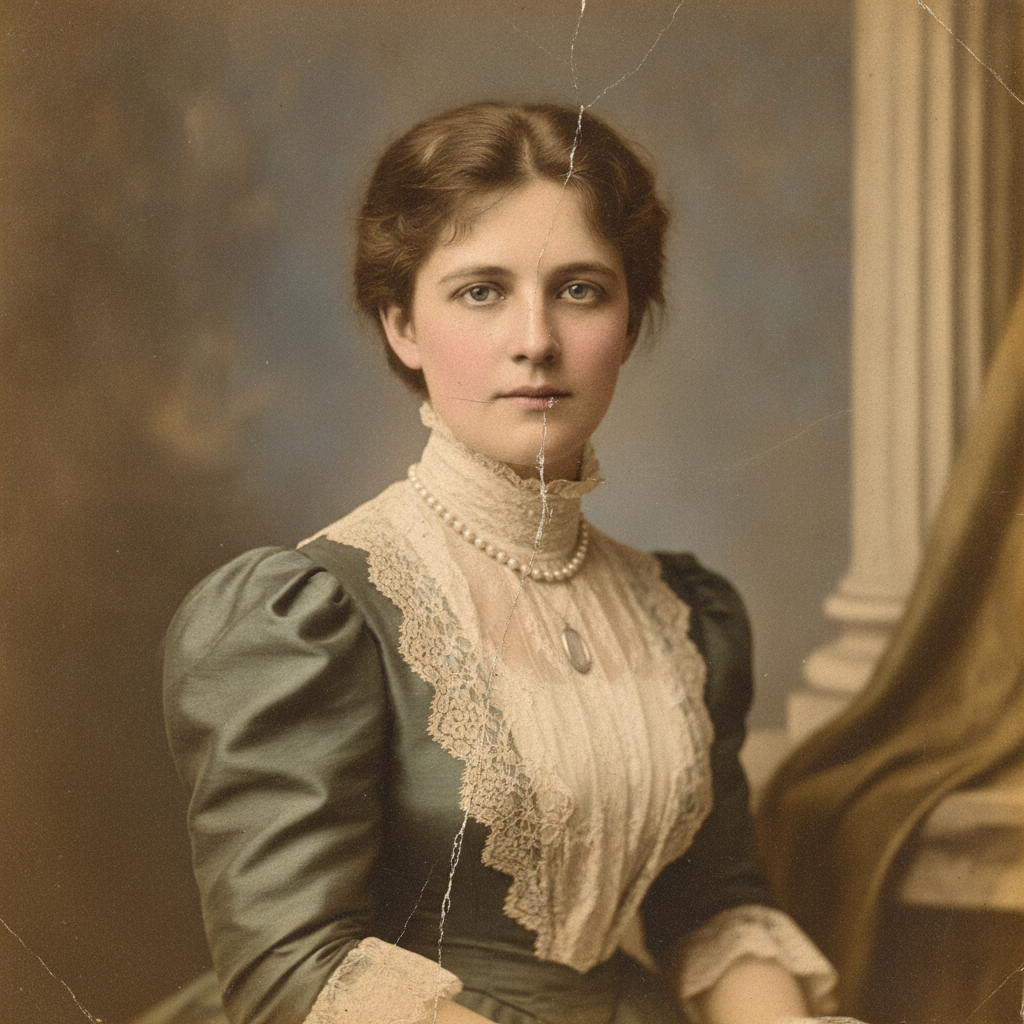
1900s Studio Portrait
Restored in ~15s
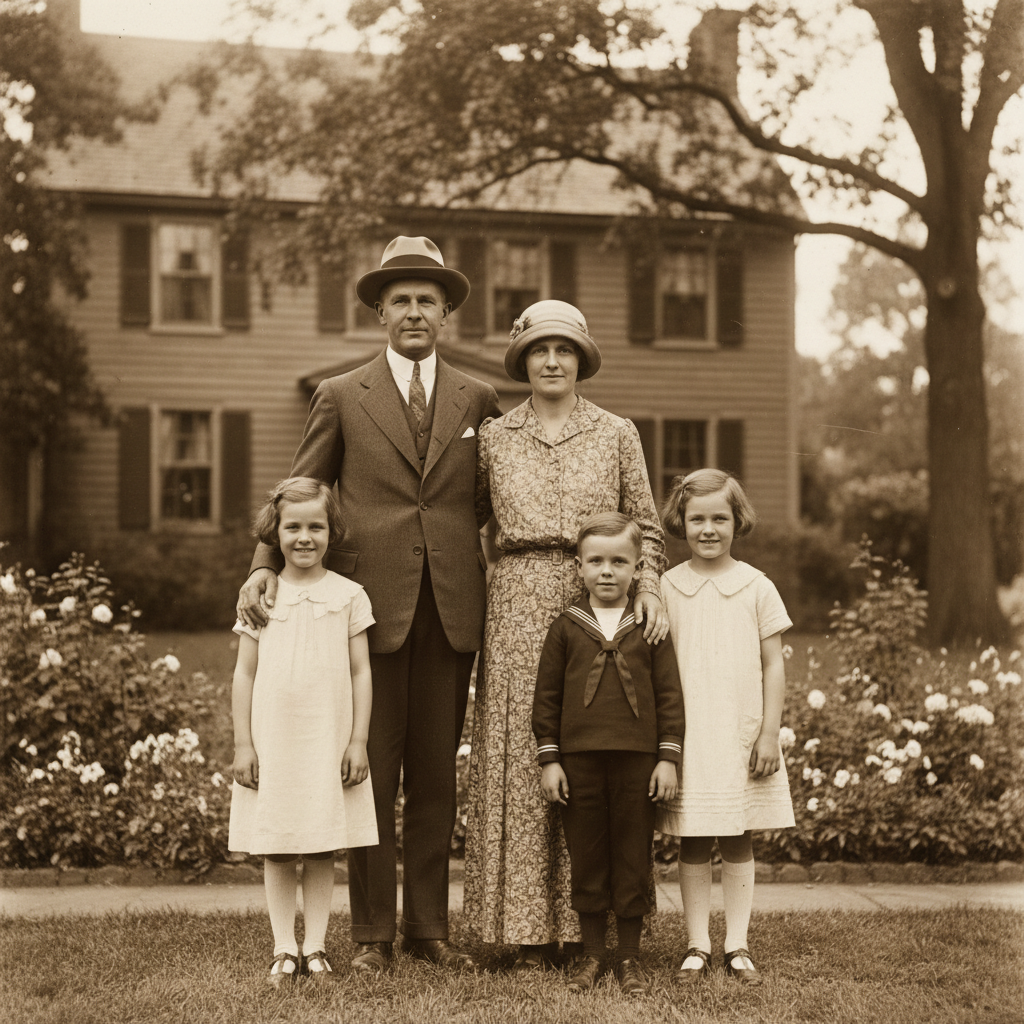
1920s Family Photograph
Restored in ~15s
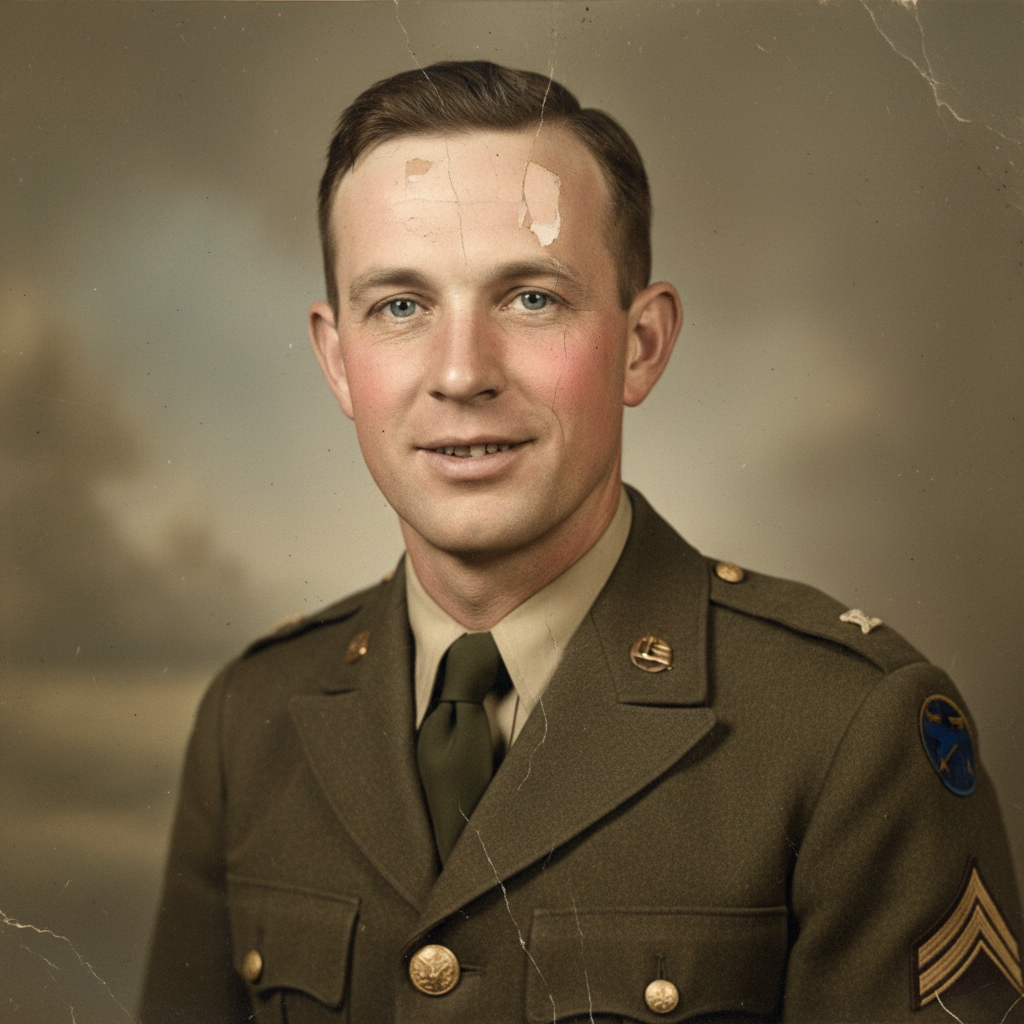
1940s Wartime Portrait
Restored in ~15s
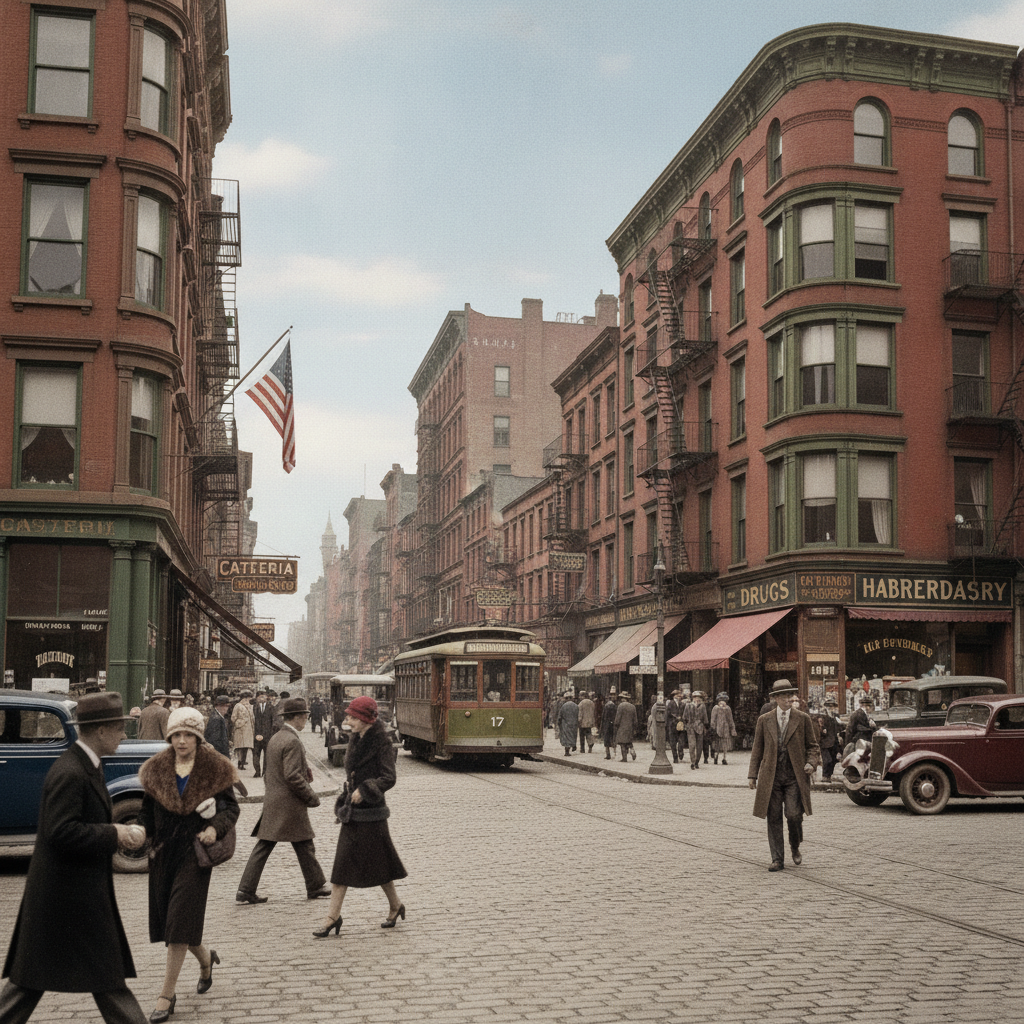
1930s Street Scene
Restored in ~15s
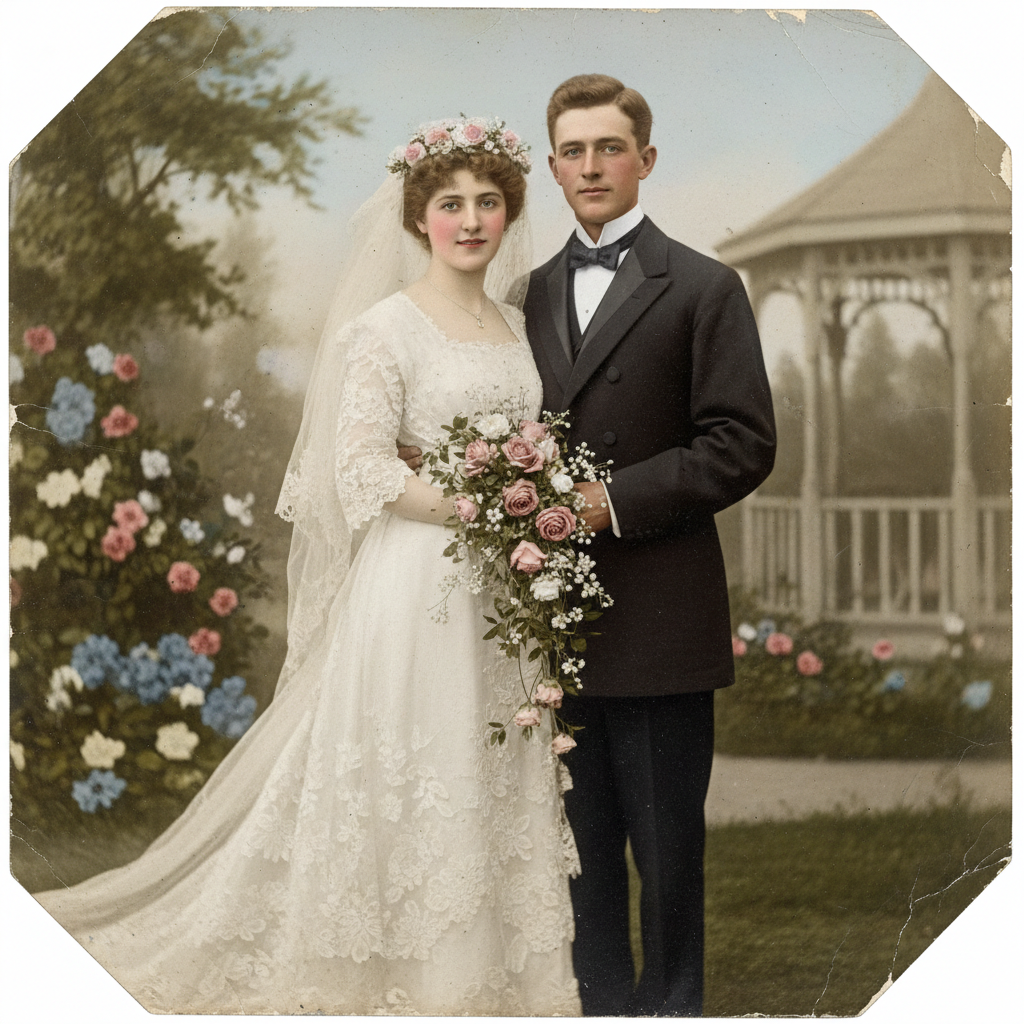
Antique Wedding Photo
Restored in ~15s
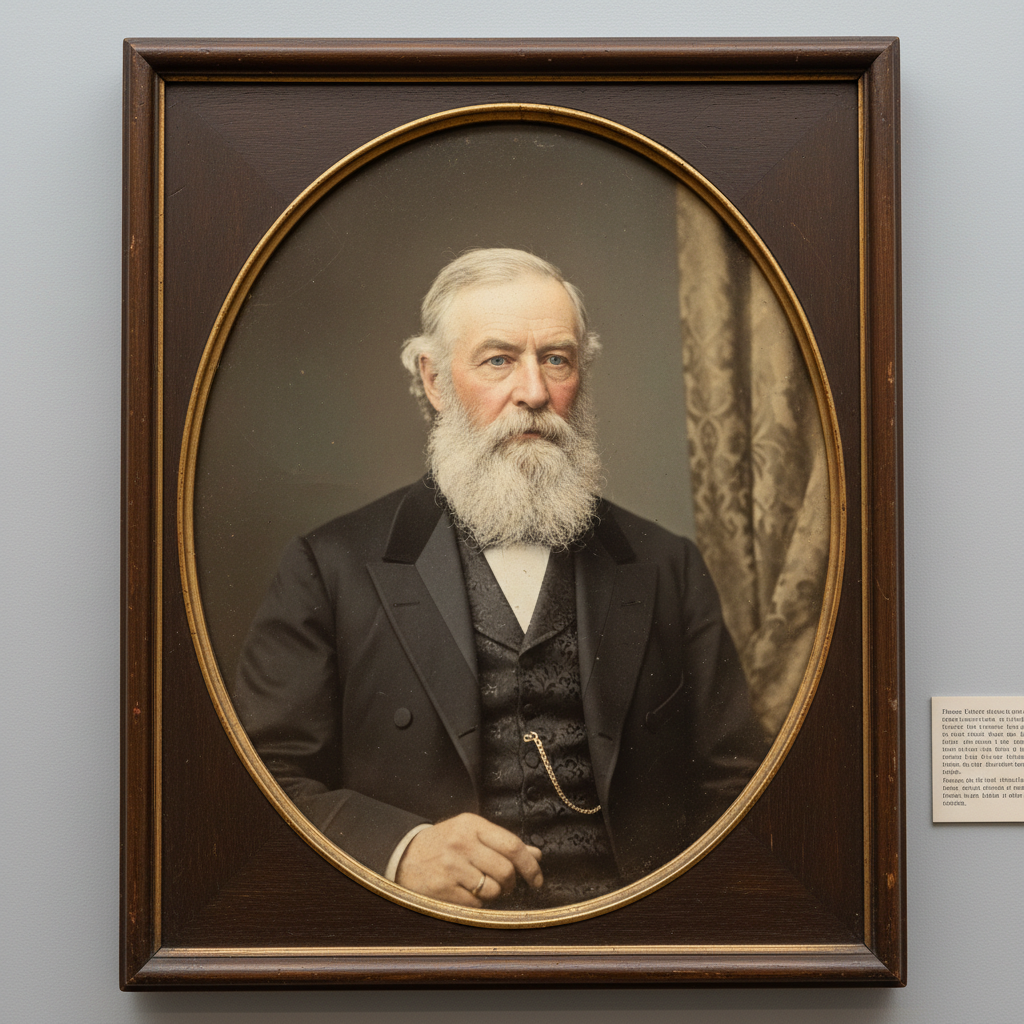
Victorian Portrait
Restored in ~15s
How AI Historical Photo Restoration Works
Three steps, fifteen seconds — no cloning, no masking, no learning curve
Upload Your Scan
Drop a scan or photo of your old, damaged or faded print into the AI historical photo restoration tool above. Family portraits, wartime images, wedding photos and archival prints all work — a clean, high-resolution scan gives the most accurate repair, but the AI also revives heavily aged and low-contrast originals.
Pick a Restoration Style
Tap a style — Full Restore, Repair Damage, Colorize, Sharpen & Enhance, De-Fade or Portrait Revival. You can also add a short note about what to fix. The AI historical photo restoration tool blends your choice with the scene and rebuilds the image in about fifteen seconds.
Download & Preserve
Download your restored photograph and use it anywhere — framed prints, family albums, ancestry projects, books, documentaries or exhibitions. Output is high resolution and ready to use — upgrade for 4K, watermark-free exports and full commercial rights.
Why This AI Historical Photo Restoration Tool Stands Out
The details that separate real restoration from a one-click filter
Repairs Real Damage
This AI historical photo restoration tool goes far beyond a filter — it removes scratches, creases, tears, dust, stains and water damage, and reconstructs missing or degraded areas of the image. Aged prints that look beyond saving come back with clean, believable detail, so the photo reads as it did the day it was taken.
Recovers Lost Detail
Time flattens contrast and blurs faces. The AI historical photo restoration tool reads the whole scene and rebuilds sharpness, texture and facial features that fading washed out — recovering eyes, clothing patterns and background detail so a soft, low-contrast archival image becomes crisp and clear again.
Optional Natural Colorization
Want more than a repair? The AI historical photo restoration tool can add lifelike, period-accurate color to black and white photographs — human skin tones, believable skies and authentic material hues — turning a grayscale memory into a warm, naturally colored image while keeping the restoration faithful to the era.
Restored in Seconds, Not Days
Hand-restoring a single damaged photo in Photoshop can take a skilled retoucher hours or days of cloning, masking and painting. The AI historical photo restoration tool does it in about fifteen seconds and starts free — upload a scan, pick a restoration style, and regenerate until the result feels exactly right.
No Editing Skill Needed
You do not need layers, masks or years of retouching practice. If you can upload a photo and tap a style, this AI historical photo restoration tool handles the damage repair, detail recovery and colorization for you — removing every barrier between a fragile, damaged heirloom and a clear, restored photograph.
Built for Archives & Families
From museum collections and genealogy projects to a shoebox of family prints, the AI historical photo restoration tool outputs high-resolution images ready for framing, printing, books, exhibitions and documentaries. Paid plans add 4K exports, watermark-free downloads and full commercial rights for archival work.
AI Historical Photo Restoration — FAQ
Everything you need to know about restoring historical photos with AI
Restore Your Historical Photo Now
The AI historical photo restoration tool is free, loaded on this page, and needs no account. Upload a scan of your old photo, pick a restoration style, and watch it come back to life — repaired, sharpened and revived in about fifteen seconds.
Restore a Photo FreeAI Historical Photo Restoration: Bring Every Old Photograph Back to Life
The AI historical photo restoration tool on this page exists for one job: to repair, sharpen and revive old, damaged and faded photographs without Photoshop, hours of cloning and masking, or a single dollar to start. Where restoring a single damaged image once meant a skilled retoucher rebuilding it layer by layer over hours or days, this AI historical photo restoration tool produces a clean, high-resolution result from one upload in about fifteen seconds. The output is a genuine, ready-to-use restoration — scratches and tears removed, contrast and sharpness rebuilt, faces and detail recovered — framed square so it fits family albums, prints and archival collections.
Getting a great result from an AI historical photo restoration tool comes down to the scan you upload and the style you pick. Full Restore repairs damage, fading and lost detail all at once; Repair Damage targets scratches, tears and stains; Colorize adds natural period-accurate color to black and white images; Sharpen & Enhance recovers clarity from soft, low-contrast prints; De-Fade corrects heavy fading and color casts; and Portrait Revival focuses on recovering lifelike skin, eyes and hair in old portraits. Add a short note about what to fix — remove the tear, sharpen the face, add natural color — and the tool blends it with the scene so the result matches your intent.
A dedicated AI historical photo restoration tool is different from a one-click enhance filter. It reads the whole image before rebuilding it, so damaged areas are reconstructed convincingly, materials read correctly, and skin looks human rather than smeared — and it can revive aged, low-contrast photographs that time nearly erased. That focus is why it works so well for historians and museum curators preserving archival collections, genealogists documenting ancestry, and photography enthusiasts reviving fragile family heirlooms. You can restore a photo before spending a cent.
Whether you searched for "AI historical photo restoration", a way to "restore historical photos with AI", an "AI photo restoration" tool, "AI image restoration" or how to "repair old photos with AI", this is the dedicated page for it on aibanana.net. The interactive tool above is powered by the Nano Banana Pro image model, runs entirely server-side, and asks for no account, email or credit card — free usage is protected with per-IP rate limits rather than a login wall. Upload your scan, pick a restoration style, and see how fast a fragile, damaged memory becomes a clear, restored photograph. When a result honors the original, upgrade to a paid plan starting at $2.99 to unlock unlimited 4K exports, watermark-free downloads and full commercial usage rights — a tireless on-demand restoration studio for every photo your family and archive cherish.