
AI Hi-Fi Image Enhancer
Fidelity First, Not Just Sharper
Hi-fi means faithful. This AI hi-fi image enhancer rebuilds the fine detail, texture and micro-contrast a photograph lost to compression, noise reduction or a tired export — the individual fibres, the grain, the micro-relief that make a surface read as itself rather than as smooth grey paste. Upload an image, pick the failure mode you are fixing, and get a high-resolution render free.
Try the AI Hi-Fi Image Enhancer — Free
Upload the photo you want to rescue, pick the kind of fidelity it lost, and download a high-resolution render in about a minute
AI Hi-Fi Image Enhancer
Upload an image, choose the fidelity problem you are fixing — fine detail, texture, print softness, archival fading, low-light smear or colour drift — and generate an enhanced high-resolution version
Upload your photo, pick a fidelity preset, and click Generate. Start from the best original you have rather than an already-processed export.
The Kind of Fidelity This Enhancer Holds Onto
Feather barbs, wing scales, linen fibres, sediment channels and nacre chambers — detail at the scale that separates a hi-fi render from a sharpened one
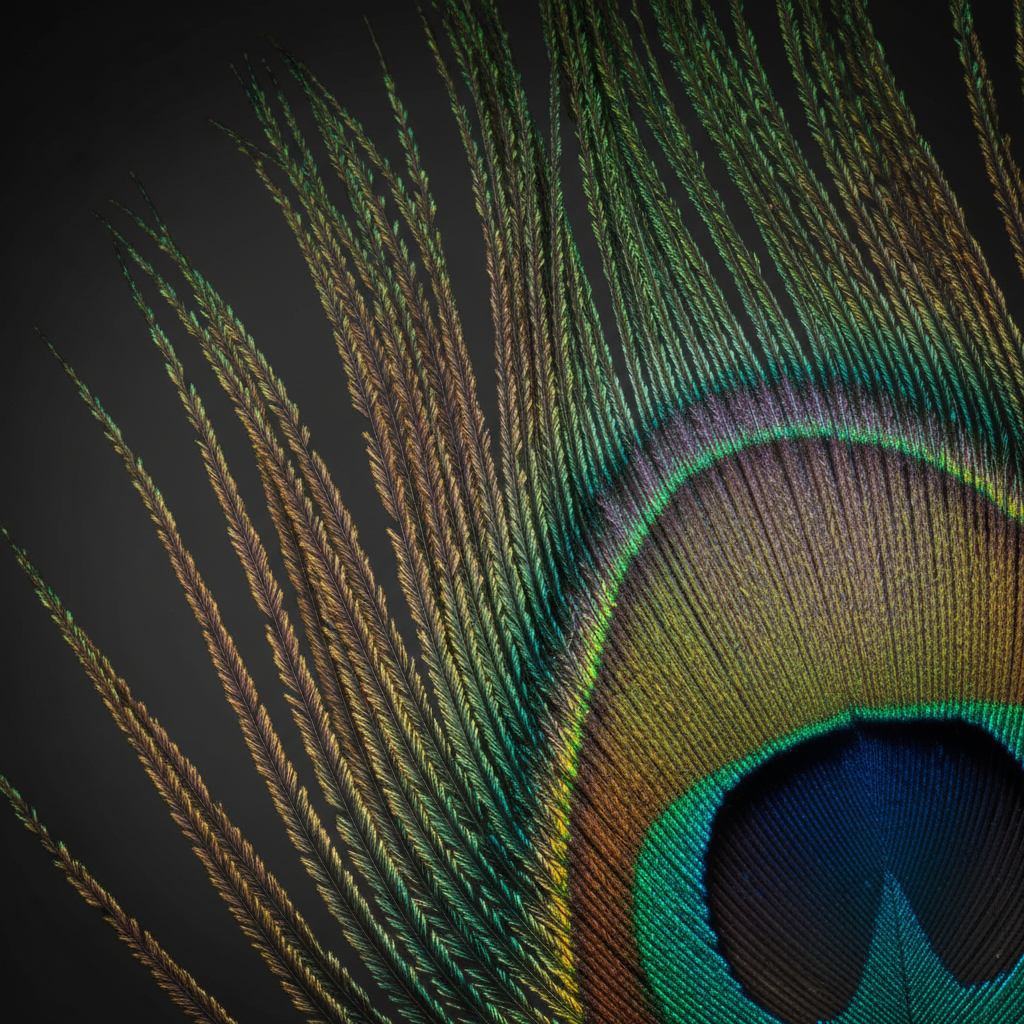
Iridescent Barb Detail
FINE DETAIL
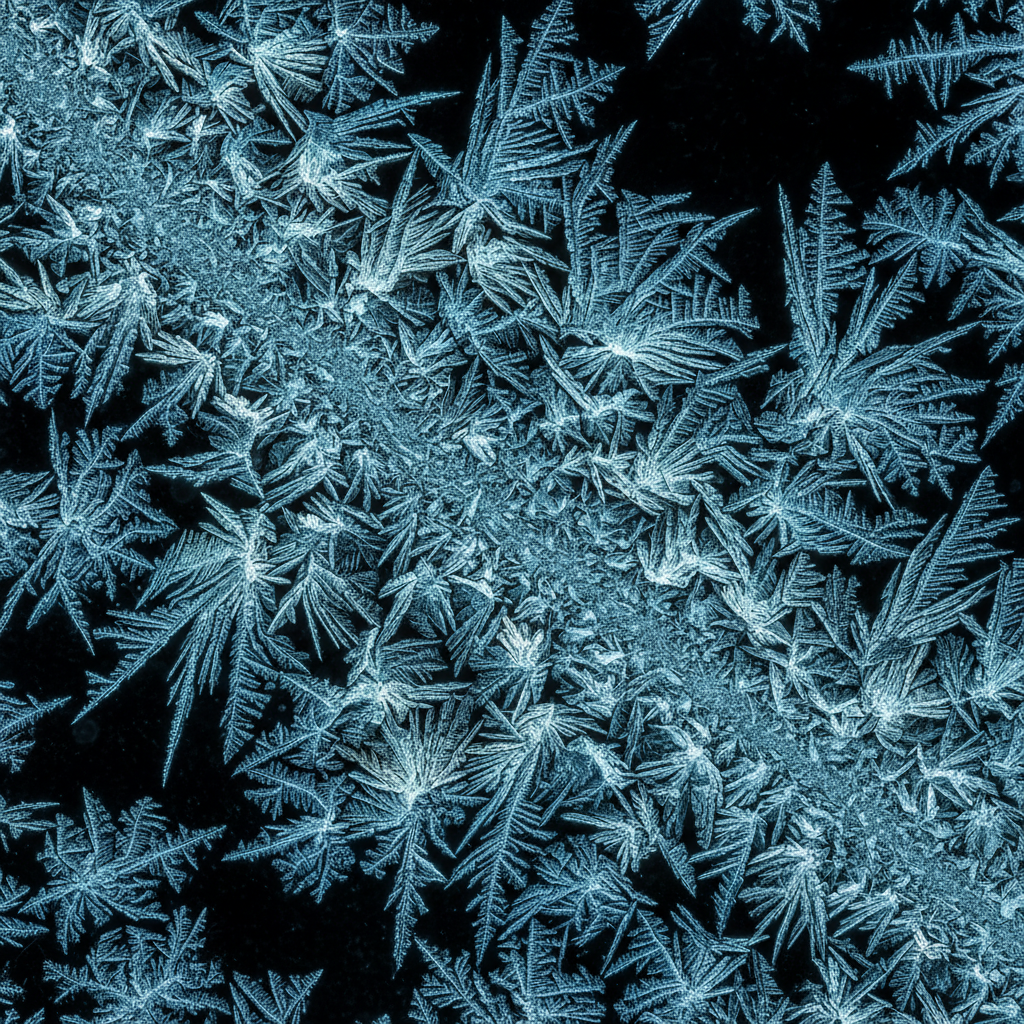
Overlapping Wing Scales
MICRO-CONTRAST
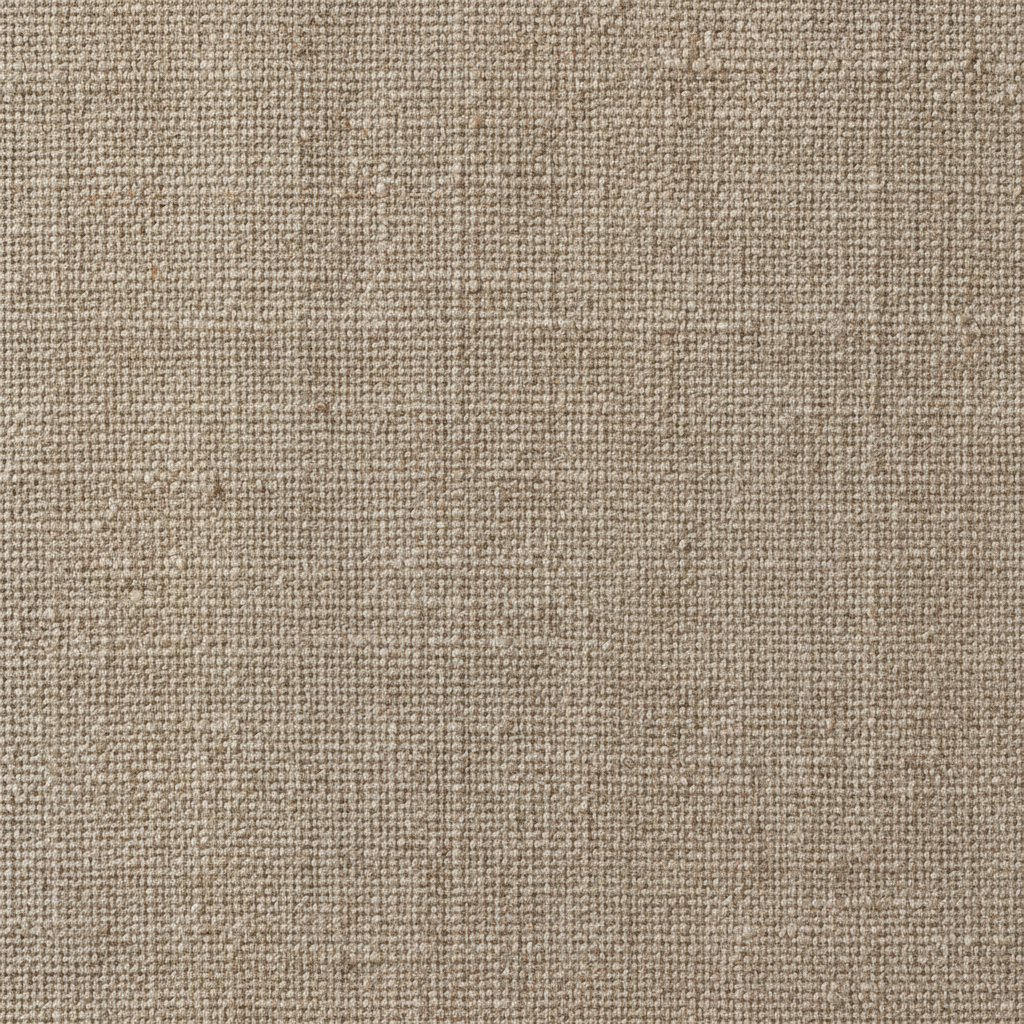
Woven Fibre Study
TEXTURE
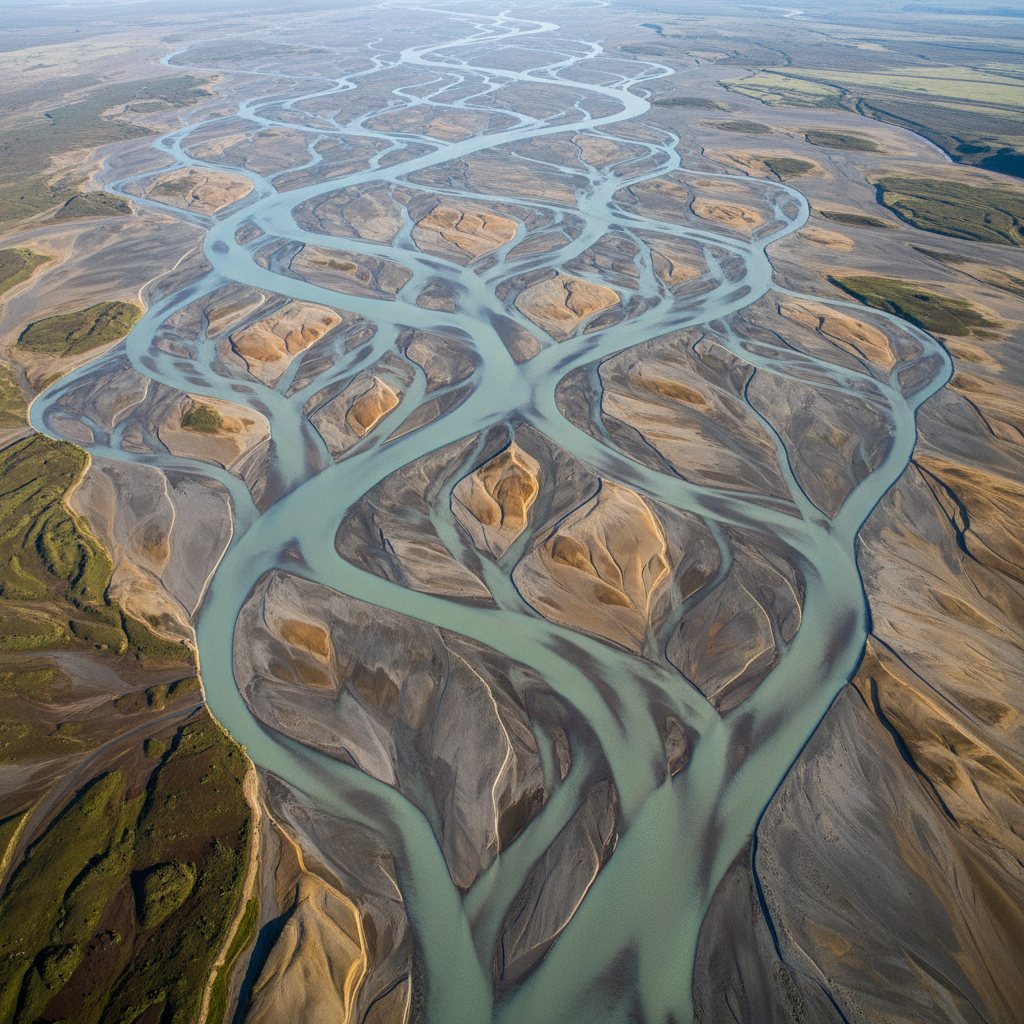
Braided Delta Channels
LARGE FORMAT

Detail Under the Lens
HOW IT WORKS

Nacre Chamber Spiral
ARCHIVAL & REPRO
What High-Fidelity AI Rebuilds — and What It Invents
The one distinction worth understanding before you trust an enhanced file
Reliable: Texture and Tone
- Fabric weave, wood grain, stone, foliage and hair
- Micro-contrast lost to compression or noise reduction
- Shadow structure in underexposed but sharp frames
- Faded tonal range in archival and scanned material
- Edge definition in correctly focused soft exports
- Colour accuracy and smooth banding-free gradients
Invented: Anything Legible
- ✕Faces small enough that features are guessed, not held
- ✕Licence plates, serial numbers and small signage
- ✕Text of any size — models write convincing nonsense
- ✕Detail behind motion blur or severe defocus
- ✕Forensic, medical or evidential image content
- ✕Anything below roughly 500 pixels with heavy blocking
The rule of thumb: use hi-fi image processing to change how an image feels, never to read something out of it you could not read before. Rebuilt texture is statistically plausible and visually true; a rebuilt licence plate is a specific claim the model is not entitled to make. Where an image will be relied on as evidence rather than looked at, keep the original and enhance a copy.
How Hi-Fi Image Processing Works Here
Three steps from a tired file to a print-ready render
Upload Your Best Original
Start from the least-processed file you have — the raw export, the full-size scan, the original camera JPEG — not a version that has already been through a resizer and a social platform. Every round of compression removes structure the enhancer would otherwise have used, and no model can weigh evidence that was thrown away before it arrived.
Pick the Failure Mode
Photos go flat in different ways, so choose the preset that names your actual complaint: lost fine detail, muddy texture, print softness, faded archival scan, smeared low-light frame, or drifting colour. Each preset carries the lighting and tonal conventions that problem calls for instead of applying one generic enhancement to everything.
Compare, Then Commit
Generate two or three versions and put them next to the original at 100 percent before you pick one. Enhancement nudges colour and contrast, and the render that looks best as a thumbnail is not always the one that holds up at full size or on paper. Download at 4K when you are satisfied.
Why This AI Photo Clarity Tool Suits Detail Work
Built around how image quality enhancement actually fails
Fine Detail Instead of Blunt Sharpening
A sharpening slider raises contrast at every edge it can find, which is why over-sharpened photos grow halos and crunchy noise. The AI hi-fi image enhancer works on structure rather than edges — it rebuilds the fibre, grain and micro-relief that the edge was made of, so the result reads as a better capture rather than a harder-processed one.
Micro-Contrast That Survives Print
Most of what people call "flat" is missing micro-contrast: the small tonal separations inside a surface that tell your eye slate from concrete or wool from felt. Those separations are the first casualty of compression and aggressive noise reduction, and the first thing high-fidelity AI enhancement puts back — which is exactly what a 300 DPI print needs and a screen forgives.
Honest About Reconstruction
Generative enhancement rebuilds; it does not recover. Where detail is genuinely gone the model produces a plausible version of what belongs there. On texture that is indistinguishable from the truth and entirely what you want. On a face, a plate or a serial number it is an invention with a confident finish, so this page tells you where the line is rather than selling past it.
4K Output for Large Format
Paid plans render at 4K, enough for a full-bleed magazine spread, a gallery print at normal viewing distance, or a trade-show panel. Square output crops cleanly into most layout grids and downscales without the softness that shows up when a small file has been stretched to fill a frame it was never shot for.
Six Presets for Different Failure Modes
Photos go flat in different ways, so one enhancement setting cannot fix all of them. The presets here target specific complaints — lost micro-texture, muddy fabric, print softness, faded archival scans, smeared low-light frames, drifting colour — and each carries the palette and lighting conventions that failure mode calls for.
Free to Start, $2.99 for Commercial Rights
Enhance your first images free with trial credits — no credit card, no signup wall, so you can judge fidelity on your own files before paying anything. Paid plans start at $2.99 and add higher volume, 4K resolution, watermark-free downloads and full commercial rights for client work, listings, editorial and print.
Where AI Resolution Tools Earn Their Keep
Eight jobs where the gap between sharp and faithful is the whole difference
Frequently Asked Questions
Straight answers about the AI hi-fi image enhancer and high-fidelity AI enhancement
Get the Detail Back
Upload the photo that went flat, pick the fidelity it lost, and download a 4K render in about a minute. Free to try, no credit card, no signup wall.
AI Hi-Fi Image Enhancer: Borrowing a Word From Audio on Purpose
Hi-fi entered the language to describe playback that was faithful to the recording, as opposed to playback that was merely loud. The distinction transfers cleanly to pictures, and it is the reason this page is called an AI hi-fi image enhancer rather than a sharpener. Most tools that promise image quality enhancement are working the loudness end: crank contrast at the edges, push saturation, smooth the noise until everything looks clean. The result is an image that reads as processed from across the room. High-fidelity AI aims at the other target — put back what the file used to contain, and stop there.
What gets lost is usually not resolution but structure. A photograph passes through a camera’s noise reduction, a raw export, a platform’s recompression and a CMS resizer, and each stage discards the small tonal separations inside surfaces because they are expensive to encode and nobody complains on a phone screen. By the time the file reaches a print job or a full-width hero slot, the fabric has become grey paste, the foliage has become green paste, and the skin has that waxy quality everyone recognises and nobody can name. Micro-contrast is the technical term for what is missing, and rebuilding it is what an AI photo clarity pass actually does.
The six presets above name the failure modes separately because they need different treatment. Fine detail targets micro-relief across the whole frame. Texture rescue lights surfaces from the side so fibres and grain separate. Print ready raises local tonal contrast for 300 DPI viewing while holding shadow detail. Archival scan recovers faded range without erasing period grain — closely related to what the AI photo restoration tool does for damaged originals. Low-light clean suppresses chroma noise while keeping luminance structure. Colour fidelity corrects white balance and reins in saturation. If your complaint is size rather than fidelity, the AI image upscaler is the right stop first, and if it is dynamic range specifically, the AI HDR image enhancer handles that end. Many photographers run size first and fidelity second.
One caveat is worth repeating because the category rarely states it: hi-fi image processing reconstructs rather than recovers. Where detail is genuinely gone, the model supplies a plausible version of what belongs there, and on texture that is both convincing and correct in every way that matters to a viewer. On faces, plates, serial numbers and anything a reader would treat as legible fact, the same mechanism produces confident fiction. Keep your original, enhance a copy, and use these AI resolution tools for how a picture looks rather than for what it proves. Within those limits AI Banana is free to try with no credit card and no signup wall, and paid plans start at $2.99 with 4K output, watermark-free downloads and full commercial rights for client delivery, print and editorial work.
More Image Quality Tools
Pick the tool that matches your actual complaint