
AI Hands-Free Image Editing
Edit Photos by Describing Them
Skip the sliders, masks and brushes. With AI hands-free image editing you describe the edit in plain words — swap the background, clean up clutter, fix the lighting, apply a color grade — and the AI does the work in seconds. Six editing modes plus open custom input, driven entirely by what you type or dictate. A genuinely touchless, intuitive way to edit, built for busy professionals and multitaskers. No login required, 4K output and full commercial usage on paid plans.
Try AI Hands-Free Image Editing — Free
Describe the edit you want, pick a mode, and the AI returns a finished image in seconds — no manual work
AI Hands-Free Image Editing
Describe the edit you want, pick a mode, and AI hands-free image editing renders your idea as a finished image — background swap, object cleanup, style transfer, lighting fix, color grade or quick retouch — or write your own
AI Hands-Free Image Editing Showcase
One engine, six editing modes — background swaps, cleanup, style, lighting, color and retouch

Background Swap
Touchless Edit
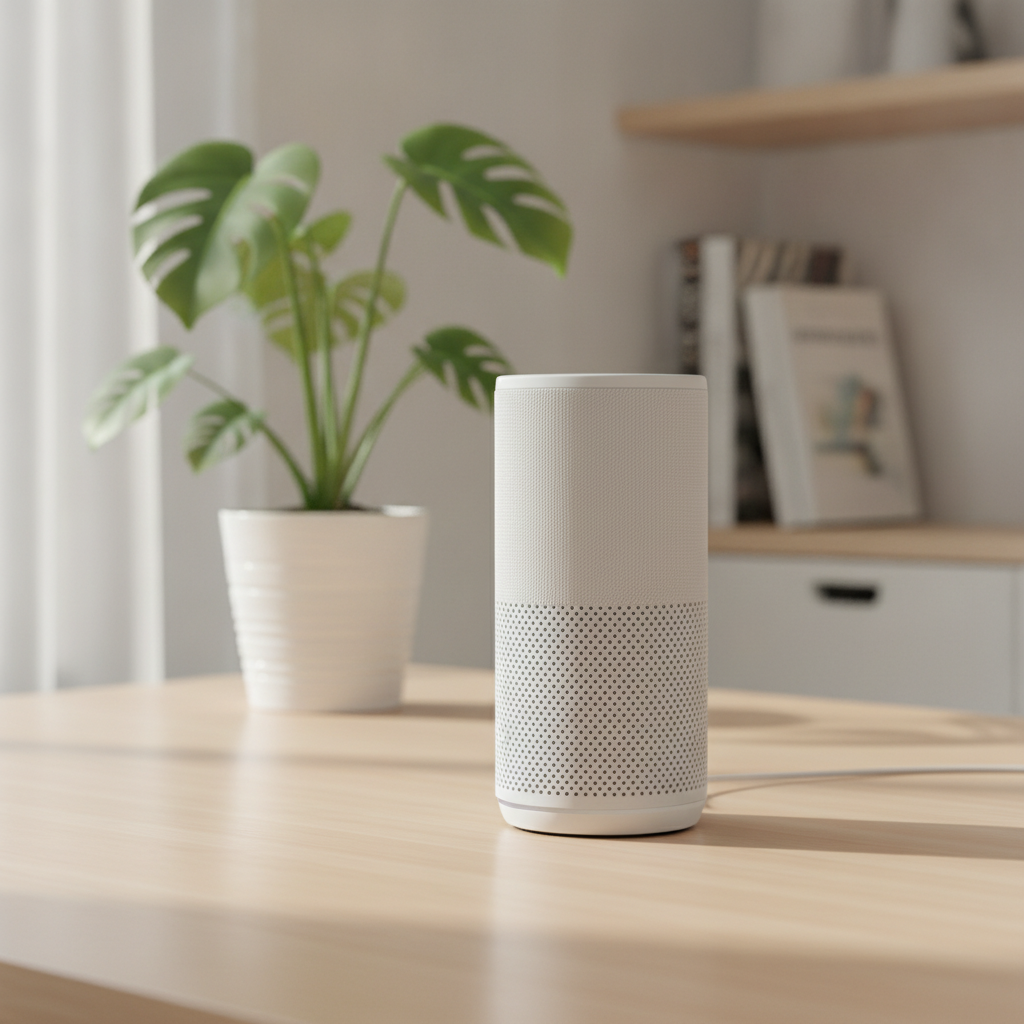
Object Cleanup
Auto Retouch
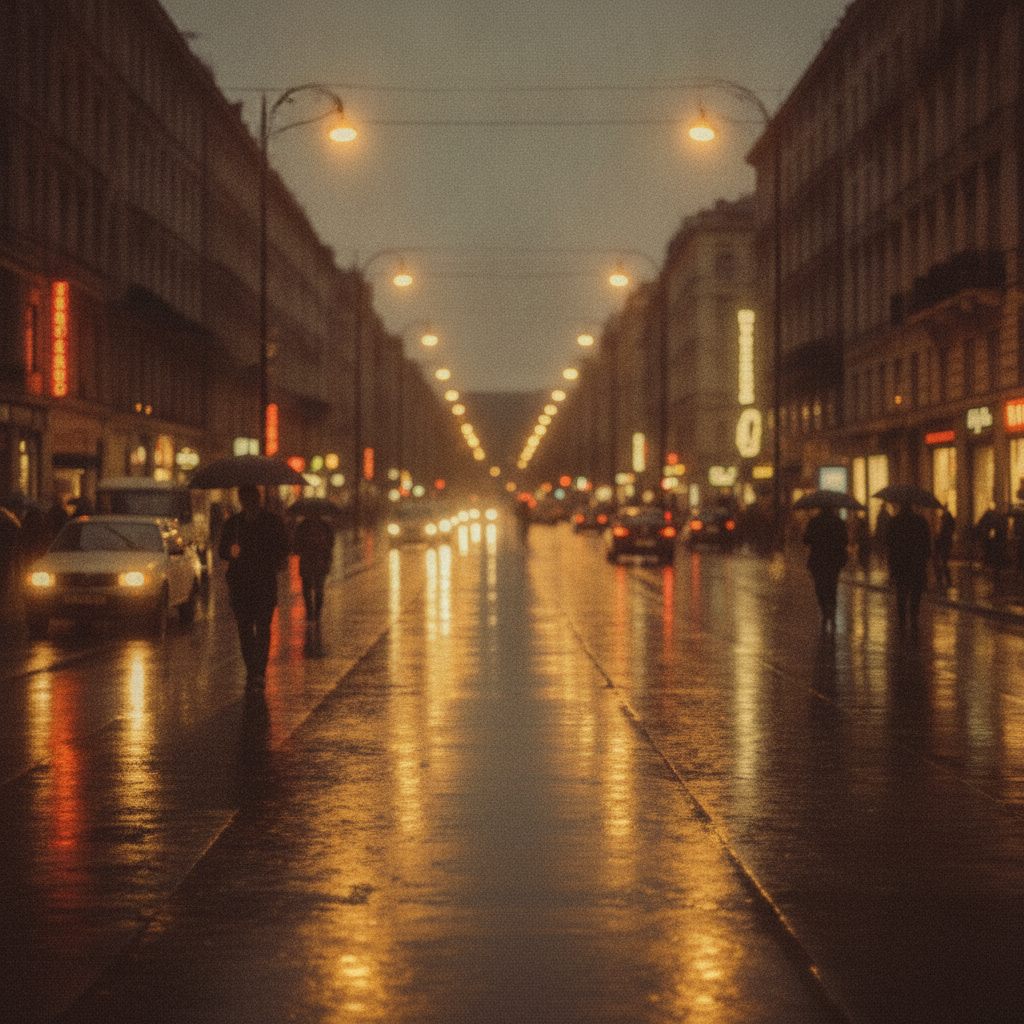
Style Transfer
One-Prompt Edit
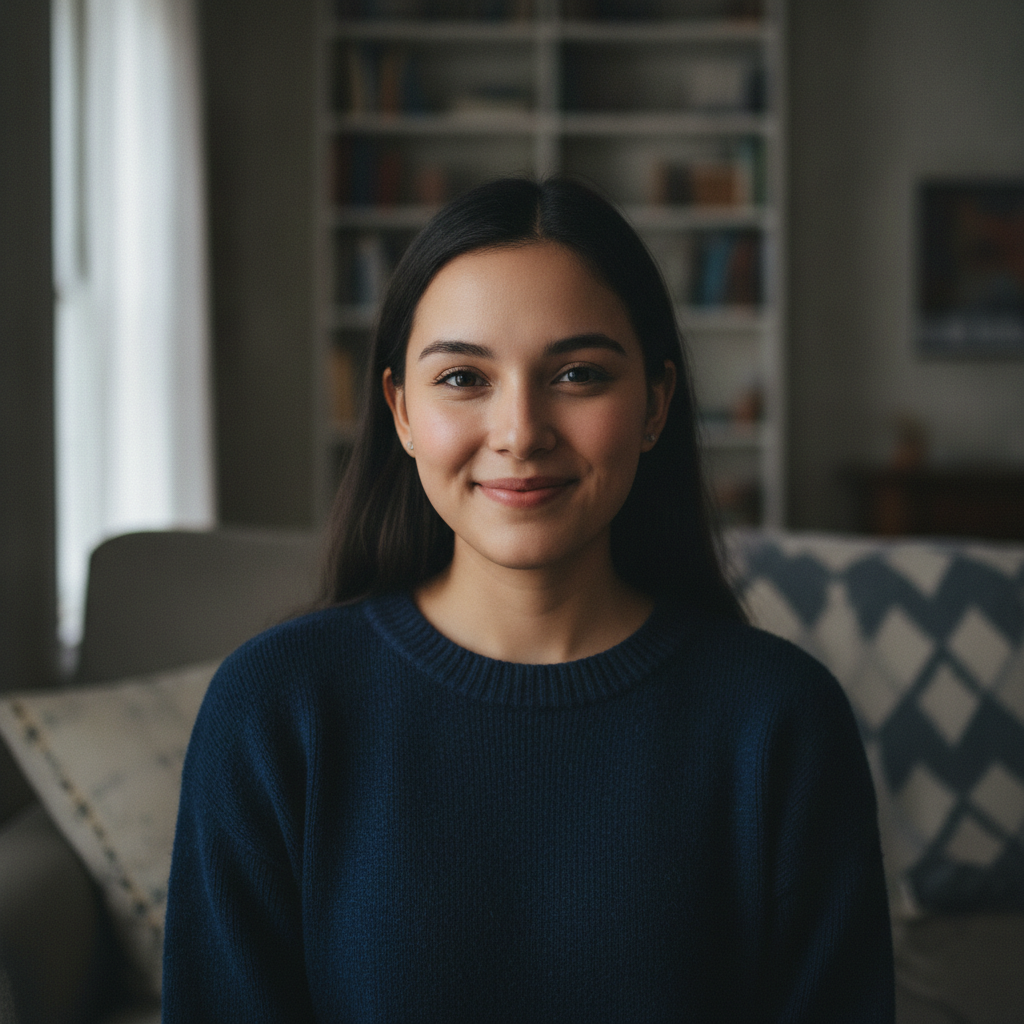
Lighting Fix
Smart Correction

Color Grade
Auto Enhance
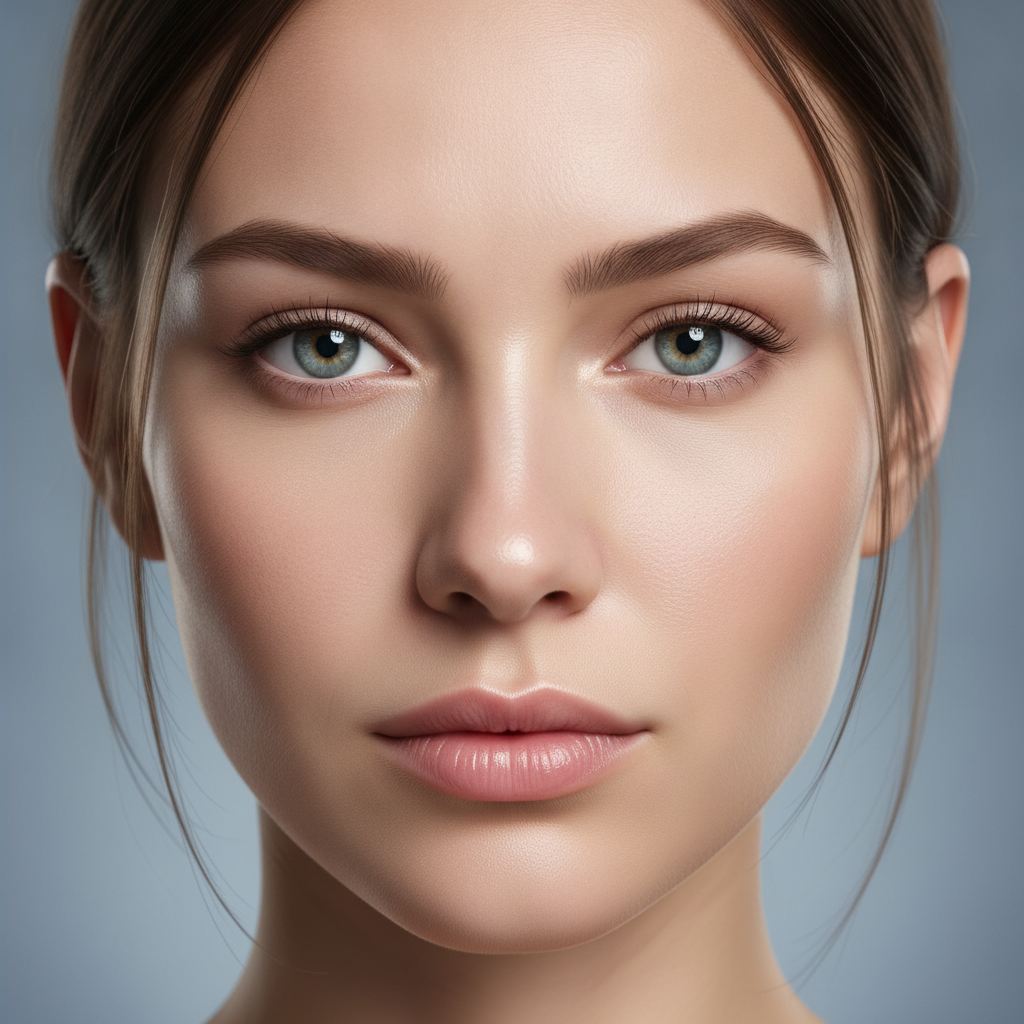
Quick Retouch
Effortless Polish
How AI Hands-Free Image Editing Works
Three steps, fifteen seconds, zero manual editing
Describe the Edit
Type or dictate the edit you want into the AI hands-free image editing tool above — what to change, the look you are after, the level of polish. Keep it plain — "swap the background for a clean studio", "warm cinematic grade" — and the AI takes it from there, no sliders or masks required.
Pick a Mode
Tap one of the modes in the AI hands-free image editing tool above — background swap, object cleanup, style transfer, lighting fix, color grade or quick retouch — or type your own. The tool returns a finished image in about fifteen seconds. Switch modes and regenerate to see the same idea handled hands-free in a different style.
Download & Use
Download the AI hands-free image editing output and drop it into your project — a product listing, a portfolio, a print, or a social post. The high-resolution image stays crisp on screen and in print, so one hands-off session gives you a cohesive set of polished visuals for your whole project.
Why Choose This AI Hands-Free Image Editing Tool
Built for busy professionals, multitaskers and tech-savvy users who want results fast
Describe It, Don’t Edit It
AI hands-free image editing replaces manual sliders, masks and brushes with a single sentence. Describe the edit you want — swap the background, clean up clutter, warm the color, brighten the lighting — and the AI does the work. Type it or dictate it with your device keyboard for a truly touchless flow. No layers, no fiddly controls, no learning curve: the intuitive image tools turn plain words into a finished, polished result.
Six Editing Modes Built In
Each AI hands-free image editing mode handles a distinct job: background swap, object cleanup, style transfer, lighting fix, color grade and quick retouch. Pick a mode and the engine applies that edit cleanly and consistently — seamless edges on swaps, natural shadows on cleanup, balanced exposure on lighting. The AI automation does the heavy lifting so the output stays true to the look you asked for, every time.
Polished in Seconds, Hands-Off
Turn a one-line idea into a finished edit without touching a single control by hand. AI hands-free image editing handles the background, the lighting, the color and the detail in your chosen mode — describe the result, pick a style, and the engine returns a ready-to-use high-resolution image. Iterate freely until the edit matches your vision, all without sitting down to manual editing work.
No Login, No Credit Card
The AI hands-free image editing tool on this page never asks you to register, verify an email, or save a payment method before you edit a single image. No OAuth redirect, no "add card to continue" gate, no onboarding wizard — just a prompt box and editing-mode presets. Describe your edit, pick a mode, click generate, and download immediately. Free usage is protected with per-IP rate limits, not an account wall.
Fast Enough for a Busy Day
Most AI hands-free image editing runs return finished results in about fifteen to twenty seconds. Free users share the same backend priority as paid users — no throttled queue for free traffic. The fast turnaround makes it practical for busy professionals and multitaskers to fire off an edit between meetings, compare a couple of looks, and pick the winner before moving on — no manual workflow, no waiting.
Custom Edits Beyond the Presets
You are never locked to the six modes. Custom input is open, so you can describe any edit you can imagine — composite scenes, seasonal restyles, brand color grades, product mockups, social-ready crops — and AI hands-free image editing renders your idea cleanly. That makes the tool a flexible home for touchless image editing experiments and a fast way to build a library of polished visuals without ever opening a manual editor.
AI Hands-Free Image Editing — FAQ
Everything about editing photos hands-free, from a plain-language description
Start Editing Hands-Free
AI hands-free image editing is free, loaded on this page, and needs no account. Describe your edit, pick a mode, and download a polished image in about fifteen seconds — no manual work.
Start Editing FreeAbout AI Hands-Free Image Editing
AI hands-free image editing on AI Banana is a free, no-login tool built for busy professionals, multitaskers and tech-savvy users who want polished images without sitting down to edit by hand. Describe the change you want — swap a background, clean up clutter, fix the lighting, warm the color — then pick an editing mode, and the AI handles the work for you in about fifteen seconds. Switch modes and the same image is reworked with a completely different edit, turning one description into a whole range of results. Whether you have been searching for "AI hands-free image editing", "touchless image editing", "voice-controlled design", "AI image tools", or "intuitive image tools", this is the dedicated entry point on aibanana.net.
Most editors hand you a wall of sliders, masks and brushes and leave every adjustment to your own eye and time. AI hands-free image editing on this page works differently. The interactive panel above is loaded directly into the page, and it is driven entirely by what you describe — type the edit or dictate it with your device keyboard for a genuinely touchless flow. Each editing mode is tuned to honor a distinct job: seamless edge blending for background swaps, clean scene reconstruction for object cleanup, film-like tones for style transfer, balanced exposure for lighting fixes, rich natural color for grading, and smooth refined detail for quick retouching. Pick a mode, describe your image, and the AI automation routes your request through the Nano Banana Pro image model with the edit baked in. No registration, no checkout, no dark patterns. Free usage is protected with per-IP rate limits rather than a login wall, so exploring several editing modes for one idea fits comfortably inside the free envelope.
The presets cover the edits creators reach for most, but AI hands-free image editing is not limited to them. Custom input is open, so you can describe any edit you can imagine — composite scenes, seasonal restyles, brand color grades, product mockups, social-ready crops, fashion retouching — and the engine renders your idea cleanly. That makes the tool a flexible home for touchless image editing experiments: rework a moodboard across six edits, pitch a polished product set before choosing a direction, or produce a cohesive set of visuals for a campaign without ever opening a manual editor. Reuse the same subject wording across modes and you get a matching series that shares a concept while changing its entire look — all hands-free.
Output from AI hands-free image editing is high-resolution, so it stays crisp on screen for previews and pitches and holds up when printed. Use the polished visuals for product listings, portfolios, marketing creative, social posts, prints and merchandise. Busy professionals use AI hands-free image editing to fire off an edit between meetings; multitaskers use it to fix images without breaking focus; tech-savvy users adopt it as a faster, intuitive alternative to manual tools. Once an edited result fits your project, upgrade to a Nano Banana Pro paid plan starting at $2.99 to unlock unlimited high-resolution generations and full commercial usage rights — a tiny fraction of the cost of an outsourced editing service, and orders of magnitude faster. Editing an image across six looks used to mean an afternoon in a complex editor; AI hands-free image editing is built to do it in seconds, without you touching a single slider.