
AI Ghost Image Creator
Apparitions in empty hallways, fog rolling between headstones, a silhouette dissolving into winter trees. This AI ghost image creator renders the long exposures, partial transparency and cold backlighting that make a picture read as haunted — from a description, or from a photograph of your own.
Try It Now — Free
Each ghost preset below is a full photographic brief — shutter, light direction, opacity and framing already set. Pick the closest one and add your own location.
AI Ghost Image Creator
Choose a haunting, describe your scene, and generate spooky AI art in seconds
Six AI Ghost Images, Six Different Tricks
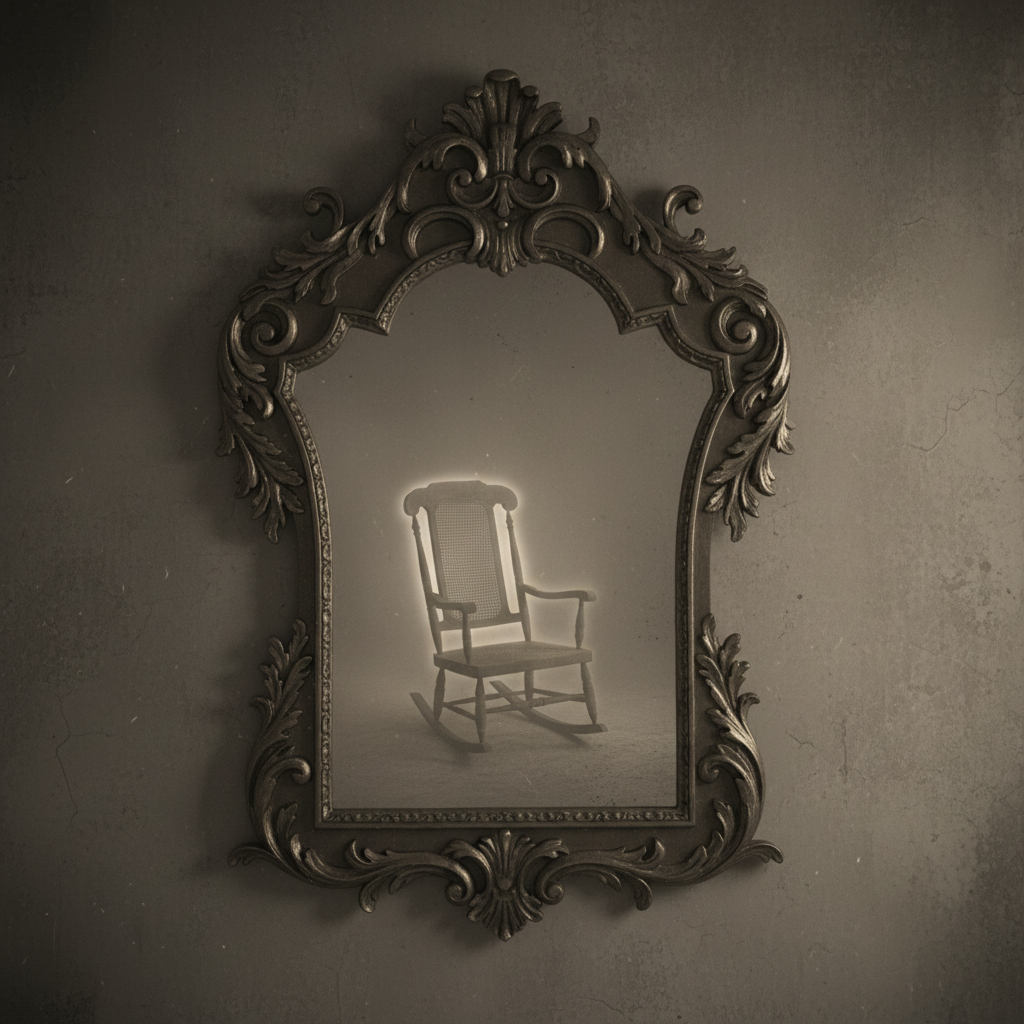
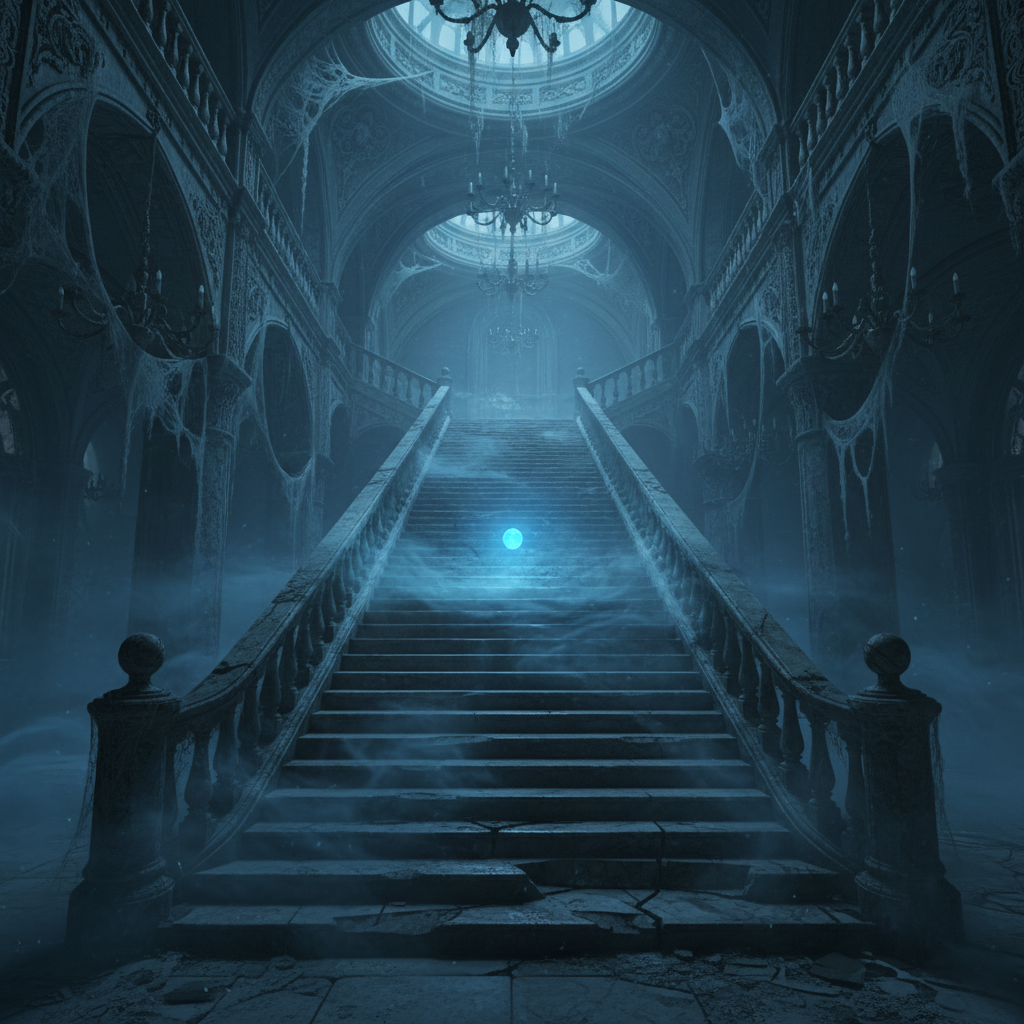
Every ghost image below came out of the generator on this page, unretouched. The label names the technique the render was leaning on hardest.
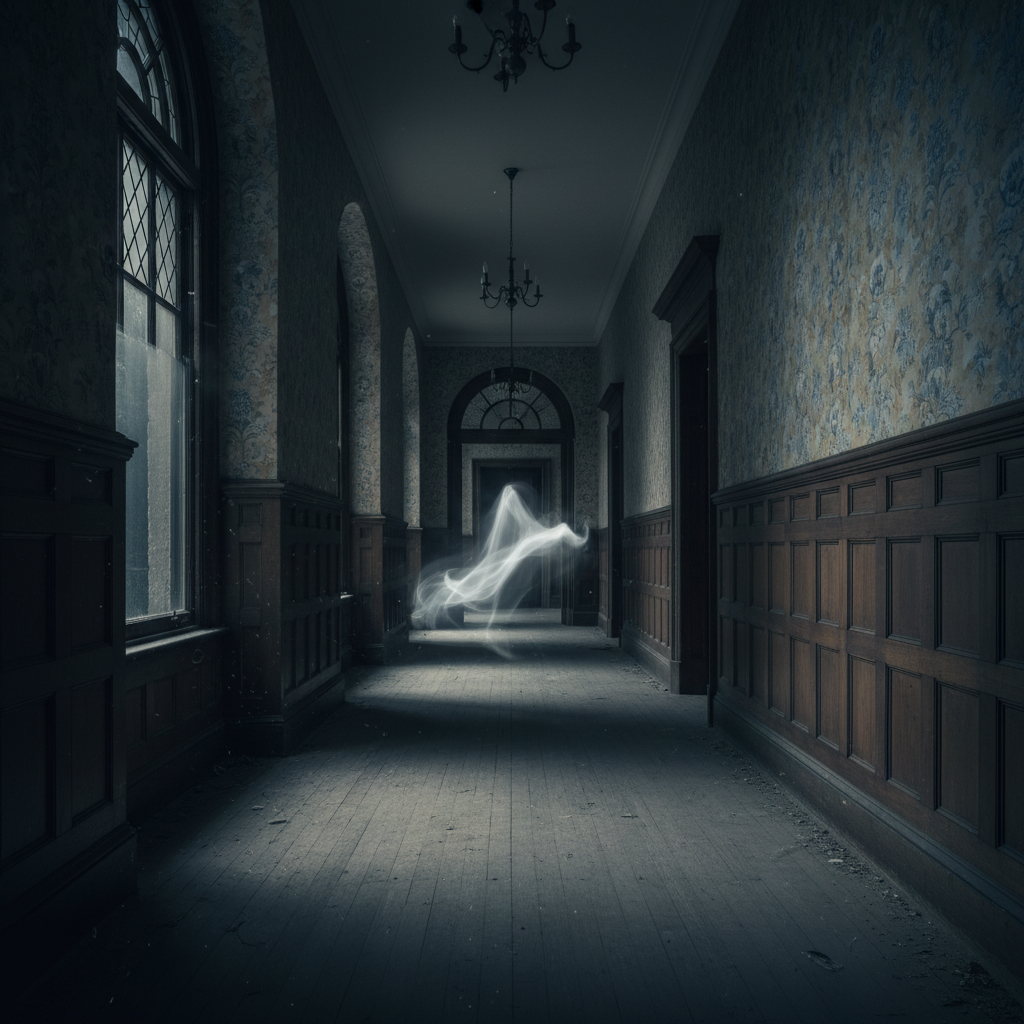
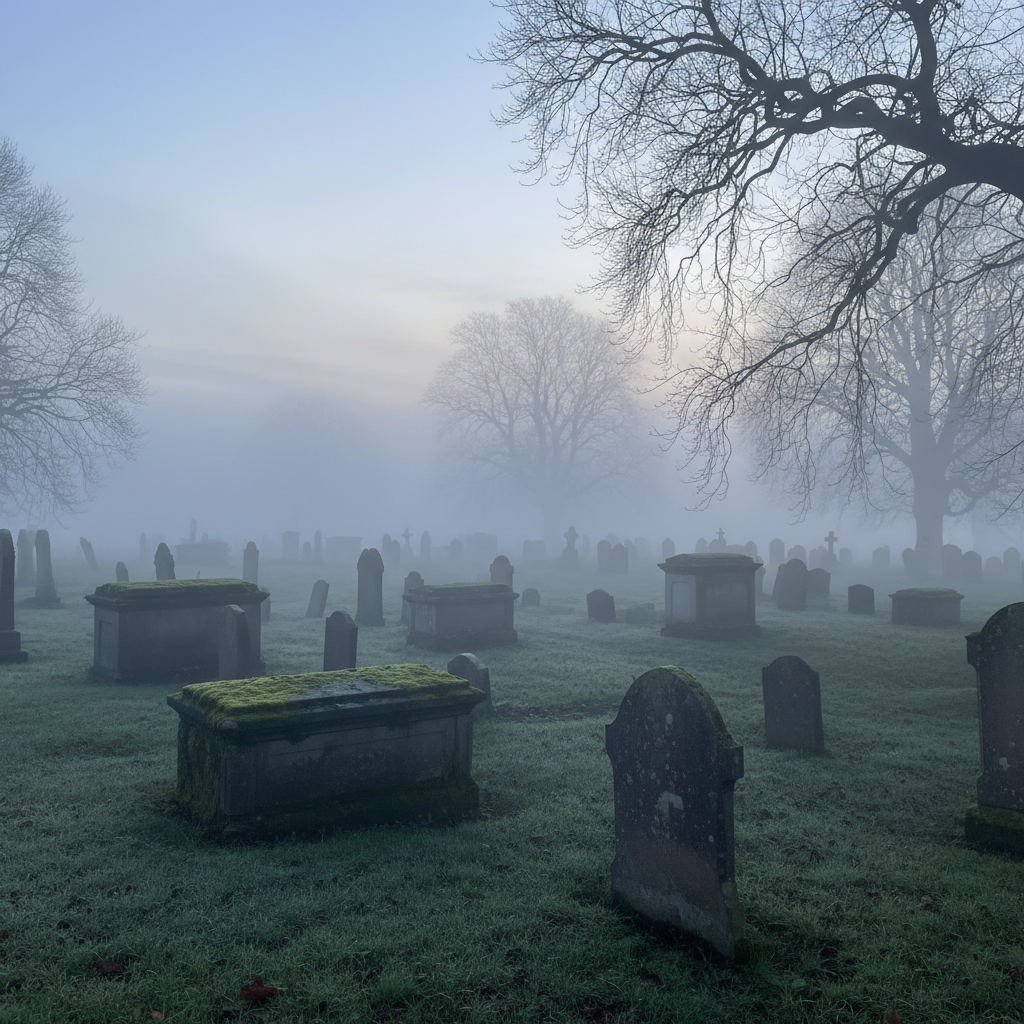
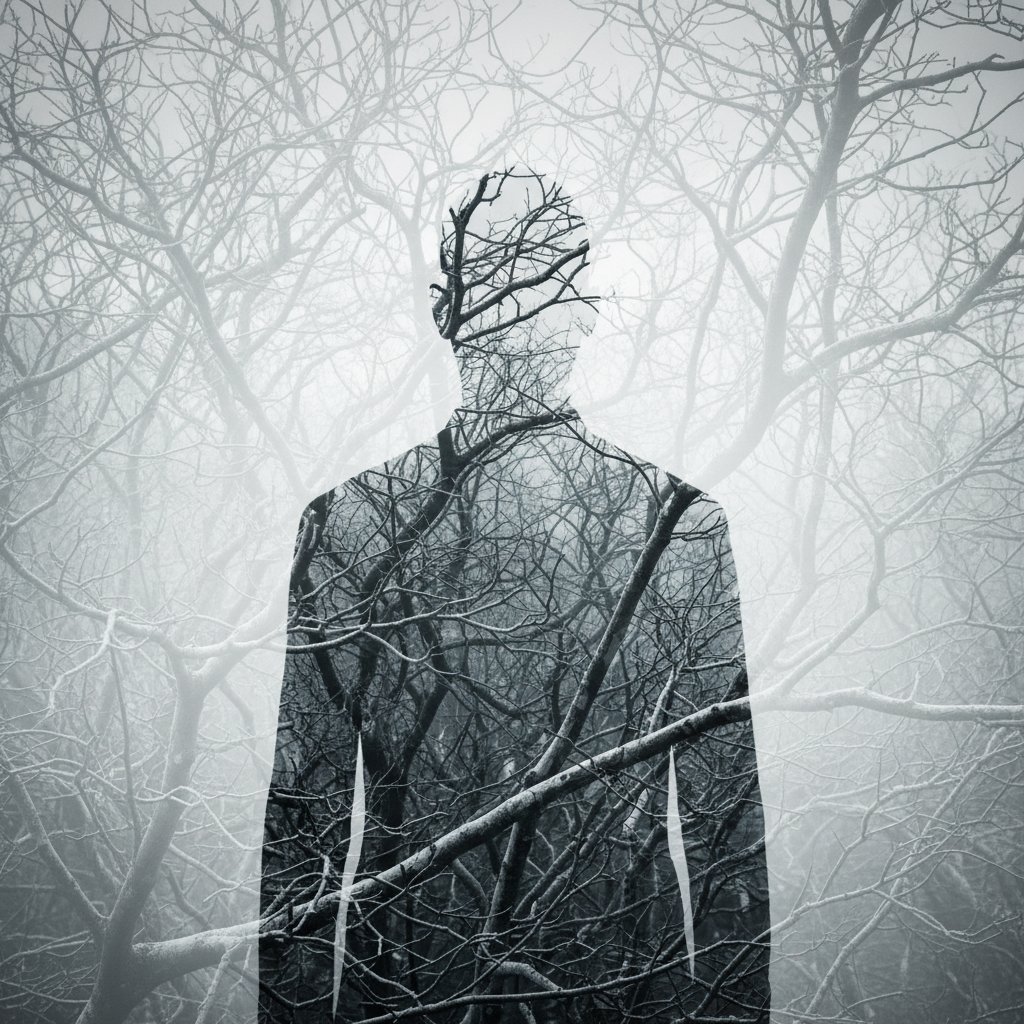
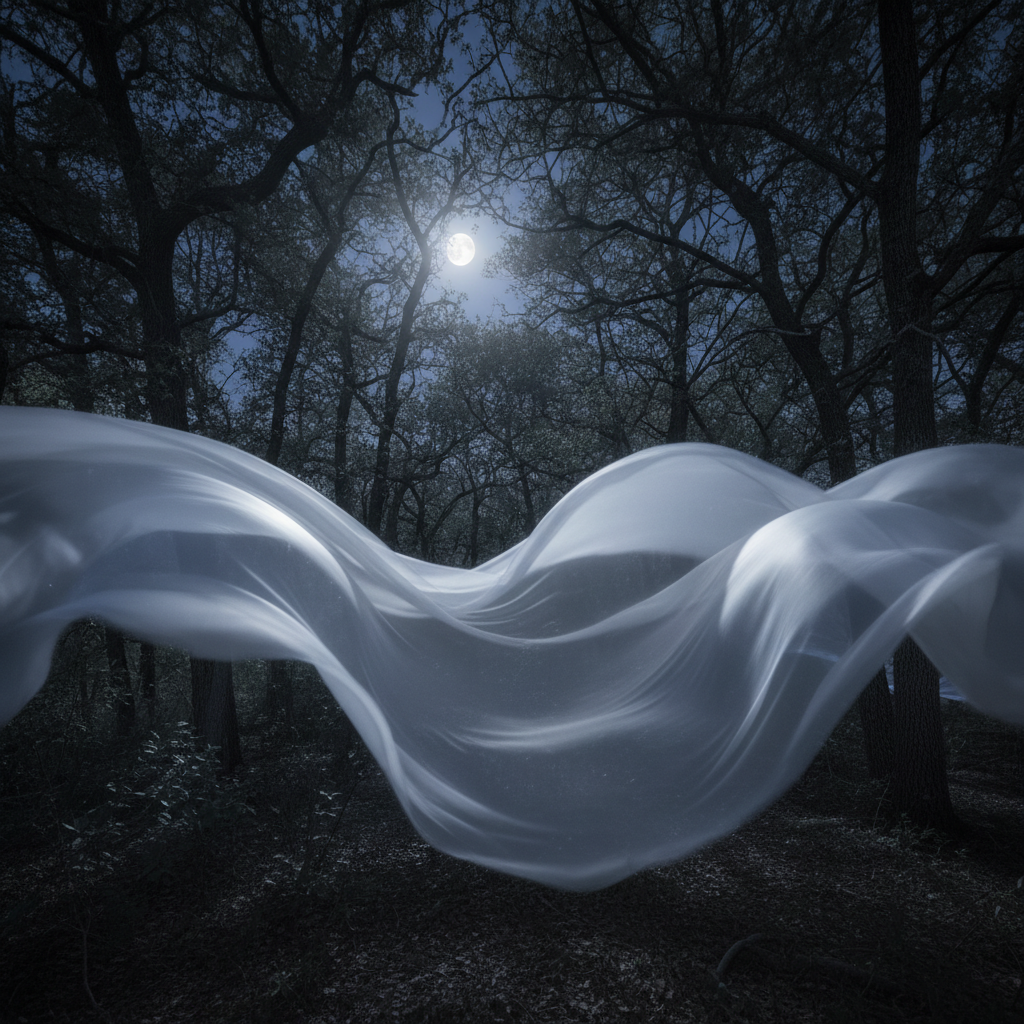
Six Things That Make AI Ghost Images Read as Real
Ghost photography has a hundred years of visual grammar behind it. These are the six rules worth borrowing, and the reason most first attempts at a ghost image fall flat.
Motion blur, because real ones are accidents
Almost every photograph people believe shows a ghost is a long exposure artefact — someone moved through the frame while the shutter was open and left a smear. That is why a blurred, streaked figure reads as authentic while a crisp one reads as a costume. Asking for long exposure, slow shutter or motion trail borrows the credibility of the accident, which is the single highest-leverage instruction in eerie photo creation.
Transparency, kept partial
A ghost that is fully solid is a person; one that is fully transparent is nothing at all. The interesting range sits between roughly twenty and sixty percent opacity, where the wall behind still shows through but the shape holds. Describe it as semi-transparent, faintly visible, or barely separated from the background, and let the model find the balance — then regenerate rather than settle, because this is the parameter that decides whether the image works.
Negative space and distance
Put the apparition small and far away. A figure filling the frame is a portrait; a figure at the end of a corridor is a haunting, because the empty space between the camera and the shape is what creates dread. Composition does more work here than detail does — three quarters of the frame showing an ordinary empty room, with something wrong in the remaining quarter, beats any amount of rendered spectral texture.
Cold light from behind
Backlighting is what makes translucency visible. Pale moonlight through a doorway, a streetlamp beyond the window, a single cold source behind the figure — all of them separate the shape from the darkness without illuminating it. Warm frontal light kills the effect instantly, which is why so many first attempts at AI spooky art come back looking like a well-lit stage rehearsal rather than something caught by accident.
Fog as a light-carrier
Mist is not just set dressing. It gives light something to scatter through, which is where volumetric beams, glowing orbs and soft haloes come from, and it hides the edges of things that should not be fully resolved. A graveyard without fog is just old stone; add low-lying mist and the same scene acquires depth, mystery and a reason for the light to behave strangely.
Ordinary settings, wrong details
Gothic crypts telegraph the genre and therefore defuse it. A kitchen at three in the morning, a suburban stairwell, a family living room with one chair rocking — these are more unsettling because the room itself is testifying that nothing should be there. Choose a mundane location and let a single wrong detail carry the whole image: a second shadow, a reflection that does not match, a shape in the upstairs window.
How the AI Ghost Image Creator Works
Pick a haunting
Choose the ghost preset closest to the image in your head — hallway apparition, foggy graveyard, double exposure, Victorian interior, mirror reflection or forest wraith. Each one already carries the lighting, blur and composition choices that make AI ghost images work, so you are starting from a working photograph rather than a blank box.
Add your scene
Type what is specific to you: the location, the season, how far away the figure should be, whether the light comes from a window or a lamp. Keep the additions concrete. Nouns and light directions land reliably; adjectives like creepy or unsettling mostly do not, because the model has no consistent visual for a feeling.
Tune the fade and download
Look at the result and judge one thing first — is the apparition too solid or too faint? Regenerate with the opacity pushed the other way, and repeat until it sits right. Download in 4K on a paid plan, or keep going with trial credits until you find the frame you want.
What This Haunted Photo Generator Gives You
Six capabilities that decide whether your ghost images come out atmospheric or come out looking like a costume party.
Six Presets Built for Apparitions
Every preset in the generator is a complete photographic brief rather than a style label — shutter behaviour, light direction, colour temperature, figure opacity and composition are all stated. Start from the one closest to your idea and edit the clauses that do not fit, instead of rediscovering from scratch which combination of words makes a shape read as spectral rather than as a person in a sheet.
Haunt Your Own Photographs
Switch the generator to image-to-image and upload a real location — your hallway, an old family snapshot, a building you shot on holiday. The model keeps the original geometry and lighting and adds the apparition into it, which is far more convincing than any generated room, because the mundane authenticity of a real space is doing most of the work for you.
Double Exposure and Reflection Effects
Two of the oldest tricks in ghost photography translate directly to prompting. Silhouettes merged with bare trees or architecture, and figures appearing only in a mirror or a window while the room itself is empty, both produce ghostly visual effects that feel photographic rather than illustrated — and both are difficult to get out of a generic prompt without naming the technique explicitly.
Friendly Ghosts Too
Not every haunted photo generator request is a scare. Cartoon sheet ghosts for a party invitation, cute pastel ghost stickers, whimsical Halloween scenes for a classroom — the same AI ghost image creator handles the cheerful end of the spectrum when you ask for it. Say cute, flat vector, pastel or cartoon in the prompt and the model drops the horror grammar entirely.
4K for Posters and Print
A ghost image lives or dies on subtle tonal separation in the shadows — the faint edge where a translucent shape meets a dark wall. Paid plans render at 4K, which keeps that gradient intact when the image goes to a poster, a book cover or a large screen instead of a phone-sized thumbnail where the whole effect can vanish into compression.
Fast Enough to Iterate
The right level of spookiness is found, not planned. Your first render will be too solid, the second too faint, and the third usually right. Generations take seconds rather than minutes, which matters more for this kind of work than for most, because you are tuning one continuous variable by eye and need several attempts side by side to judge it.
Where Eerie Photo Creation Actually Gets Used
Four situations where a ghost image is the deliverable rather than a novelty, and ghostly visual effects have to hold up at full size.
Halloween social content
October needs a lot of ghost images and needs them fast. A haunted photo generator produces a month of daily posts from one afternoon of prompting — apparitions in different rooms, fog over different landscapes — with enough visual consistency that the set reads as a deliberate series rather than a scramble.
Horror covers and posters
Indie authors and small film productions need atmospheric key art without a location shoot or a compositing budget. Eerie photo creation at 4K with commercial rights covers book covers, festival posters and promotional stills, and the iteration speed means you can try eight framings before committing to one.
Game and tabletop assets
Horror games, ghost-hunting apps and tabletop campaigns need consistent spectral imagery across many scenes — the same kind of apparition appearing in a dozen different rooms. Freezing the technique clauses and varying only the setting produces exactly that, which is hard to commission and easy to generate.
Personal and prank photos
Adding a ghost to a photograph of your own house is the most fun this tool offers, and the most convincing output it produces. Upload the shot, describe one wrong detail, and share the result — clearly labelled as AI-generated, since eerie photo creation this good is genuinely mistakable for an accidental capture.
AI Ghost Image Creator — Common Questions
An AI ghost image creator is a text-to-image tool tuned for apparitions, hauntings and eerie atmosphere rather than general illustration. You describe the scene — an empty hallway, a fogged graveyard, a shape half-dissolved into winter trees — and the model renders it with the specific visual grammar that makes a picture read as haunted: translucency, motion blur, backlighting, cold colour temperature and a great deal of empty space. It is the same underlying image model as any other generator, but the presets carry the photographic and compositional choices that horror imagery depends on, so you are not rediscovering them from a blank prompt box every time.
Put Something in the Hallway
Free trial credits, no credit card, no signup wall. Pick a ghost preset, name your location, and see what comes back down the corridor.
Start Creating FreeUnderstanding the AI Ghost Image Creator
Ghost photography has always been a technical accident dressed up as evidence. The Victorian spirit photographs that convinced a grieving public were double exposures; the modern ones that circulate on social media are mostly slow shutters, lens flare and pareidolia. That history is useful, because it tells you exactly what an AI ghost image creator needs to reproduce. Not a rendered spectre, but the artefacts of a camera failing in a particular way — a smeared figure, a translucent overlap, a cold light source that should not be there. Prompt for the artefact and you get something that feels found. Prompt for the ghost and you get an illustration.
That distinction is why the presets on this page are written as photographic briefs rather than style names. Each one states the shutter behaviour, the direction and temperature of the light, how transparent the figure should be, and how much of the frame it should occupy. Those four decisions carry almost all of the effect. Everything you add on top — the specific room, the season, the weather — is the part that makes the image yours, and it works best expressed in plain concrete nouns. Adjectives like creepy, haunting or unsettling do very little, because the model has no stable visual for an emotion, whereas it has a very stable visual for fog at dawn.
The second mode is where most people get their best result. Rather than generating a whole haunted scene, upload a photograph of somewhere real — your own hallway, an old family snapshot, a stairwell in a building you know — and ask for one thing to be added. The mundane authenticity of a real location is impossible to fake convincingly and free to obtain, and because the model keeps the existing geometry and lighting, the apparition inherits a plausible place in the space. Keep the instruction narrow, naming what is added and where it sits, so the rest of the photograph survives unchanged. This is where AI spooky art stops looking generated and starts making people ask what you photographed.
A word on both ends of the range, and on honesty. Not every request for a ghost image is a scare — the same generator produces flat cartoon sheet ghosts, pastel spirits for sticker packs and friendly Halloween scenes when you ask for them, and switching registers is a matter of naming the medium. At the realistic end, the opposite caution applies: eerie photo creation of this quality is genuinely mistakable for an accidental capture, so label your output as AI-generated wherever someone could reasonably take it for real, and avoid depicting identifiable living people as apparitions. Beyond that, the tool is free to try with no signup, renders in seconds, and offers 4K output with full commercial rights on plans from $2.99 — enough to build a month of ghostly visual effects in a single evening.