
AI-Generated Open-World Art
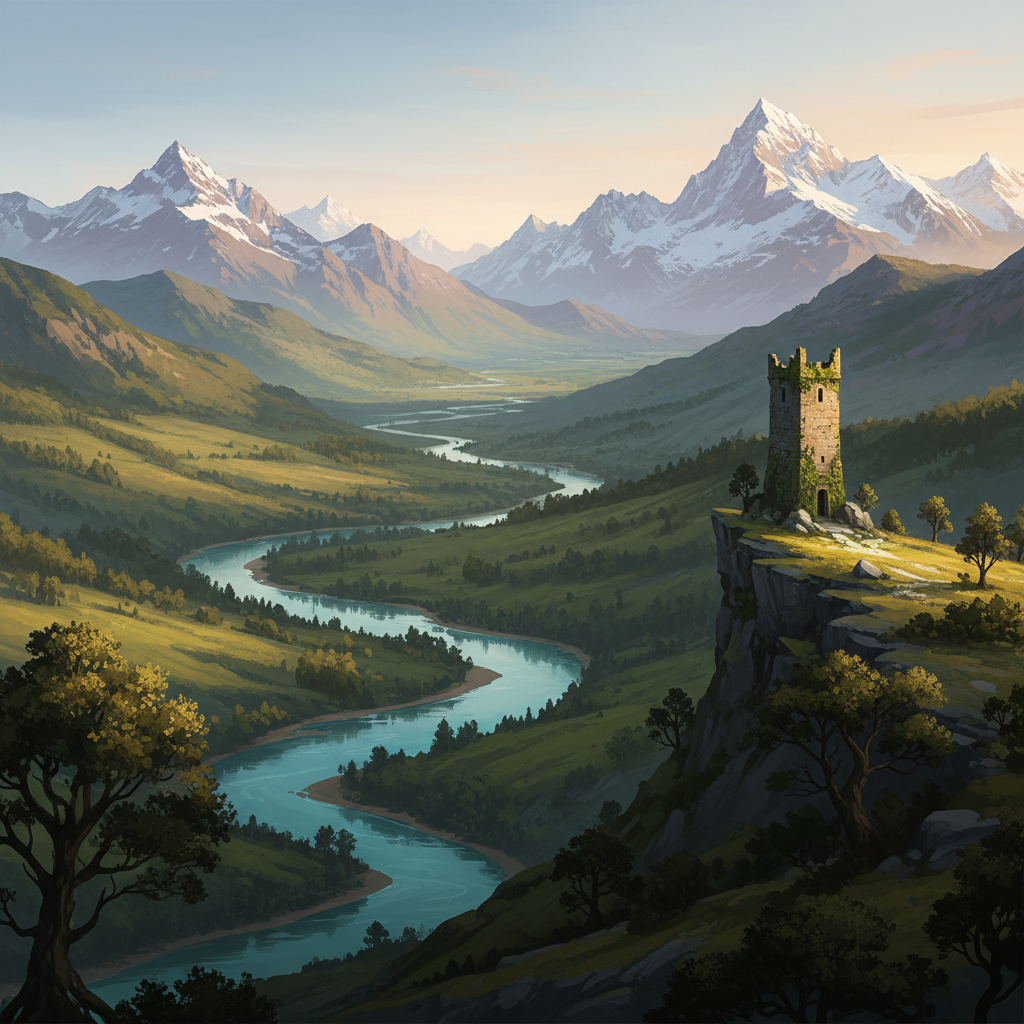
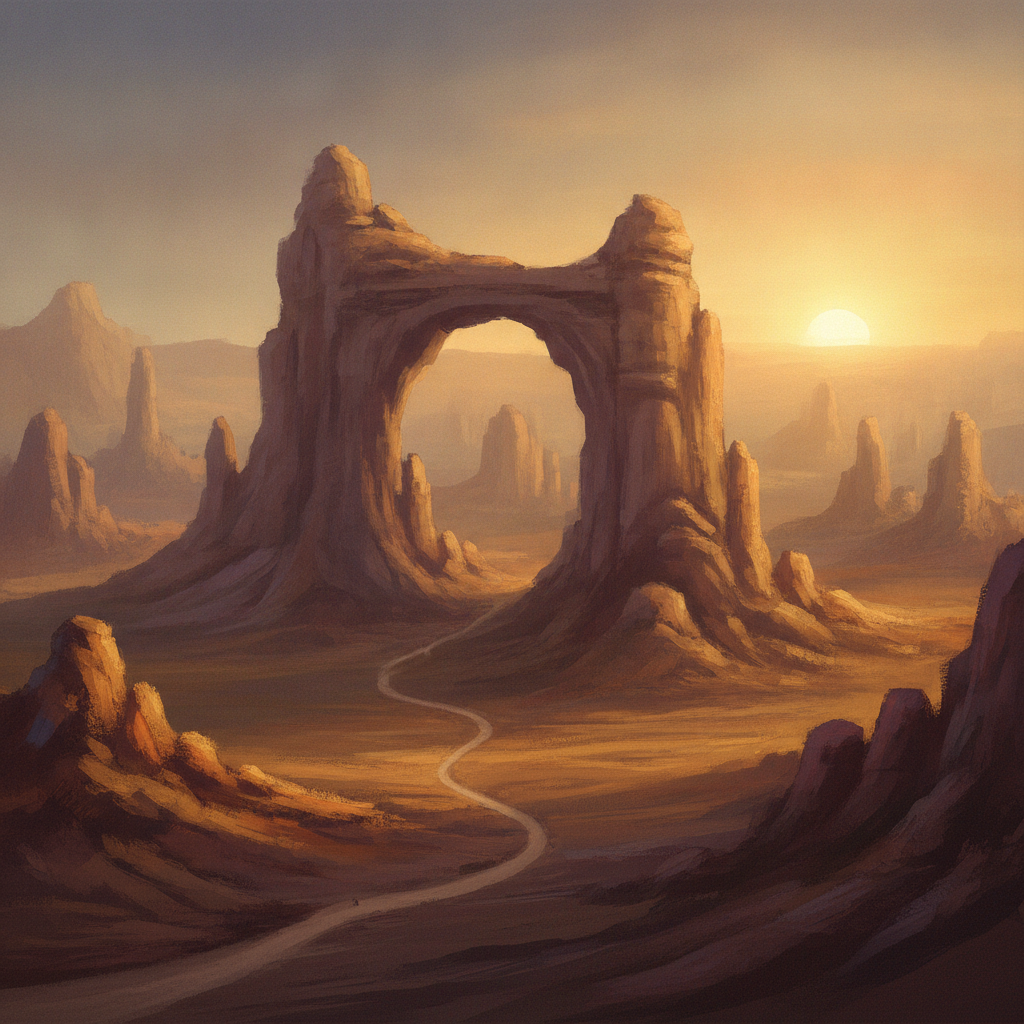
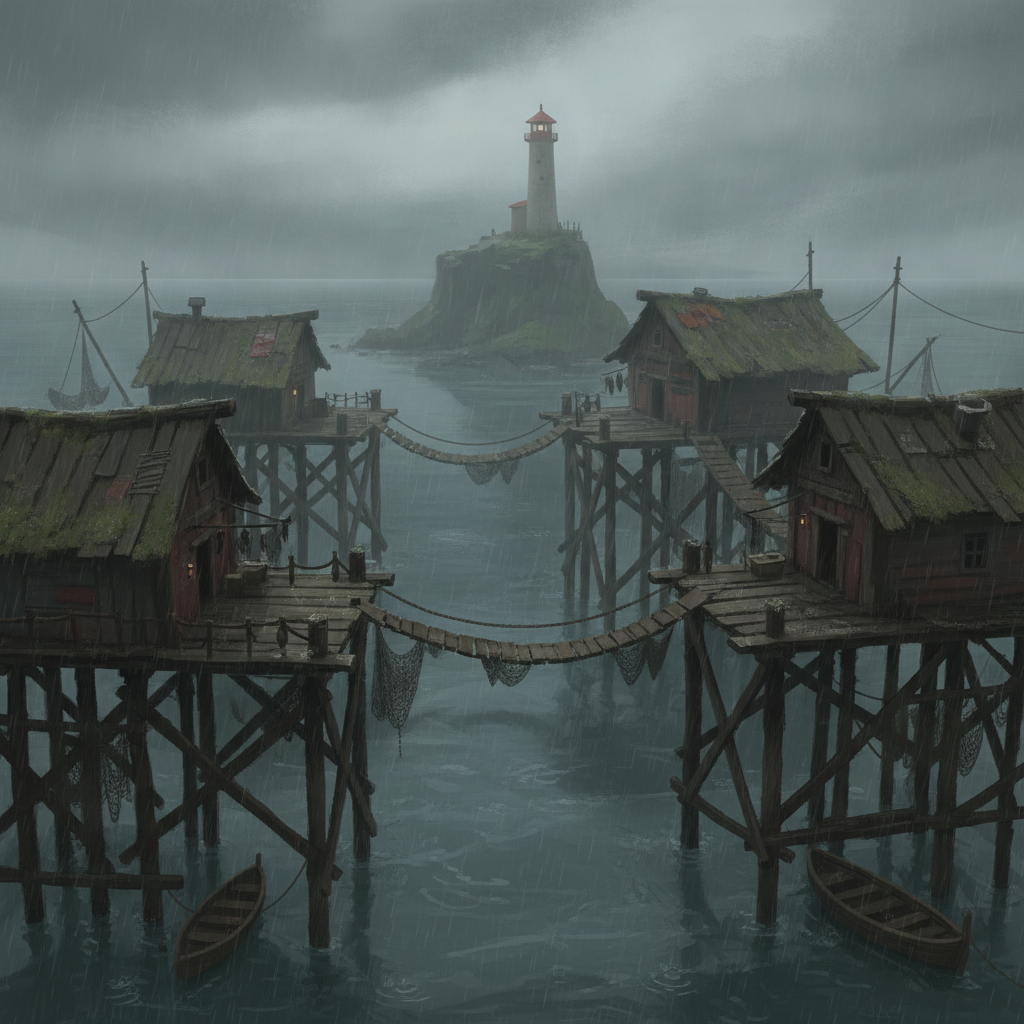
A valley with a ruined tower on the far ridge. A canyon you can see a day of travel across. A harbour built on stilts under grey drizzle. This tool produces AI-generated open-world art — the biome vistas, landmark silhouettes, settlements and interiors that define how a virtual world feels — from a written description, in seconds.
This makes concept art, not engine assets
Every plate on this page is a flat 2D image. There is no geometry behind it, no depth channel, no material data, and no promise that a texture will tile without a seam — you cannot import one into an engine and walk through it. What these open-world images genuinely replace is the reference wall and the pitch deck: the mood board for a region, the biome sheet a team paints toward, the landmark study you test at thumbnail size, the key art you need before anything is built. Treat the output as the brief rather than the build and it saves days.
Try It Now — Free
Six presets, one for each kind of plate a game world needs. Each carries its own terrain, landmark and light — pick the closest and describe your own region.
AI Open-World Art Generator
Pick a world preset, describe your region, and get a finished vista in seconds
Six Open-World Plates, Six Different Jobs
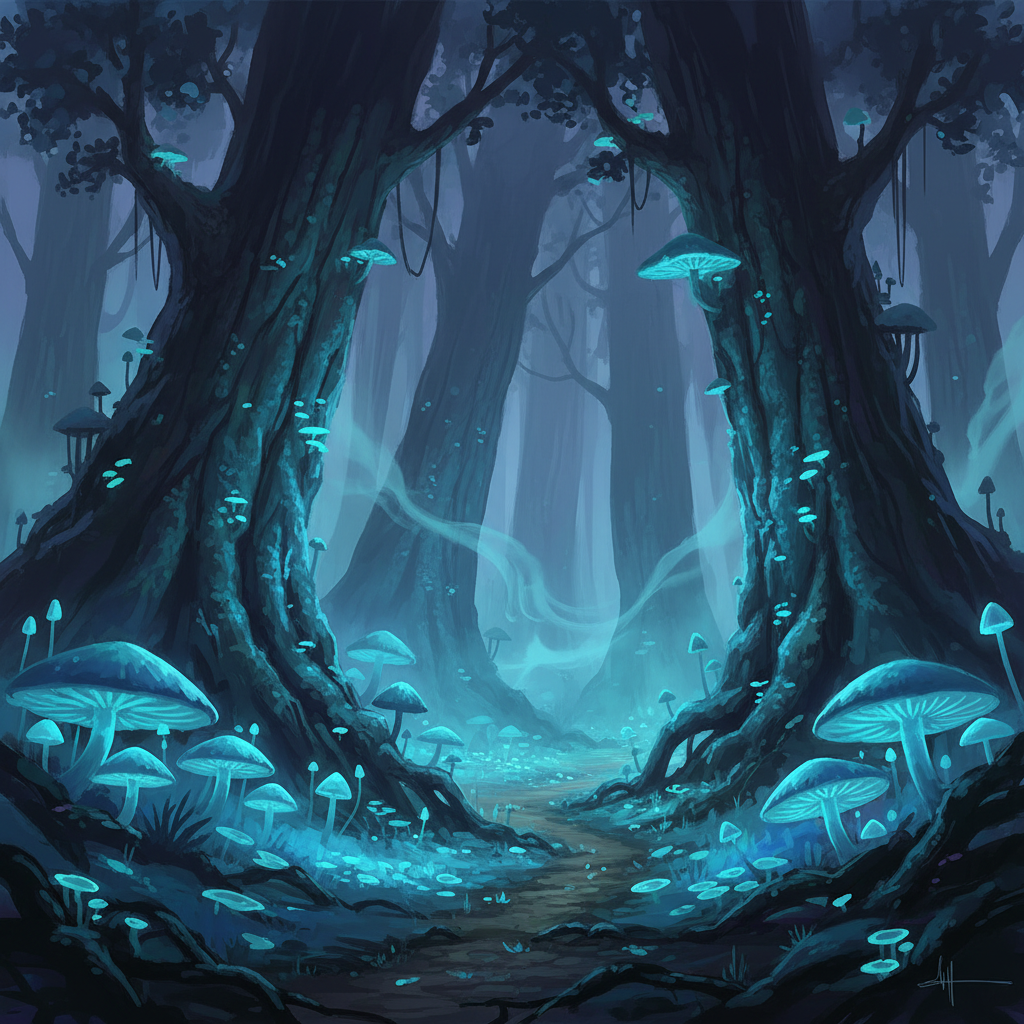
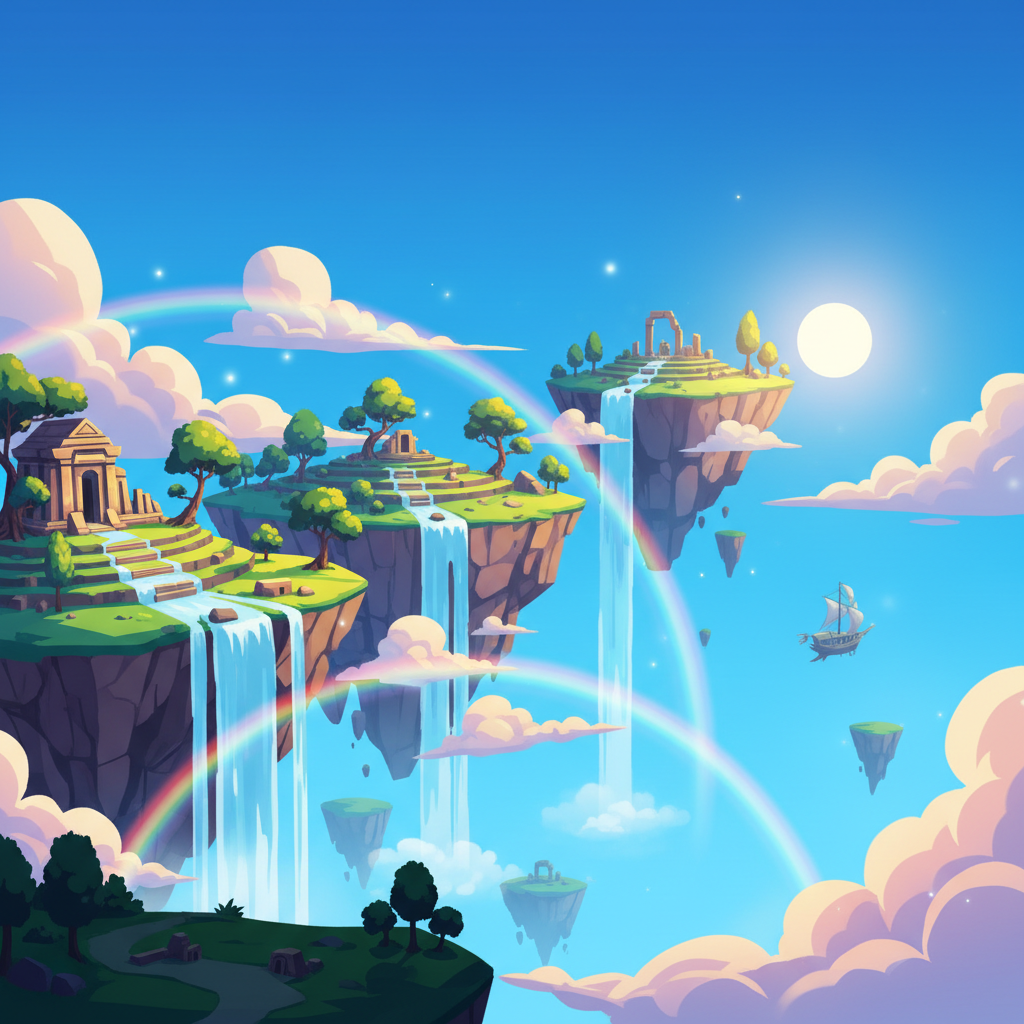
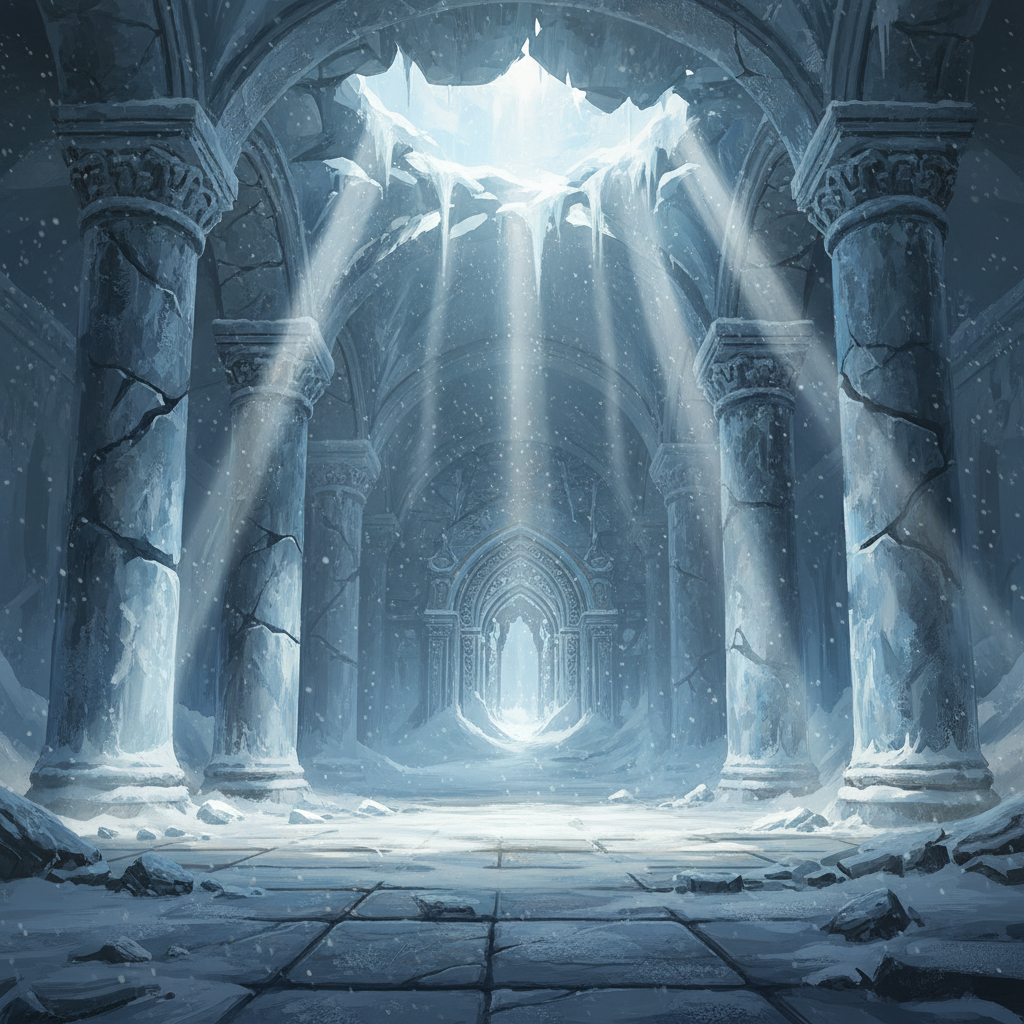
Every plate below was generated with the same model that powers the tool above, unretouched. The label names the plate type; the title names the slot it would fill in a world bible or a pitch deck.
Six Rules for AI-Generated Open-World Art That Holds Together
World art is a different craft from making a striking landscape. These are the six decisions that separate a set of plates that reads as one continent from a folder of unrelated wallpapers.
Give the horizon one thing to walk toward
An open world is a promise that the far thing is reachable, and a vista only makes that promise if there is a far thing. Name a single unmistakable silhouette in every prompt — a broken arch, a stone tower, a lighthouse, a collapsed bridge — and put it on the horizon rather than in the centre. Plates without a landmark come back as pretty scenery that could belong to any game; plates with one immediately read as a place with a destination in it, which is the entire difference between landscape art and world art.
The middle distance is what sells scale
Scale does not come from saying epic or vast. It comes from describing what sits between the camera and the landmark: a thin trail crossing a plain, a river bending twice, a treeline stepping down a slope, switchbacks cut into a canyon wall. Those layers give the eye a measuring stick, and they are the reason a canyon reads as a day of travel rather than a backdrop. Ask for one small human-made element — a path, a fence line, a bridge — and the whole frame gains a sense of distance for free.
Fix the light before anything else
Low dawn sun, flat overcast, clear noon, dusk fog and moonlight produce five different worlds out of identical terrain, and naming the condition explicitly is far more reliable than asking for atmospheric. Light also fixes your palette without you specifying a single colour — a cold overcast sky drags the whole frame toward slate and green, a golden hour drags it toward amber and rust. Decide the hour the region is set at, write it into the style clause, and keep it constant across everything in that region.
Freeze one style clause across the whole world
One striking vista is easy; twelve regions that clearly belong to the same game are not. Write the rendering-palette-light sentence once, paste it unchanged at the front of every prompt in the project, and vary only the terrain and the landmark after it. Rewriting that clause from memory between sessions is the single most common reason a biome sheet ends up looking like twelve unrelated games, and it is entirely avoidable.
Ask for no lettering, every time
Environment idioms pull hard toward signage — ruins get carved runes, settlements get shop boards, sci-fi worlds get hull markings, and every one of them comes back as garbled pseudo-lettering that looks convincing at thumbnail size and reads as nonsense at full size. Append no text, no lettering, no signature to every prompt, leave deliberate empty space where a title or a region name needs to sit, and set the real words over the plate afterwards in a layout tool.
Judge the set as a grid, not one at a time
Generated environment art is seductive individually and inconsistent collectively, which is exactly backwards from what world-building needs. Generate a whole region in one sitting, lay the results out side by side, and ask whether they share a palette, a light behaviour and a level of rendering detail. The outliers are usually obvious in a grid and invisible one at a time — regenerate them rather than talking yourself into them, because the moment these plates go into a deck the inconsistency is the first thing a reader notices.
How the AI Open-World Art Generator Works
Pick the plate the world needs
Decide what the picture is for before describing it — an opening vista that sets the tone, a landmark that anchors a zone, a settlement the player will spend time in, or an interior at the end of a route. Choose the preset that matches, because each already carries the framing and the amount of empty sky that job needs. A wide establishing shot and a ruin interior are composed completely differently, and starting from the wrong one costs more than any prompt tuning saves.
Describe terrain, landmark and light
Swap in your own region using concrete nouns — the ground type, the one silhouette on the horizon, what sits in the middle distance, and where the light comes from. A basalt plateau under flat grey cloud with a collapsed aqueduct on the skyline lands; a beautiful fantasy landscape does not. Keep the rendering clause untouched, resist stacking two landmarks into one frame, and leave signage and lettering out entirely.
Lock the look and sweep the map
Generate, judge, and once one region is right, copy its style clause verbatim into the rest. Work through the remaining biomes in the same sitting, lay them out as a grid, and regenerate any that drift in palette or detail level. Download at 4K on a paid plan, add region names over the empty sky in a layout tool, and keep the plates next to your actual map rather than treating them as one.
What This Open-World Art Tool Gives You
Six capabilities aimed at world-building that has to convince a team, a publisher or a table of players before the world itself exists.
Six presets built for world-building
Each preset is a complete environment brief rather than a style tag — terrain, landmark, light source, framing and negative space are all stated in full. They map onto the plates a world actually needs: the opening valley, the monumental landmark, the settlement, the night biome, the stylized region and the interior ruin. Start from the nearest one and edit only the clauses that do not describe your world.
Painterly and stylized rendering
The presets cover matte painting, atmospheric digital painting and clean cel-shaded animation styles, because those are the idioms that survive generation and reproduce well in a deck or a printed world bible. Bold silhouettes and limited palettes hold up under inspection where photoreal foliage and rock detail tend to dissolve, so the tool is aimed at the looks concept art actually ships in.
Biome sheets in one sitting
Because the style clause and the scene clause stay separate sentences, you can freeze one and sweep the other — valley, canyon, marsh, tundra, coast, caldera — and produce a full biome sheet for a continent in an evening. That is the artefact a small team actually argues over early in production, and having six versions of it to choose between beats having none.
Landmark studies for navigation design
Open-world navigation is built on silhouettes a player can steer by, and those are much easier to evaluate as pictures than as descriptions. Generate three or four candidate landmarks for a region, view them small — the size they would appear on a distant horizon — and keep the one that still reads at thumbnail scale. That test takes minutes here and days with a commissioned artist.
Pitch and store-page material
A vertical-slice deck needs key art long before the engine has anything worth screenshotting, and a store page needs a header that looks like the game it is promising. Wide vistas with a clear landmark are exactly the shape both of those want, and generating a dozen candidates makes it realistic to pick the right one rather than the only one.
4K output with commercial rights
Wide environment plates show compression artefacts faster than any other kind of image, especially placed across a spread or a store banner. Paid plans render at 4K with commercial rights included, covering pitch decks, store pages, key art, devlog headers, tabletop campaign books and printed world bibles. Plans start at $2.99, and trial credits let you test a style clause on two or three regions first.
Who Uses AI Environments for Virtual Worlds
Four places where world art is part of the deliverable rather than a decoration, and where the set has to hold together across a whole project.
Indie game pre-production
Small teams decide what a world looks like long before they can afford to build any of it, and that decision usually happens in a chat thread with links to other games. Generating six candidate directions for a region turns that into an actual comparison, and freezing the winning style clause gives everyone who paints or models afterwards something concrete to aim at.
Pitch decks and store pages
Publisher decks, crowdfunding pages and early store listings all need to show a world that does not exist yet in playable form. Wide vistas with a readable landmark do that job better than an in-engine screenshot of a whitebox, provided you are clear in the copy that they are concept art rather than captured gameplay.
Tabletop campaigns and world bibles
A homebrew setting or a published campaign book needs a picture for every named region, and commissioning twenty of them is out of reach for most tables. One frozen style clause across twenty prompts produces a set that reads as a single illustrated atlas, printable at 4K and usable as handouts, chapter openers and session headers.
Environment artists building reference
Before modelling a biome, artists assemble a reference wall — light behaviour, silhouette language, palette, how the vegetation stacks. Generated plates fill that wall quickly and, unlike screenshots pulled from other games, can be published in a devlog or a portfolio breakdown without a rights problem, as long as you label them as generated reference.
Not Building a Game World?
This page is aimed at explorable worlds — landmarks, biomes and the plates a team builds toward. If you just want scenery for its own sake, the AI-generated landscape art tool covers digital scenery without the world-building framing, and the AI fantasy art generator handles characters, creatures and cover art for the same settings.
AI-Generated Open-World Art — Common Questions
AI-generated open-world art is concept art for large explorable game worlds, produced from a written description instead of painted by hand. You name a biome, a landmark, a light condition and a rendering style — a green valley at dawn with a ruined tower on the far ridge, as a painterly matte painting — and the model composes that vista. It covers the same ground a concept artist covers early in production: establishing shots that set the mood of a region, landmark studies that give a zone its silhouette, settlement and interior plates, and style keys that the rest of a team paints toward. What it produces is a 2D image. It is reference and pitch material, not something you can drop into an engine.
Paint the First Region
Free trial credits, no credit card, no signup wall. Pick a world preset, describe your terrain, and see the vista in seconds.
Start Creating FreeUnderstanding AI-Generated Open-World Art
An open world is not a collection of pretty views; it is a set of places a player can see from a distance and decide to walk to. That is why AI-generated open-world art is a distinct job from generating digital landscapes in general. A landscape only has to be beautiful. A world plate has to answer navigational questions — what is on the horizon, how far away is it, what does the ground between here and there look like, and would a player recognise this silhouette again from the other side of the map. Prompts that name a landmark and describe the middle distance produce images that answer those questions; prompts that ask for an epic fantasy landscape produce wallpaper.
The presets on this page are therefore organised by plate type rather than by style. The opening valley gives you the establishing vista that sets a region's tone. The monumental landmark handles the single silhouette a zone is built around. The settlement preset covers the places a player stops moving, the night biome covers the same terrain under an entirely different mood, the stylized preset handles worlds aiming at a painted or animated look rather than a realistic one, and the ruin interior covers what sits at the end of a route. Between them they cover most of what a world bible, a biome sheet or a vertical-slice deck actually needs illustrated.
Two habits do most of the work. First, freeze one style clause — rendering idiom, palette, light behaviour — and paste it unchanged at the head of every prompt in the project, varying only the terrain and the landmark. That single discipline is the difference between twelve AI environments that read as one continent and twelve that read as twelve different games, and it matters far more than any individual plate being perfect. Second, append no text, no lettering, no signature to every prompt: environment styles scatter carved runes, shop boards and hull markings unprompted, and every one of them comes back as convincing-looking gibberish. Leave empty sky where a region name needs to sit and set the real words over it in a layout tool.
Finally, the boundary worth being clear about. These are 2D pictures. They carry no geometry, no depth data and no material information, they will not tile, and generating the same valley twice gives you two different valleys, because nothing here remembers where the river ran last time. That makes the tool excellent for deciding how a place should feel and useless for deciding where anything is — draw the map yourself and use these AI-generated scenes to answer what each named location looks like. Used inside those limits it is free to try with no signup, renders in seconds, and offers 4K output with commercial rights on plans from $2.99, which is enough for a full biome sheet, a pitch deck and a printed world bible in a single evening.