
AI-Generated Movie Posters
From Logline to One-Sheet in Fifteen Seconds
Describe your film and get theatrical key art in about fifteen seconds — a sci-fi teaser, horror key art, a minimalist indie one-sheet, an action character poster, a romantic comedy layout or animated family artwork. Every poster is generated fresh from your brief at 4K-class resolution, with deliberate negative space for the title and billing block. Built for filmmakers, marketers and graphic designers who need artwork before they have a key-art budget. No design retainer, no install, no login required to try it.
Make Your Movie Poster — Free
Pick a genre preset below or describe your own film — the central image, the palette, the mood and where the title should sit. Your poster arrives in about fifteen seconds. No designer, no stock licence, no account.
AI Movie Poster Generator
Choose a genre preset or describe your film, and the AI generates cinematic theatrical key art in seconds. No account, no design software, no subscription.
AI-Generated Movie Posters in Six Genres
Sci-fi, horror, indie drama, action, romantic comedy and animation — each from a single prompt
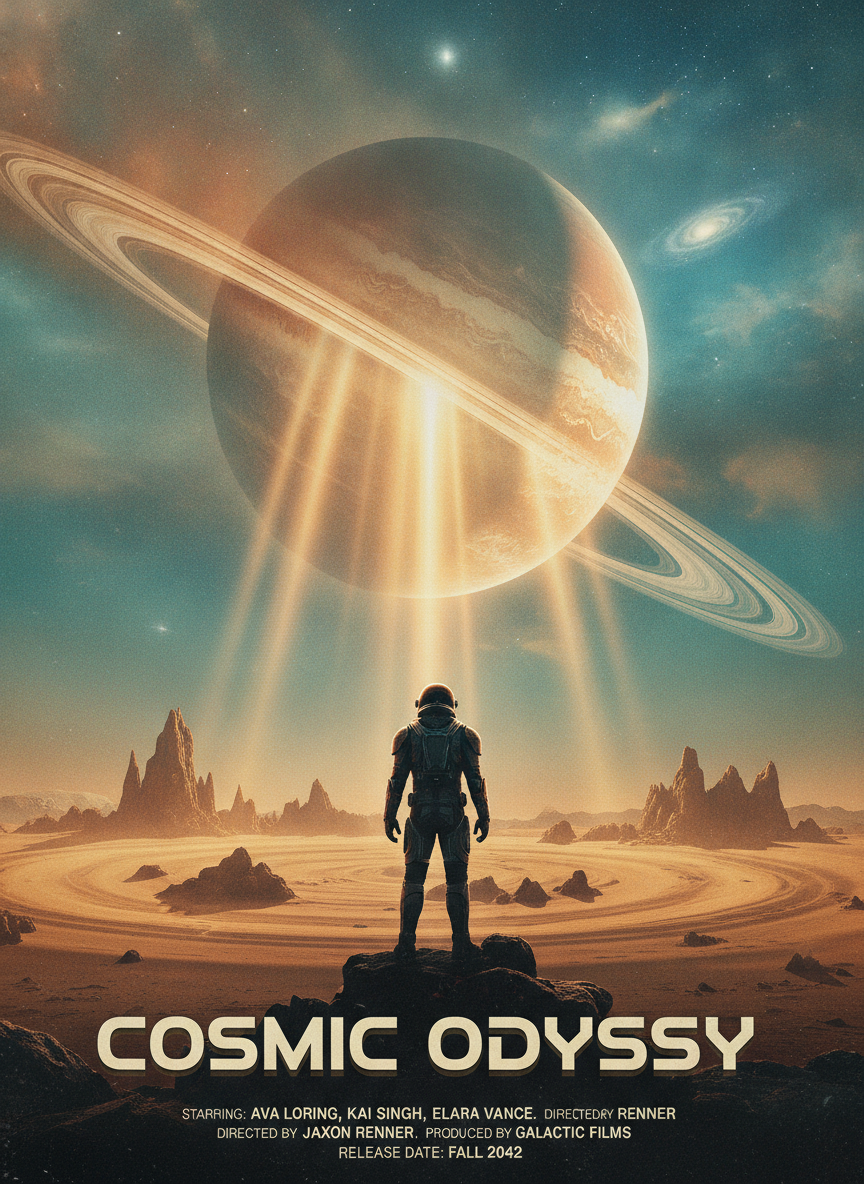
Sci-Fi Blockbuster Teaser
Theatrical One-Sheet
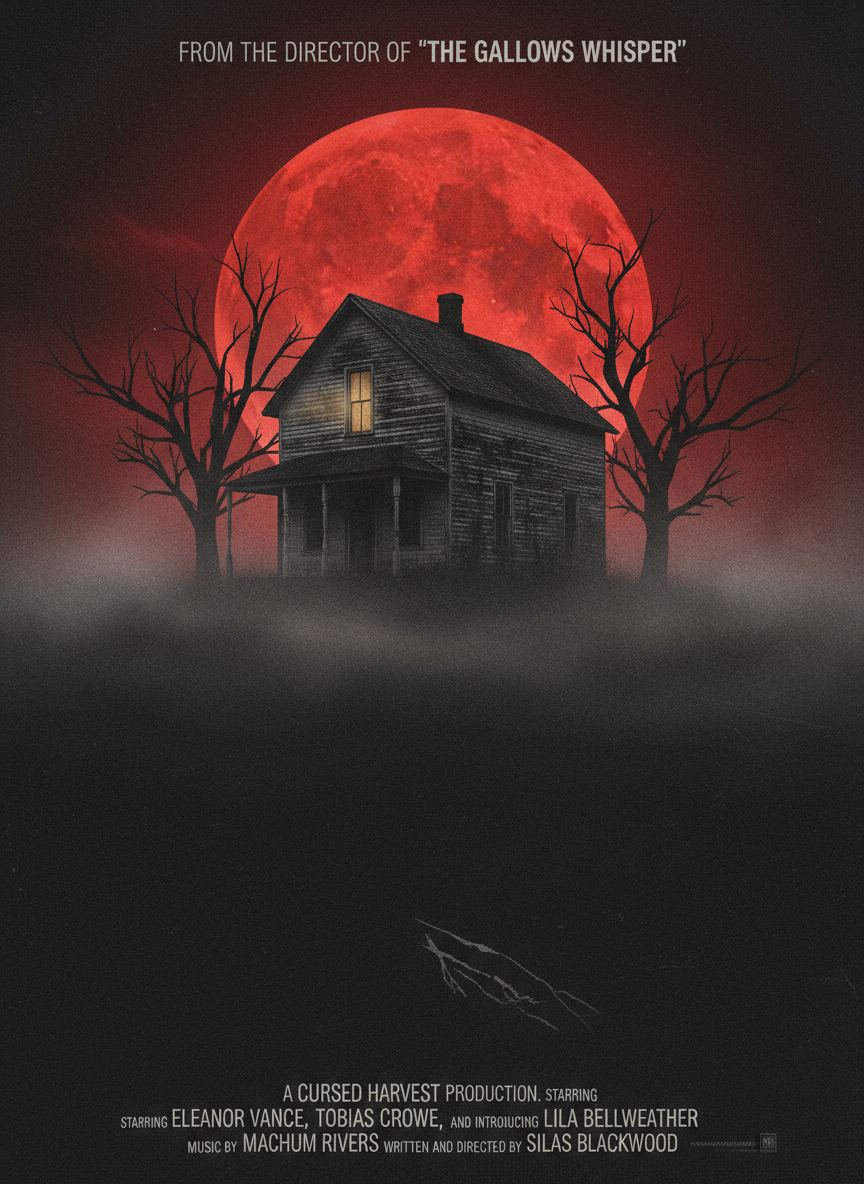
Horror Key Art
Genre Poster
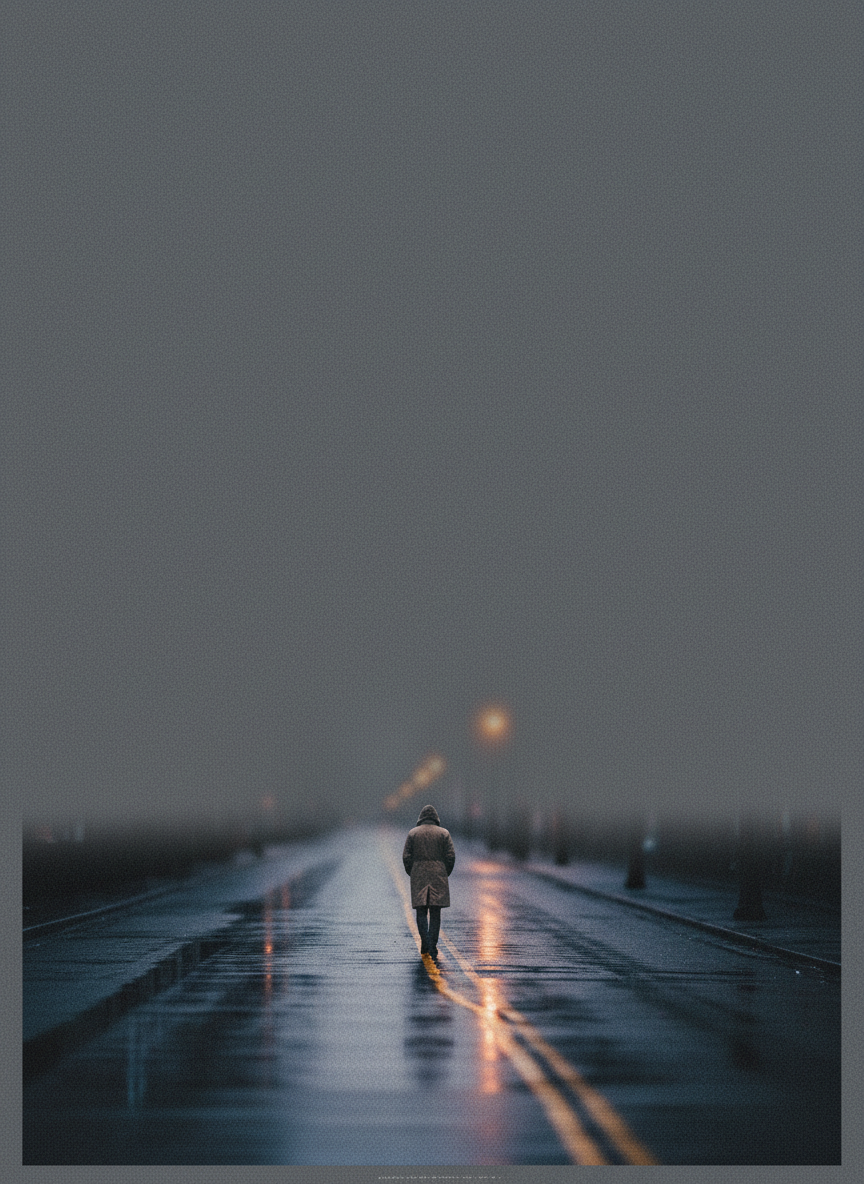
Minimalist Indie Drama
Art-House Design
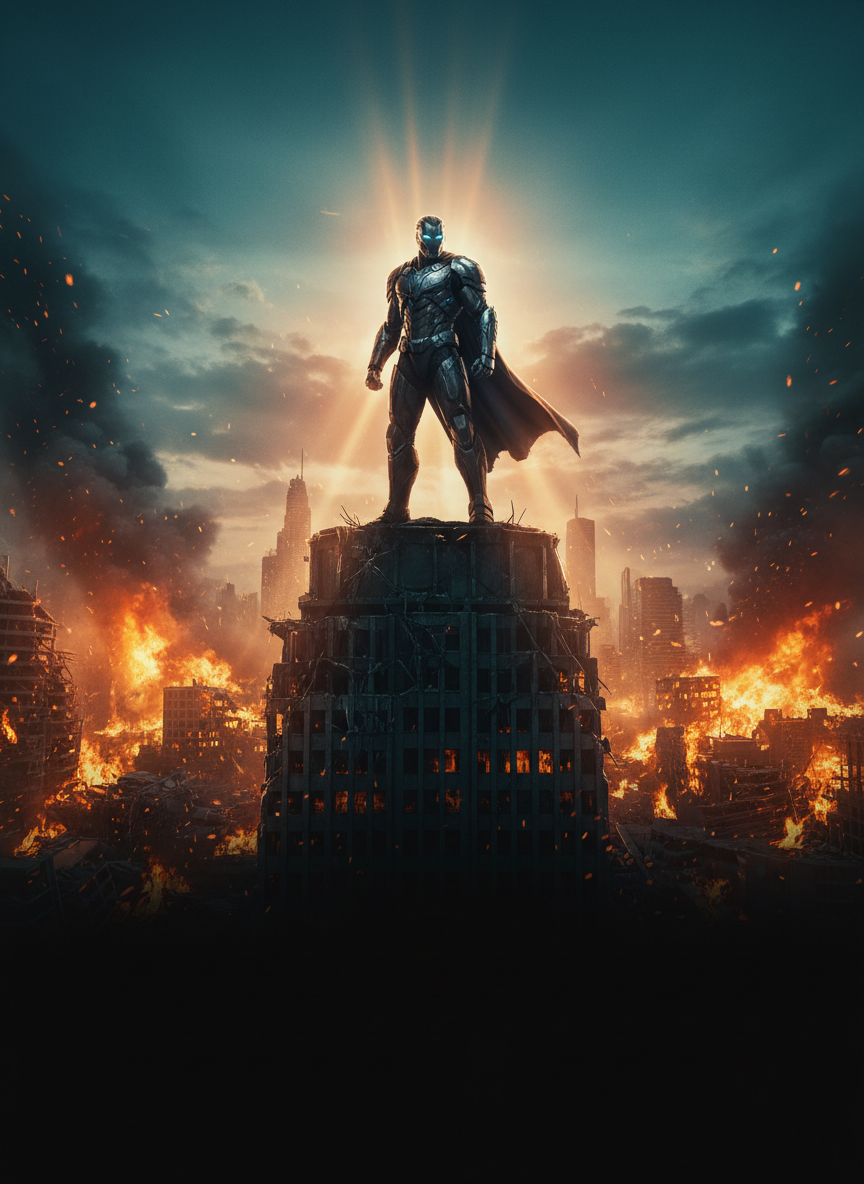
Action Character Sheet
Blockbuster Key Art
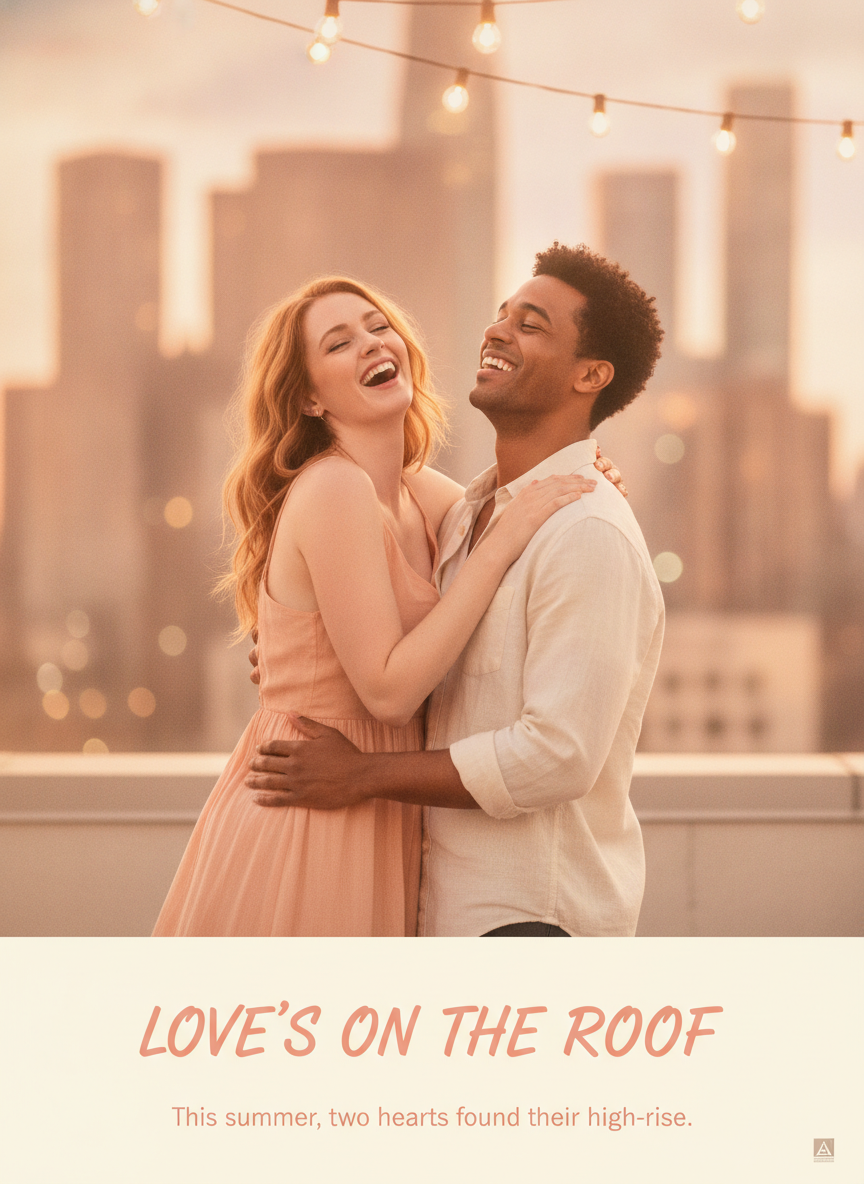
Romantic Comedy Layout
Feel-Good One-Sheet
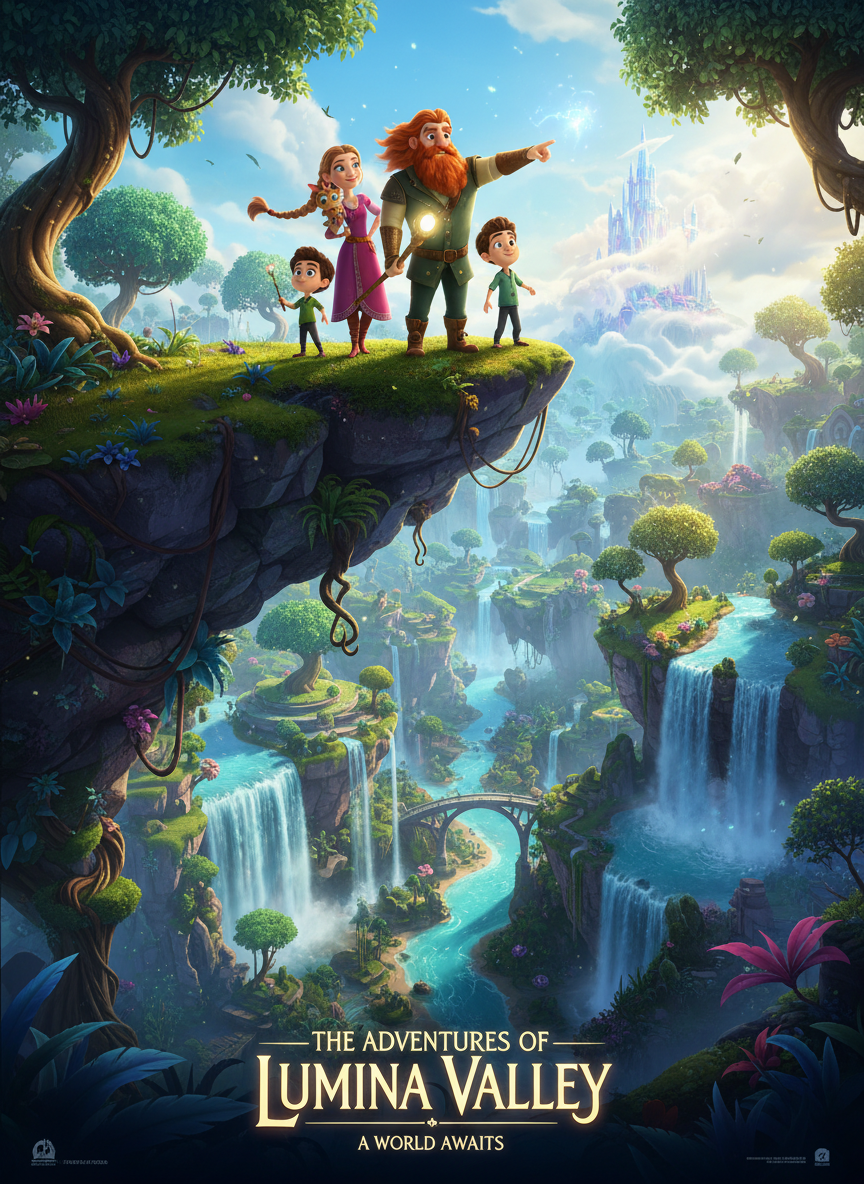
Animated Family Adventure
Studio Poster Art
How AI-Generated Movie Posters Work
Three steps, fifteen seconds — no key-art commission, no stock licence, no revision round
Describe the Film
Type your brief into the generator above, or start from one of the six genre presets. Genre plus one central image does most of the work — "a horror one-sheet, an isolated farmhouse under a red moon". Add the palette and ask for title space. No account is required and nothing is installed.
AI Builds the Key Art
Nano Banana Pro resolves the composition, the colour grade, the lighting and the negative space into one finished plate, holding the genre conventions you asked for instead of defaulting to generic illustration. Each pass takes about fifteen seconds.
Typeset & Publish
Download at 4K-class resolution, then set your title, tagline and billing block over it in Photoshop, Figma or Canva. Want a different direction? Change the palette or the central image and regenerate. Paid plans from $2.99 add watermark-free files and commercial rights.
Why Use This AI Movie Poster Maker
What separates usable key art from an image that merely looks cinematic
Genre Grammar, Not Generic Art
A poster tells an audience what kind of film this is before they have read a single word, and it does that through a visual grammar decades old: horror lives in negative space and a red-black palette, sci-fi in scale and volumetric light, art-house in restraint and a single figure, action in a low hero angle and burning rim light. Generic image models flatten those conventions into pretty pictures. This AI movie poster maker runs on Nano Banana Pro, which responds to genre vocabulary directly — name the register and the composition follows the rules the register is built on.
Negative Space Where the Title Goes
The single most common failure in automated movie poster design is artwork with nowhere to put the words. A one-sheet is not just an image — it is an image engineered around a title treatment, a tagline, a credit block and a billing block, all of which need clean, low-contrast real estate to sit on. Ask for that space explicitly in the prompt and you get it: a quiet upper third for the title, a darkened lower band for credits. What comes back is a plate you can typeset over, not a picture you have to fight.
Colour Grade as a Genre Signal
Orange and teal reads as contemporary blockbuster. Crimson on black reads as horror. Muted desaturated greys with one warm accent read as prestige drama. Saturated primaries read as animation. Colour grade is the fastest channel a poster has, working on a viewer before composition and long before typography, and it is the element most amateur key art gets wrong. Naming the grade in your prompt — not just the subject — is the highest-leverage edit available, and it is a one-word change between passes when you are testing directions.
4K-Class Output in One-Sheet Proportions
Posters get looked at closely: a festival programme page, a streaming tile, a press kit PDF, a printed handout at a screening. Output targets 4K-class resolution in a portrait ratio close to the theatrical one-sheet shape, so a single generation carries the social crop, the platform thumbnail and a small-format print without resampling artefacts creeping into the grain. For a full 27×40 press run, upscale the file first and inspect edge detail at 100% before you send the print order — the same check any designer runs on a photographed plate.
Commercial Rights, Stated Plainly
Key art ends up on festival sites, streaming platforms, press kits and paid ads, so licensing is not optional. Paid plans from $2.99 include full commercial usage rights in writing. Three film-specific notes worth reading twice: describe a look rather than naming a living actor or an existing franchise, so the result is an original you own; check distributor and guild delivery specs, since some now require disclosure of AI-generated artwork; and never let a poster imply a credit, festival laurel or award the film does not actually hold.
No Design Retainer, No Install
The generator runs entirely in the browser — nothing to download, no Photoshop licence needed to explore a direction, no account required to start. Free usage is protected with per-IP rate limits rather than ads or a login wall, so you can put a real logline through it before spending anything. When you need volume, plans start at $2.99 with unlimited high-resolution generations and no ongoing subscription, which matches how film marketing actually arrives: a burst of artwork around a festival deadline, not a flat monthly cost.
Who Uses AI for Film Promotion Art
Four situations where digital poster creation replaces a key-art commission
Independent Filmmakers
Festival submission deadlines arrive long before marketing money does, and most platforms will not accept an entry without artwork. Generating a one-sheet turns that blocker into a fifteen-second problem, and it lets a director test whether the film reads as the genre they think it is — if the poster looks like a thriller and the film is a comedy, that is worth knowing before the programme goes to print. Independents also use it for the crowdfunding page, the cast-and-crew screening handout and the press kit cover.
Film Marketers & Distributors
Key art usually goes through a dozen rejected directions before one survives, and each of those directions has historically cost a comp round. Marketers use film promotion AI to survey the field first — the teaser that shows almost nothing, the character sheet, the ensemble composition, the graphic treatment — then commission the finished artwork for the two or three that earned it. It also makes A/B testing tractable: put generated variants in front of an audience, then build the real thing around whichever converts.
Graphic Designers
A designer's slowest hour is usually the blank canvas, not the execution. Generating plates gives you a compositional starting point and a lit background in seconds, which you then composite, retouch and typeset with actual craft. Automated movie poster design does not replace the typography, the hierarchy or the billing block — those remain the parts that make a poster look professional — but it does remove the stock-photo hunt and the mood-board assembly that used to eat the front half of the job.
Screenwriters & Students
A pitch deck with a poster in it reads as a film; a pitch deck without one reads as a document. Writers use cinematic art AI to give a spec script a face, to show a producer the tone in one image rather than three paragraphs, and to test taglines against artwork. Film students get the same benefit for thesis projects and portfolio pieces, where the budget for a designer is generally zero and the deadline is generally tomorrow.
AI-Generated Movie Posters — FAQ
Prompting, genres, resolution and commercial use for AI movie poster art
Give Your Film a Poster Tonight
Describe your film in a sentence — the genre, the central image and the palette. The generator is free to try, loaded on this page, and needs no account and no design software. You will have key art in about fifteen seconds.
Start Creating FreeAI-Generated Movie Posters for Filmmakers, Marketers and Designers
Key art has always been the first thing a film needs and the last thing an independent production can afford. A theatrical one-sheet traditionally means a photographer, a retoucher, a designer and several rounds of comps, all paid for before anyone knows whether the direction works — which is why most small films end up with a poster that was chosen because it was the only one that existed. AI-generated movie posters change where that decision sits. Describing a film and seeing key art takes about fifteen seconds, so the exploratory half of poster design — the directions that get rejected, the palettes that turn out wrong, the compositions that die in the room — no longer has to be paid for a comp round at a time. This page runs on the Nano Banana Pro image model and builds cinematic artwork from a written brief.
What makes an AI movie poster convincing rather than merely decorative is genre grammar. Horror lives in negative space, fog and a crimson-on-black palette. Science fiction reads through scale, volumetric light and an orange-and-teal grade. Art-house restraint means one small figure, a muted palette and an enormous quiet upper third. Action wants a low hero angle and burning rim light; animation wants saturated primaries and a warm sunset sky. A model that treats all of these as "cinematic" produces images that look expensive and communicate nothing. That is why genre vocabulary and colour grade are the highest-leverage parts of any prompt here. The six presets on this page are built around exactly those registers, and the prompt box takes everything past them — noir, war epic, period drama, sports documentary, a Saul Bass graphic treatment, a floating-heads ensemble layout or a teaser that deliberately shows almost nothing.
Prompting for digital poster creation follows a reliable order: genre, then central image, then palette, then lighting, then composition and title space. "Sci-fi one-sheet, a lone astronaut before a ringed planet, orange and teal, heavy volumetric god rays, large empty band at the bottom for the title and billing block" gives the model everything it needs, where a longer pile of adjectives usually produces a muddier result. Asking explicitly for negative space is the step most people skip and the one that most often ruins an otherwise good plate — a poster is an image engineered around type, and type needs clean, low-contrast room to sit on. Output targets 4K-class resolution in portrait proportions close to the theatrical one-sheet shape, which covers a festival programme page, a streaming tile, a press kit and a small print run; for a full 27×40 press order, upscale first and inspect grain and edges at 100%.
Whether you arrived searching for "AI-generated movie posters", an "AI movie poster" maker, "film promotion AI", "digital poster creation", "automated movie poster design" or "cinematic art AI" for a festival submission, a distributor pitch, a pitch deck or a student thesis, this is the dedicated page for it on aibanana.net. For a walkthrough aimed at designing a specific film's key art end to end, the AI Movie Poster Creator covers that workflow; if you need general poster layout rather than cinematic key art, the AI Poster Maker is the better starting point, and the AI Custom Logo Creator handles production-company marks and title logos. The generator above runs entirely server-side and asks for no account, email or credit card — free usage is protected with per-IP rate limits rather than ads or a login wall. Paid plans from $2.99 unlock unlimited high-resolution generations, watermark-free downloads and full commercial usage rights with no ongoing subscription. Three honest caveats before you publish: typeset the title and billing block yourself rather than trusting any image model with contractual credit wording; describe a look instead of naming a living actor or an existing franchise, so the artwork is an original you own; and check distributor, festival and guild delivery specs, since several now expect AI-generated key art to be disclosed.