
AI Digital Portrait Enhancer
Free AI Photo Retouching
Enhance digital portraits with our AI digital portrait enhancer — perfect for photographers, graphic editors, and social media influencers polishing headshots, fashion editorials, vintage family photos, dating profiles, and LinkedIn portraits. The AI digital portrait enhancer returns 4K retouched images in about fifteen seconds, with no sign up required and full commercial usage on paid plans.
Try the AI Digital Portrait Enhancer — Free
Pick a portrait-style preset or describe your own custom retouching direction — the AI digital portrait enhancer returns a 4K polished portrait in seconds
AI Digital Portrait Enhancer
Choose a retouching style or describe your own portrait enhancement — studio headshot, LinkedIn, magazine cover, vintage restoration, or social media glow
Upload your portrait photo, select an enhancement style, and get a polished 4K result
AI Digital Portrait Enhancer Showcase
A sample of headshots, fashion, vintage restoration, and social media portraits the AI digital portrait enhancer produces
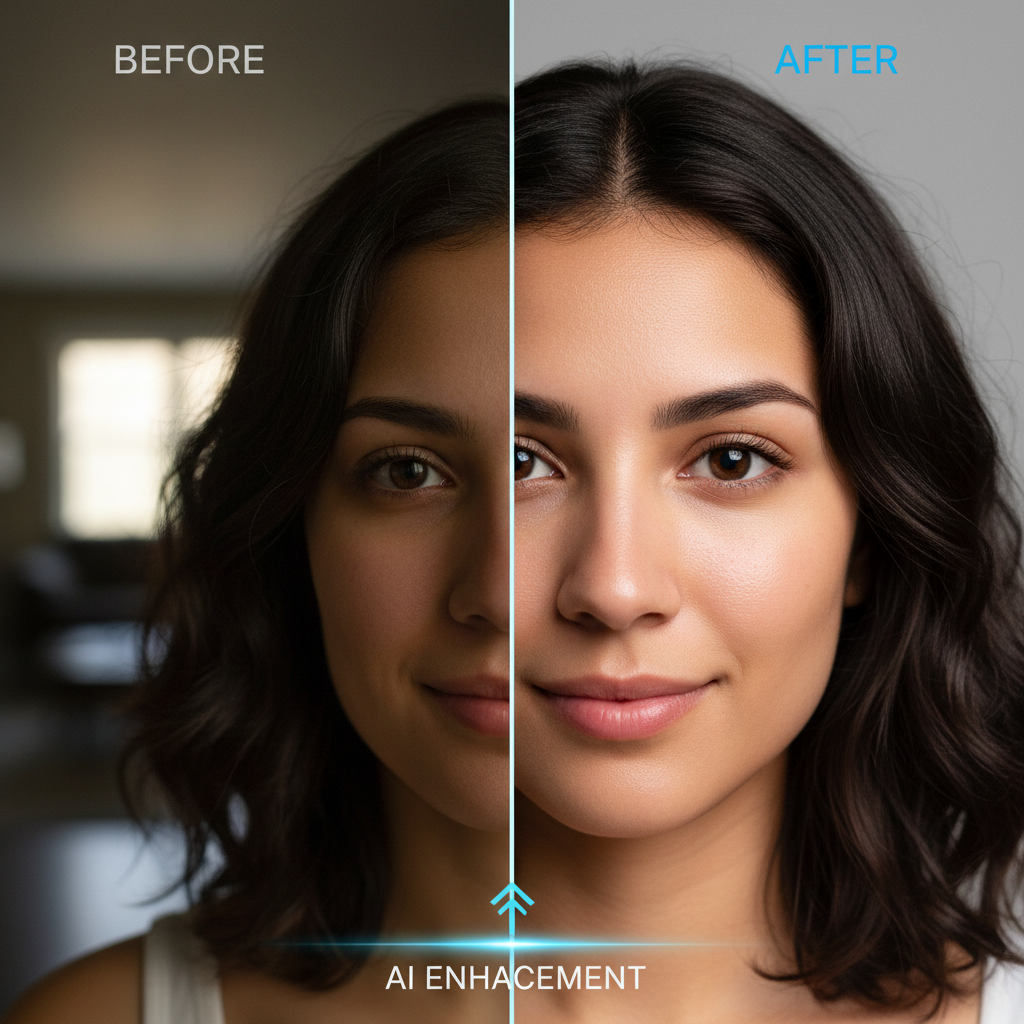
Before & After
Selfie → studio quality
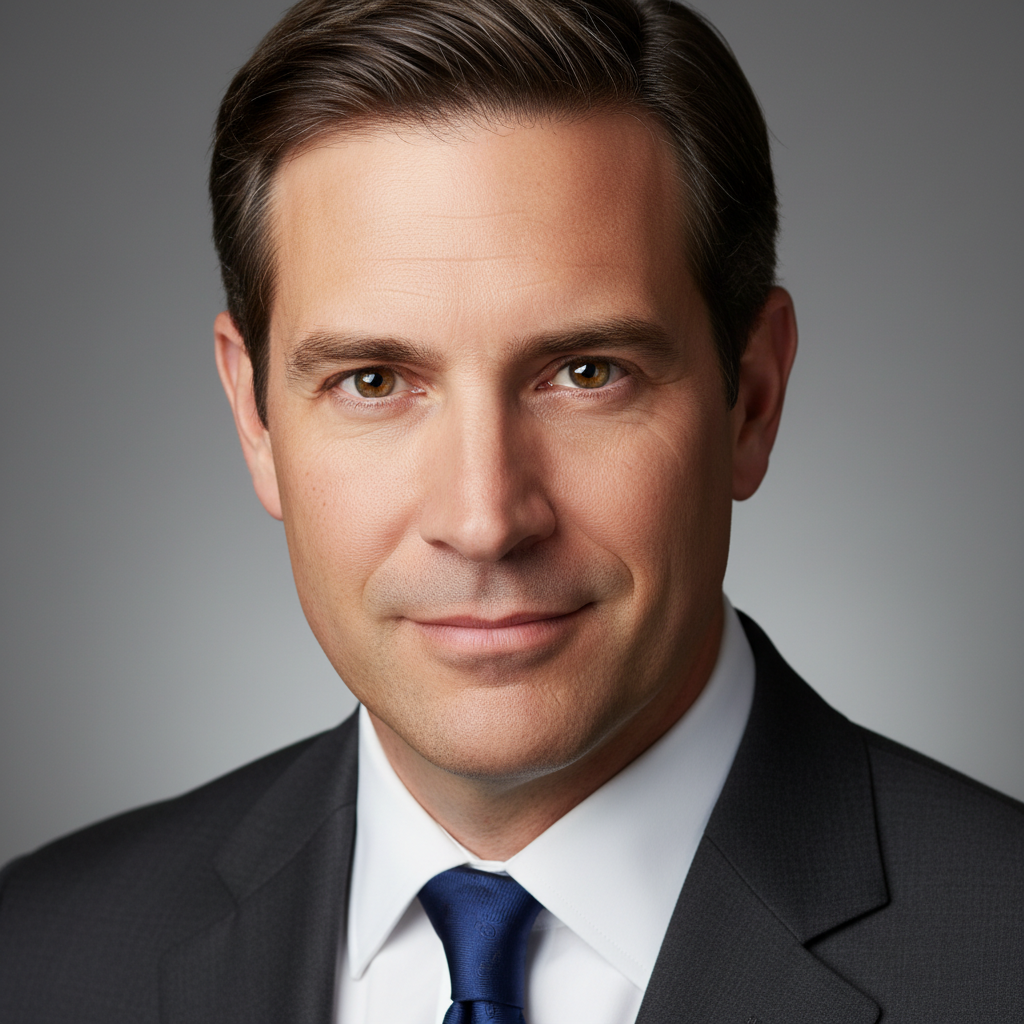
Studio Headshot
Professional headshots
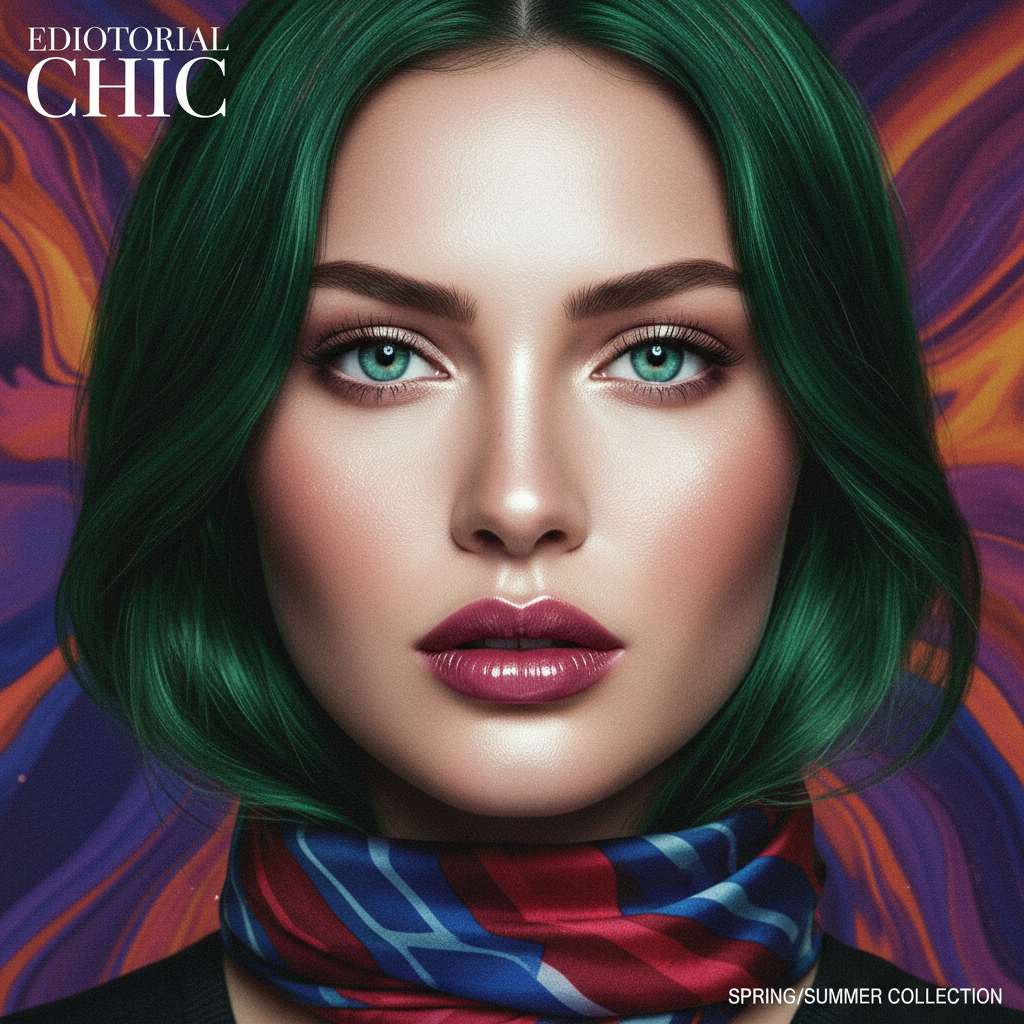
Editorial Fashion
Magazine cover quality
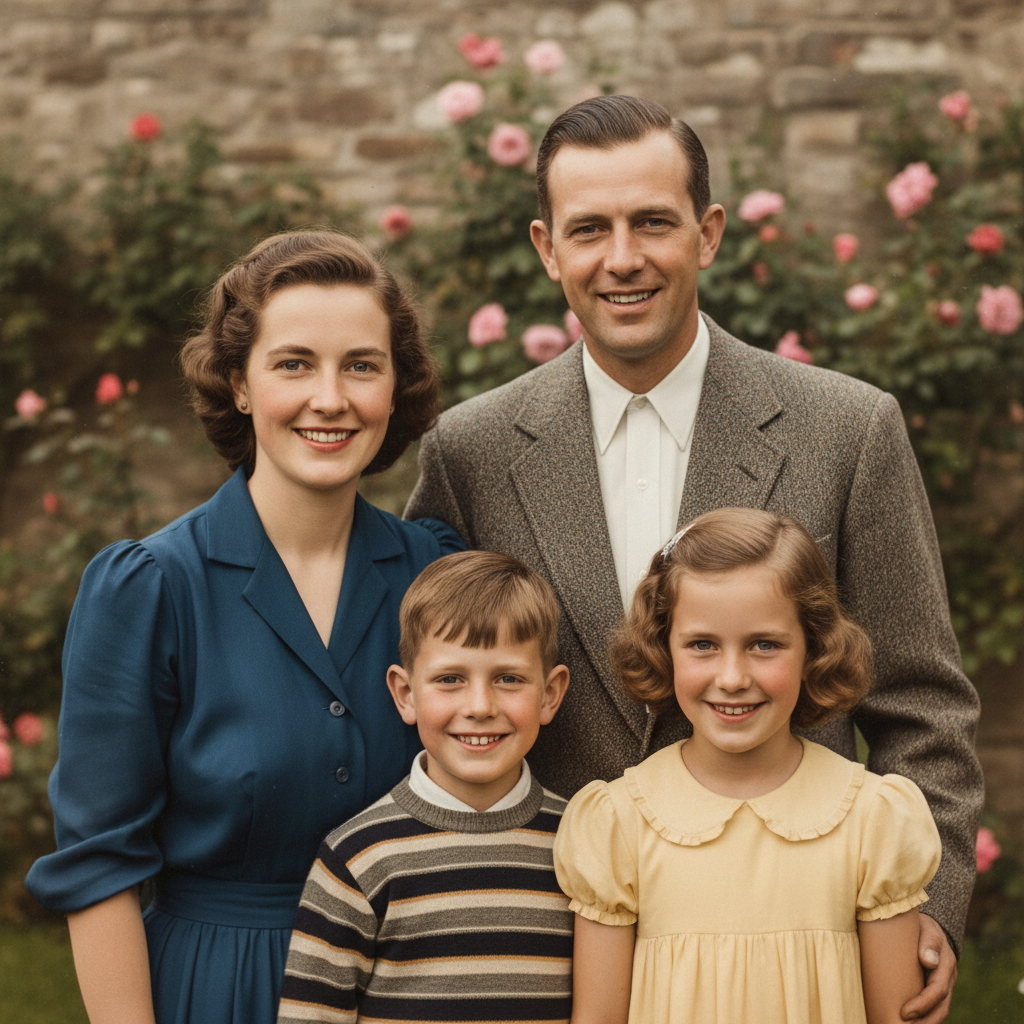
Vintage Restoration
Family photo restoration
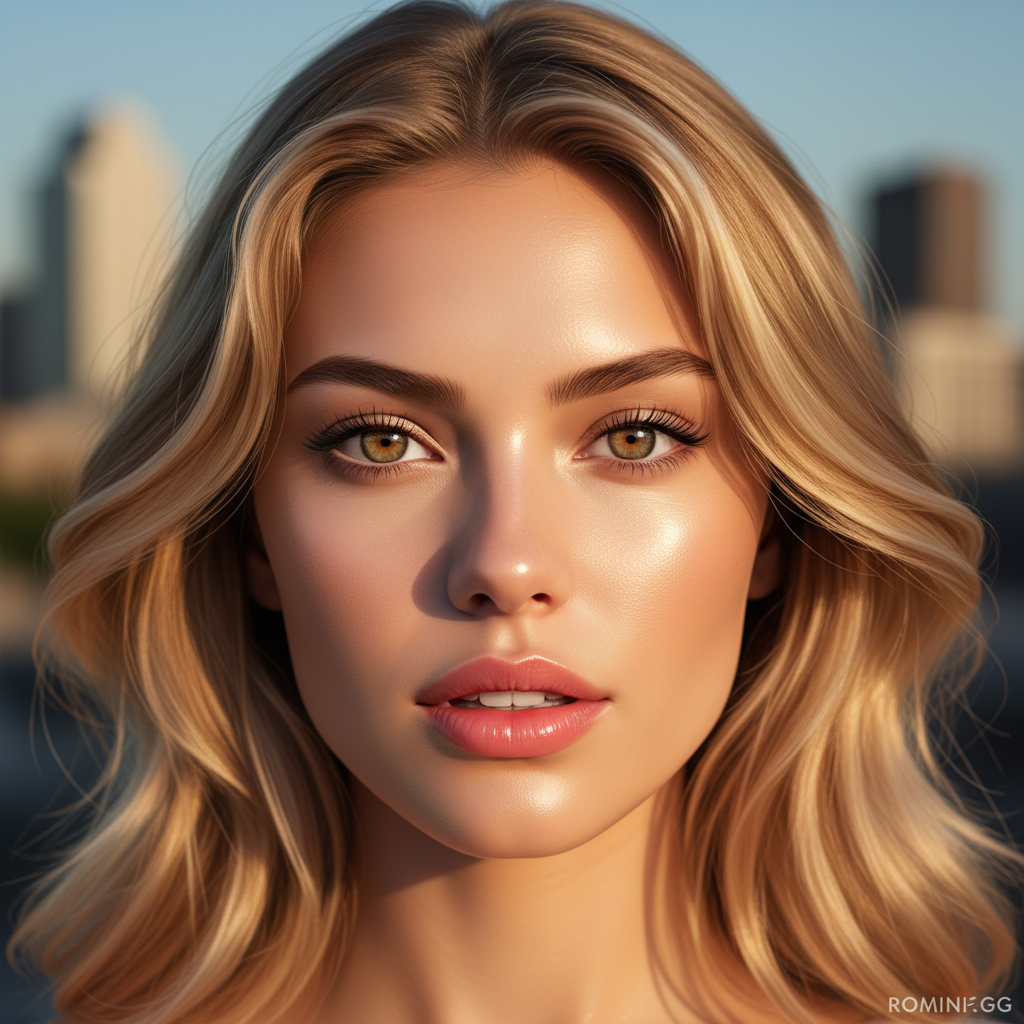
Social Media Glow
Influencer selfies
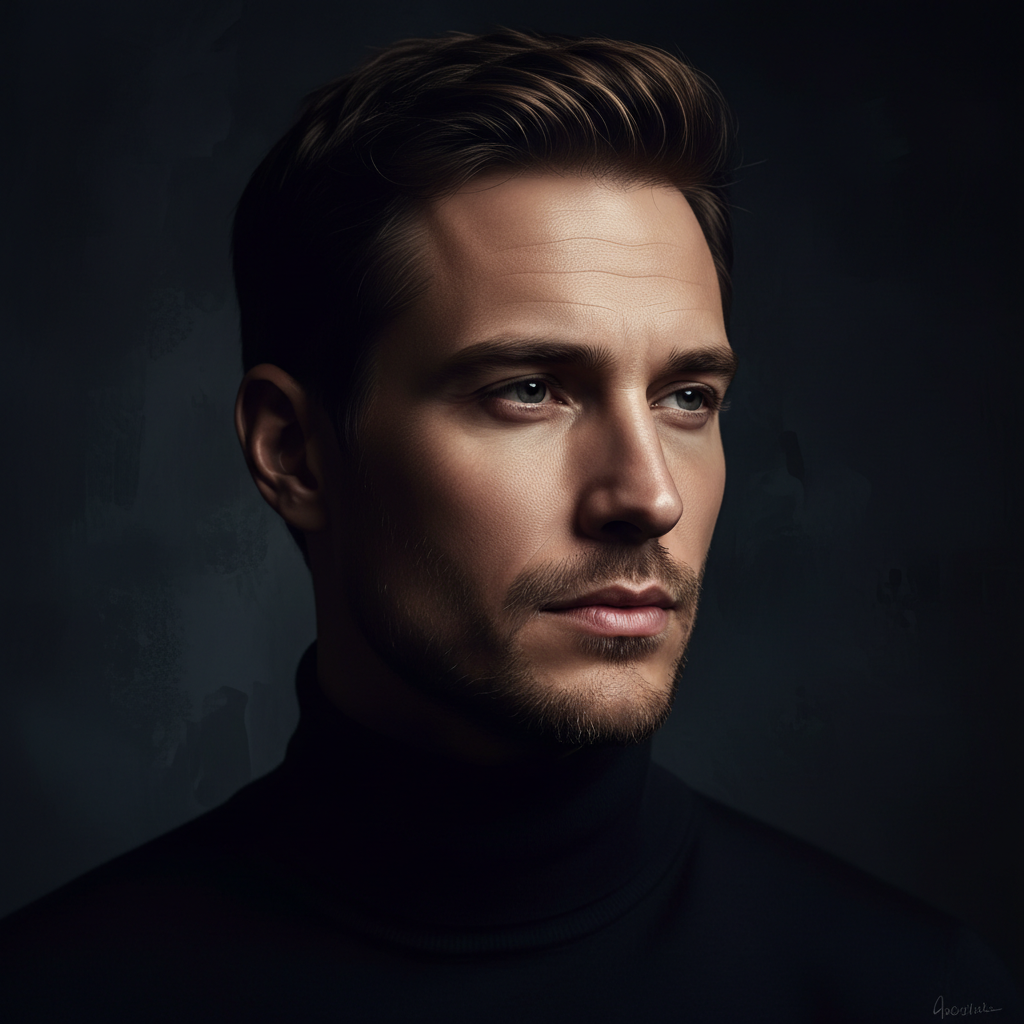
Cinematic Mood
Artistic portraits
How the AI Digital Portrait Enhancer Works
Three steps, fifteen seconds, ready for your printed photo books, social media feeds, dating profile, or LinkedIn portrait
Pick a Retouching Style
Tap one of the eight preset retouching styles in the AI digital portrait enhancer above — studio headshot, LinkedIn profile, magazine cover, vintage restoration, social media glow, cinematic mood, wedding portrait, or dating profile. Or skip the presets and describe your own AI portrait enhancement direction with details about lighting style, skin retouching intensity, color grade, and mood.
Generate the Portrait
Click the generate button. The AI digital portrait enhancer returns a 4K polished portrait in about fifteen seconds. Iterate on the prompt — adjust the lighting, swap the color grade, change the retouching intensity, tweak the background — until the AI portrait enhancement matches the look you imagine for your headshot, fashion editorial, vintage restoration, social media feed, dating profile, or LinkedIn portrait.
Download & Share
Download the AI digital portrait enhancer output and use it as a printed photo book page, framed wall print, business card headshot, magazine submission, social media feed post, LinkedIn profile, dating app picture, or personal branding kit photo. The AI portrait enhancement output is 4K-ready and large enough for any portrait use — print, screen, or large-format gallery wall.
Why Choose This AI Digital Portrait Enhancer
Built for photographers, graphic editors, and social media influencers who want professional portrait retouching fast
Tuned for Portrait Retouching
The AI digital portrait enhancer on this page is purpose-tuned for portrait retouching: every preset explicitly requests "4K detail", "natural skin texture", "balanced studio lighting", "sharp eyes", and "polished retouching" so the AI digital portrait enhancer output instantly looks like a professional headshot, dating profile photo, LinkedIn portrait, or magazine editorial. Photographers, graphic editors, and social media influencers get studio-quality AI portrait enhancement without the over-smoothed plastic skin look that ruins portrait realism on most AI photo retouching tools.
Perfect for Photographers, Editors & Influencers
Photographers, graphic editors, social media influencers, retouchers, dating-app users, small business owners, and personal branding consultants use this AI digital portrait enhancer for headshot session deliverables, wedding photo retouching, fashion editorial polishing, social media feed cleanup, LinkedIn profile photos, dating app pictures, family portrait packages, and brand photography post-production. The AI portrait enhancement output works for both digital use (Instagram, LinkedIn, websites, dating apps) and printed deliverables (photo books, framed wall prints, business cards) — a single AI digital portrait enhancer session can produce a complete portrait retouching package.
Natural Skin Tone & Lighting Balance
Photographers and graphic editors rely on the AI digital portrait enhancer for natural skin tones, balanced studio lighting, sharp eye detail, and polished retouching faster than any traditional Photoshop or Lightroom workflow could deliver. Use the AI portrait enhancement to explore twenty retouching styles in an afternoon, lock in the visual identity for your portrait series, and hand off the chosen output to a print lab — or ship the AI digital portrait directly under a paid commercial license for headshot session deliverables, social media campaigns, or client retouching commissions.
No Sign Up, No Credit Card
The AI digital portrait enhancer on this page never asks you to register an account, verify an email, or save a payment method before retouching a portrait. No Google OAuth redirect, no "add card to continue" step — just a prompt box. Describe the portrait enhancement direction you want, click generate, and download the AI digital portrait enhancer output immediately. Free usage is protected with per-IP rate limits, not an account wall, so photographers and graphic editors can validate retouching directions without commitment.
Enhanced Portraits in ~15 Seconds
Most AI digital portrait enhancer runs return a full-resolution PNG in about fifteen to twenty seconds. Free users share the same backend priority as paid users — no throttled queue, no slower lane for free traffic. The fast turnaround makes live iteration practical: tweak your retouching description, regenerate with a different lighting style or color grade, and have a new AI portrait enhancement ready before the previous one even finishes downloading. A portrait retouching session deserves twenty AI portrait variants before you commit — the AI digital portrait enhancer makes that finally possible at any budget.
4K Print & Display-Ready Output
Every AI digital portrait enhancer output comes out as a high-resolution PNG ready to use anywhere — printed photo books, framed wall prints, business card headshots, magazine and editorial submissions, social media feeds on Instagram and Facebook, LinkedIn and corporate website portraits, dating app profile pictures, and personal branding kits. The AI portrait enhancement output works at sizes up to large-format print without visible blurring. No more rejected printed portraits due to insufficient image resolution, no more pixelated profile photos in your social media feed.
AI Digital Portrait Enhancer — FAQ
Everything about enhancing digital portraits and AI photo retouching with AI
Start the AI Digital Portrait Enhancer
The AI digital portrait enhancer is free, loaded on this page, and needs no account. Pick a retouching style, describe your portrait, and download a 4K AI digital portrait in about fifteen seconds.
Enhance Your Portrait FreeAbout the AI Digital Portrait Enhancer
The AI digital portrait enhancer on AI Banana is a free, no-sign-up portrait retouching tool built for photographers, graphic editors, social media influencers, retouchers, dating-app users, small business owners, and personal branding consultants who want professional portrait retouching without spending hours in Photoshop or Lightroom. Type a short description of the portrait enhancement direction you want — "studio headshot with crisp 4K detail", "magazine cover style with glowing skin retouching", "vintage family photo restored to modern quality" — and the AI digital portrait enhancer returns a 4K polished PNG in about fifteen seconds, ready to use as a printed photo book page, framed wall print, business card headshot, magazine submission, social media feed post, LinkedIn profile, or dating app picture. Whether you have been searching for "AI digital portrait enhancer", "enhance portraits with AI", "AI photo retouching", or "AI portrait editing tool", this is the dedicated AI digital portrait enhancer entry point on aibanana.net.
Most other AI portrait retouching tools require an account, an email, a saved payment method, or a trial-credit countdown before you can produce a single enhanced portrait. The AI digital portrait enhancer on this page skips that entirely. The interactive tool above is loaded directly into the page — open the prompt box, pick a retouching preset (studio headshot, LinkedIn profile, magazine cover, vintage restoration, social media glow, cinematic mood, wedding portrait, or dating profile), and the AI digital portrait enhancer routes your request through the Nano Banana image model. No registration, no checkout, no dark patterns. Free usage is protected with per-IP rate limits rather than a login wall, so a normal portrait retouching exploration session for a headshot reel or social media feed fits comfortably inside the free envelope. Validate AI portrait enhancement directions and A/B test multiple lighting and color grade variants before committing to a paid plan — the AI digital portrait enhancer earns its place in your portrait retouching workflow before it asks for a dollar.
The AI digital portrait enhancer is tuned for portrait retouching, not generic image output. Every preset prompt explicitly requests "4K detail", "natural skin texture", "balanced studio lighting", "sharp eye detail", and "polished retouching", so the resulting AI digital portrait instantly looks like it belongs in a professional portrait portfolio, magazine editorial, dating profile, LinkedIn page, or printed photo book. The AI digital portrait enhancer handles every popular portrait scenario and visual register: professional headshots and corporate portraits; LinkedIn profile photos and personal branding shots; dating app photos and social media selfies; fashion and editorial portraits; family photos and wedding portraits; vintage faded photos in need of restoration; school yearbook portraits and senior session edits; theatrical and headshot reels for actors; creative artistic portraits with cinematic lighting; and beauty portraits for influencers and content creators. It interprets retouching vocabulary like "skin retouching", "color grade", "balanced lighting", "sharp eye detail", and "polished portrait" accurately, so the AI digital portrait enhancer output matches the look you have in mind without dozens of regenerations.
Output from the AI digital portrait enhancer is high-resolution PNG, large enough for any portrait use — printed photo books, framed wall prints, business card headshots, magazine and editorial submissions, social media feeds on Instagram and Facebook, LinkedIn and corporate website portraits, dating app profile pictures, and personal branding kits. Photographers use the AI digital portrait enhancer to speed up wedding and event photo retouching, headshot session deliverables, family portrait packages, and senior session edits. Graphic editors use the AI portrait enhancement to deliver client retouching commissions and magazine editorial polishing in a fraction of the time a manual Photoshop workflow takes. Social media influencers and content creators use AI digital portrait enhancement for Instagram feeds, dating profiles, YouTube thumbnails, and personal branding photos. Once you find an AI portrait enhancement direction you want to ship to a paid client retouching project, headshot session deliverable, or paid social media campaign, upgrade to a Nano Banana paid plan starting at $2.99 to unlock unlimited generations and full commercial usage rights — a tiny fraction of the $50 to $300 cost of a single commissioned portrait retouching job, and orders of magnitude faster than a manual Photoshop timeline. Better digital portraits translate directly into more bookings, more profile clicks, more LinkedIn impressions, and more social media engagement — that is what AI digital portrait enhancement is built to deliver.