
AI Color Grading Tool
Perfect Color & Cinematic Tones in Seconds
Upload a photo and the AI color grading tool corrects white balance, balances shadows, midtones, and highlights, and applies a professional cinematic grade in about fifteen seconds. Built to color grade photos for photographers, filmmakers, and digital artists, this AI color grading tool handles photo color correction and creative grading in one pass — no Lightroom, no DaVinci Resolve, and no login. Color grade your photos free below and watch a flat, dull image become a rich, film-quality shot.
Try the AI Color Grading Tool — Free
Upload your photo, choose a grade, and let the AI correct the color and apply a professional cinematic look in seconds
AI Color Grading Tool
Upload a photo, pick a color grade, and get a balanced, professionally graded version instantly
Upload your photo, choose a color grade, and click Generate
AI Color Grading in Action
Six photos color corrected and graded to professional quality by the AI color grading tool
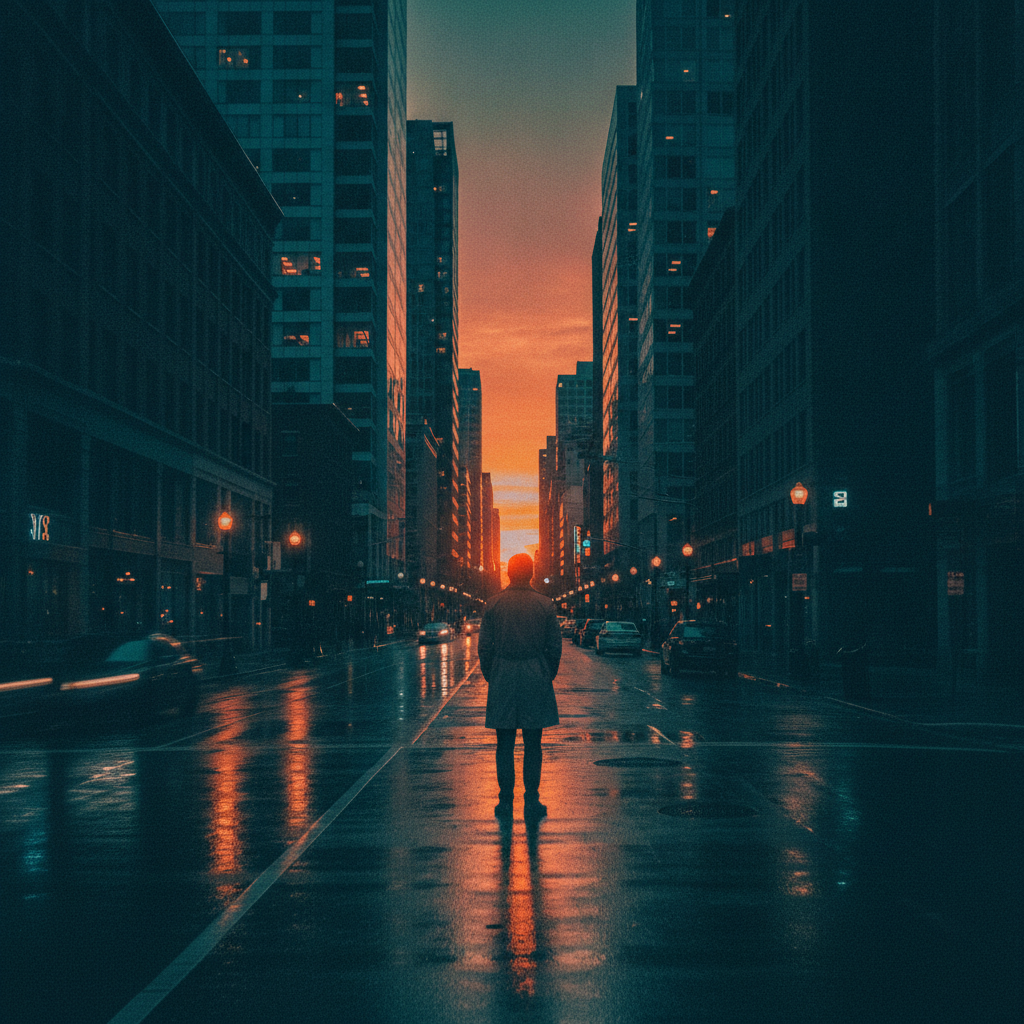
Cinematic Teal & Orange
Film-style grade
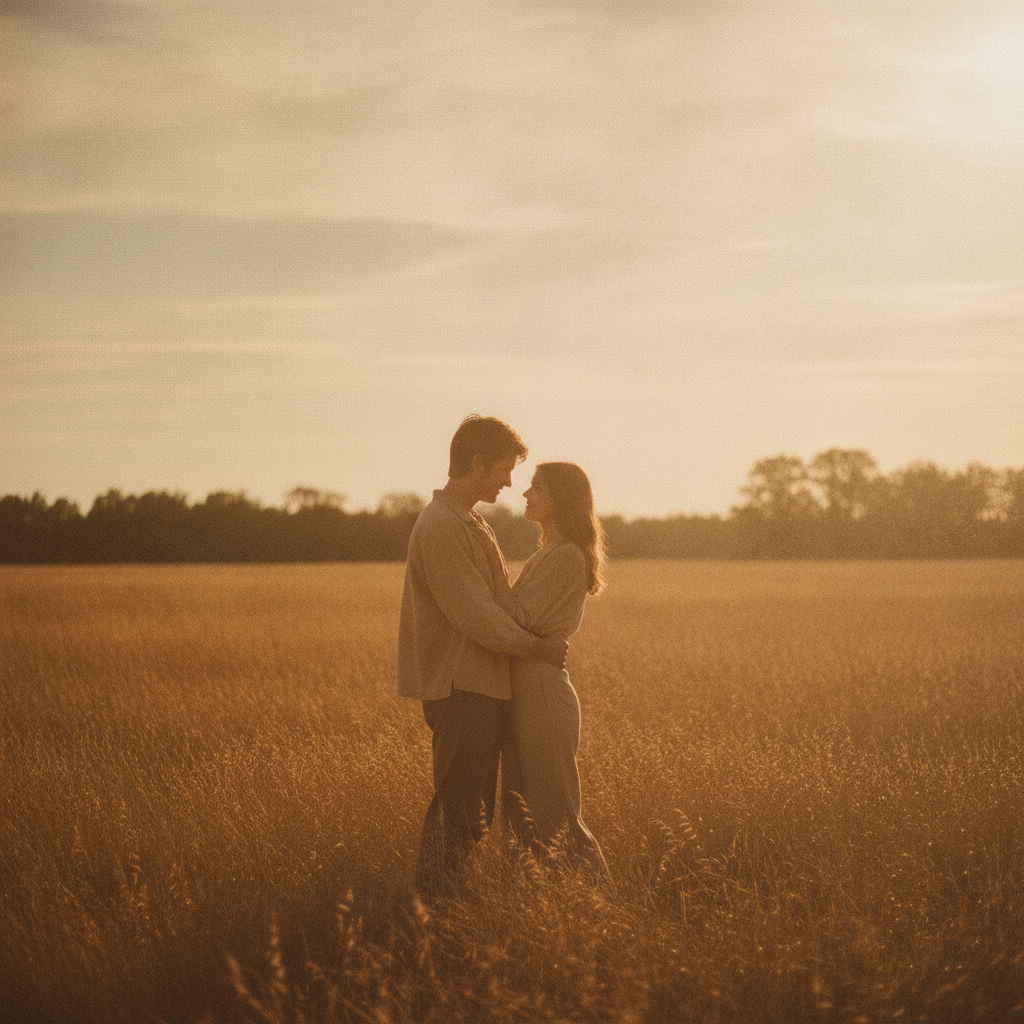
Warm Vintage Film
Analog tones
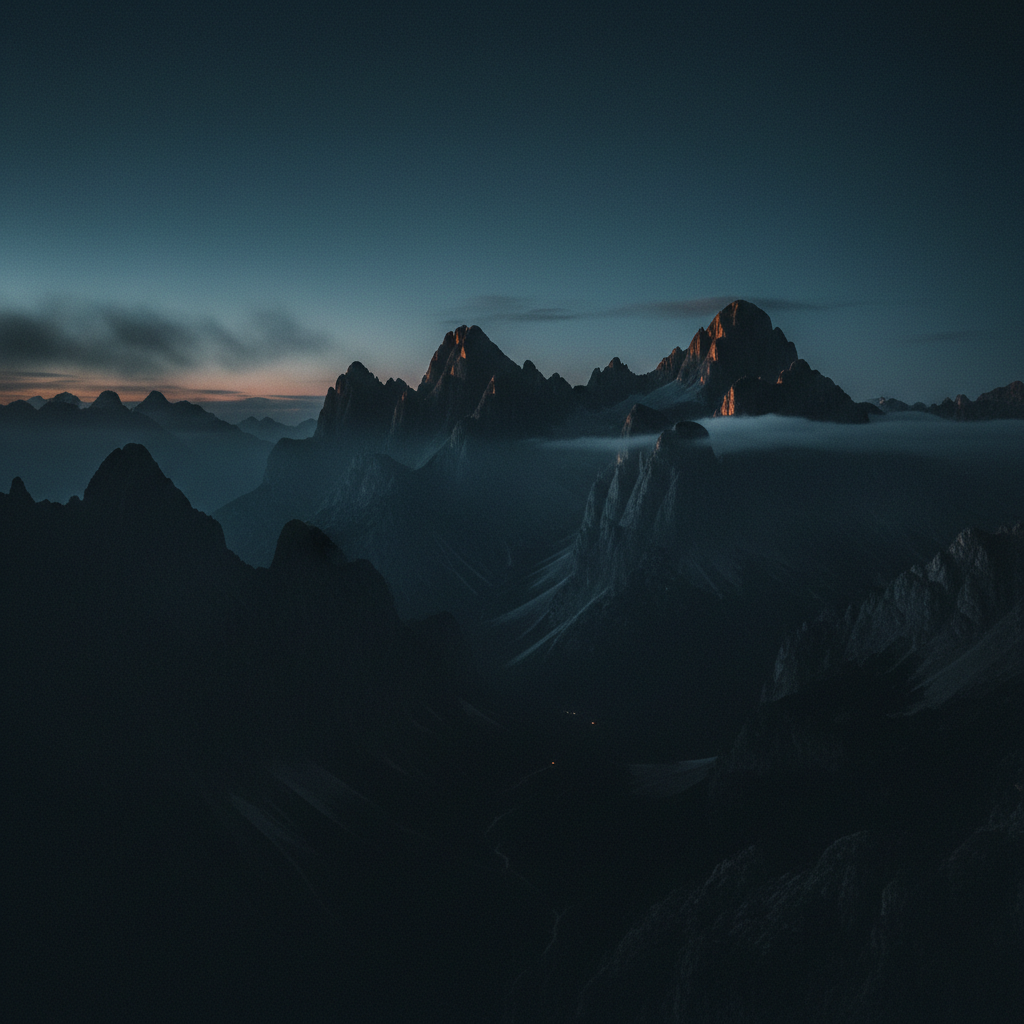
Moody Film Noir
Cool cinematic
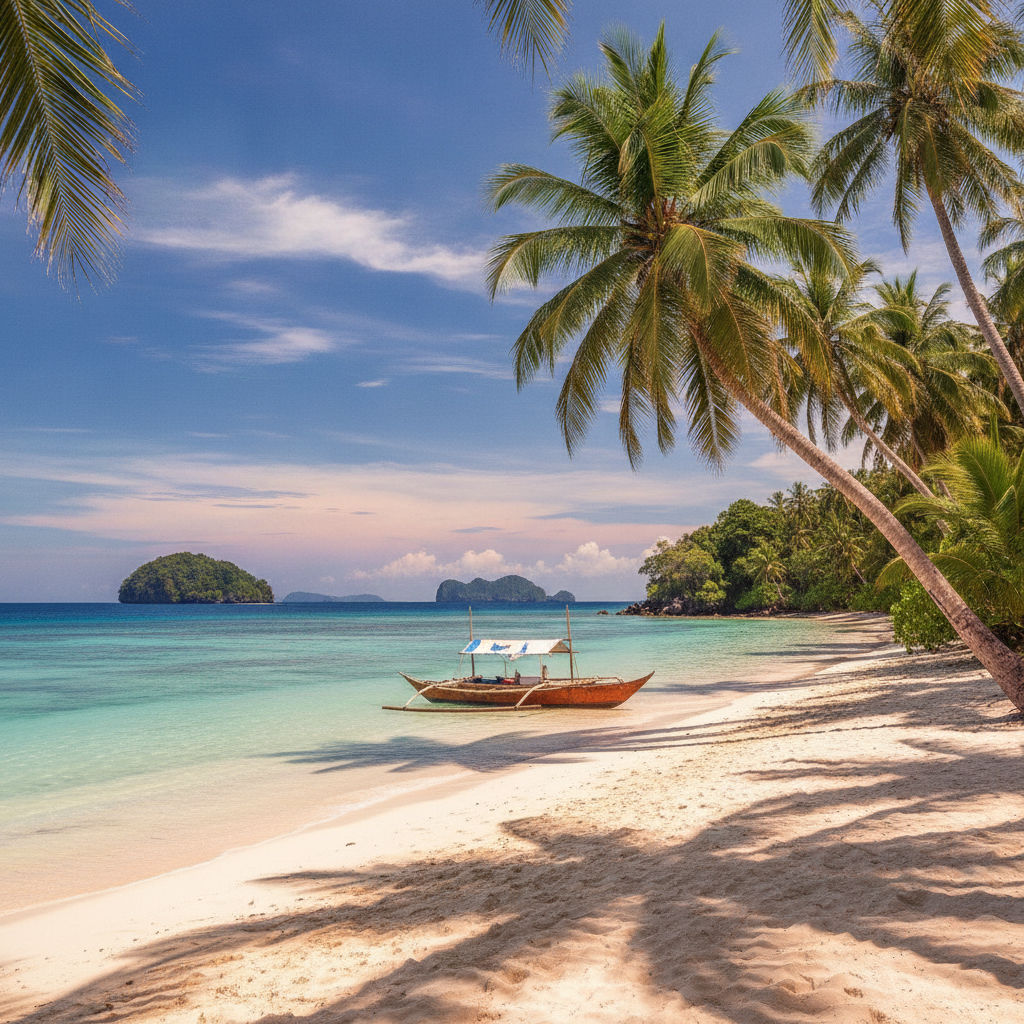
Vibrant HDR
Punchy color correction
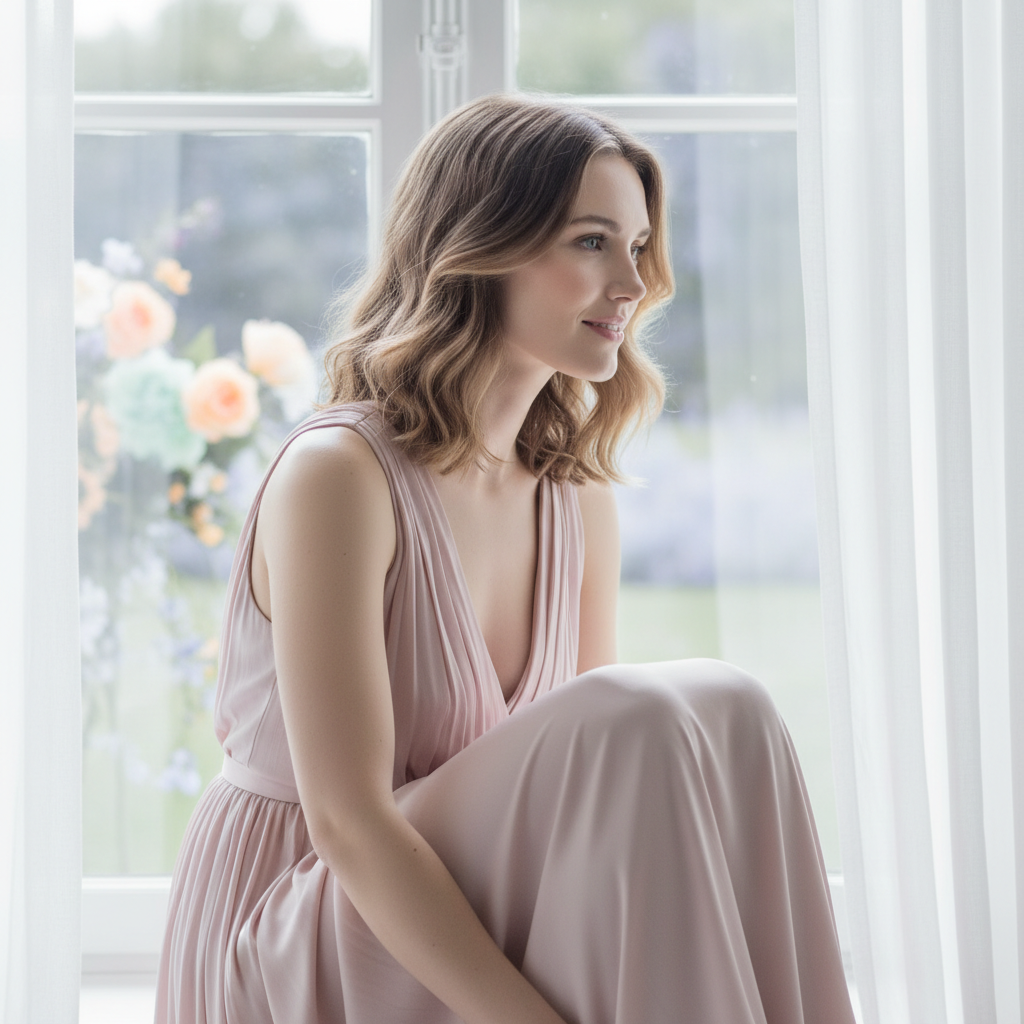
Soft Pastel Portrait
Editorial grade
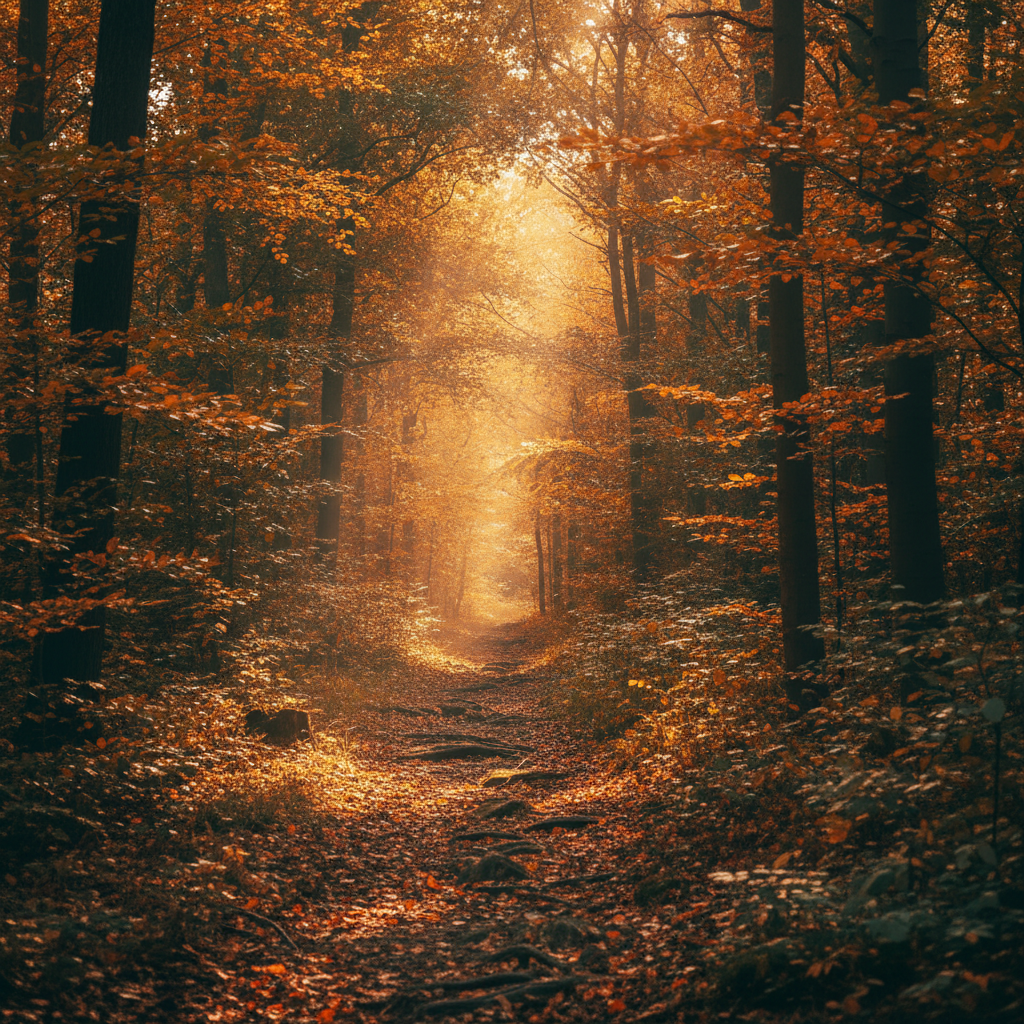
Autumn Warmth
Golden-hour grade
How to Color Grade Photos with AI
Three simple steps from a flat, dull photo to a rich, film-quality grade
Upload Your Photo
Upload the photo you want to color grade to the AI color grading tool above. Use the highest-quality copy you have — the more detail the AI has, the more precisely it can correct color and grade tones. Portraits, landscapes, product shots, travel photos, and cinematic frames all work, in any lighting and any camera profile.
Choose a Color Grade
Pick a preset — cinematic teal and orange, warm vintage film, moody film noir, vibrant HDR, soft pastel, or golden warmth. Or describe the exact color look you want, from a subtle natural correction to a bold cinematic mood. The AI color grading tool corrects the white balance first, then applies the grade you choose.
Download Your Graded Photo
In about fifteen seconds your color-graded photo is ready. Download the balanced, high-resolution image and use it for your portfolio, film project, social feed, or print. Not quite the mood you wanted? Switch the grade or adjust the prompt and generate again — color grading photos with AI is instant, so you can iterate until the color looks perfect.
Why Choose This AI Color Grading Tool
Everything you need to correct, balance, and grade the color of your photos
Automatic Color Correction
The AI color grading tool starts by fixing the fundamentals: it corrects white balance, neutralizes color casts, recovers blown highlights and crushed shadows, and balances the shadows, midtones, and highlights so your photo has a clean, accurate base. This automatic photo color correction gets skin tones and neutrals right in seconds — the technical work colorists normally do by hand with curves and color wheels — so every grade is built on a properly balanced image rather than a flawed one.
Cinematic Film Grades
Give any photo a professional colorist finish. The AI color grading tool applies film-emulation looks such as teal-and-orange blockbuster grades, moody desaturated film noir, warm analog vintage, and rich high-dynamic-range styles, all with balanced contrast and believable color separation. Filmmakers and creators use it to give stills, thumbnails, and frames a consistent cinematic look without buying LUT packs or spending hours in DaVinci Resolve — the AI color grading tool delivers it in one click.
Consistent Look Across a Shoot
A cohesive palette is what separates amateur galleries from professional ones. The AI color grading tool lets you apply the same grade across an entire shoot so your travel album, portrait session, product catalog, or social feed shares one unified color story. Instead of grading each frame differently by hand, you choose a style once and enhance photo colors consistently, giving photographers and content creators a polished, branded look that reads as a deliberate body of work.
Fix Flat, Dull & Underexposed Photos
Flat, hazy, or underexposed images are the AI color grading tool’s specialty. It lifts muddy shadows, adds depth and contrast, revives faded color, and restores punch to photos shot in poor light or with a dull camera profile. A gray overcast landscape becomes rich and dimensional; a washed-out indoor shot regains warmth and life. The color grading software AI does this while keeping tones natural, so your photo looks properly exposed and vibrant rather than artificially oversaturated.
Natural, Professional Results
Great color grading looks intentional, not overcooked. The AI color grading tool corrects the image before it grades it, preserving accurate skin tones and neutral colors so results stay believable even at richer settings. You stay in control with grade presets and prompts — from a subtle natural correction that simply cleans up flat color to a bold cinematic mood — so every result enhances your photo colors without tipping into a heavy, over-processed filter look.
Free, Instant, No Skills Needed
Professional color grading used to require expensive software and years of practice. The AI color grading tool returns a fully graded, high-resolution photo in about fifteen seconds, free to start with no account, install, or credit card. There are no curves, LUTs, or color wheels to learn — upload, choose a grade, and download. Unlimited grades and watermark-free downloads unlock from just $2.99, making professional photo color correction affordable for entire shoots and projects.
AI Color Grading Tool — FAQ
Everything you need to know about color grading photos with AI
Color Grade Photos Free — In Seconds
Every great photo deserves great color. The AI color grading tool corrects white balance, balances tones, and applies a cinematic grade in about fifteen seconds — no colorist skills, no software, no login. Upload your photo now and turn a flat, dull image into a rich, film-quality shot.
Color Grade Your Photo FreeThe Complete Guide to the AI Color Grading Tool
Color is what gives a photograph its mood — the difference between a flat, forgettable snapshot and a rich, cinematic image that stops the scroll. Yet getting color right is one of the hardest parts of editing: correcting white balance, neutralizing casts, balancing shadows and highlights, and then layering a creative grade on top usually means hours in Lightroom or DaVinci Resolve and years of practice with curves, LUTs, and color wheels. An AI color grading tool changes that by using artificial intelligence to enhance photo colors automatically. You upload a photo and the AI color grading tool on aibanana.net analyzes the image, corrects the color, and applies a professional grade to the shadows, midtones, and highlights. Powered by the Nano Banana Pro model, it returns a fully graded, high-resolution photo in about fifteen seconds, putting colorist-quality results within reach of everyone rather than only professionals.
Color grading photos with AI is refreshingly simple. Upload your photo, choose a grade — cinematic teal and orange, warm vintage film, moody film noir, vibrant HDR, soft pastel, or golden warmth — and click generate. The AI color grading tool handles the technical work first: it detects the white balance, corrects color casts, recovers detail in blown highlights and crushed shadows, and gets skin tones and neutrals accurate so the image has a clean, balanced base. Then it applies the creative grade you selected on top of that correction, so the mood always sits on a properly corrected photo rather than a flawed one. You can also describe exactly the look you want in plain language, such as a warm sunset tone, a cool moody film look, or a punchy travel-vibe grade. Because the whole process happens in seconds and needs no editing skills, photographers, filmmakers, and digital artists can color grade whole batches of images quickly and affordably.
What separates a great AI color grading tool from a cheap one-tap filter is the two-stage approach of correction and grading. Photo color correction is the technical foundation — accurate white balance, neutral colors, and balanced exposure — while color grading is the creative layer that gives an image its palette and atmosphere. The AI color grading tool does both, correcting first for a believable base and then grading to match the style you choose, which is why results look intentional and professional rather than oversaturated or heavily filtered. It excels at reviving flat, hazy, or underexposed photos: lifting muddy shadows, adding depth and contrast, and restoring color that a dull camera profile or poor light drained away. For the most accurate results, upload the highest-resolution version of your photo so the AI has the most detail to work from, whether you are grading a portrait session, a landscape series, a product catalog, or a set of cinematic frames.
You can color grade photos free on this page with no account, no software install, and no credit card — usage is protected with per-IP rate limits instead of a login wall, so you can try the AI color grading tool risk-free and see the before-and-after difference immediately. Paid plans start at just $2.99 and unlock unlimited grades, watermark-free high-resolution downloads, and full rights to use your color-graded images commercially, which makes grading an entire shoot, film project, or content calendar genuinely affordable. Consistent, beautiful color is one of the fastest ways to make your work look professional, and it should not take hours or an expensive suite of software to get there. Upload your photo above, choose a color grade, and let the AI color grading tool turn a flat, dull image into a rich, film-quality shot in seconds.