
AI Black and White Photo Colorizer
Free AI Photo Colorizer for Heirloom & Archive Restoration
Colorize black and white photos with AI in seconds — the AI black and white photo colorizer is built for photographers, historians, and photo restoration experts who need natural-toned AI image colorizing output for family heirloom albums, museum exhibit displays, genealogy research portals, history magazine spreads, and licensed archival content. The AI black and white photo colorizer returns 4K archival-ready vintage portraits, wartime street scenes, restored wedding photographs, vintage landscapes, heirloom keepsakes, and retro diner interiors in about fifteen seconds, with no sign up required and full commercial usage on paid plans.
Try the AI Black and White Photo Colorizer — Free
Upload a black and white photo and pick a colorization preset — the AI black and white photo colorizer returns a 4K archival-ready colorized image in seconds
AI Black and White Photo Colorizer
Upload your black and white photo, pick a colorization preset, and the AI black and white photo colorizer returns a natural-toned, period-accurate colorized image — vintage portrait, wartime archive, wedding restoration, landscape revival, heirloom keepsake, or retro scene
Upload your black and white photo, select a colorization style, and click Generate
AI Black and White Photo Colorizer Showcase
A sample of vintage portraits, wartime scenes, wedding restorations, and retro interiors the AI black and white photo colorizer produces
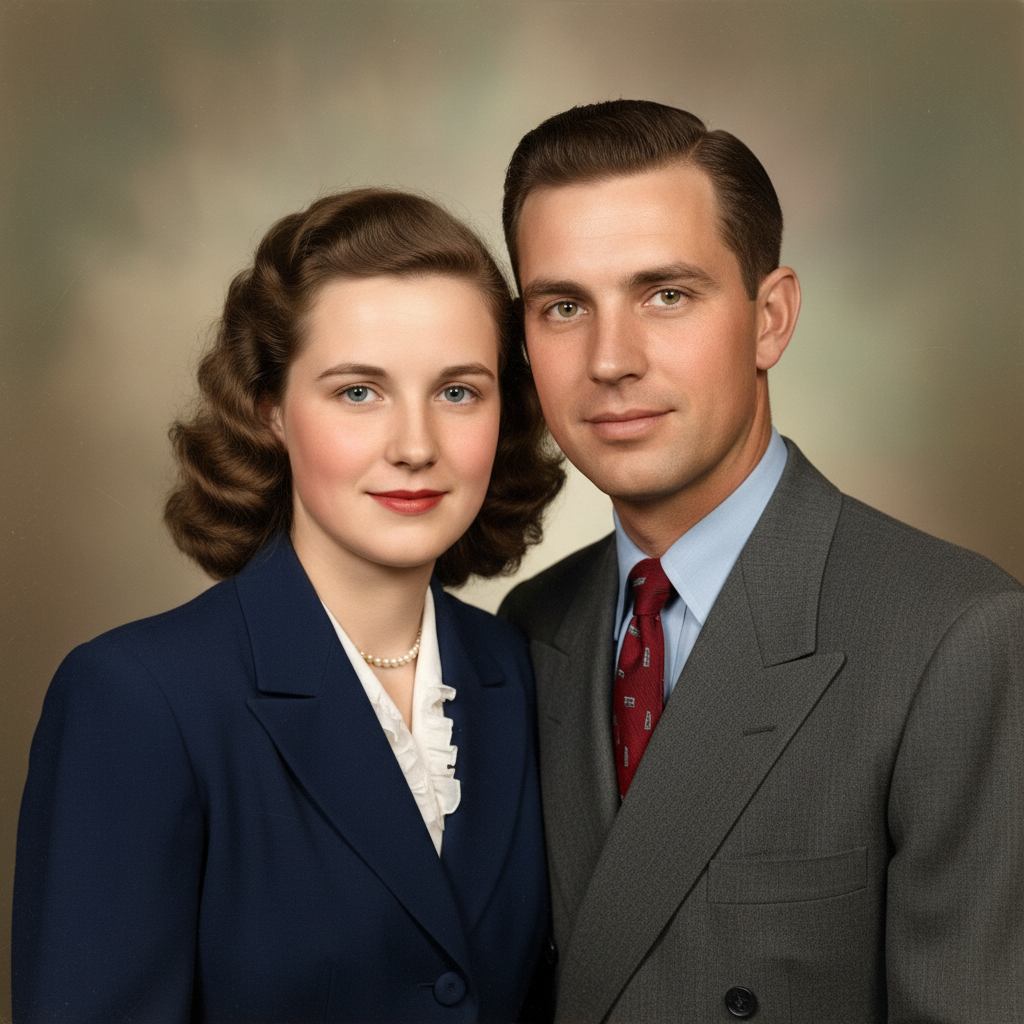
1940s Family Portrait
AI photo colorizer vintage portrait
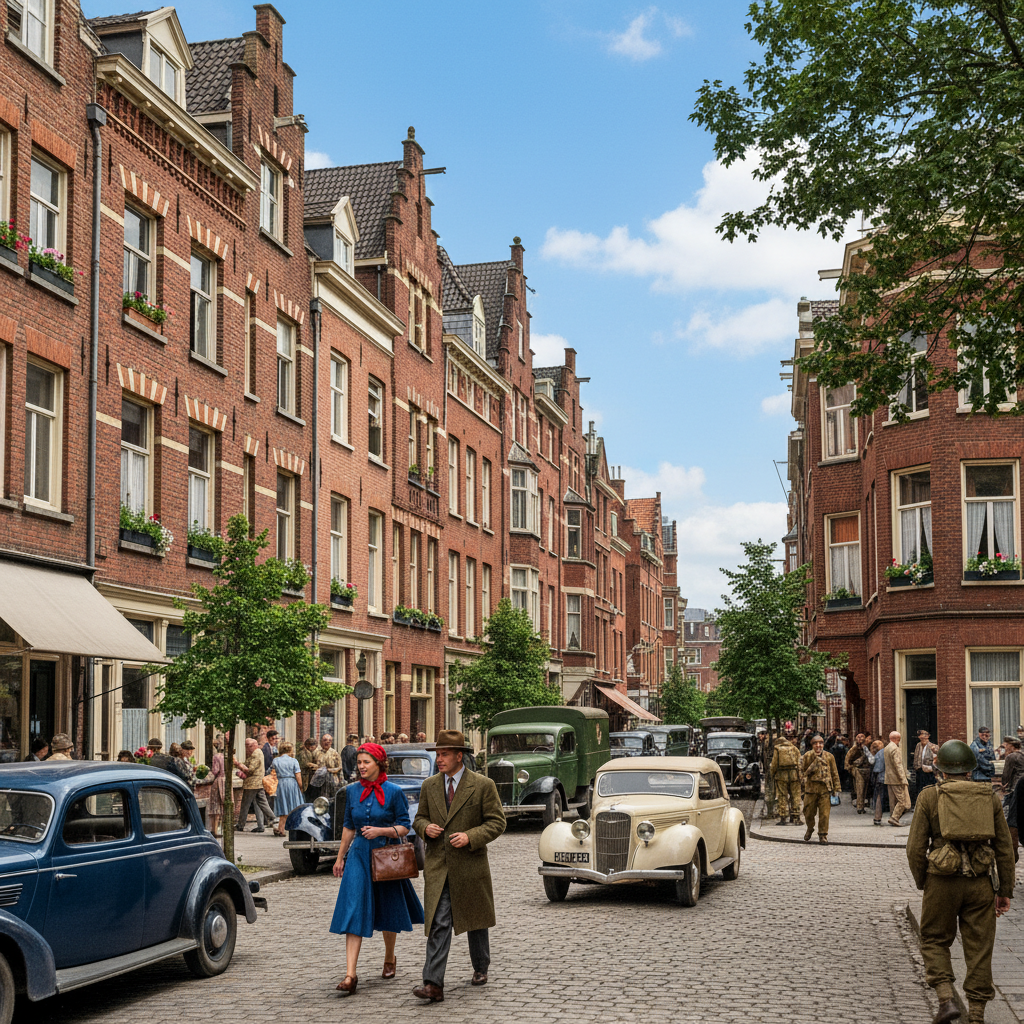
WWII Street Scene
Colorize black and white photos AI wartime
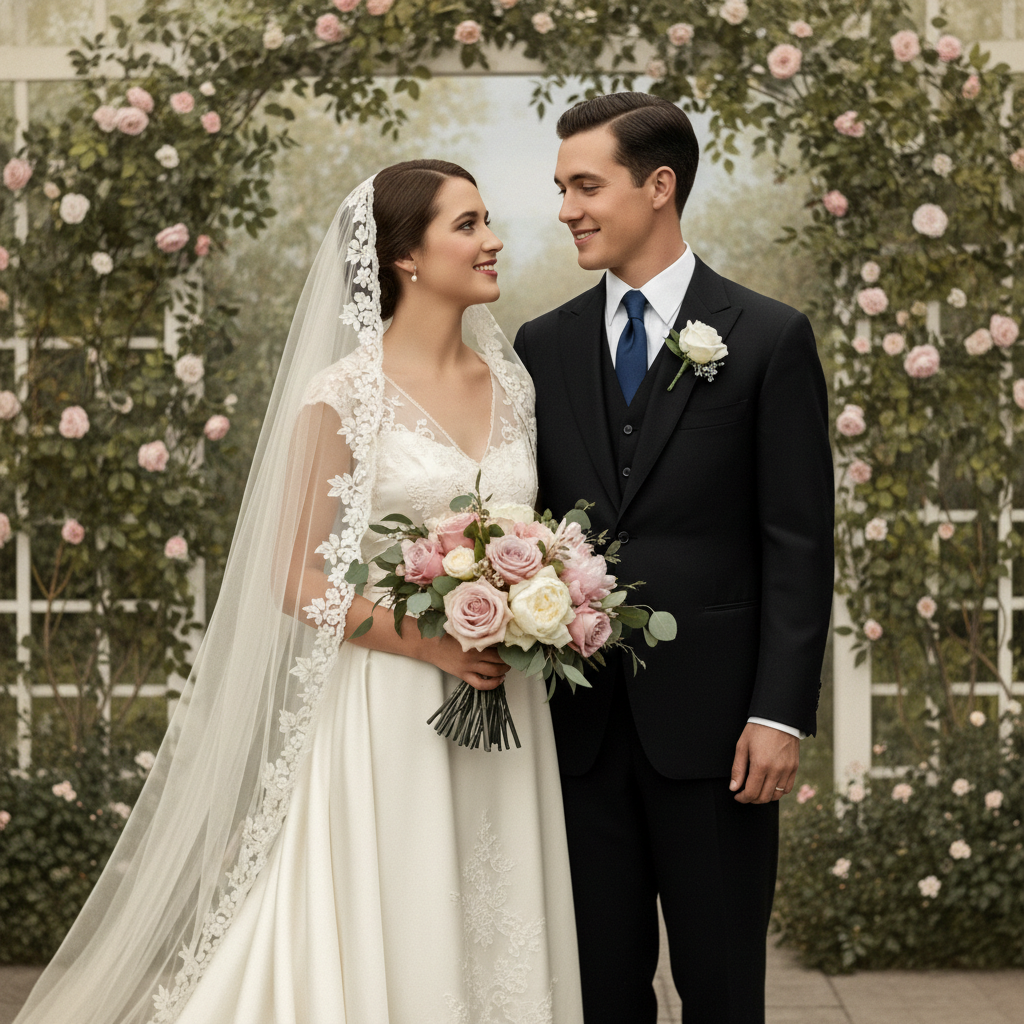
1920s Wedding Photo
AI image colorizing wedding restoration
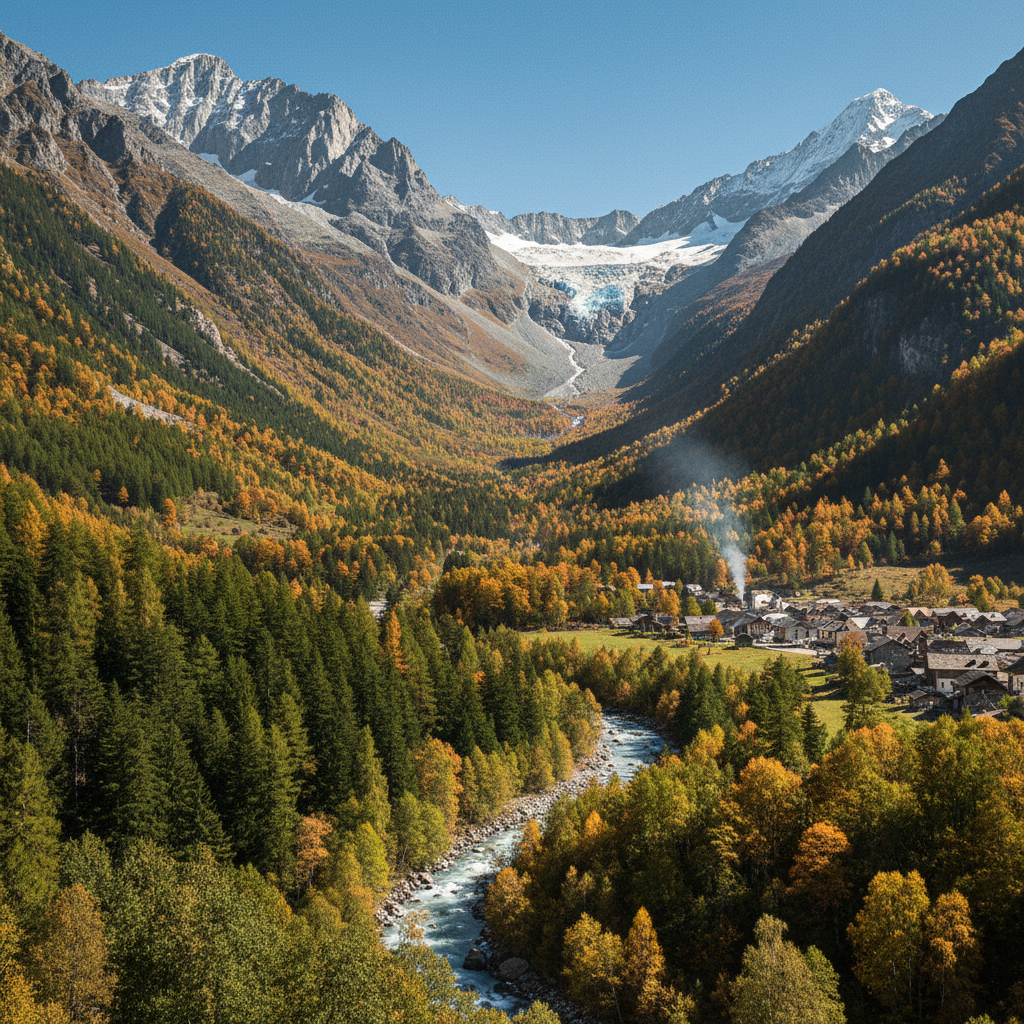
Vintage Mountain Landscape
AI photo colorizer landscape revival
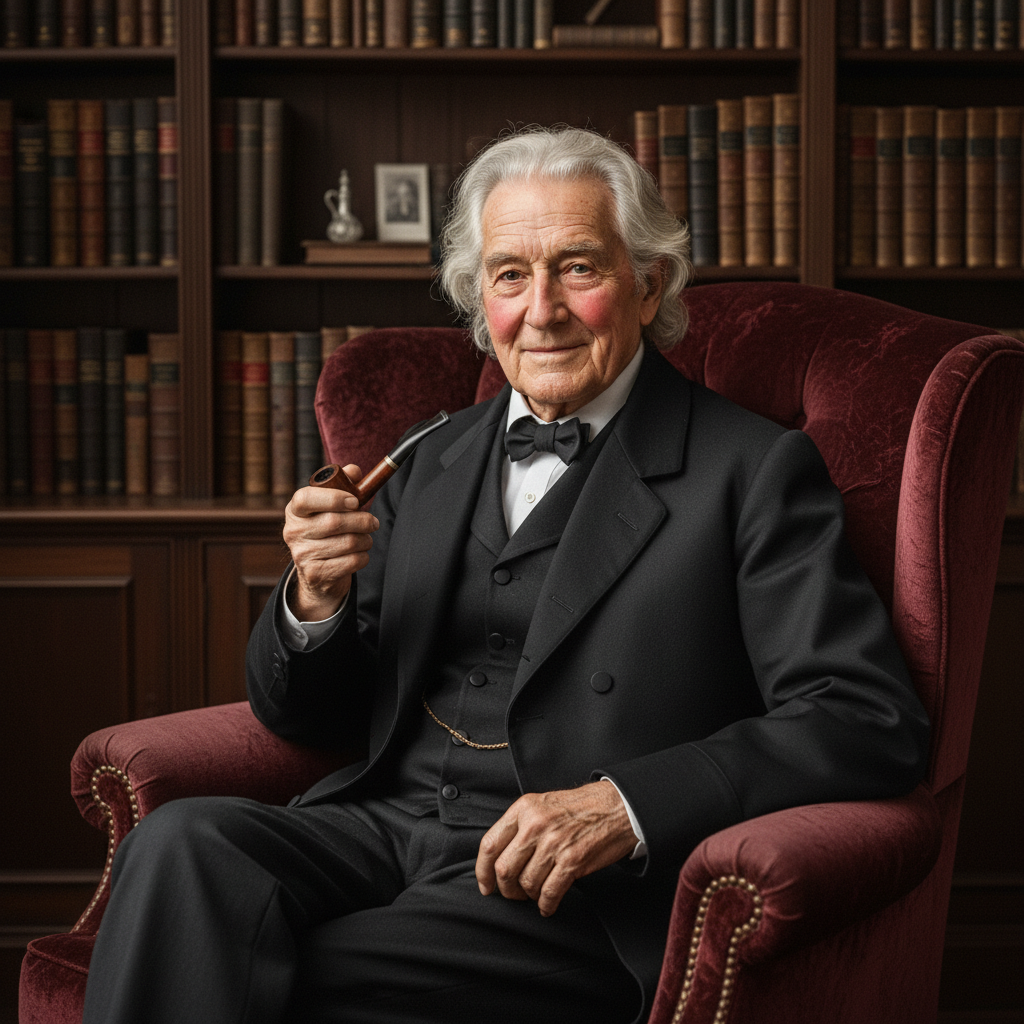
Heirloom Grandfather Portrait
AI colorization tool family heirloom
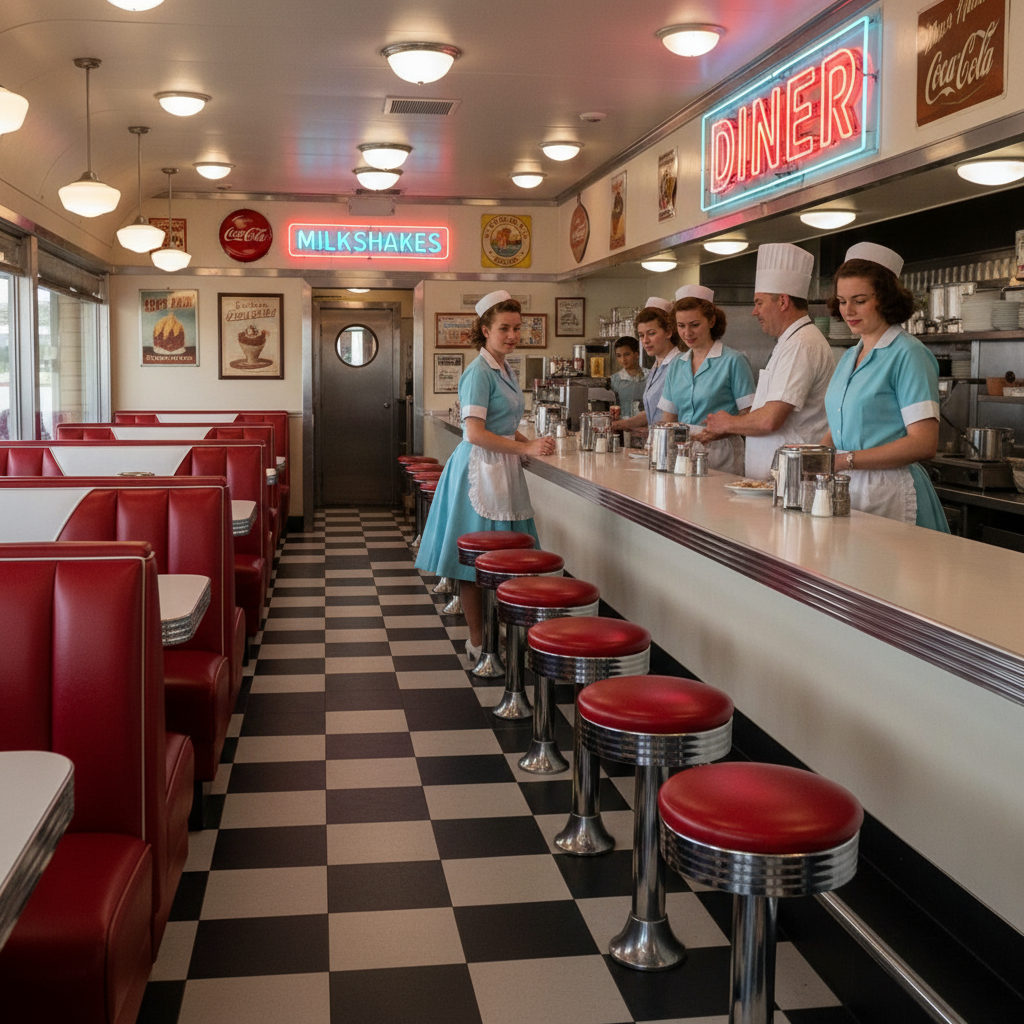
1950s Diner Interior
Black and white to color AI retro scene
How the AI Black and White Photo Colorizer Works
Three steps, fifteen seconds, ready for your family album, museum exhibit, or archival research project
Upload Your Black and White Photo
Drop a black and white, sepia-toned, or faded vintage photograph into the AI black and white photo colorizer above. The AI photo colorizer accepts portraits, wartime documentation, vintage wedding photos, archival landscapes, heirloom keepsakes, mid-century street and interior scenes, and historical research images. Damaged, scratched, or low-contrast source material works fine — the colorize black and white photos AI process is tuned to handle imperfect archival photographs.
Pick a Colorization Preset
Tap one of the six colorization presets in the AI black and white photo colorizer above — vintage portrait, wartime archive, wedding restoration, landscape revival, heirloom keepsake, or retro scene. The black and white to color AI returns a fully colorized image in about fifteen seconds. Iterate on the brief — refine the era markers, adjust the color register, specify known garment colors for accurate family heirloom restoration, swap the seasonal palette — until the AI image colorizing output matches the exact archival look you want.
Download & Preserve
Download the AI black and white photo colorizer output and use it as a family album restoration, museum exhibit display, genealogy research portal asset, history magazine spread, documentary visual research piece, history blog hero image, paid commission deliverable, fine-art reproduction print, estate keepsake book page, or licensed archival content. The AI image colorizing output is 4K-ready and large enough for any digital surface or large-format print — heirloom album, gallery print, museum panel, or biographer hardcover insert.
Why Choose This AI Black and White Photo Colorizer
Built for photographers, historians, and photo restoration experts who want natural-toned AI image colorizing output fast
Restoration-Tuned AI Black and White Photo Colorizer
The AI black and white photo colorizer on this page is purpose-tuned for archival and restoration work, not generic colorization output: every preset explicitly requests "natural skin tones", "period-accurate fabric colors", "believable environmental palette", "subtle gentle warmth", and "archival-quality finish" so the AI black and white photo colorizer output instantly looks like a senior photo restoration expert hand-painted it. Photographers, historians, and photo restoration experts get heirloom-quality AI image colorizing output without the long Photoshop manual painting session, the months of expensive archival service work, or the muddy results most legacy AI colorization tools produce. The black and white to color AI reads scene type, era markers, garment textures, and atmospheric mood, then composes a fully-colorized scene balanced for family albums, museum exhibits, and published archival research.
Built for Archival & Genealogy Work
Family historians, genealogy researchers, museum archivists, photo restoration studios, indie photographers, fine-art print sellers, history magazine editors, documentary filmmakers, estate planners, and biographer authors use this AI black and white photo colorizer for heirloom restoration, museum exhibit displays, published archival research, family album reconstruction, genealogy presentations, history magazine spreads, documentary visual research, estate keepsake projects, biographer book inserts, and ethnographic preservation work. The AI image colorizing output works for both digital surfaces (genealogy websites, family history blogs, ancestry research portals, museum digital archives, documentary visual research, history podcast cover art, biographer Substack posts) and printed archival material (museum exhibit panels, family heirloom albums, fine-art reproduction prints, estate keepsake books, history magazine spreads, gallery exhibit displays, biographer hardcover inserts) — a single AI black and white photo colorizer session can produce a complete heirloom album restoration from one short brief.
Six Colorization Presets in One Click
Photographers, historians, and photo restoration experts rely on the AI black and white photo colorizer for vintage 1940s family portraits, wartime street and archive scenes, 1920s wedding restoration, vintage mountain landscape revival, antique heirloom keepsake portraits, and 1950s retro diner scenes — faster than any traditional Photoshop manual painting, MyHeritage upload, or ColouriseSG batch could deliver. Use the AI black and white photo colorizer to refresh a complete family album in an afternoon, lock in the color direction for a museum exhibit, and hand off the chosen output to a paid restoration commission — or ship the AI photo colorizer output directly under a paid commercial license for fine-art reproduction prints, museum displays, and licensed archival research.
No Sign Up, No Credit Card
The AI black and white photo colorizer on this page never asks you to register an account, verify an email, or save a payment method before generating a single colorized image. No Google OAuth redirect, no "add card to continue" step, no twelve-step onboarding wizard — just a prompt box. Type your photo description, pick a colorization preset, click generate, and download the AI black and white photo colorizer output immediately. Free usage is protected with per-IP rate limits, not an account wall, so photographers, historians, and photo restoration experts can validate AI image colorizing variants without commitment. The AI colorization tool earns its place in your archival workflow before it asks for a dollar.
Colorized Images Generated in ~15 Seconds
Most AI black and white photo colorizer runs return a full-resolution PNG colorized image in about fifteen to twenty seconds. Free users share the same backend priority as paid users — no throttled queue, no slower lane for free traffic. The fast turnaround makes live archival production practical: tweak your photo brief, regenerate with a different period palette or color register, and have a new AI black and white photo colorizer output ready before the previous one even finishes downloading. A family album deserves twenty AI image colorizing variants per photograph before you commit to a final restoration — the AI black and white photo colorizer makes that finally possible at any budget.
4K Archival & Print-Ready Output
Every AI black and white photo colorizer output comes out as a high-resolution PNG ready to use anywhere — family genealogy websites, ancestry research portals, history blog hero images, museum digital archives, documentary visual research, paid ad creative on Meta Ads, Pinterest Ads, and X Ads, plus printed museum exhibit panels, family heirloom albums, fine-art reproduction prints, estate keepsake books, history magazine spreads, gallery exhibit displays, and biographer hardcover inserts. The AI image colorizing output works at sizes up to large-format print without visible blurring. No more dim faded photos in your family album, no more washed-out greyscale prints in your museum exhibit, no more inconsistent muddy colorization that looks like every other legacy AI photo colorizer.
AI Black and White Photo Colorizer — FAQ
Everything about the AI photo colorizer presets, AI colorization tool quality, and AI image colorizing workflow
Start the AI Black and White Photo Colorizer
The AI black and white photo colorizer is free, loaded on this page, and needs no account. Upload a black and white photo, pick a colorization preset, and download a 4K archival-ready colorized image in about fifteen seconds.
Colorize Your Photos FreeAbout the AI Black and White Photo Colorizer
The AI black and white photo colorizer on AI Banana is a free, no-sign-up AI photo colorizer built for photographers, historians, photo restoration experts, family historians, genealogy researchers, museum archivists, history magazine editors, documentary filmmakers, estate planners, and biographer authors who want polished AI image colorizing output without spending hours on manual Photoshop hand-painting, weeks in an expensive archival service, or settling for the muddy results most legacy AI colorization tools produce. Upload a black and white photograph — a 1940s family portrait, a wartime street scene, a 1920s wedding photograph, a vintage mountain landscape, an antique heirloom portrait, or a 1950s retro scene — and the AI black and white photo colorizer returns a 4K archival-ready PNG in about fifteen seconds, ready to drop into your family album restoration, museum exhibit display, genealogy research portal, history magazine spread, documentary visual research, history blog hero image, paid commission deliverable, fine-art reproduction print, estate keepsake book, or licensed archival content. Whether you have been searching for "AI photo colorizer", "colorize black and white photos AI", "AI colorization tool", "black and white to color AI", or "AI image colorizing", this is the dedicated AI black and white photo colorizer entry point on aibanana.net.
Most other AI photo colorizer products and legacy desktop colorization apps require an account, an email, a perpetual desktop license, or a trial-credit countdown before you can preview a single colorized image — and many lock the high-resolution download behind a recurring monthly subscription long after the family heirloom album has been mailed home. The AI black and white photo colorizer on this page skips that entirely. The interactive AI colorization tool panel above is loaded directly into the page — open the upload area, drop your black and white photograph, pick a colorization preset (vintage portrait, wartime archive, wedding restoration, landscape revival, heirloom keepsake, or retro scene), and the AI black and white photo colorizer routes your request through the Nano Banana Pro image model. No registration, no checkout, no dark patterns. Free usage is protected with per-IP rate limits rather than a login wall, so a normal family album restoration session for a genealogy project or a museum exhibit prep run for a history magazine fits comfortably inside the free envelope. Validate AI image colorizing variants and A/B test multiple period palettes before committing to a paid plan — the AI black and white photo colorizer earns its place in your archival workflow before it asks for a dollar.
The AI black and white photo colorizer is tuned for archival and restoration work, not generic colorization output. Every preset prompt explicitly requests "natural skin tones", "period-accurate fabric colors", "believable environmental palette", "subtle gentle warmth", and "archival-quality finish", so the resulting AI image colorizing output instantly looks like a senior photo restoration expert hand-painted it. The AI black and white photo colorizer handles every popular restoration genre and era marker: Victorian-era studio portraits with neutral palettes; Civil War daguerreotypes with weathered period accuracy; Edwardian street scenes with natural cobblestone and gas-lamp tones; 1920s art-deco wedding photographs with cream and rose accents; wartime documentation and military portraits with accurate olive and khaki uniforms; 1940s family snapshots with warm interior lighting; 1950s diner and street photography with red leather, chrome, and pastel uniforms; mid-century landscape photographs with natural seasonal foliage; vintage architectural records with period-correct brick and stone; archival ethnography photos with respectful natural-history accuracy; and modern artistic black and white work with subtle creative interpretation. It interprets photo restoration vocabulary like "sepia-toned", "greyscale", "daguerreotype", "tintype", "archival quality", "period-accurate", "natural skin tones", "heirloom restoration", "museum-grade", and "archival color" accurately, so the AI photo colorizer output matches the restoration vision you have in mind without dozens of regenerations.
Output from the AI black and white photo colorizer is high-resolution PNG, large enough for any digital surface or print use — family genealogy websites, ancestry research portals, history blog hero images, museum digital archives, documentary visual research, history podcast cover art, biographer Substack posts, paid ad creative on Meta Ads, Pinterest Ads, Google Ads, and X Ads, plus printed museum exhibit panels, family heirloom albums, fine-art reproduction prints, estate keepsake books, history magazine spreads, gallery exhibit displays, biographer hardcover inserts, and ethnographic preservation displays. Photographers use the AI black and white photo colorizer for client restoration packages, fine-art reproduction prints, and rapid mood concepts on archival projects. Historians and museum archivists use the AI photo colorizer output for exhibit displays, published research, educational materials, archival presentations, and licensed historical content. Photo restoration experts use AI image colorizing as a first-pass starting point on top of their professional finishing workflow, accelerating turnaround on family heirloom commissions, genealogy projects, and estate restoration jobs. Once you find a colorized image you want to ship to a paid commission, museum exhibit, or archival collection, upgrade to a Nano Banana Pro paid plan starting at $2.99 to unlock unlimited generations and full commercial usage rights — a tiny fraction of the cost of a professional restoration studio commission, and orders of magnitude faster than a manual Photoshop hand-painting session. A polished colorized photograph translates directly into more reader trust, more shares, more donations to museum exhibits, and more revenue per restoration commission — that is what AI black and white photo colorizer output is built to deliver.