
AI Background Replacement Tool
Swap Any Photo Background in Seconds
The AI background replacement tool removes the original scene from your photo and drops in a new one in about fifteen seconds — automatic subject detection, seamless edges and realistic lighting that make the swap look natural. Upload a product shot or portrait, pick a clean white backdrop, a blurred office or a custom scene, and let the automatic background swap AI do the cutout for you. Built for e-commerce sellers, photographers and digital marketers, this tool is free to start, needs no login, and outputs in 4K with full commercial usage on paid plans.
Try the AI Background Replacement Tool — Free
Upload your photo, choose a new background — or describe your own — and the AI background replacement tool swaps it in seconds
AI Background Replacement Tool
Upload a product photo or portrait, pick a new background style, and the AI background replacement tool removes the old scene and composites a clean new one with realistic lighting in seconds.
Upload your photo, choose a new background style, and click Generate
AI Background Replacement in Action
Six background swaps, each generated from a single uploaded photo in about fifteen seconds
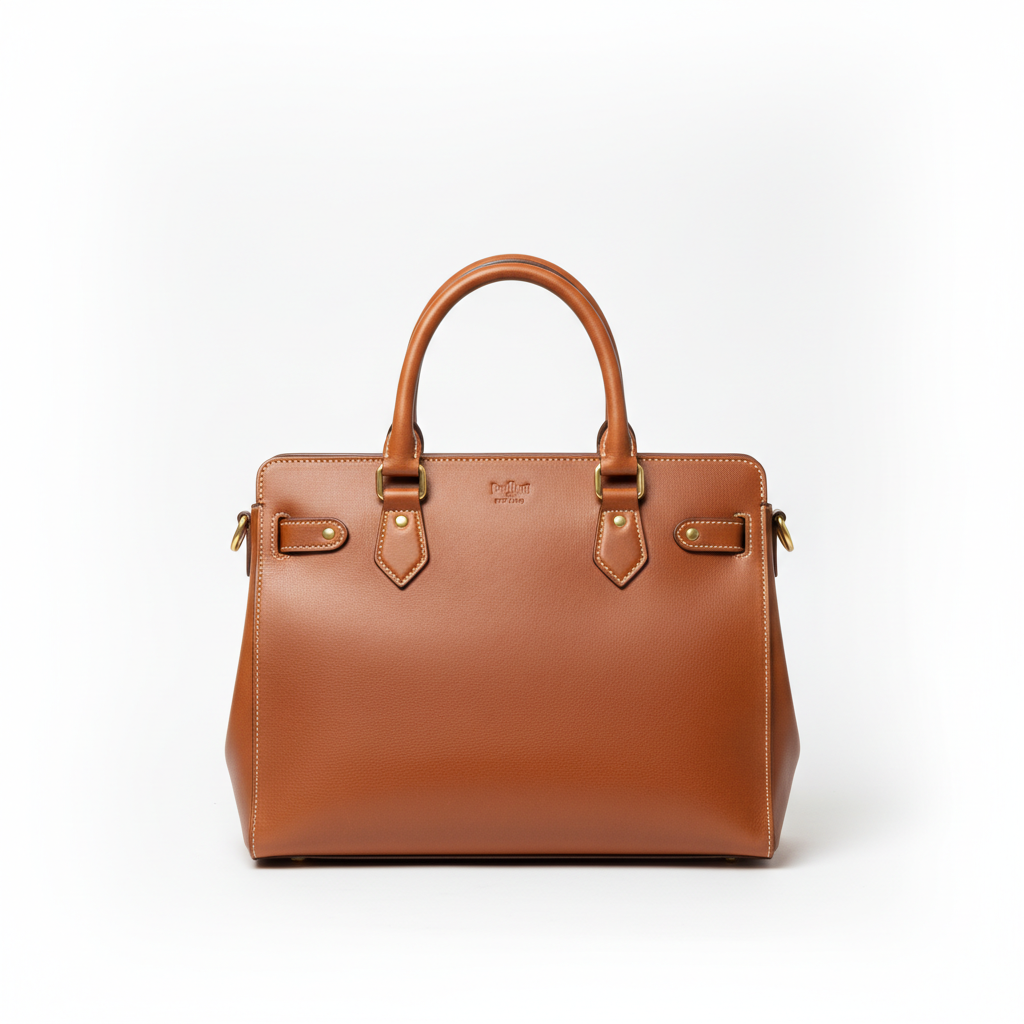
White Studio Backdrop
AI in ~15s

Office Headshot
AI in ~15s
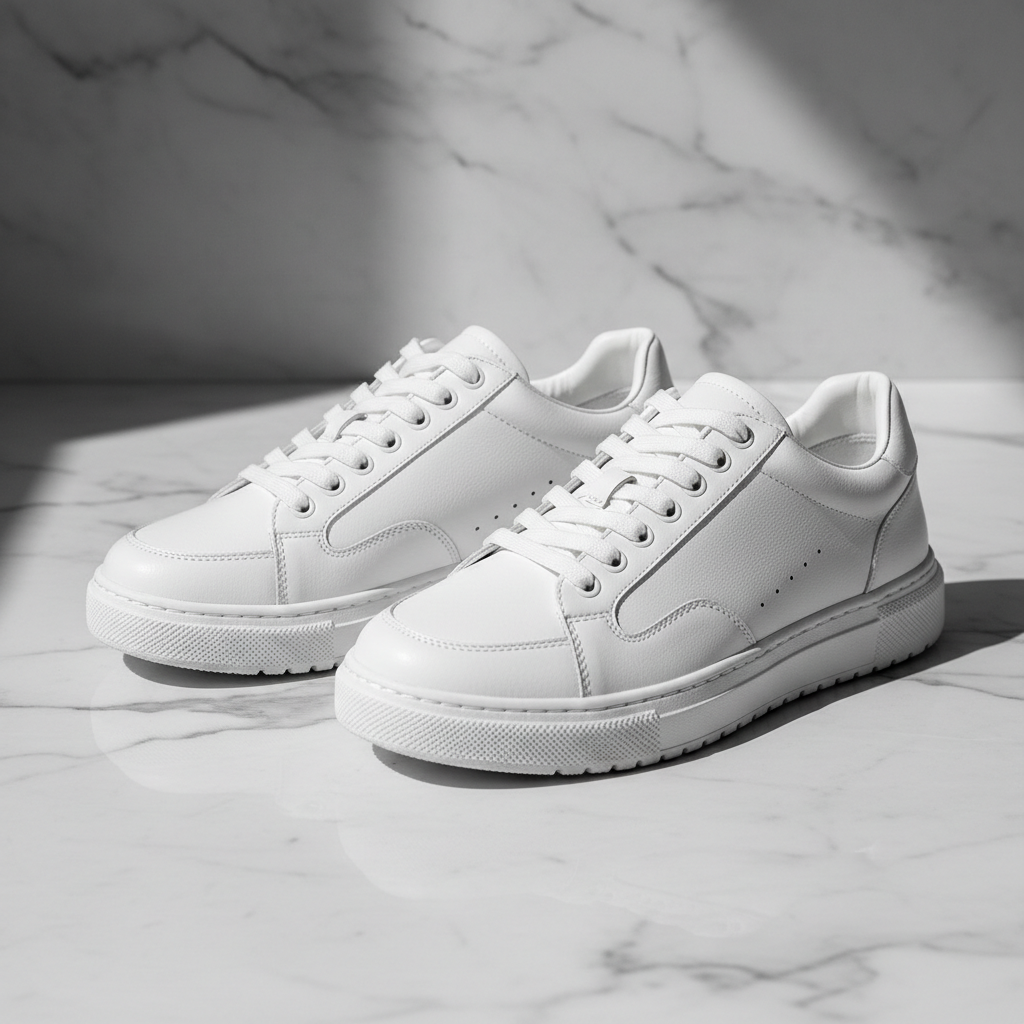
Lifestyle Product
AI in ~15s

Scene Swap
AI in ~15s

Creative Background
AI in ~15s
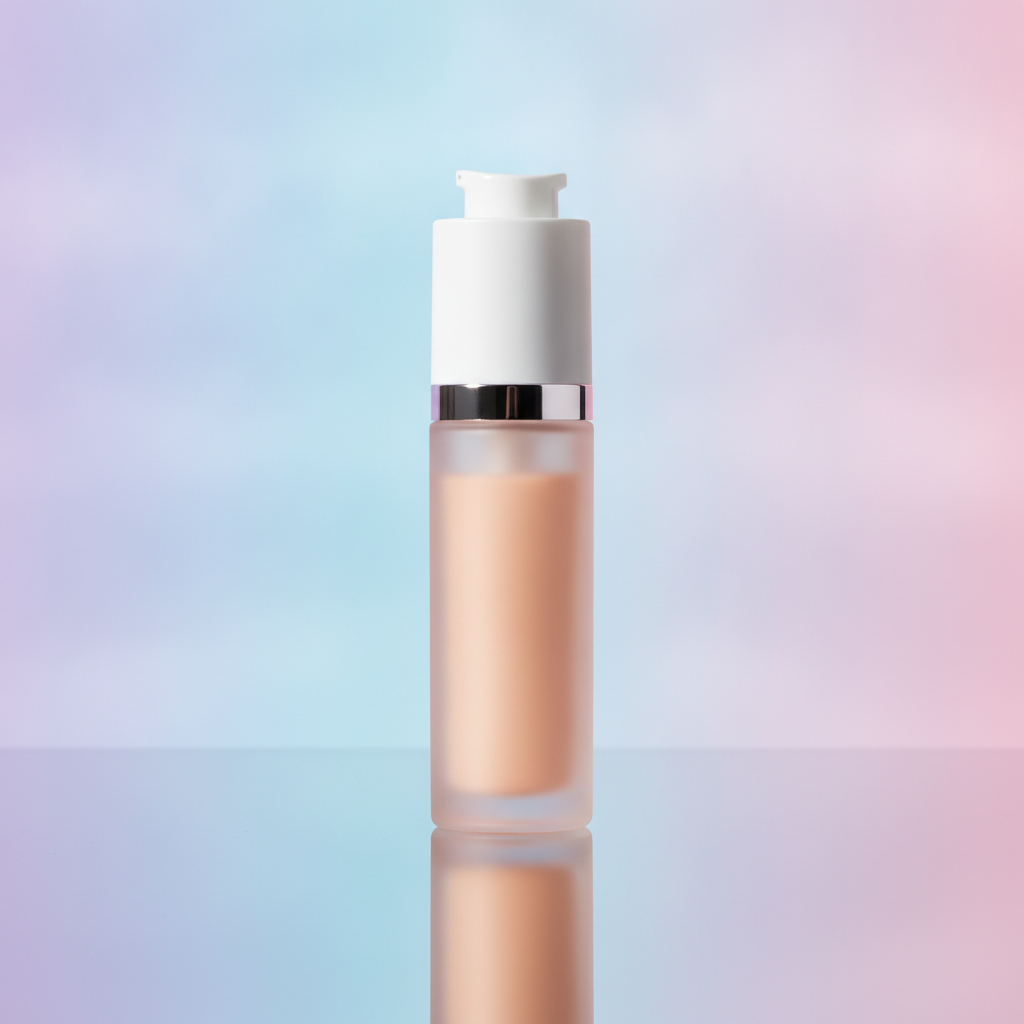
Gradient Backdrop
AI in ~15s
How the AI Background Replacement Tool Works
Three steps, fifteen seconds — no masking, no green screen
Upload Your Photo
Drop a product shot, portrait or any image into the AI background replacement tool above. It works with phone snaps and professional photos alike — the automatic background swap AI detects your subject no matter how busy the original background is.
Pick a New Background
Tap a preset — white studio, office blur, lifestyle scene, gradient, outdoor or solid color — or describe your own. The AI photo editing background removes the old scene, composites the new one and matches the lighting, returning a finished image in about fifteen seconds.
Download & Use
Download your background-swapped image and drop it straight into a product listing, portfolio, feed or campaign. Output is high resolution, so it holds up on storefronts and in print. Change photo background AI workflows let you ship right away — upgrade for 4K, watermark-free exports and full commercial rights.
Why This AI Background Replacement Tool Looks So Clean
The details that separate a true background swap from a sloppy cutout
Automatic Subject Detection
No manual masking, no green screen, no clicking around edges. This AI background replacement tool automatically detects the subject in your photo — a product, a person, an object — and separates it cleanly from the original scene. The automatic background swap AI handles the tedious cutout work in about fifteen seconds, so you skip the slow lasso-and-erase routine that used to eat up an afternoon in photo editors.
Seamless Edges, Even Hair
The giveaway of a bad background swap is a hard, jagged outline. This AI background replacement tool is tuned to preserve fine detail — flyaway hair, fur, soft outlines and semi-transparent edges — so the cutout reads as natural rather than scissored. When you change a photo background AI keeps those tricky boundaries intact, which is exactly what makes a composite look real instead of pasted.
Realistic Lighting & Color Match
Dropping a subject onto a new background only works if the light agrees. The AI background replacement tool matches the color temperature, shadows and highlights of the new scene to your subject, grounding it convincingly. Whether you swap to a bright white studio or a warm sunset, the AI photo editing background result blends naturally rather than looking like two photos forced together.
Built for E-commerce Product Shots
A consistent white background is the standard for online marketplaces and storefronts. With this AI background replacement tool, e-commerce sellers can drop any product onto a clean studio backdrop, a marble surface or a lifestyle scene and standardize an entire catalog in minutes. Change photo background AI workflows turn messy phone snaps into listing-ready product photography without a studio.
Results in Seconds
Manual background editing in traditional software can take ten minutes per image; this AI background replacement tool takes about fifteen seconds. Upload, pick a new background, generate, and regenerate as many times as you like. For photographers and digital marketers working through batches of images, the automatic background swap AI turns a repetitive chore into a few quick clicks.
Endless Background Options
One AI background replacement tool covers pure white and gradient studio backdrops, blurred offices, lifestyle interiors, outdoor scenes and fully custom prompts. Instead of hunting for the right stock backdrop, describe the scene you want and the AI photo editing background builds it to match your subject — consistent lighting and mood across an entire set of images.
AI Background Replacement Tool — FAQ
Everything you need to know about swapping photo backgrounds with AI
Replace Your Photo Background Now
The AI background replacement tool is free, loaded on this page, and needs no account. Upload a photo, pick a new background, and watch a clean, seamless swap appear in about fifteen seconds.
Replace Background FreeAI Background Replacement Tool: Swap Photo Backgrounds in Seconds
The AI background replacement tool on this page exists for one job: to take any photo and put the subject onto a better background without the slow manual editing that traditional software demands. Where old workflows meant carefully tracing an outline, masking edges and fighting with the magic wand, this automatic background swap AI detects your subject instantly, removes the original scene and composites a fresh one with realistic lighting. The result is a clean, seamless swap in about fifteen seconds — no green screen, no Photoshop skills, and no afternoon lost to fiddly cutouts.
Getting a believable result from an AI background replacement tool comes down to choosing a background that suits your subject. For product photography, a pure white or pastel gradient studio backdrop keeps listings clean and consistent; for portraits, a blurred office or lifestyle interior adds polish; for creative work, an outdoor scene or custom prompt opens up endless possibilities. The presets on this page package proven background prompts so you can change photo background AI-style in one tap, or describe exactly the scene you want in the prompt box. Either way the AI photo editing background matches the new lighting and color to your subject so the composite looks natural rather than pasted together.
A dedicated AI background replacement tool is different from a general image editor. General editors leave the cutout work to you and rarely match lighting automatically, while this tool actively handles the hard parts: detecting the subject, preserving tricky edges like hair and fur, casting plausible shadows, and grounding the subject in the new scene. That focus on clean, realistic compositing is why the automatic background swap AI works so well for e-commerce product shots, professional headshots, marketing visuals, social content and real-estate or catalog imagery — anywhere a consistent, distraction-free background beats a messy original. E-commerce sellers can standardize an entire catalog, photographers can refresh portraits without reshooting, and digital marketers can produce on-brand visuals in minutes.
Whether you searched for an "AI background replacement tool", a way to "change photo background AI", an "AI photo editing background" editor, or an "automatic background swap AI", this is the dedicated page for it on aibanana.net. The interactive tool above is powered by the Nano Banana Pro image model, runs entirely server-side, and asks for no account, email or credit card — free usage is protected with per-IP rate limits rather than a login wall. Upload your photo, pick a background preset or describe your own scene, and see how fast and clean modern background replacement has become. When a result fits your project, upgrade to a paid plan starting at $2.99 to unlock unlimited 4K exports, watermark-free downloads and full commercial usage rights — a tireless on-demand studio for every background swap you need.