
AI Architectural Visualization Tool
Free Photorealistic 3D Renders in Seconds
Turn architectural concepts into photorealistic visuals with AI in seconds — the AI architectural visualization tool is built for architects, interior designers, and real estate developers who need convincing renders for client pitches, competition boards, real estate listings, and early design exploration. The AI architectural visualization tool generates exterior renders, interior visualizations, aerial masterplans, and concept buildings and delivers clean 4K presentation-ready and print-ready output in about fifteen seconds, with no sign up required and full commercial usage on paid plans.
Try the AI Architectural Visualization Tool — Free
Pick a render style or describe your project — the AI architectural visualization tool returns a 4K photorealistic visualization in seconds
AI Architectural Visualization Tool
Pick a render style and the AI architectural visualization tool turns your concept into a photorealistic visual — modern exterior, interior, masterplan, commercial tower, luxury villa, or concept building
AI Architectural Visualization Tool Showcase
A sample of exteriors, interiors, masterplans, and concept buildings the AI architectural visualization tool produces
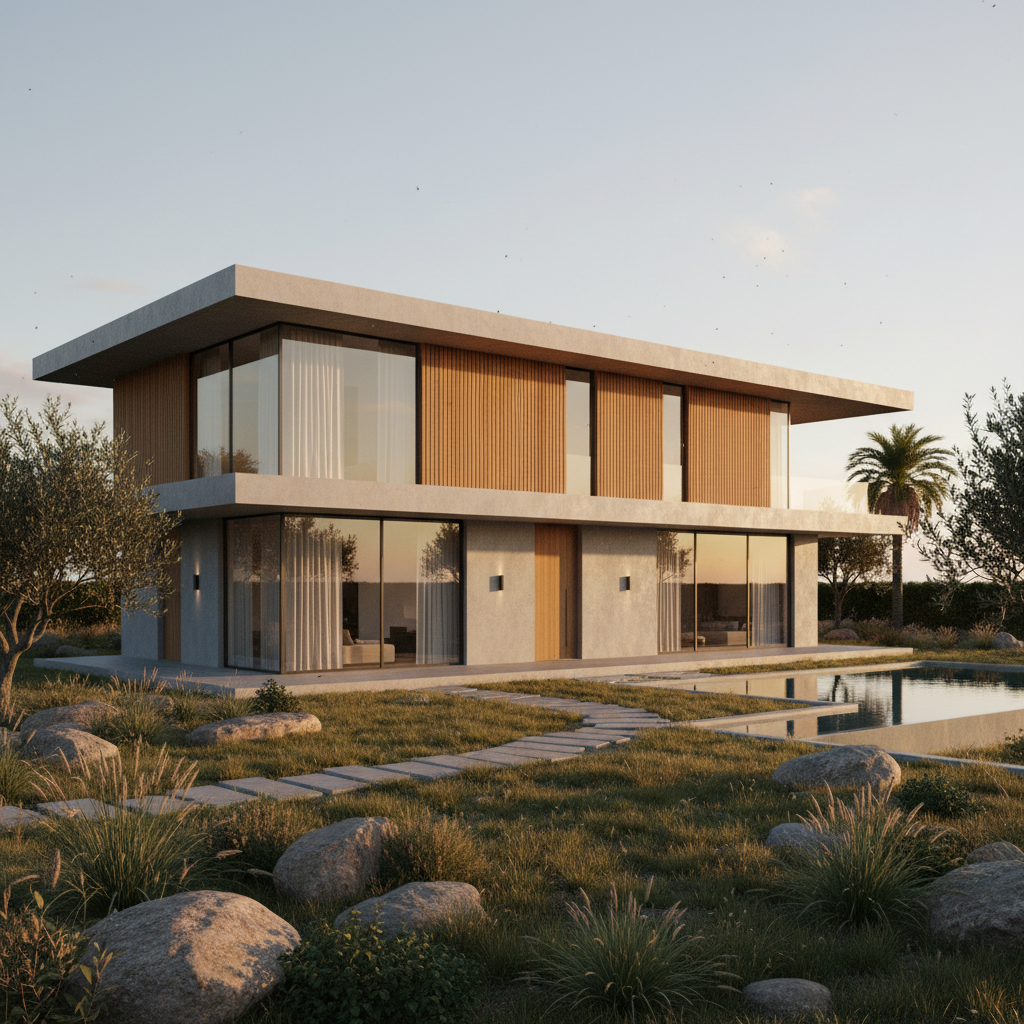
Modern House Exterior
Residential exterior render
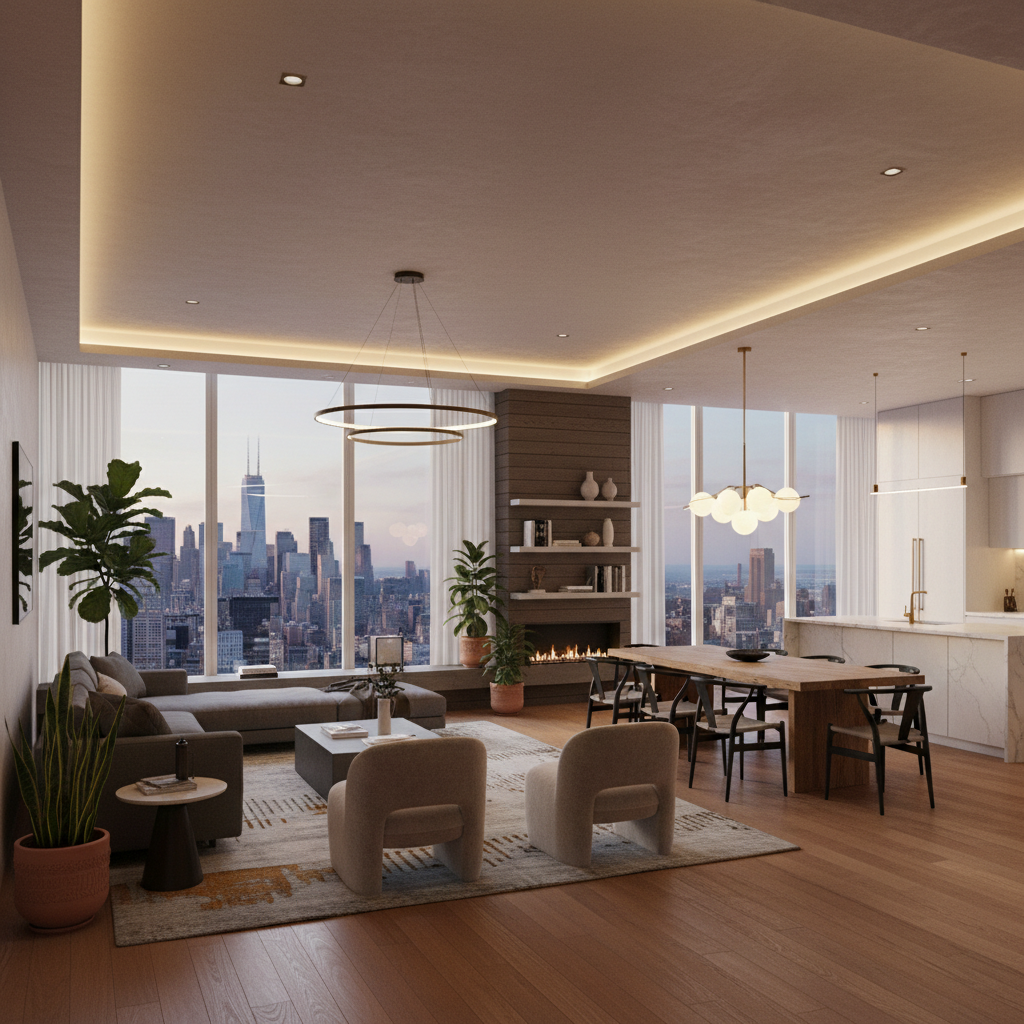
Open-Plan Interior
Interior visualization
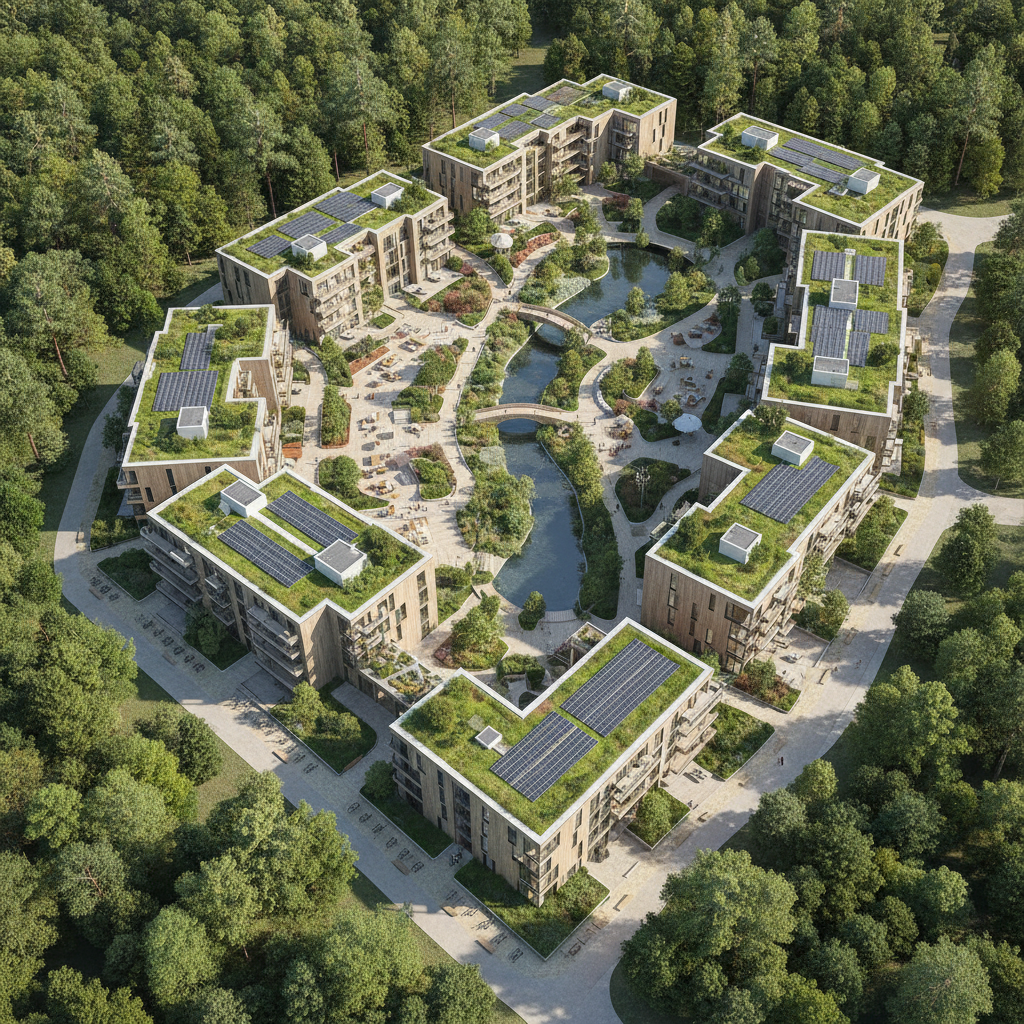
Urban Masterplan
Aerial site visualization
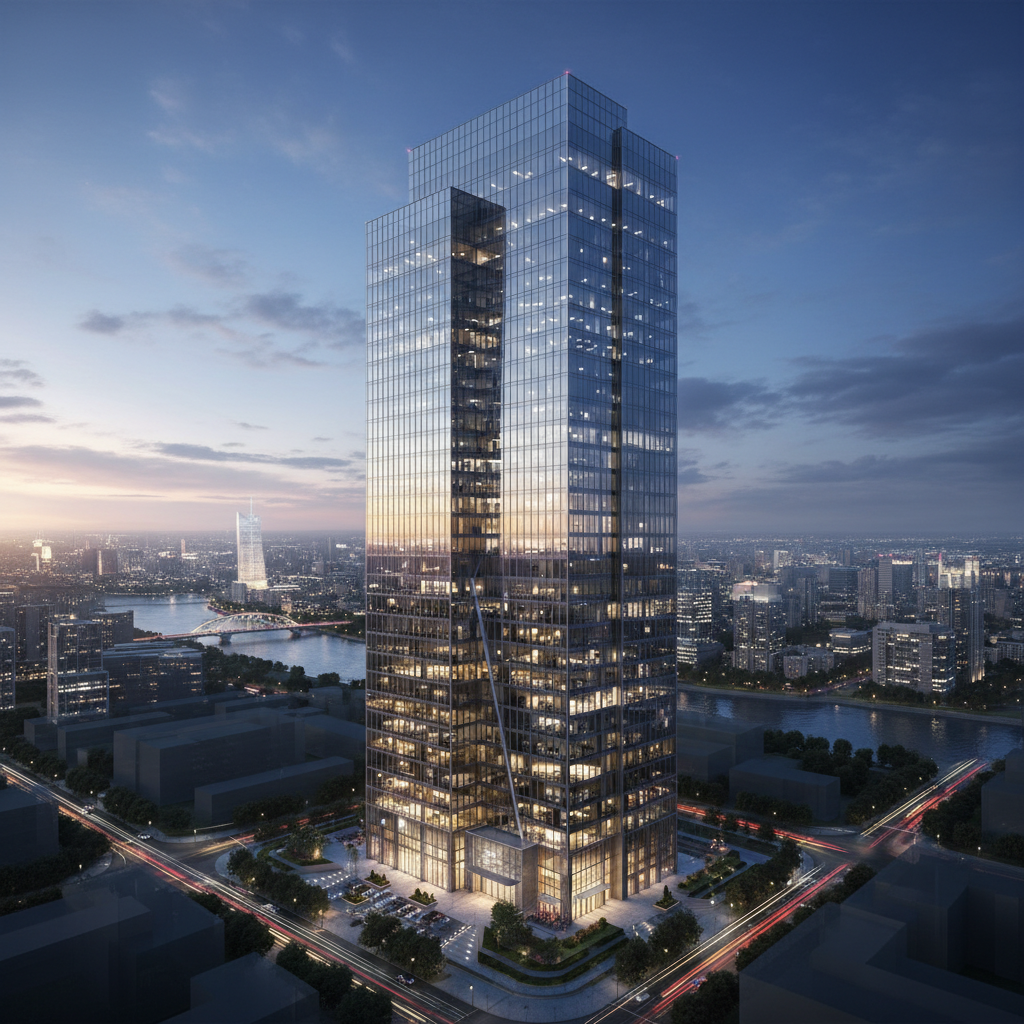
Commercial Office Tower
Commercial exterior render

Luxury Villa
Real estate visualization
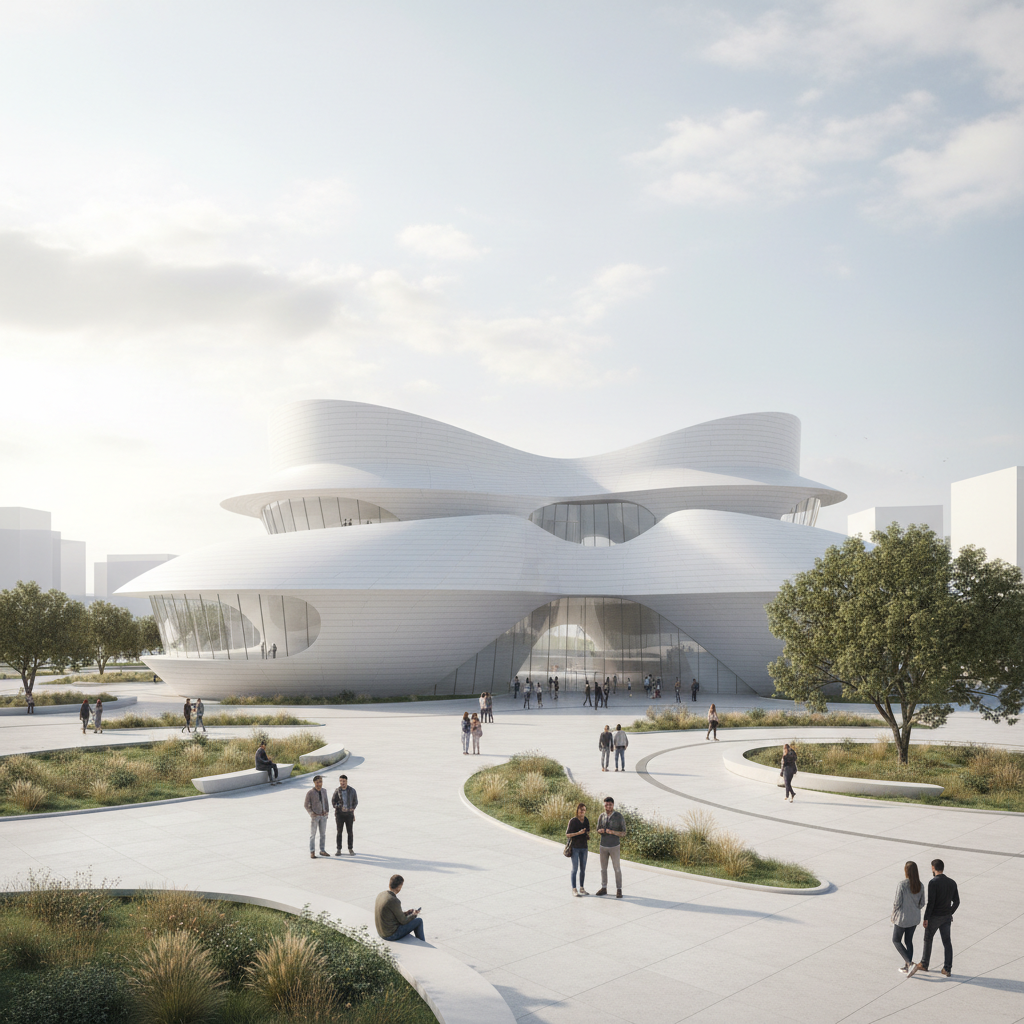
Concept Building
Conceptual design render
How the AI Architectural Visualization Tool Works
Three steps, fifteen seconds, ready for your client pitch, listing, or competition board
Describe Your Project
Pick a render style in the AI architectural visualization tool above, or type your own building type, materials, and surroundings. The tool understands architecture vocabulary — exterior render, interior visualization, masterplan, facade, glazing, golden hour, dusk — so you can specify exactly the scheme, mood, and lighting you want, then let the AI architectural visualization tool handle the modeling and composition.
Generate Your Render
Tap one of the six render styles in the AI architectural visualization tool above — modern exterior, interior design, aerial masterplan, commercial tower, luxury villa, or concept building. The tool returns a photorealistic visualization in about fifteen seconds. Iterate on the instructions — change the materials, adjust the time of day, swap the surroundings — until the AI architectural visualization tool output matches your design intent.
Download & Present
Download the AI architectural visualization tool output and use it in a client pitch deck, real estate listing, project website, competition panel, marketing brochure, or proposal document. The render is 4K-ready and large enough for any digital surface or large-format print — presentation slide, listing photo, competition board, or printed brochure.
Why Choose This AI Architectural Visualization Tool
Built for architects, interior designers, and real estate developers who want convincing renders fast
Renders Any Concept Into Photoreal Visuals
The AI architectural visualization tool on this page is purpose-tuned for believable architecture, not generic image generation. It produces realistic materials, accurate proportions, natural lighting, and convincing depth across exterior renders, interior visualizations, aerial masterplans, and concept buildings — so the AI architectural visualization tool output reads like a professional render from a visualization studio. Architects, interior designers, and real estate developers get presentation-ready imagery without the long modeling session, the render-farm queue, or the freelance rendering invoice most traditional architecture visualization requires.
Built for Architects, Designers & Developers
Architects, interior designers, and real estate developers use this AI architectural visualization tool for client pitch decks, competition boards, real estate listings, marketing brochures, concept studies, and early design exploration. The output works for both digital surfaces (presentation slides, listing photos, project websites, social posts) and printed deliverables (proposal documents, competition panels, brochures, posters) — a single AI architectural visualization tool session can turn a rough idea into a full set of hero images for a pitch.
Six Render Styles in One Click
Architects, interior designers, and real estate developers rely on the AI architectural visualization tool for modern house exteriors, open-plan interiors, aerial masterplans, commercial towers, luxury villas, and conceptual buildings — faster than any 3ds Max, Lumion, or outsourced rendering pipeline could deliver. Use the AI architectural visualization tool to explore a dozen design directions in an afternoon, re-render a scheme with new materials or a different time of day, and hand off the chosen visualization to publish — or ship it under a paid commercial license for client presentations, listings, and competition entries.
No Sign Up, No Credit Card
The AI architectural visualization tool on this page never asks you to register an account, verify an email, or save a payment method before creating a single render. No Google OAuth redirect, no "add card to continue" step, no twelve-step onboarding wizard — just a prompt box and style presets. Pick a render style, click generate, and download the AI architectural visualization tool output immediately. Free usage is protected with per-IP rate limits, not an account wall, so architects and designers can explore several concepts without commitment.
Finished Renders in ~15 Seconds
Most AI architectural visualization tool runs return a full-resolution render in about fifteen to twenty seconds. Free users share the same backend priority as paid users — no throttled queue, no slower lane for free traffic. The fast turnaround makes design exploration practical: generate the next concept, regenerate with a different material palette or lighting, and have a new AI architectural visualization tool output ready before a traditional render would finish loading the scene. A client pitch deserves fresh visuals — the tool makes that finally possible at any budget.
4K Presentation & Print-Ready Output
Every AI architectural visualization tool output comes out as a high-resolution image ready to use anywhere — presentation slides, real estate listings, project websites, social posts, plus printed proposal documents, competition panels, marketing brochures, and posters. The render holds up at sizes up to large-format print without visible blurring. No more weeks waiting on a visualization studio, no more render-farm bills, no more flat concept sketches that fail to sell the idea in a client meeting.
AI Architectural Visualization Tool — FAQ
Everything about creating architecture renders with AI
Start the AI Architectural Visualization Tool
The AI architectural visualization tool is free, loaded on this page, and needs no account. Pick a render style, generate your visualization, and download a 4K presentation-ready render in about fifteen seconds.
Create a Render FreeAbout the AI Architectural Visualization Tool
The AI architectural visualization tool on AI Banana is a free, no-sign-up architecture rendering tool built for architects, interior designers, and real estate developers who want photorealistic visuals without spending days on 3D modeling in 3ds Max or SketchUp, waiting on a render farm, paying for a Lumion or V-Ray license, or outsourcing every concept to a visualization studio. Pick a render style — a modern house exterior, an open-plan interior, an aerial masterplan, a commercial office tower, a luxury villa, or a conceptual building — and the AI architectural visualization tool returns a 4K presentation-ready image in about fifteen seconds, ready to drop into your client pitch deck, real estate listing, competition panel, project website, marketing brochure, or design proposal. Whether you have been searching for "AI architectural visualization", "AI architecture design", "building visualization AI", or "3D architecture rendering", this is the dedicated AI architectural visualization tool entry point on aibanana.net.
Most other architecture visualization products require a CAD model, a powerful workstation, a perpetual software license, or a per-image fee from an outsourced rendering studio before you can preview a single render — and many lock the high-resolution export behind a recurring monthly subscription long after the project has shipped. The AI architectural visualization tool on this page skips that entirely. The interactive panel above is loaded directly into the page — pick a render style (modern exterior, interior design, aerial masterplan, commercial tower, luxury villa, or concept building), add an optional material palette, time of day, or surroundings, and the AI architectural visualization tool routes your request through the Nano Banana Pro image model. No registration, no checkout, no dark patterns. Free usage is protected with per-IP rate limits rather than a login wall, so a normal concept-exploration session or a quick set of pitch images fits comfortably inside the free envelope. Validate design directions before committing to a paid plan — the AI architectural visualization tool earns its place in your workflow before it asks for a dollar.
The AI architectural visualization tool is tuned for believable architecture, not generic image generation. Every preset prompt explicitly requests realistic detail — "photorealistic", "natural lighting", "ultra detailed", "professional architecture rendering", and "4K" — so the resulting render instantly looks like it came from a visualization studio. The AI architectural visualization tool handles every common architecture visualization need: residential and commercial exteriors, interior design visualizations, aerial site plans and masterplans, real estate and luxury imagery, and conceptual or competition-style buildings. It interprets architecture vocabulary like "facade", "glazing", "cantilever", "golden hour", "blue hour", "masterplan", "infinity pool", and "reflective curtain wall" accurately, so the AI architectural visualization tool output matches the vision you have in mind without dozens of regenerations.
Output from the AI architectural visualization tool is high-resolution, large enough for any digital surface or print use — presentation slides, real estate listing photos, project websites, social posts, plus printed proposal documents, competition panels, marketing brochures, and posters. Architects use the AI architectural visualization tool for client presentations, competition boards, and rapid concept previews. Interior designers use the output for mood imagery, room concepts, and material studies. Real estate developers use the AI architectural visualization tool to visualize unbuilt properties for listings and investor decks. Once you find a render you want to publish or deliver to a paid client, upgrade to a Nano Banana Pro paid plan starting at $2.99 to unlock unlimited generations and full commercial usage rights — a tiny fraction of the cost of a single outsourced architectural rendering, and orders of magnitude faster than building a 3D scene by hand. A convincing visualization translates directly into more won pitches, faster sales, and stronger proposals — that is what AI architectural visualization tool output is built to deliver.